BACK TO DIRECTORY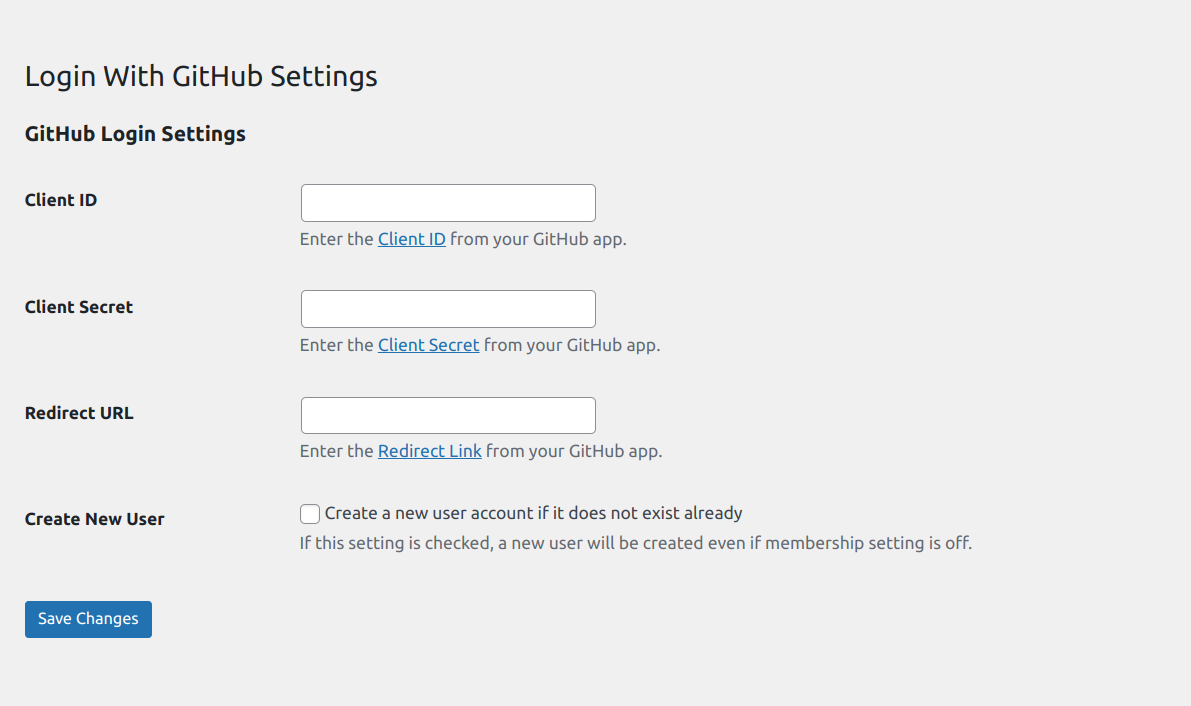
Ultra minimal plugin to let your users login to WordPress applications using their GitHub accounts. No more remembering hefty passwords!
Initial Setup
-
Create a project from GitHub Developer Settings if none exists.
-
Go to OAuth tab, then create credential for OAuth client.
- Add
YOUR_WEBSITE_NAMEin Application Name - Add
YOUR_DOMAIN/HOME_URLin Homepage URL - Add
YOUR_DOMAIN/wp-login.phpin Authorized redirect URIs
- Add
-
This will give you Client ID and Secret key.
-
Input these values either in
WP Admin > Settings > Login With GitHub
How to enable automatic user registration
You can enable user registration by
– Enabling Settings > Login With GitHub > Enable GitHub Login Registration
Note: If the checkbox is ON then, it will register valid GitHub users even when WordPress default setting, under
Settings > General Settings > Membership > Anyone can register checkbox
is OFF.
Screenshots
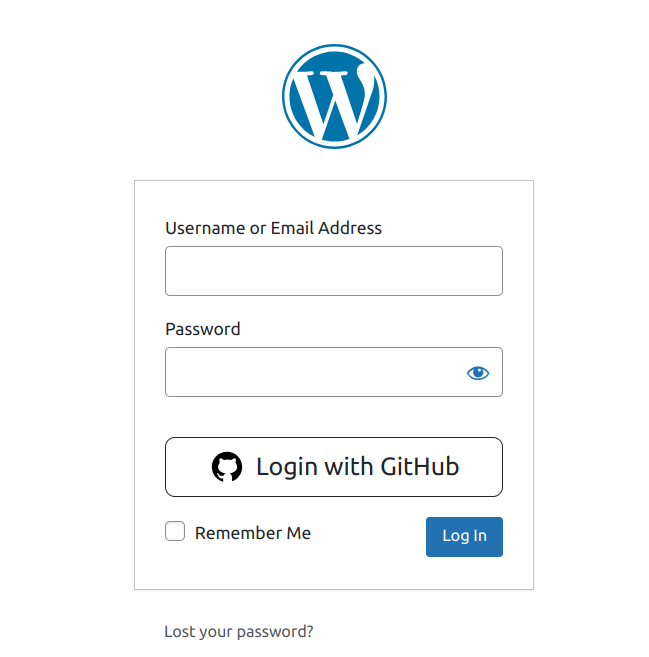
Login screen with Google option added.
Plugin settings screen.
Plugin Details
Active Installs
0Total Downloads
2,246Version
1.0.3Requires WP
5.5Requires PHP
7.4Tested Up To
6.7.11Added
2025-01-31Last Updated
2025-02-05 10:29am GMTRatings
5
0
4
0
3
0
2
0
1
0