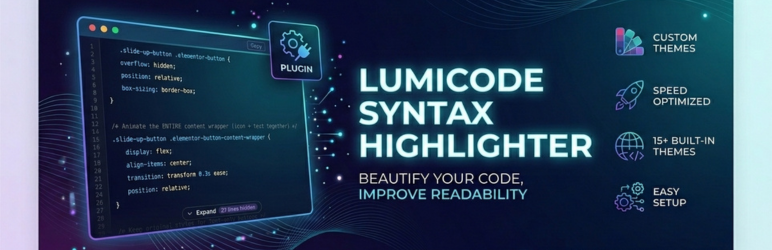
LumiCode is a premium-quality syntax highlighter built for developers and technical bloggers who want beautiful, readable code on their WordPress site – without fighting the editor. Learn more and view the live demo at https://cr8vstacks.com/dev-playground/lumicode-syntax-highlighter/
Key Features
- 40+ languages auto-detected – PHP, JavaScript, TypeScript, Python, Go, Rust, SQL, YAML, Bash, and more
- 13 bundled themes – Atom One, Dracula, GitHub, Monokai, Night Owl, Nord, Solarized, VS 2015, Xcode, and more, powered by highlight.js 11.11.1
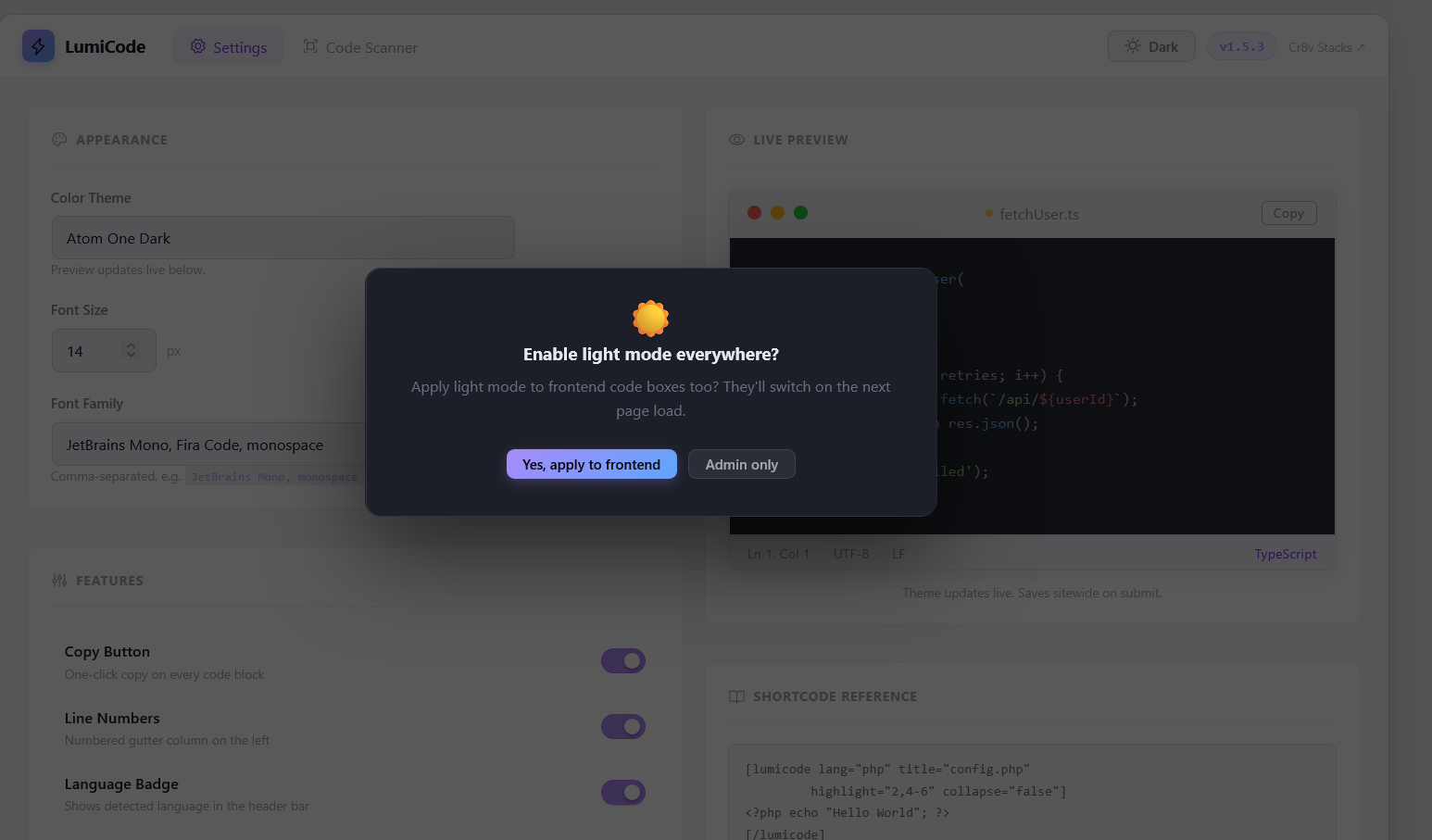
- Dark & Light mode – toggle from the admin topbar. Applies to both admin UI and frontend code boxes
- Copy to Clipboard – one-click copy button on every code block
- Line numbers – perfectly aligned, synced to font size and line height
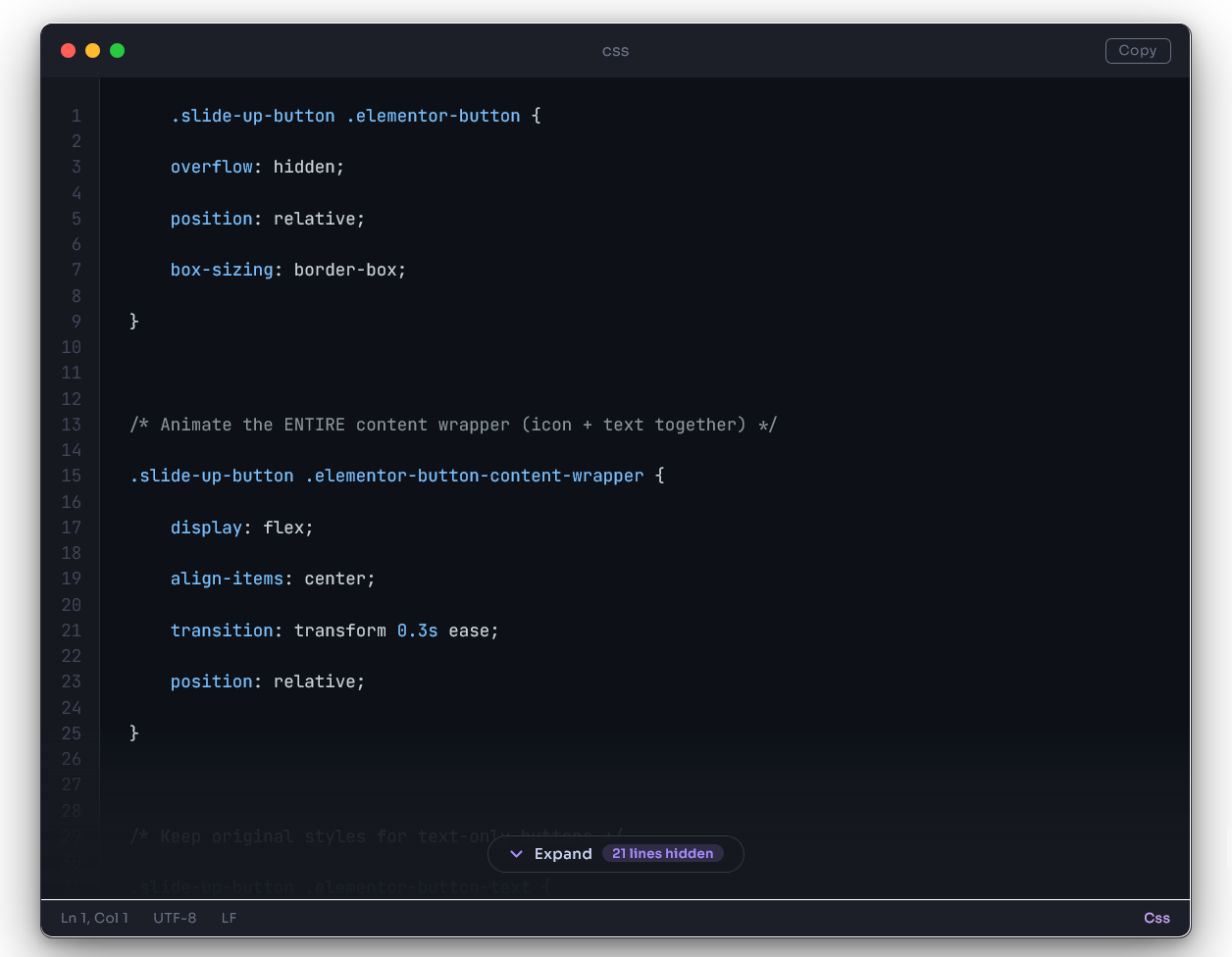
- Collapse / Expand – long code blocks auto-collapse after a configurable number of lines
- Filename / language badge – shows in the titlebar of every code box
- TinyMCE integration – Insert Code Block button in the Classic Editor toolbar, with language detection and all options
- Gutenberg block – native block editor support
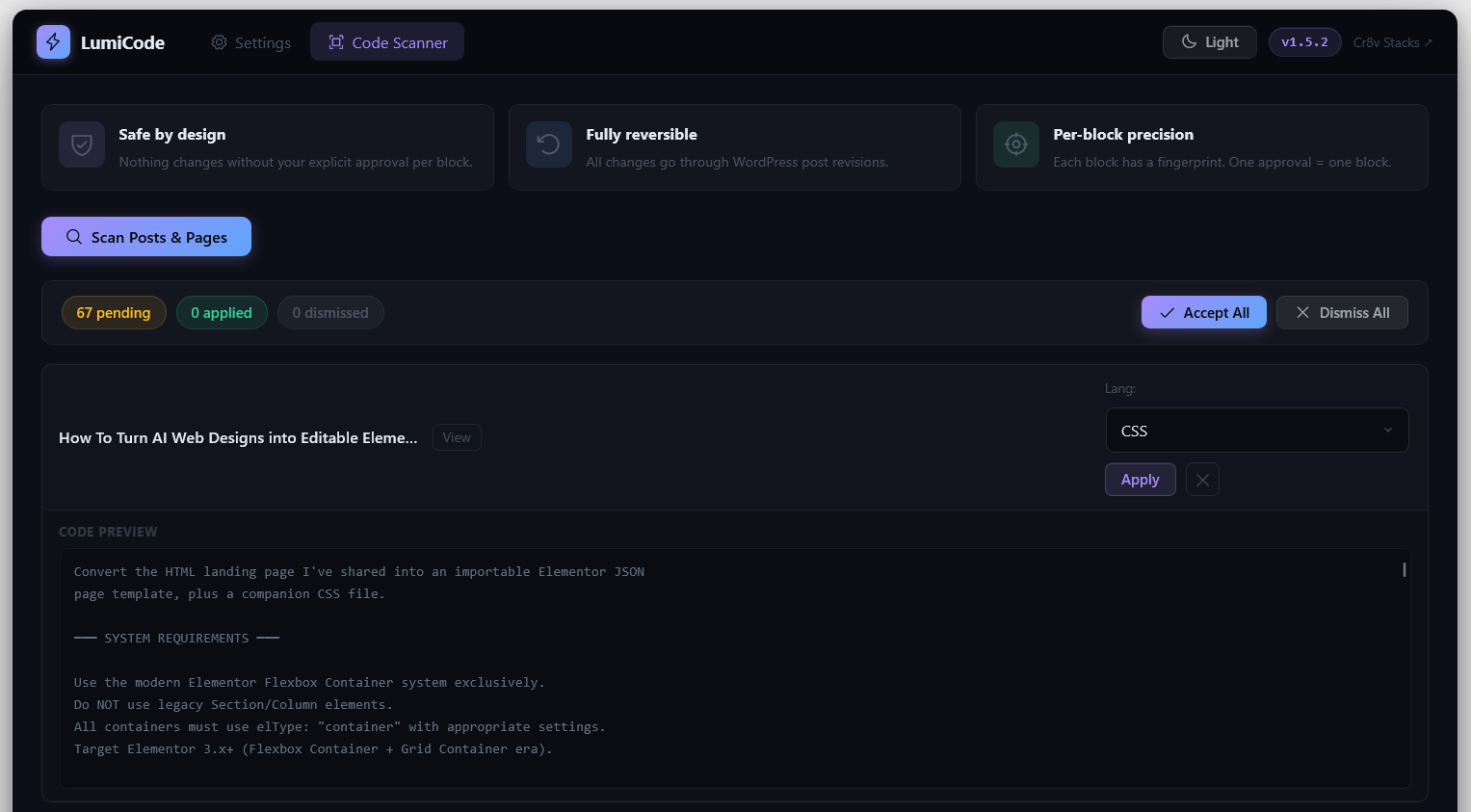
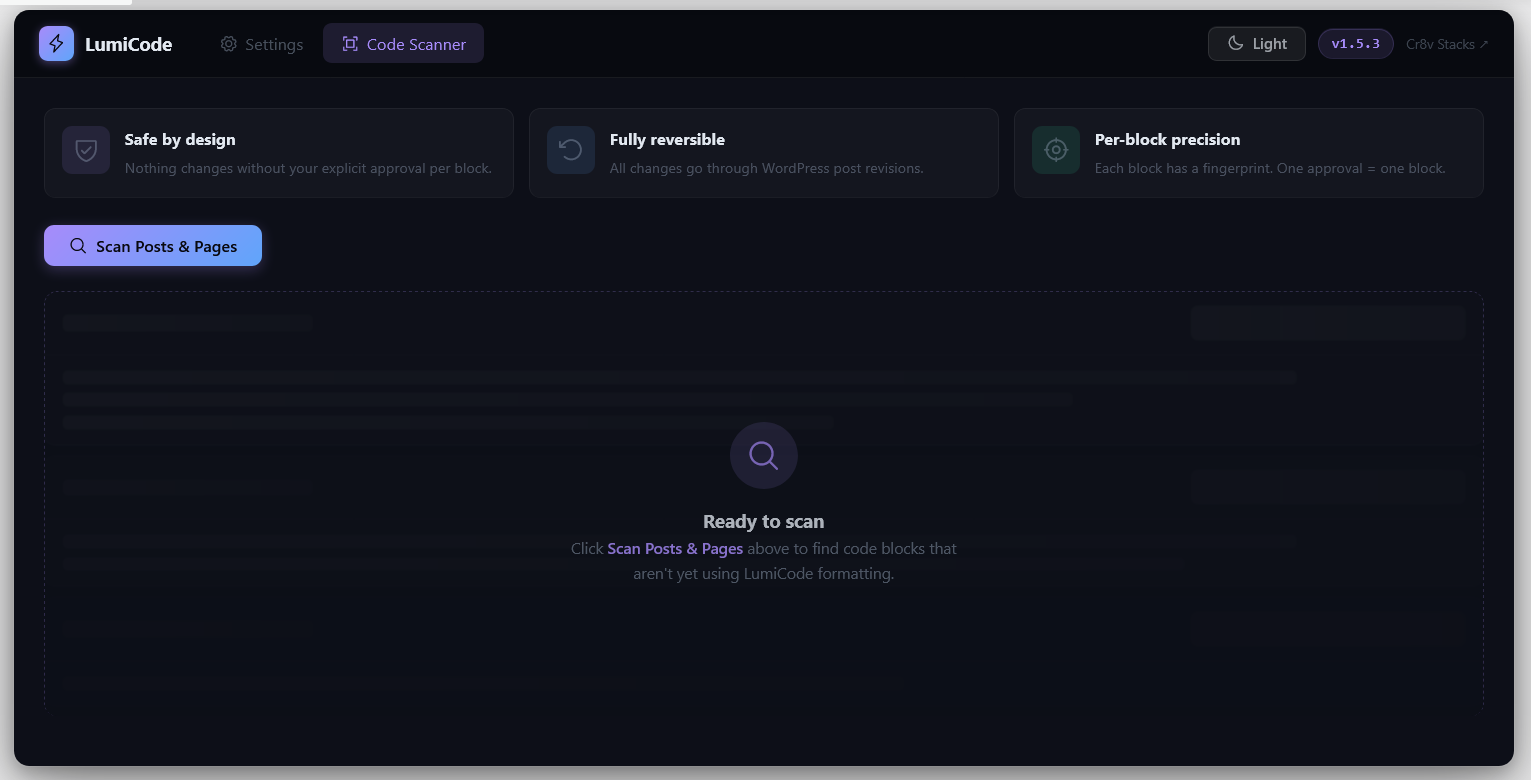
- Code Scanner – scans your entire site for bare
<pre>blocks and lets you apply LumiCode with one click, or dismiss - Auto-detect – wraps any existing
<pre>blocks automatically on the frontend without touching your content
How It Works
LumiCode renders code blocks server-side (shortcodes + TinyMCE insertion) and enhances them on the frontend with a lightweight JS renderer. The renderer wraps <pre class="lumicode-pre"> elements in a beautiful VS Code-style chrome (titlebar, statusbar, line numbers, copy button) and runs highlight.js for syntax coloring.
No page builders required. Works with any theme.
Shortcode Usage
[lumicode lang="javascript"]
const greeting = "Hello, world!";
console.log(greeting);
[/lumicode]
All shortcode attributes:
* lang – language identifier (e.g. php, python, typescript)
* title – filename shown in titlebar (e.g. config.js)
* highlight – lines to accent (e.g. 1,3-5)
* collapse – force collapse (true/false)
* collapse-after – collapse after N lines (overrides global setting)
Performance
- highlight.js is loaded locally (v11.11.1) for speed and privacy
- Our CSS and JS are tiny (<15 KB combined, unminified)
- No jQuery dependency on the frontend
Screenshots
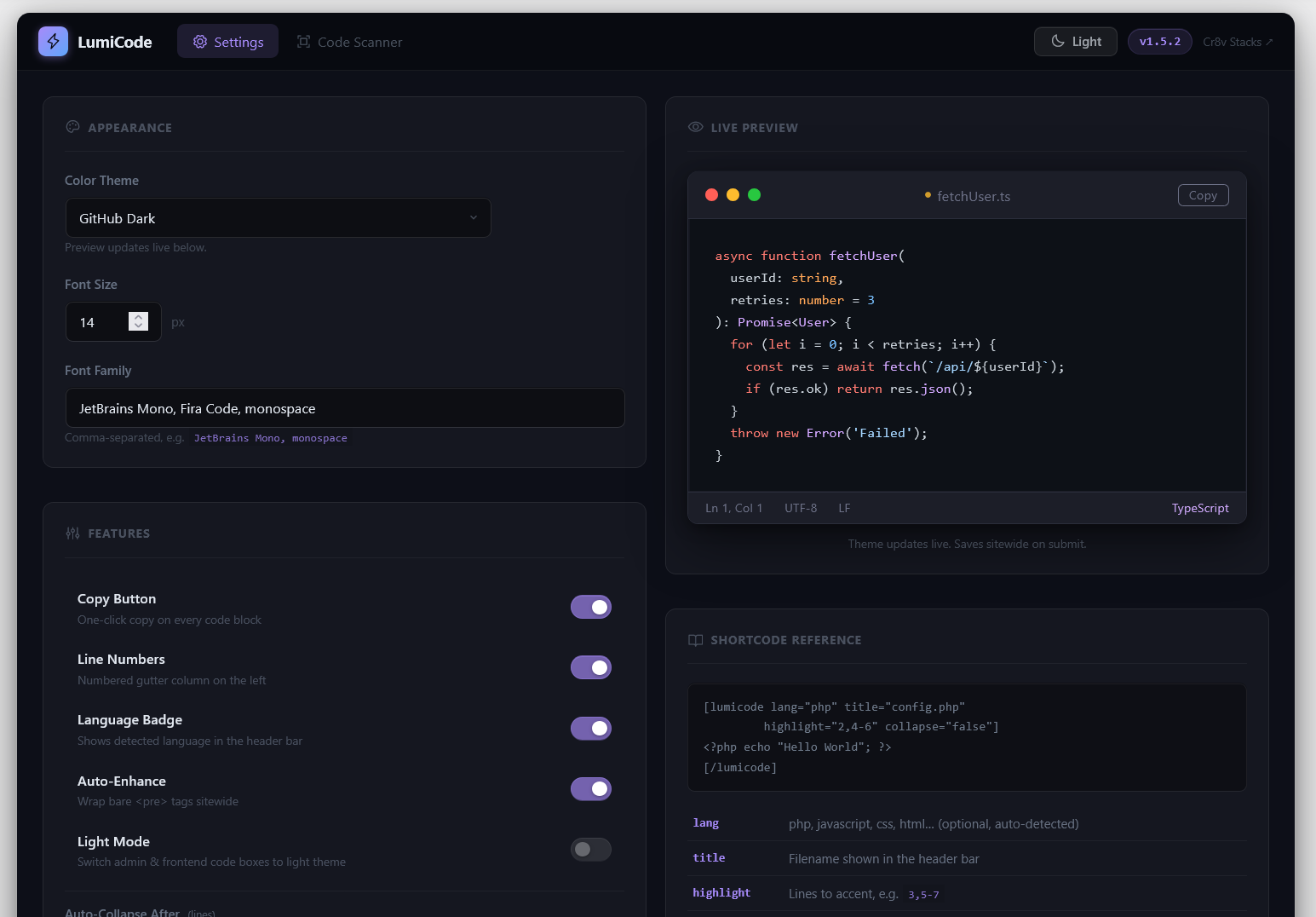
Settings page - theme picker, font options, toggles for line numbers, copy button, and collapse
Dark mode code box - VS Code-style titlebar, traffic-light dots, copy button, statusbar
Light mode code box - switches chrome colors while keeping the hljs theme intact
Collapse / Expand - long blocks collapse with a gradient overlay and pill button
TinyMCE dialog and scanner - insert formatted code or find existing bare <pre> blocks