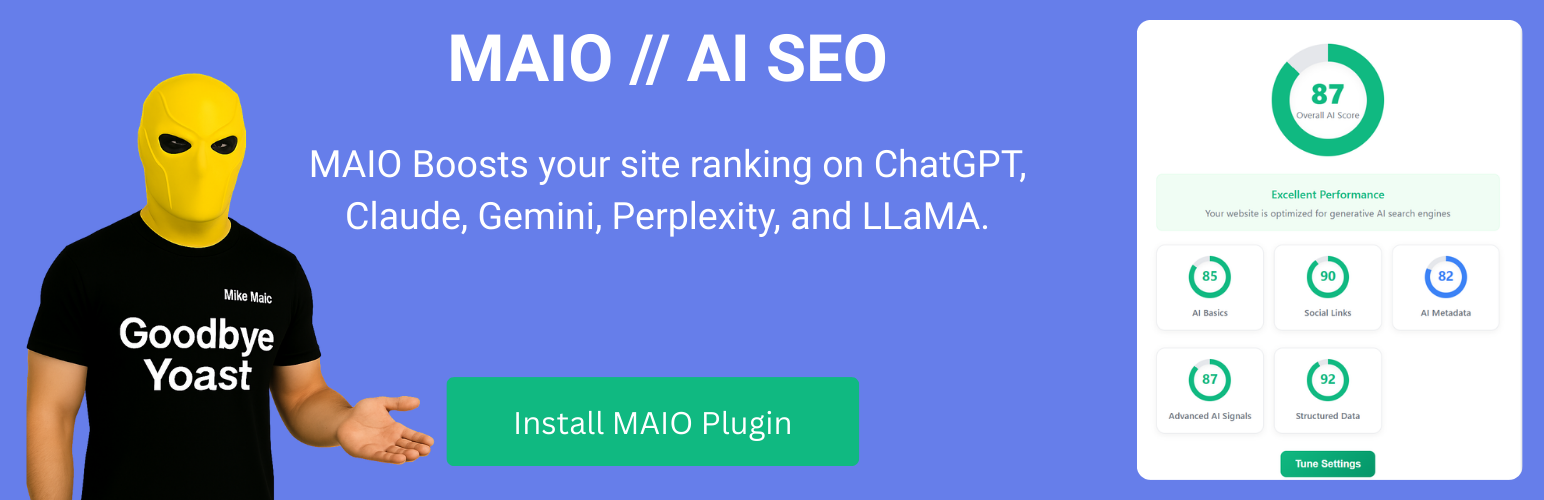
MAIO is an AI SEO plugin for WordPress designed to help websites optimize for ChatGPT, AI search engines, and large language models (LLMs).
As AI search replaces traditional search results, websites must optimize not only for Google, but also for AI discovery and generative search.
MAIO helps you:
• Improve ChatGPT SEO visibility
• Optimize for AI search engines
• Increase LLM discoverability
• Strengthen AI optimization signals
• Monitor AI indexing behavior
If you are looking for an AI SEO plugin for WordPress that helps optimize for ChatGPT, Gemini, Claude, and generative AI systems – MAIO provides structured signals and AI visibility insights.
New: MAIO for Shopify
Exciting news: MAIO is now available for Shopify stores too. If you run a Shopify store, you can bring the same AI visibility tracking and optimization to it.
Get it on the Shopify App Store: https://apps.shopify.com/maio-ai-optimization
AI SEO for WordPress
If you are searching for an AI SEO WordPress plugin, MAIO provides structured AI optimization and AI visibility tools built specifically for WordPress.
MAIO is built specifically as an AI SEO plugin for WordPress.
It helps WordPress websites optimize for ChatGPT SEO, AI search engines, and large language models (LLMs).
Unlike traditional SEO plugins that focus only on Google, MAIO focuses on AI visibility and AI-powered discovery.
ChatGPT SEO Optimization
MAIO improves ChatGPT SEO by enhancing structured AI signals, content clarity, and AI discovery optimization for WordPress websites.
ChatGPT SEO Tracking for WordPress
MAIO allows you to track your website’s visibility in ChatGPT and other AI search engines. Monitor AI crawler activity, detect AI referrals, and understand how your content appears inside AI-generated responses.
Notify Search Engines From the Editor
Finished a page or post? Tell search engines about it without leaving the editor.
Open any published page or post. At the top of the MAIO AI Insights panel, one button sends that page’s address to the search engines.
- One click: “Send this page” or “Send this post”, depending on what you are editing.
- Only when it makes sense: the button is ready once the content is published and saved. Until then it stays visible and tells you what is missing.
- No repeat submissions: once sent, the card shows “Search engines notified” until you save a newer version.
Privacy Policy
This plugin:
* Does not collect any personal data
* Does not track user behavior
* Does not share data with third parties
* Stores only the information you provide in the settings
* Sends a page address to IndexNow (api.indexnow.org) only when you click Notify search engines in the editor, or Submit in Visibility Controls
* Sends the problem description, the optional email address, and the optional technical diagnostics (including recent error log lines) you choose in Report an issue to MAIO (api.maioai.com) only when you click Send report. You can preview exactly what is sent first
* GDPR: no visitor profiling; data handling is limited to what you save in plugin settings and what your WordPress site already processes.
Security
- All data is sanitized and validated
- Follows WordPress security best practices
- Regular security updates
- No external API calls without user consent
Screenshots

AI Visibility Dashboard - Monitor AI visibility, crawler activity, AI traffic, and optimization progress across ChatGPT, Claude, Gemini, and Perplexity.

AI Visibility Scanner - Analyze six AI visibility pillars and discover the highest-impact opportunities to improve your presence across leading AI platforms.

Improve AI Answer Extraction - Discover missing FAQ schema, Q&A sections, summaries, structured lists, and other content patterns that help AI systems understand and cite your content.

AI Traffic Analytics - Track real visitors arriving from ChatGPT, Claude, Gemini, Perplexity, and other AI platforms.

Visibility Controls - Manage AI discovery, crawling, indexing, and technical visibility from one place.

WordPress Editor Integration - Get AI visibility recommendations directly inside the WordPress editor while creating content.