
Disclaimer: This plugin is not affiliated with, or supported by, Elementor Ltd. Quite the opposite.
Add a link to any column, section or container in Elementor, and your visitors can click anywhere inside it, not just on a button or a heading. It’s perfect for service cards, banners, call-to-action areas, team members, pricing tables and any other block that should behave like one big link.
Real links: better for SEO and accessibility
Most “clickable column” solutions rely only on JavaScript, so there is no actual link in the page. Search engines can’t follow it, keyboard users can’t reach it, and visitors can’t open it in a new tab.
Since version 1.7, this plugin adds a real HTML link that covers the whole element:
- Google can crawl it. The link is in the page HTML, so search engines can follow it and pass authority to the destination page, just like any other internal link.
- Meaningful anchor text. The link uses the first heading inside the element as its text (or the text you choose), which helps search engines understand the destination page.
- Keyboard and screen reader friendly. Visitors can reach the link with the Tab key, open it with Enter, and screen readers announce it properly.
- Works like a normal link. Ctrl/Cmd + click, middle click and right click “Open in new tab” work as expected, and the browser shows the destination URL on hover.
- Respects your link options. “Open in new window”, “Add nofollow” and custom attributes from the Elementor link field are applied to the link.
Buttons, links and form fields inside the element keep working and go to their own destination.
Unlike Elementor’s native container link (HTML Tag Link), you can keep buttons and other links inside the element without breaking your layout, and it also works with columns and sections.
Features
- Make columns, sections and containers clickable.
- Real HTML links, good for SEO and accessibility (default), or the legacy JavaScript mode.
- Internal, external and relative links, plus anchors with smooth scrolling.
- Open Elementor Pro popups and Elementor lightboxes.
- Dynamic tags support.
- Optional click tracking for Google Analytics 4 and Google Tag Manager.
- WPML compatible.
- Lightweight: no jQuery, just a tiny script and stylesheet.
How to use it
- Open the Elementor editor and select a column, section or container.
- In the Layout tab, open the Column Link (or Container Link) section.
- Add your link. Optionally, set the link text and turn on click tracking.
Popups and lightboxes
With Elementor Pro, click the Dynamic Tags icon in the link field and choose Actions Popup to open a popup when the element is clicked. Lightbox actions work the same way.
Click tracking
Turn on Track clicks and the plugin sends a column_click event every time the element is clicked, with the link_url, link_text and element_id parameters:
- If Google Analytics 4 is installed (gtag.js), the event is sent directly to GA4.
- If Google Tag Manager is installed, the event is pushed to the
dataLayer, so you can use it as a Custom Event trigger.
Nothing is sent anywhere else, and no tracking happens unless you turn it on.
Looking for custom WooCommerce or Elementor development? Contact us at suporte@fernandoacosta.net
Screenshots
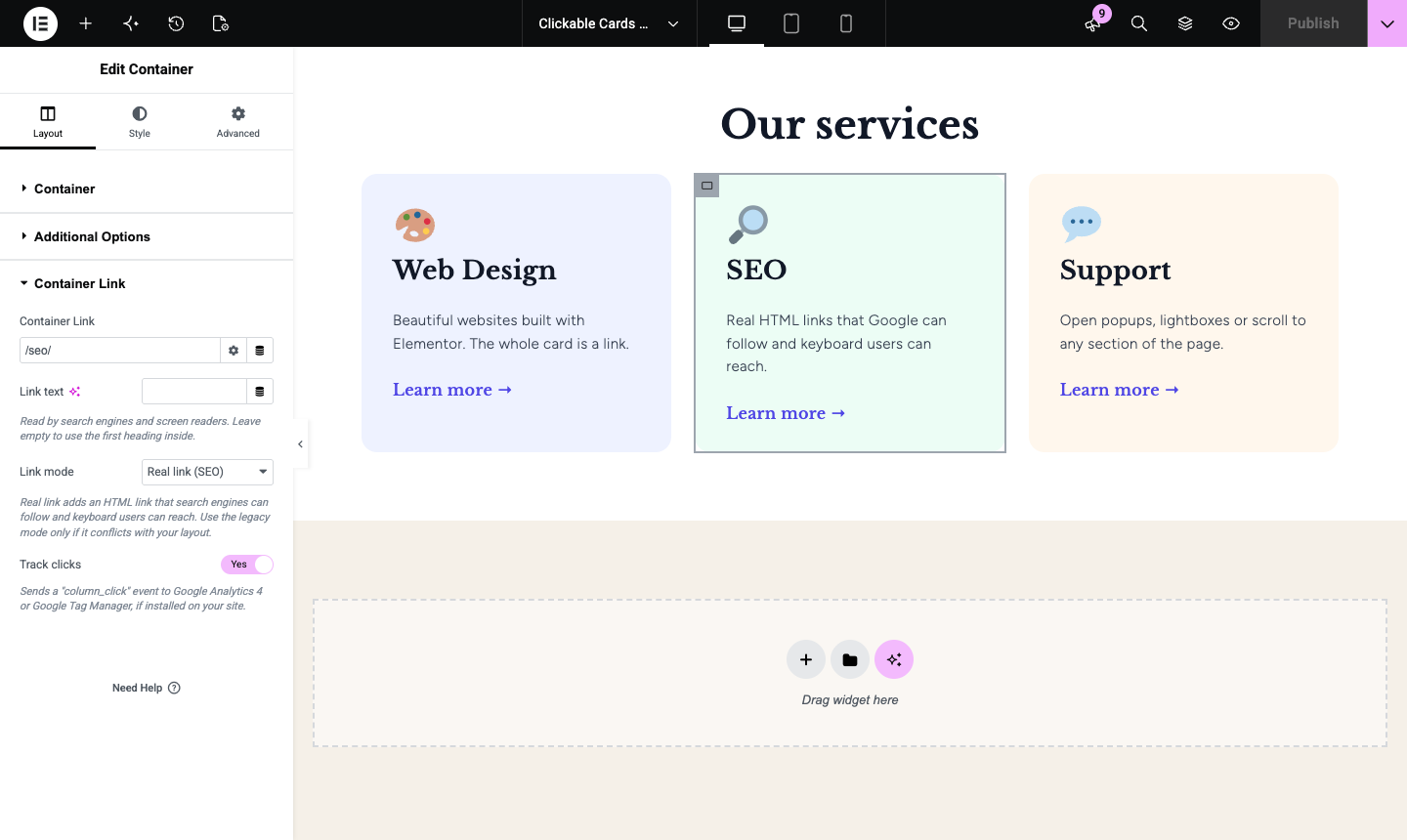
The Container Link settings in the Elementor editor.
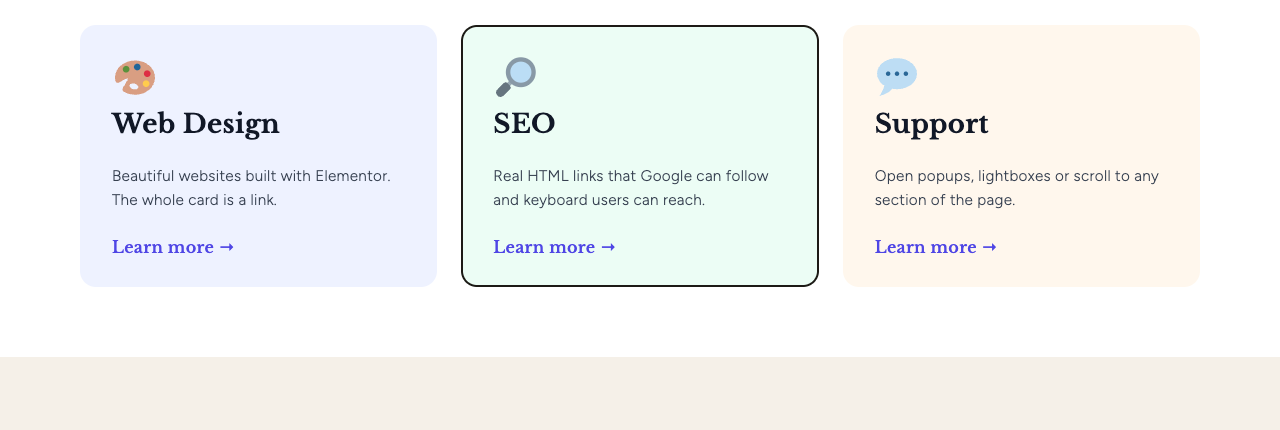
The whole card is a real link, reachable with the keyboard.