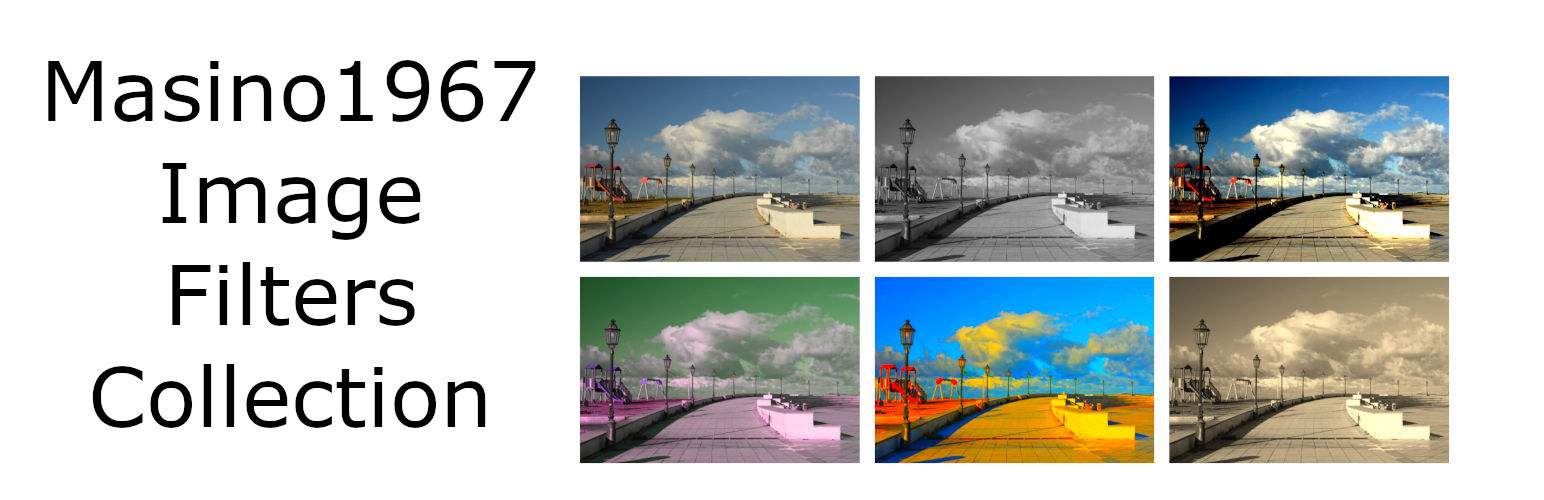
Add filter effects to the images in your posts and pages on your site.
This plugin also adds filter effects to the featured image of your post or page.
Additional filter effects for the Image block and the Featured Image block of the FSE block editor.
This simple plugin adds some image filters to the image block and featured image block. These are preset filters that add static color effects and hover color effects.
This plugin does not add new blocks to the editor but enriches the choice of filters available in the Styles section of the Image block and Featured image block of posts and pages.
Media Licenses
The original images used in this plugin’s banners, screenshots and icons were captured by the plugin author.
Screenshots
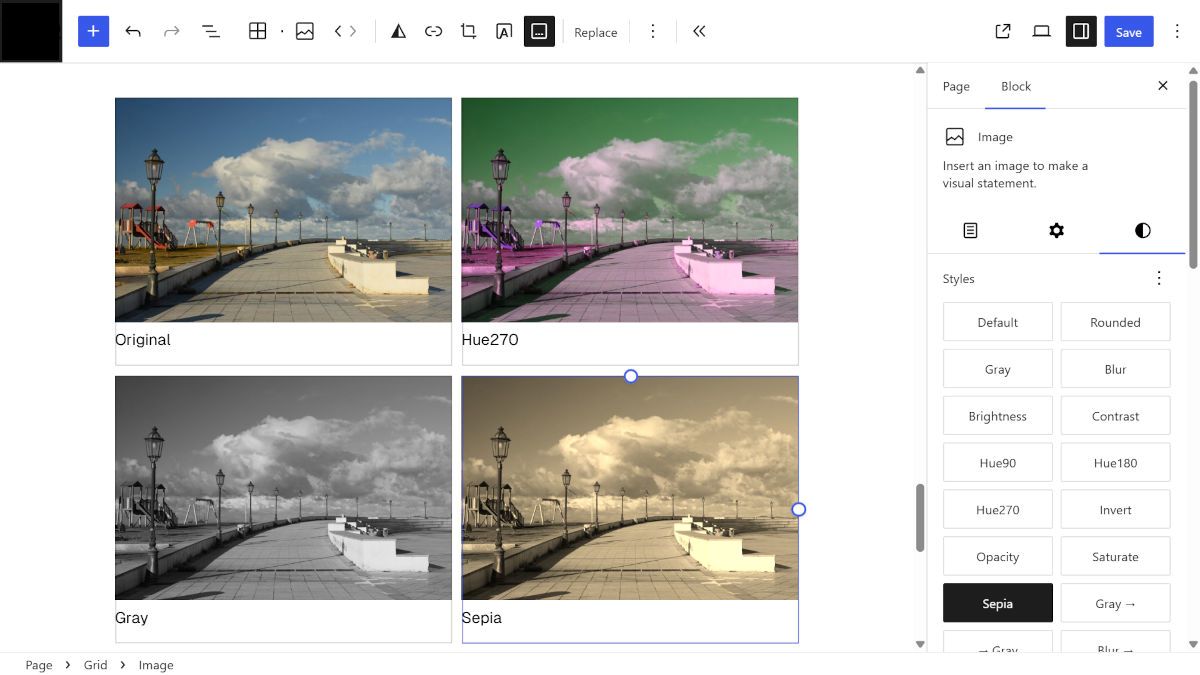
The FSE editor: images processed with filters. On the right is the Image Block > Style section with the list of filters.

A new post with an image treated with the Hue90 filter.

A new post with an image treated with the Sepia -> filter. This is what the image looks like when the mouse isn't hovering over it.

A new post with an image treated with the Sepia -> filter. This is what the image looks like when the mouse is hovering over it.