BACK TO DIRECTORY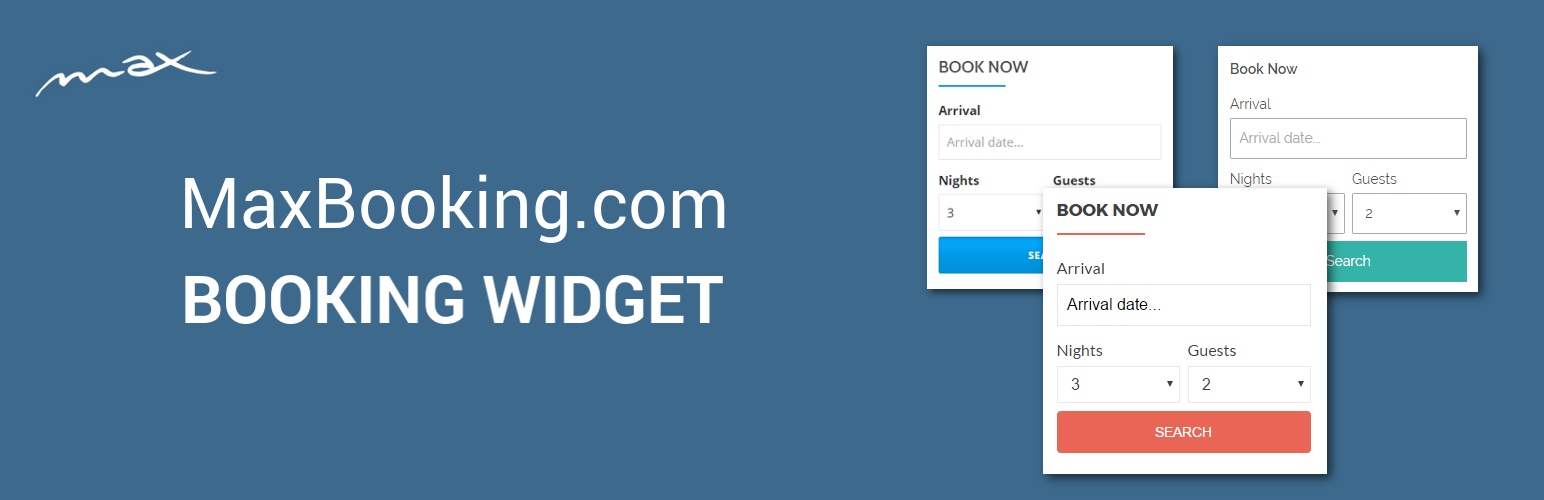



This plugin allows you to set up a widget for booking with MaxBooking.com and place it on your website.
Features
- Easy to use – Installation and setup is very easy and can be done in your WordPress administration.
- Flexible – You can select vertical or horizontal layout, default arrival date, number of nights, number of guests, etc.
- Customizable – You can easily use your own additional styles to customize the widget further.
- Shortcode support – The plugin provides a shortcode that allows you to insert the widget in the content of a page, post or any other place that uses content editor.
- Multiple widgets – You can add multiple independent widgets to your website with different settings (even for different properties).
If you don’t have a MaxBooking.com account for your hostel or hotel yet, you can sign-up for free here:
More information
For more information visit:
Screenshots
Example of vertical and horizontal layout with different themes.
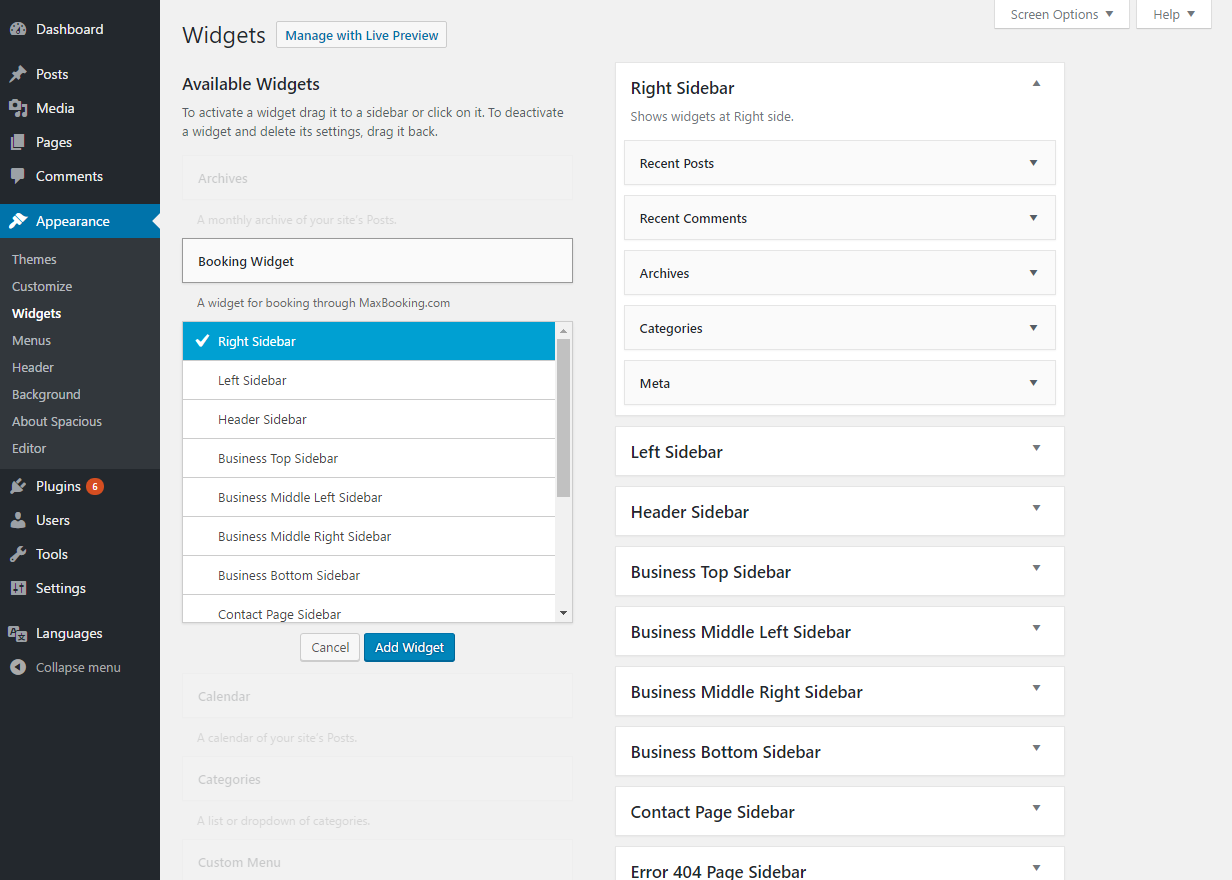
Adding a widget to a specific section.
Widget configuration.
Example of a widget in a sidebar and a widget in a page content (using shortcode).
Arrival date selection.
Plugin Details
Active Installs
10Total Downloads
1,717Version
1.1.3Requires WP
4.4Requires PHP
—Tested Up To
4.8.34Added
2017-07-26Last Updated
2017-11-28 1:22am GMTRatings
5
0
4
0
3
0
2
0
1
0