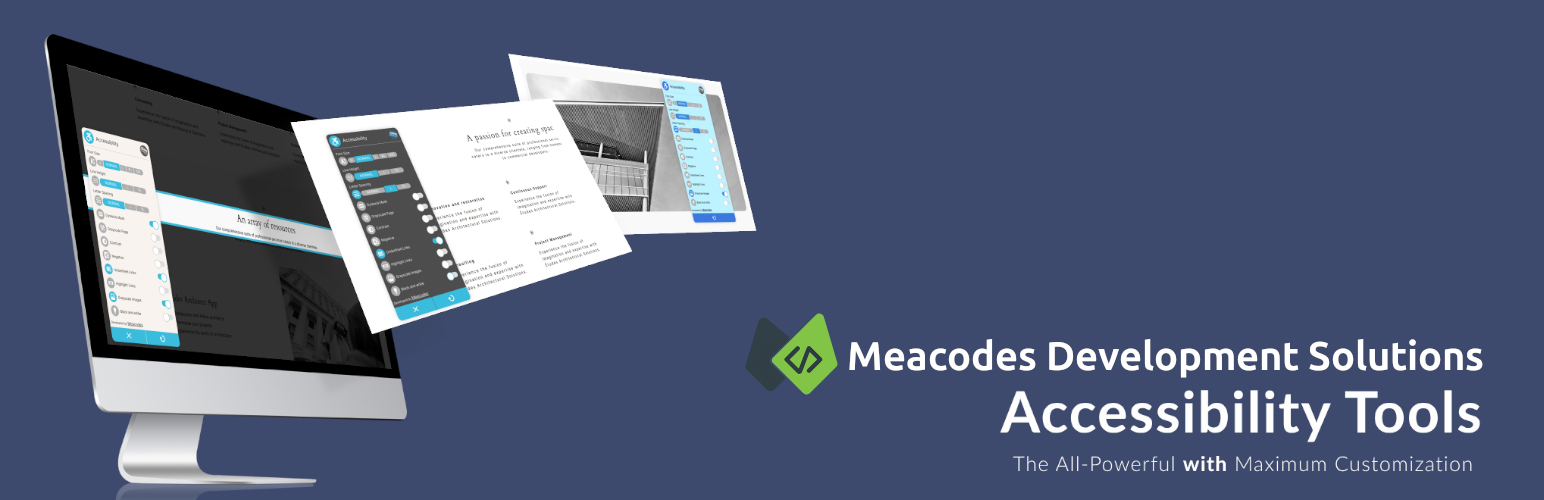
Meacodes Accessibility Tools is a lightweight WordPress plugin that makes your website accessible to everyone.
Accessibility Features:
- Font Size: Change the size of text for better readability.
- Line Height: Adjust the spacing between lines for improved legibility.
- Letter Spacing: Control the space between letters for optimal text clarity.
- Dyslexia Mask: Apply a mask to reduce visual distractions for people with dyslexia.
- Grayscale Mode: Convert the page to grayscale for a simpler visual experience.
- Increased Contrast: Increase the color contrast between text and background for better visibility.
- Negative Color Scheme: Invert colors for a unique viewing experience.
- Underlined Links: Add underlines to links for better identification.
- Highlighted Links: Make links stand out by highlighting them.
- Image Grayscale: Convert images to grayscale.
- Black and White Mode: Transform the entire page to black and white.
NEW in v1.2.0 – Accessibility Quick Scan:
- Quick Scanning: Lightweight accessibility scanning with dashboard summary
- Issue Detection: Identifies A, AA, and limited AAA-level accessibility issues
- Dashboard Widget: Quick overview of scan results in WordPress dashboard
- Privacy-Focused: All scanning happens locally on your server
User-Friendly Options:
- GDPR Ready: Indicates compliance with the General Data Protection Regulation (GDPR).
- User-Positionable: Allows users to drag and drop the accessibility plugin around the page on desktop devices.
Admin Options:
- Custom Toolbox Name: Change the name of the accessibility toolbox to anything you want.
- Customizable Features: Enable or disable individual features of the toolbox.
- Custom Location: Set a custom location for the accessibility toolbox on the page.
- User-Positionable Option: Enable or disable the user-positionable functionality.
- Custom Color Scheme: Change the color of each part of the accessibility toolbox.
- Multilingual Support: The plugin can be translated into multiple languages.
Plugin Demo:
You can see demo here: Meacodes.
Screenshots
![[screenshot-1.png] Font Customization: Font Size, Line Height, Letter Spacing.](https://ps.w.org/meacodes-accessibility-tools/assets/screenshot-1.png?rev=3091805)
[screenshot-1.png] Font Customization: Font Size, Line Height, Letter Spacing.
![[screenshot-2.png] Dyslexia Mask: Apply a mask to minimize visual distractions.](https://ps.w.org/meacodes-accessibility-tools/assets/screenshot-2.png?rev=3091805)
[screenshot-2.png] Dyslexia Mask: Apply a mask to minimize visual distractions.
![[screenshot-3.png] Negative: Invert colors for a unique viewing experience.](https://ps.w.org/meacodes-accessibility-tools/assets/screenshot-3.png?rev=3091805)
[screenshot-3.png] Negative: Invert colors for a unique viewing experience.
![[screenshot-4.png] Black and White Page: Transform the entire page to black and white.](https://ps.w.org/meacodes-accessibility-tools/assets/screenshot-4.png?rev=3091805)
[screenshot-4.png] Black and White Page: Transform the entire page to black and white.
![[screenshot-5.png] GDPR Ready.](https://ps.w.org/meacodes-accessibility-tools/assets/screenshot-5.png?rev=3091805)
[screenshot-5.png] GDPR Ready.
![[screenshot-6.png] Positionable by User: Enabling this option allows users to freely move the accessibility plugin around the page on desktop devices.](https://ps.w.org/meacodes-accessibility-tools/assets/screenshot-6.png?rev=3091805)
[screenshot-6.png] Positionable by User: Enabling this option allows users to freely move the accessibility plugin around the page on desktop devices.
![[screenshot-7.png] You can custom all colors and styles.](https://ps.w.org/meacodes-accessibility-tools/assets/screenshot-7.png?rev=3091805)
[screenshot-7.png] You can custom all colors and styles.
![[screenshot-8.png] You can custom all colors and styles.](https://ps.w.org/meacodes-accessibility-tools/assets/screenshot-8.png?rev=3091805)
[screenshot-8.png] You can custom all colors and styles.
![[screenshot-9.png] Admin menu.](https://ps.w.org/meacodes-accessibility-tools/assets/screenshot-9.png?rev=3091805)
[screenshot-9.png] Admin menu.
![[screenshot-10.png] A blue question mark icon ( ? ) is placed next to the settings sections that need further clarification. By hovering your mouse over it, more detailed instructions will be displayed to help you understand the settings better.](https://ps.w.org/meacodes-accessibility-tools/assets/screenshot-10.png?rev=3091805)
[screenshot-10.png] A blue question mark icon ( ? ) is placed next to the settings sections that need further clarification. By hovering your mouse over it, more detailed instructions will be displayed to help you understand the settings better.
![[screenshot-11.png] You can enable or disable each features individually.](https://ps.w.org/meacodes-accessibility-tools/assets/screenshot-11.png?rev=3091805)
[screenshot-11.png] You can enable or disable each features individually.
![[screenshot-12.png] Customize the plugins appearance to match your taste and needs using the style settings.](https://ps.w.org/meacodes-accessibility-tools/assets/screenshot-12.png?rev=3091805)
[screenshot-12.png] Customize the plugins appearance to match your taste and needs using the style settings.
![[screenshot-13.png] New button logic for more customization.](https://ps.w.org/meacodes-accessibility-tools/assets/screenshot-13.png?rev=3380638)
[screenshot-13.png] New button logic for more customization.
![[screenshot-14.png] WCAG issues Detection.](https://ps.w.org/meacodes-accessibility-tools/assets/screenshot-14.png?rev=3380638)
[screenshot-14.png] WCAG issues Detection.
![[screenshot-15.png] Manual website scan for detecting WCAG issues.](https://ps.w.org/meacodes-accessibility-tools/assets/screenshot-15.png?rev=3380638)
[screenshot-15.png] Manual website scan for detecting WCAG issues.
![[screenshot-16.png] more appearance customization.](https://ps.w.org/meacodes-accessibility-tools/assets/screenshot-16.png?rev=3380638)
[screenshot-16.png] more appearance customization.