
The Media Carousel for Guten Blocks is a versatile content block that enables users to dynamically upload and display images and videos. It offers a range of customizable features to enhance the presentation of media. Users can enable captions for their media, adjust the border radius for both images and videos, and utilize FancyBox settings to activate fancybox functionality for an enhanced viewing experience. The Slider Type settings provide options to choose the type of slider, adjust its speed, and configure autoplay and infinite loop features. Additionally, users can show or hide navigation arrows, with customizable styles and colors, and select the type and color of navigation dots to match their design preferences.
Plugin Requirement
PHP version : 7.4 and latest
WordPress : WordPress 5.9 and latest
OUR OTHER PLUGINS
- Abandoned Contact Form 7 Pro
- Accept 2 Checkout Payments Using Contact Form 7 Pro
- Accept Authorize.NET Payments Using Contact Form 7 Pro
- Accept Elavon Payments Using Contact Form 7 Pro
- Accept PayPal Payments Using Contact Form 7 Pro
- Accept Sagepay(Opayo) Payments Using Contact Form 7 Pro
- Accept Stripe Payments Using Contact Form 7 Pro
- Custom Product Options WooCommerce Pro
- Generate PDF Using Contact Form 7 Pro
- Smart Appointment & Booking Pro
- Smart Showcase for Google Reviews Pro
- User Registration Using Contact Form 7 Pro
Getting Help With WordPress
If you have any difficulties while using this Plugin, please feel free to contact us at support
We also offer custom WordPress extension development and WordPress theme design services to fulfill your e-commerce objectives.
Our professional impassioned WordPress experts provide profound and customer-oriented development of your project within short timeframes.
Thank you for choosing a Plugin developed by ZealousWeb!
Functionality
This plugin utilizes third-party libraries to enhance its functionality:
- Fancybox JS: https://cdn.jsdelivr.net/npm/@fancyapps/ui@5.0/dist/fancybox/fancybox.umd.js – Used to achieve lightbox functionality for displaying images and videos in a popup.
- Fancybox CSS: https://cdn.jsdelivr.net/npm/@fancyapps/ui@5.0/dist/fancybox/fancybox.css – Use to achieve lightbox functionality for images and videos in popup
- Slick JS: https://cdn.jsdelivr.net/npm/slick-carousel@1.8.1/slick/slick.min.js – Used to achieve slider functionality for images and videos.
- Slick CSS: https://cdn.jsdelivr.net/npm/slick-carousel@1.8.1/slick/slick.css – Used to achieve slider functionality for images and videos.
Screenshots

It will show Back-End Option for Media Carousel - Image and Video Upload Options
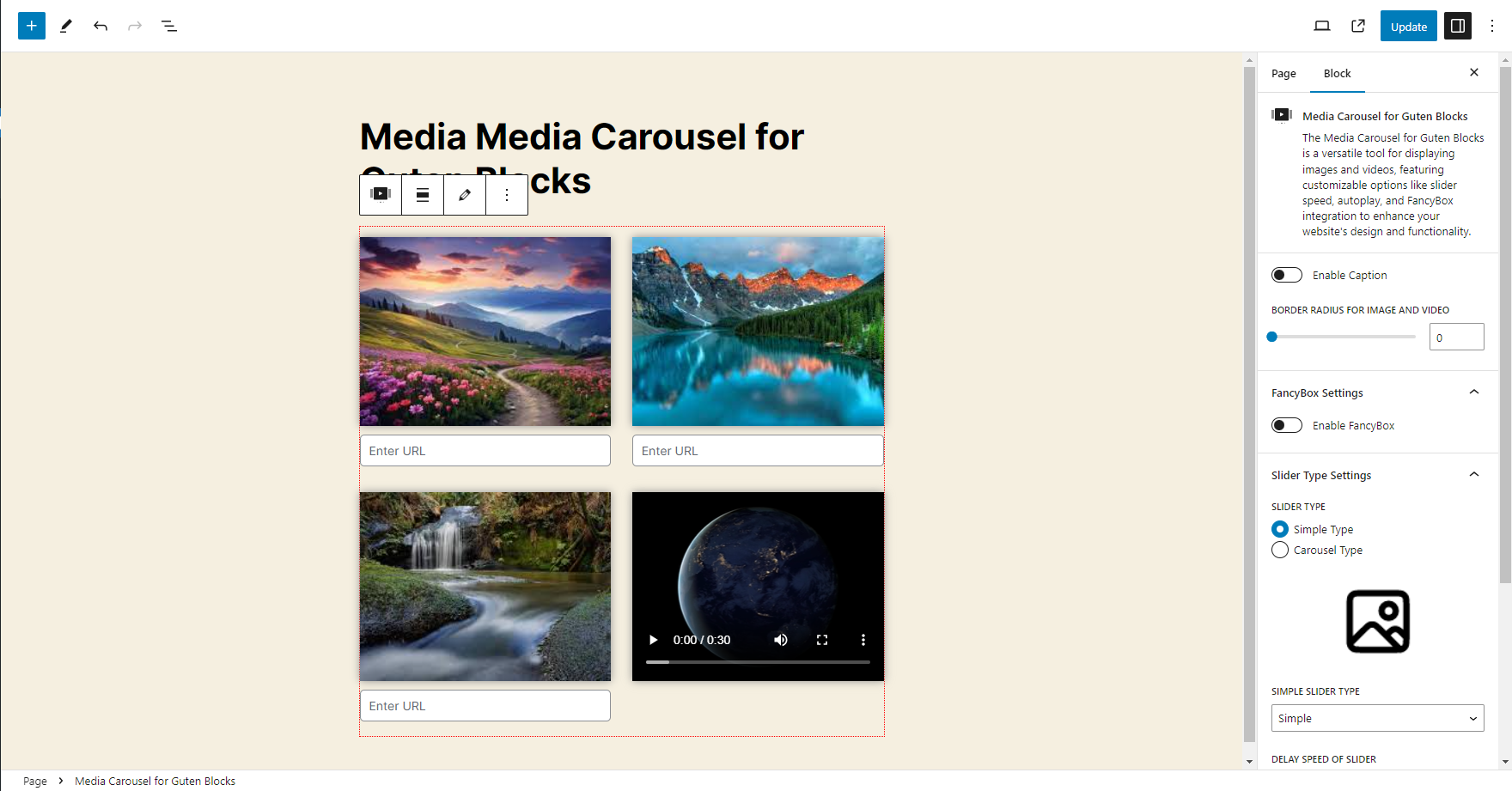
It will show Back-End View for Media Carousel Section
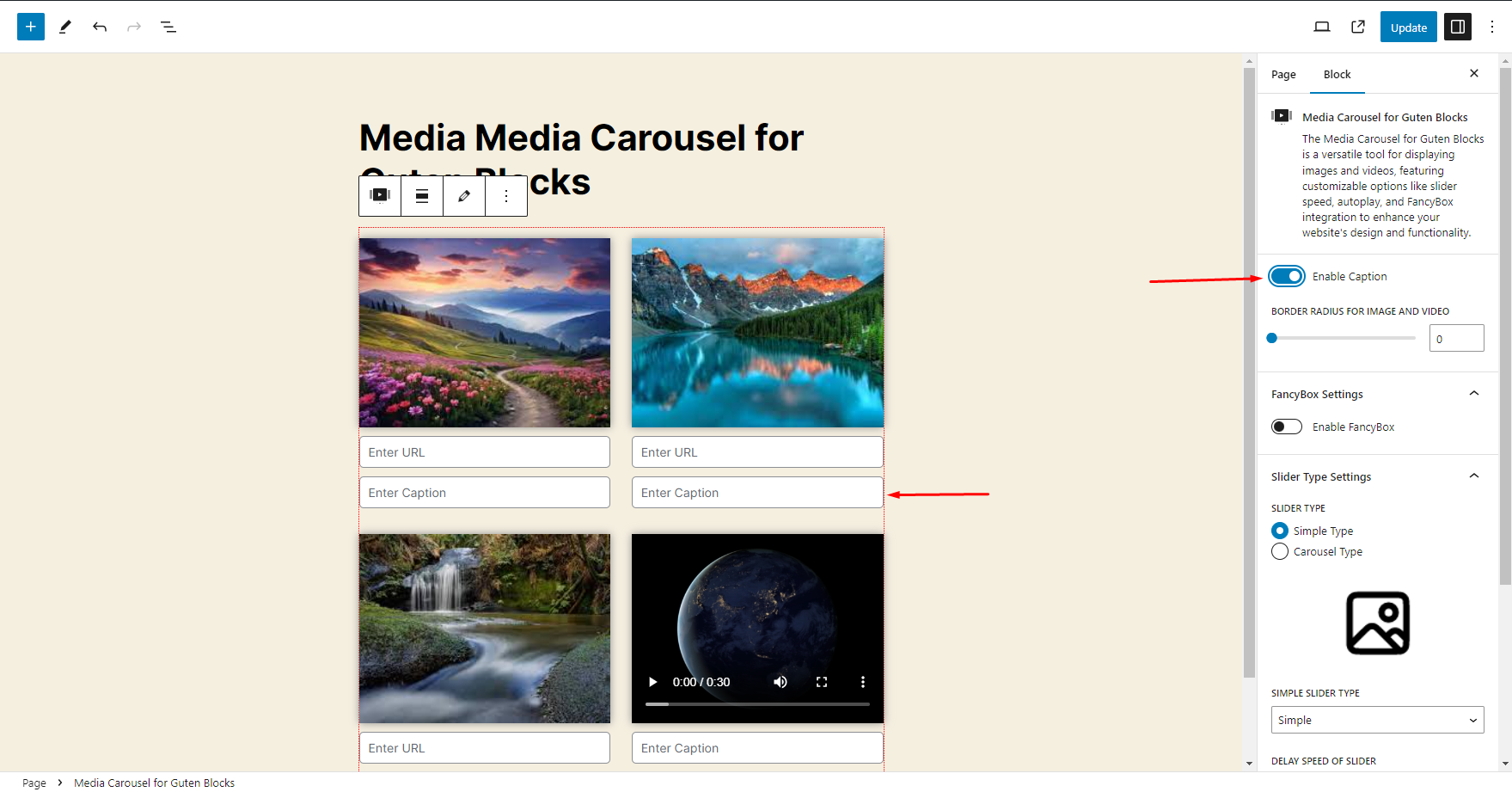
It will show Back-End Option for Media Carousel - How to Enable the Caption option and How it will show Back-End Option for Media Carousel
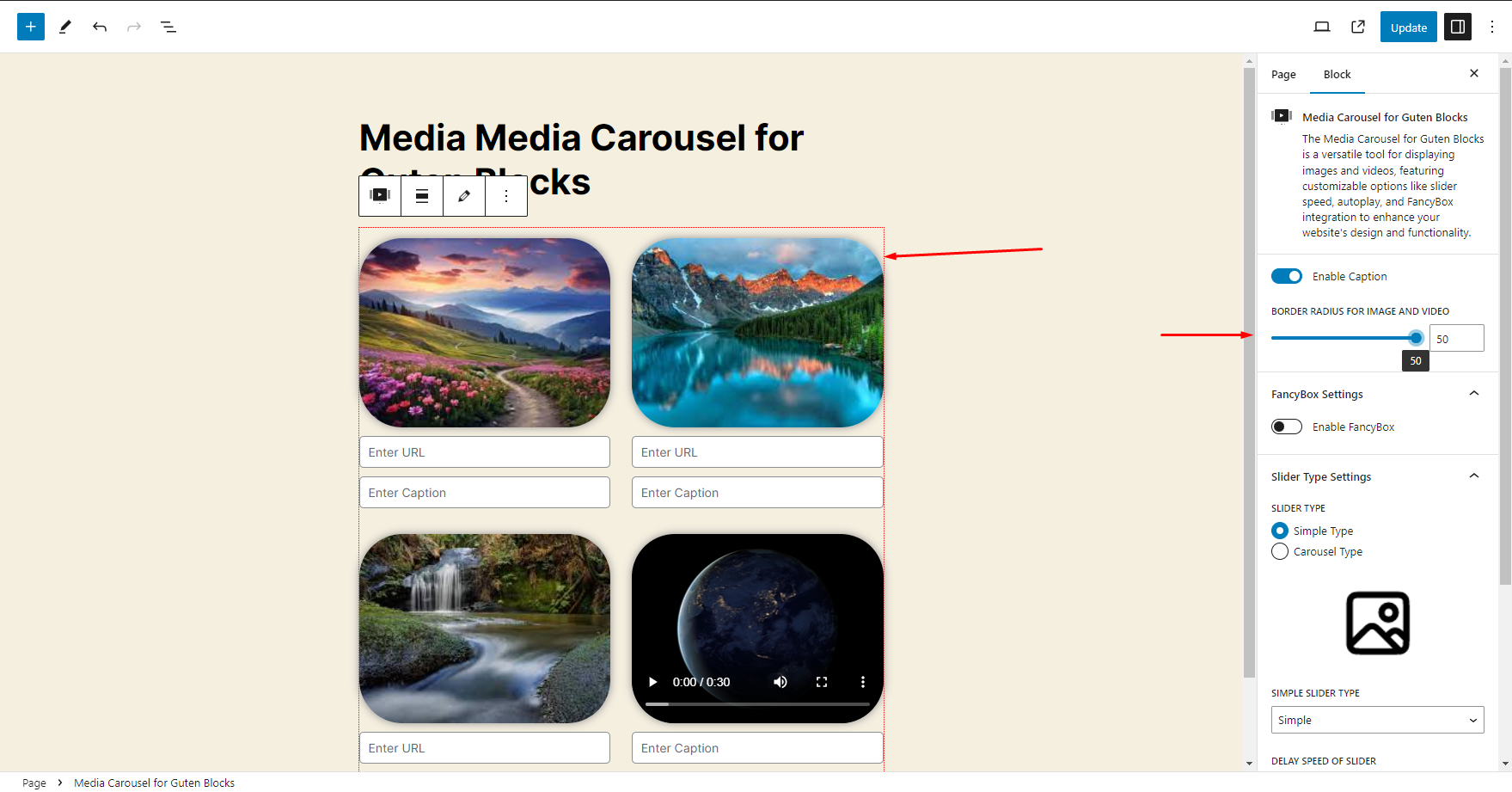
It will show Back-End Option for Media Carousel - How to change Border Radius option and How it will show Back-End Option for Media Carousel
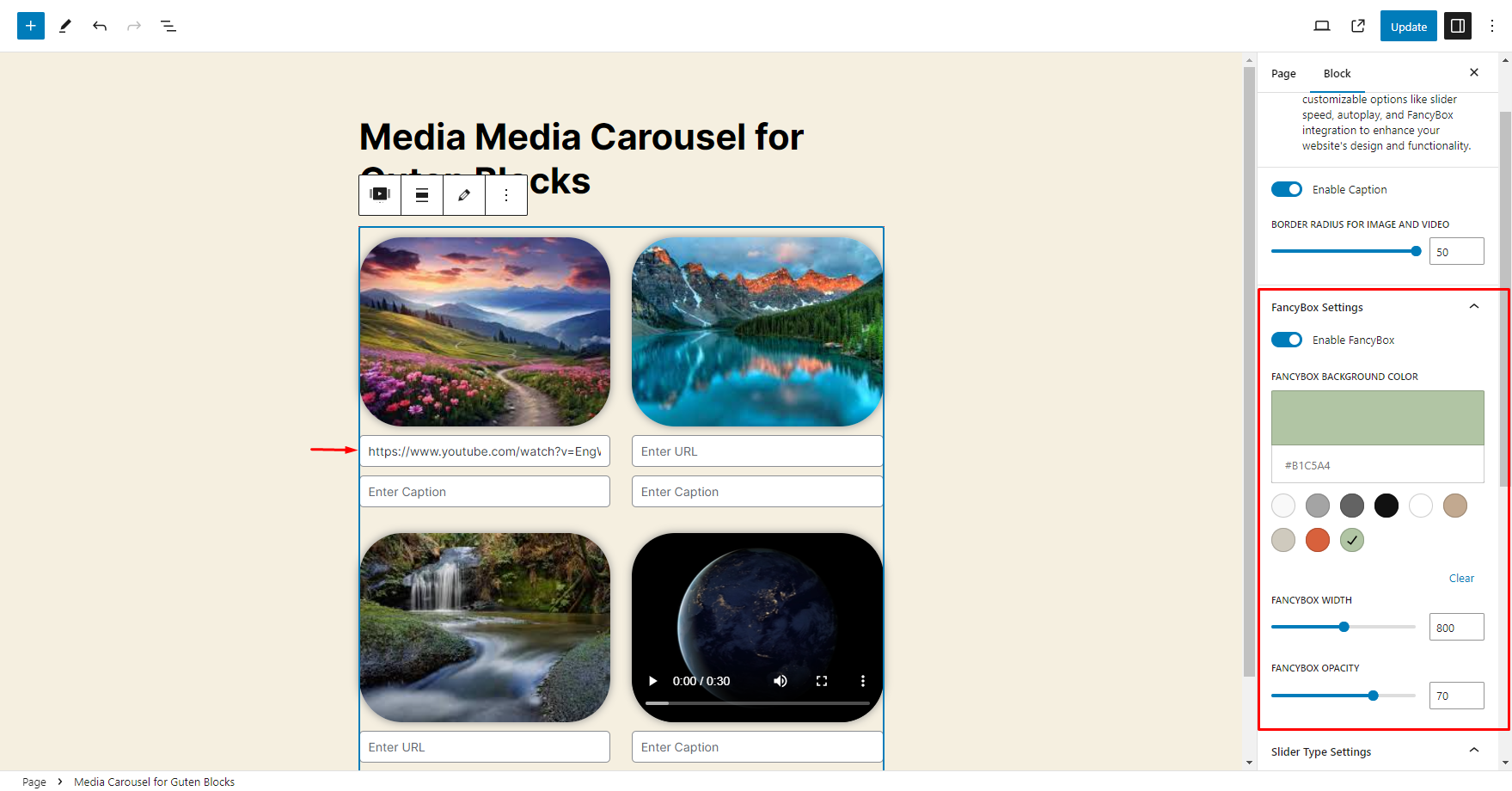
It will show Back-End Option for Media Carousel - How to Enable the FancyBox option
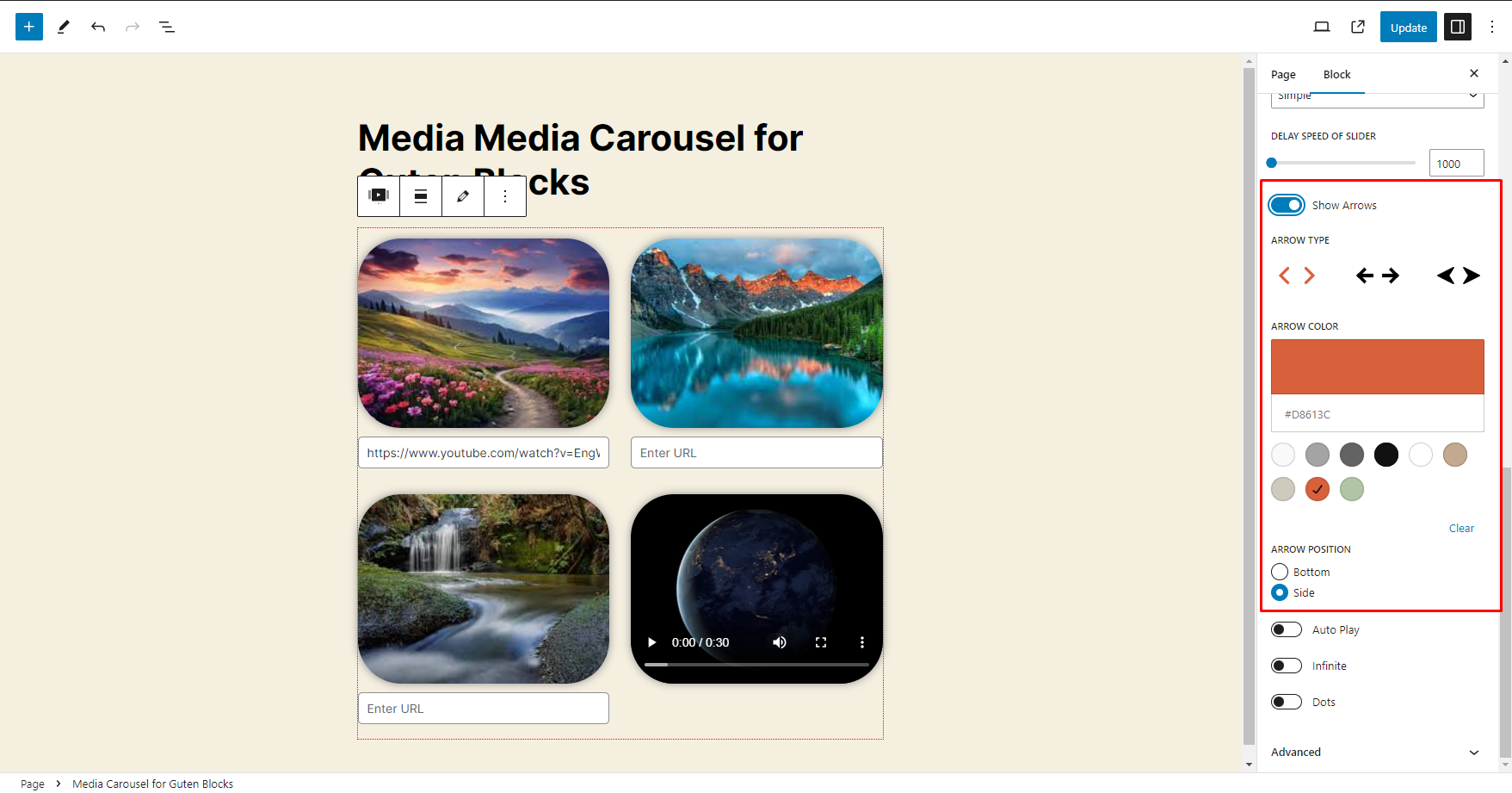
It will show Back-End Option for Media Carousel - How to Enable the Navigation Arrows option
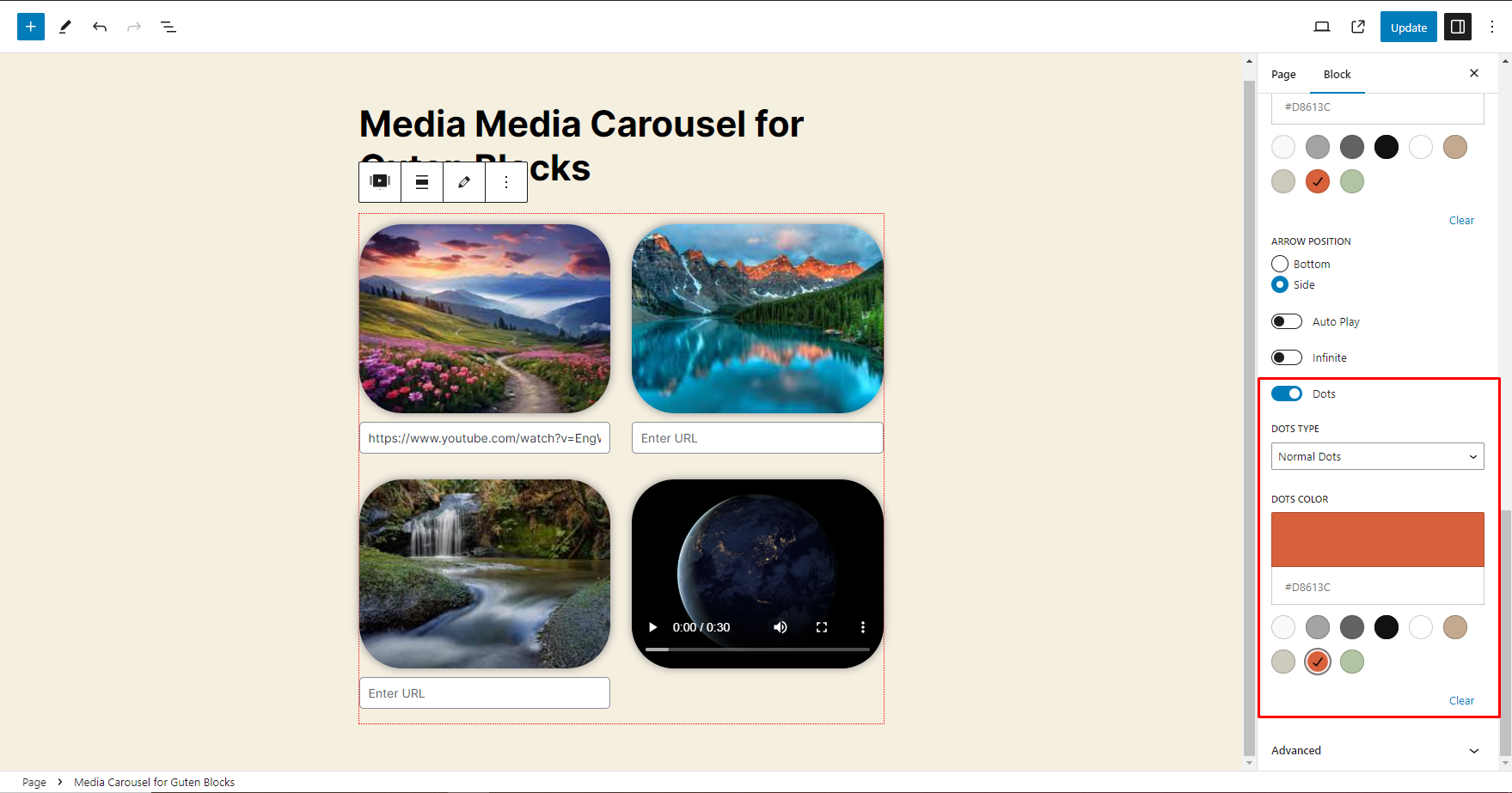
It will show Back-End Option for Media Carousel - How to Enable the Navigation Dots option
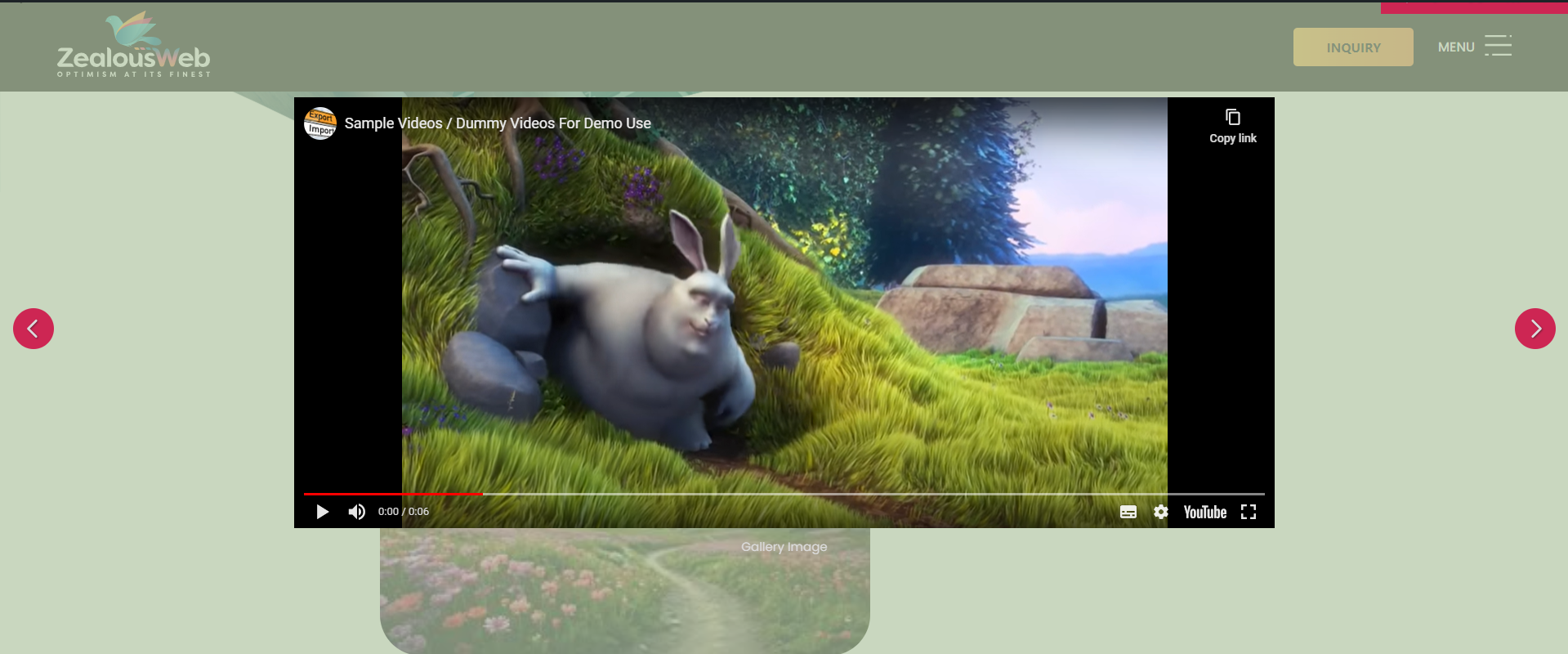
It will show Front-End View for Media Carousel when FancyBox is Enable
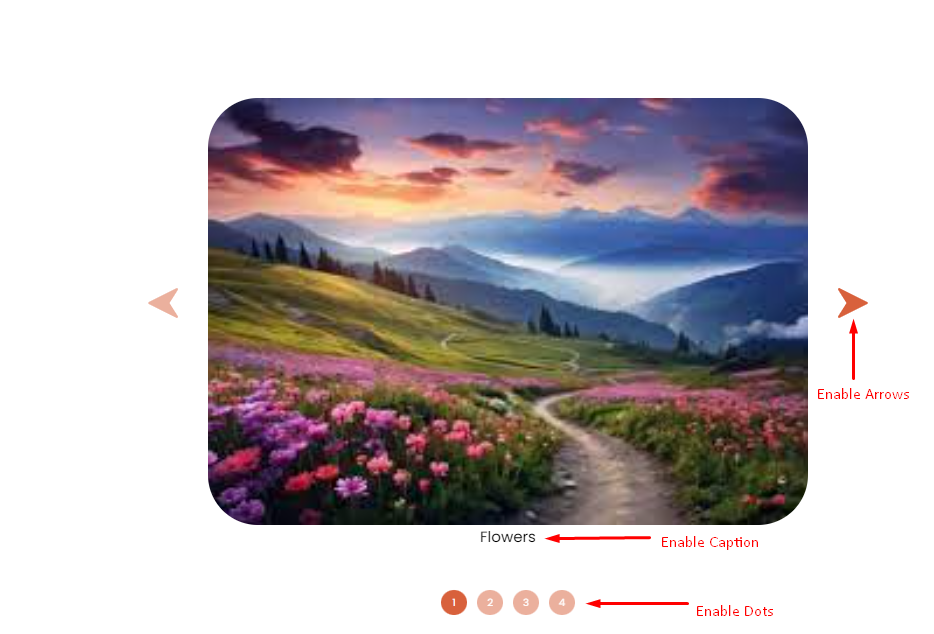
It will show Front-End View for Media Carousel when Caption is Enable ,Dots is Enable and Enable the Navigation Arrows option
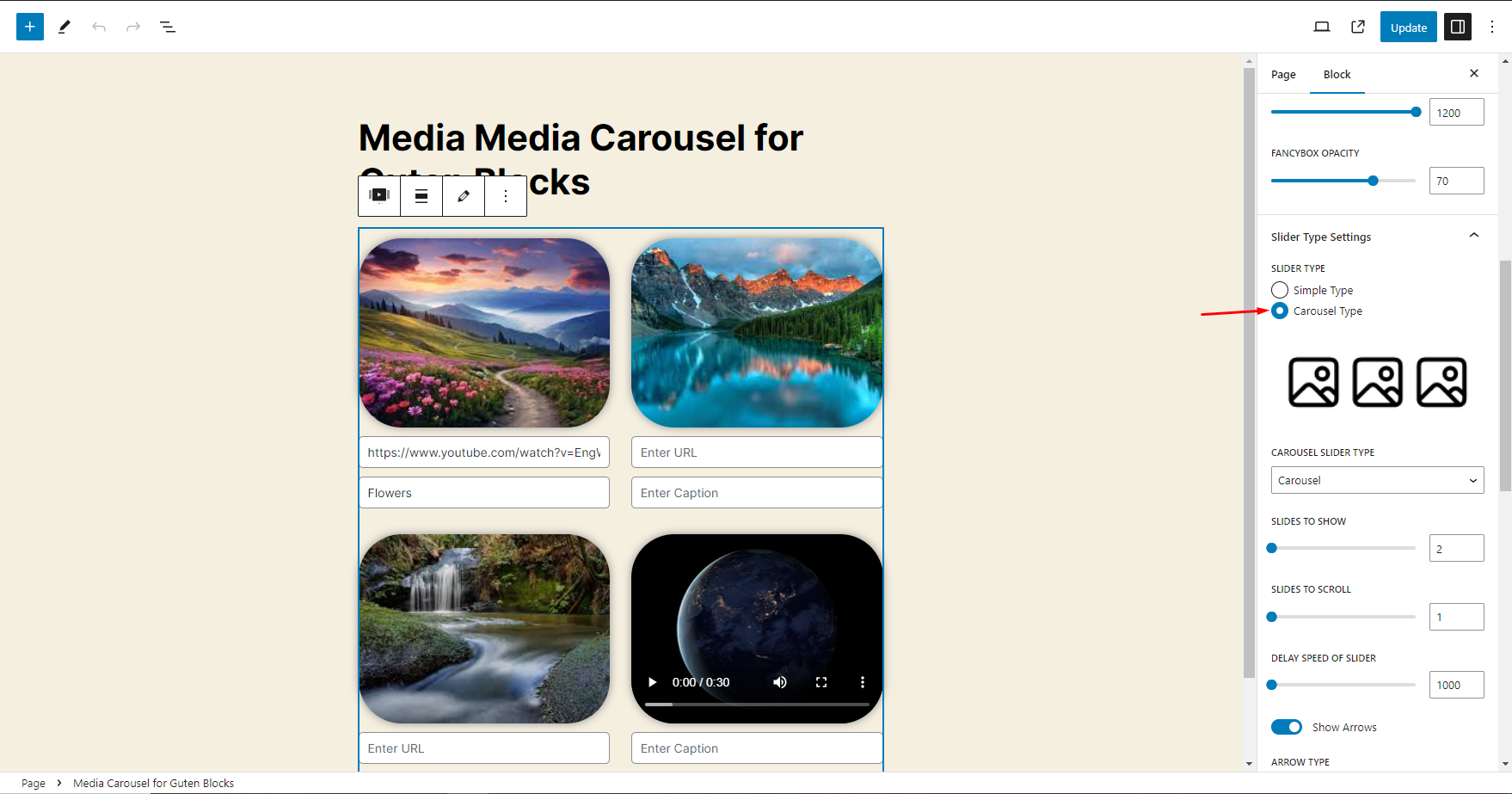
It will show Back-End Option for Media Carousel - How to switch to other slider mode i.e Carousel Type
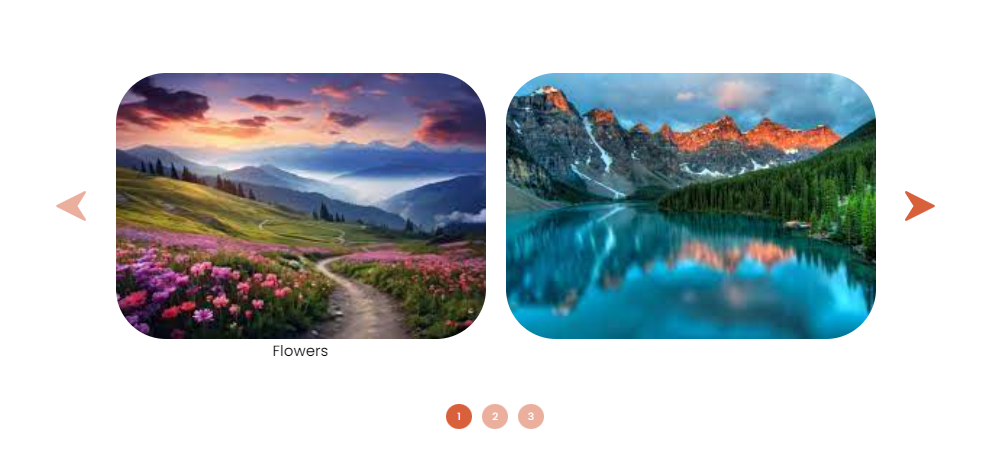
It will show Front-End View for Media Carousel when Carousel Type is Enable