
🏆 Media Library Folders for WordPress – Media, Posts, Pages & Users
Documentation | Upgrade to Pro
MediaCommander adds drag & drop folders to your WordPress media library and goes one step further than typical folder plugins: the same folder tree also organizes your posts, pages, users, custom post types and WooCommerce content.
Every folder is 100% virtual. Moving or renaming a folder never changes file paths, permalinks or attachment URLs, so your existing content and SEO are untouched.
Links (shortcuts). Hold Alt (or Ctrl+Shift) while dragging an item to a folder: the item stays in its original folder and also appears in the new one, marked with a “Link” badge. One post, page or image can now live in as many folders as you need, cross-reference a page across several projects without moving or duplicating anything.
For a complete step-by-step guide, check out our article on How to Create Folders in WordPress Media Library.
🔥 FREE VS PRO
MediaCommander Free
✅ Unlimited folders and subfolders
✅ Folders in Gutenberg and the Classic Editor
✅ Personal or shared folders for users
✅ Replace media files while keeping the same URL
✅ Folder sidebar for the media library and user list
MediaCommander Pro includes everything from Free, plus:
☑️ Folders for posts, pages and custom post types
☑️ Links (shortcuts): keep one item in multiple folders
☑️ Advanced folder permissions per user or role
☑️ Custom folder sorting and default folder colors
☑️ Download folders as ZIP
☑️ Import your folder structure from other plugins
☑️ Priority support
✨ Key Features
✅ Unlimited Folders: Create unlimited folders and subfolders for your media library, posts and pages. Arrange them into a hierarchical tree by dragging folders into folders.
✅ Links (Shortcuts): Attach an item to multiple folders without moving the original. Linked items are marked with a badge and can be unlinked at any time, the original placement always stays intact.
✅ Drag & Drop Interface: Move single or multiple items, reorder folders and nest subfolders in one gesture. Bulk-select items and drop them straight into the target folder.
✅ Folders for Media, Posts, Pages, Users & Custom Post Types: Organize every standard WordPress content type in one place, including WooCommerce products, orders and coupons, and any custom post type you register.
✅ Advanced Folder Permissions: Define who can view, edit, delete or attach items per user or role, ideal for multi-author sites and teams. Create profiles where administrators edit while other users only read.
✅ Replace Media: Swap an image directly from the “Attachment Details” screen while keeping its URL, properties and thumbnails consistent. No delete-and-re-upload needed.
Note: if a replaced image still shows the old version, do a hard refresh (Ctrl+F5 on Windows, Cmd+R on Mac) and temporarily disable caching plugins.
✅ Custom Sorting: Sort folder contents by name, date, modification or author. Set your own order for folders and items.
✅ Search & Filter: Find folders and items instantly with keyword search, filters and wildcards.
✅ Download Folders as ZIP: Export any folder with its subfolders and files as a single ZIP, keeping the structure for backups or transfers.
✅ Direct Upload: Select a folder and upload new media straight into it.
✅ Import from Other Plugins: Switching over? Import your existing folder structure in one click. MediaCommander currently imports from:
* FileBird by NinjaTeam
* WordPress Real Media Library by Devowl
✅ Smart Delete: Deleting a folder never deletes your content, items simply move to the “Uncategorized” virtual folder (with an optional setting to delete attachments along with a folder).
✅ Color Folders: Assign a color to any folder for visual scanning of your structure.
✅ Responsive Sidebar: Resize or toggle the folder sidebar to fit your workflow.
✅ Gutenberg Gallery Block: Insert a gallery built from a folder directly in the block editor.
🚀 Compatibility
MediaCommander works with the standard WordPress media modal, so it behaves correctly in most themes, plugins and page builders:
PAGE BUILDERS: Gutenberg, Classic Editor, Elementor, WP Bakery, Beaver Builder, Bricks, Brizy and more.
THEMES: Avada, Divi, BeTheme, Bridge, Flatsome and more.
If your tool uses the standard WordPress media dialog, folders will show up there too. Running into a compatibility edge case? Our support team is on it.
💼 GDPR & Privacy
- We do not collect or store any information about our visitors or users without their consent.
- We do not transfer data to external servers without users’ consent.
- The purpose of this folder manager plugin is to help organize the WordPress media library, pages, posts and custom post types.
🔥 Check out our other WordPress Plugins
HappyVR – virtual tour creator and 360 panorama viewer
Post Order Master – free drag & drop hierarchy manager
NinjaDraw – create diagrams, sketches & visual workflows
PicPoints – create interactive images and multi-level floor plans in minutes
Screenshots

Folder sidebar in the WordPress media library

Drag & drop media items into a selected folder
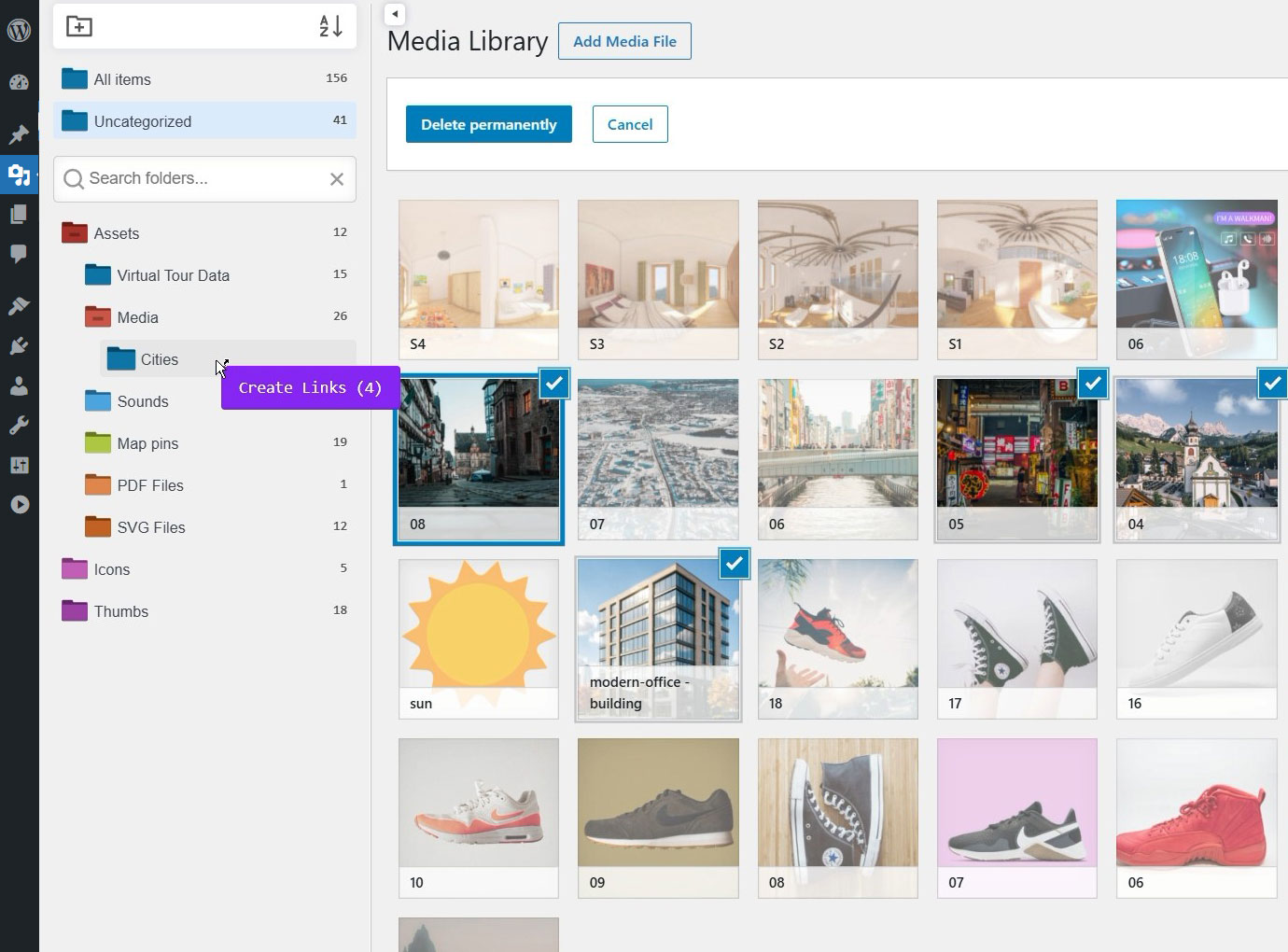
Links (shortcuts): drag an item with Alt to attach it to another folder while it stays in the original one
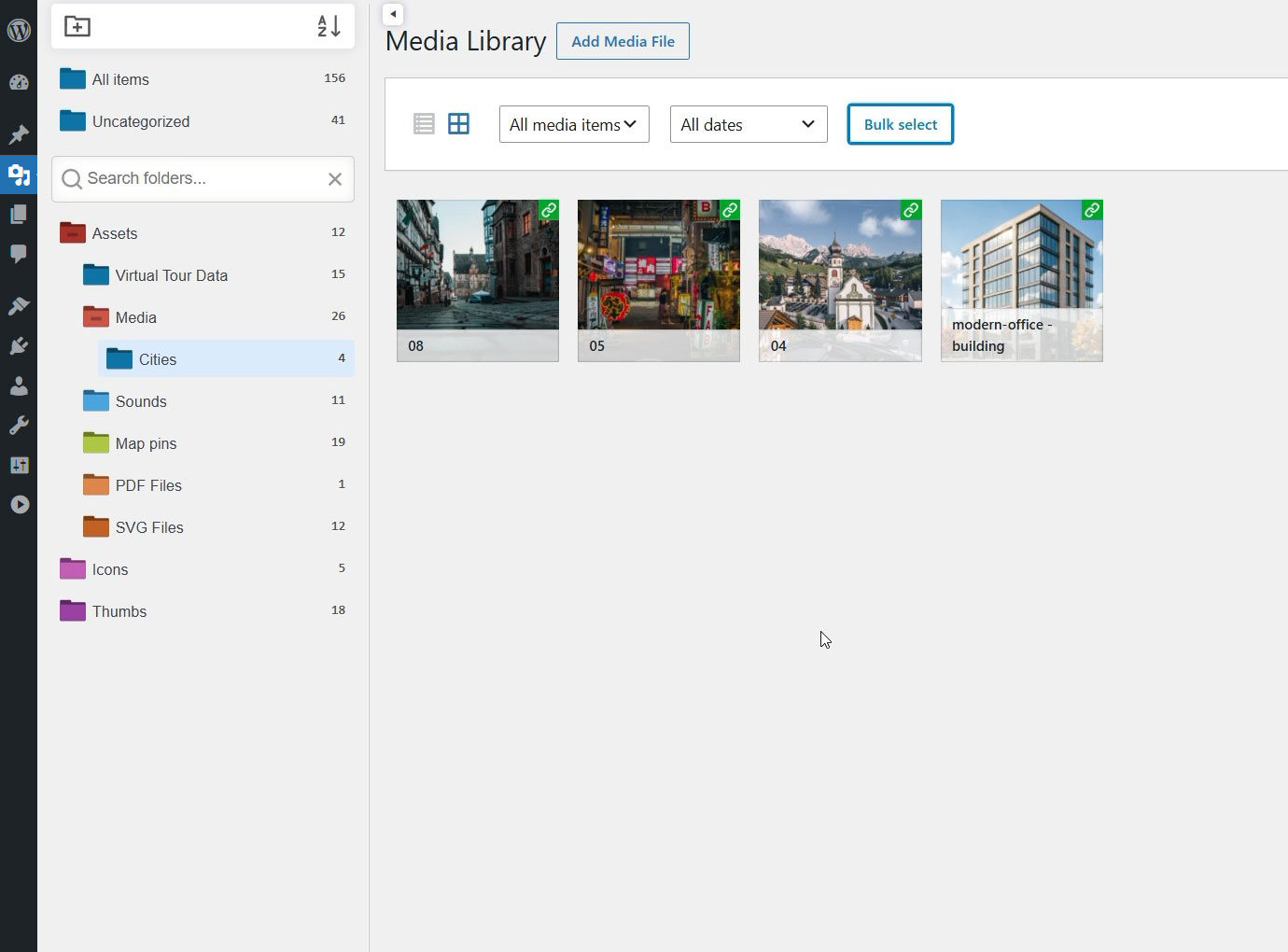
"Link" badge on items that live in multiple folders
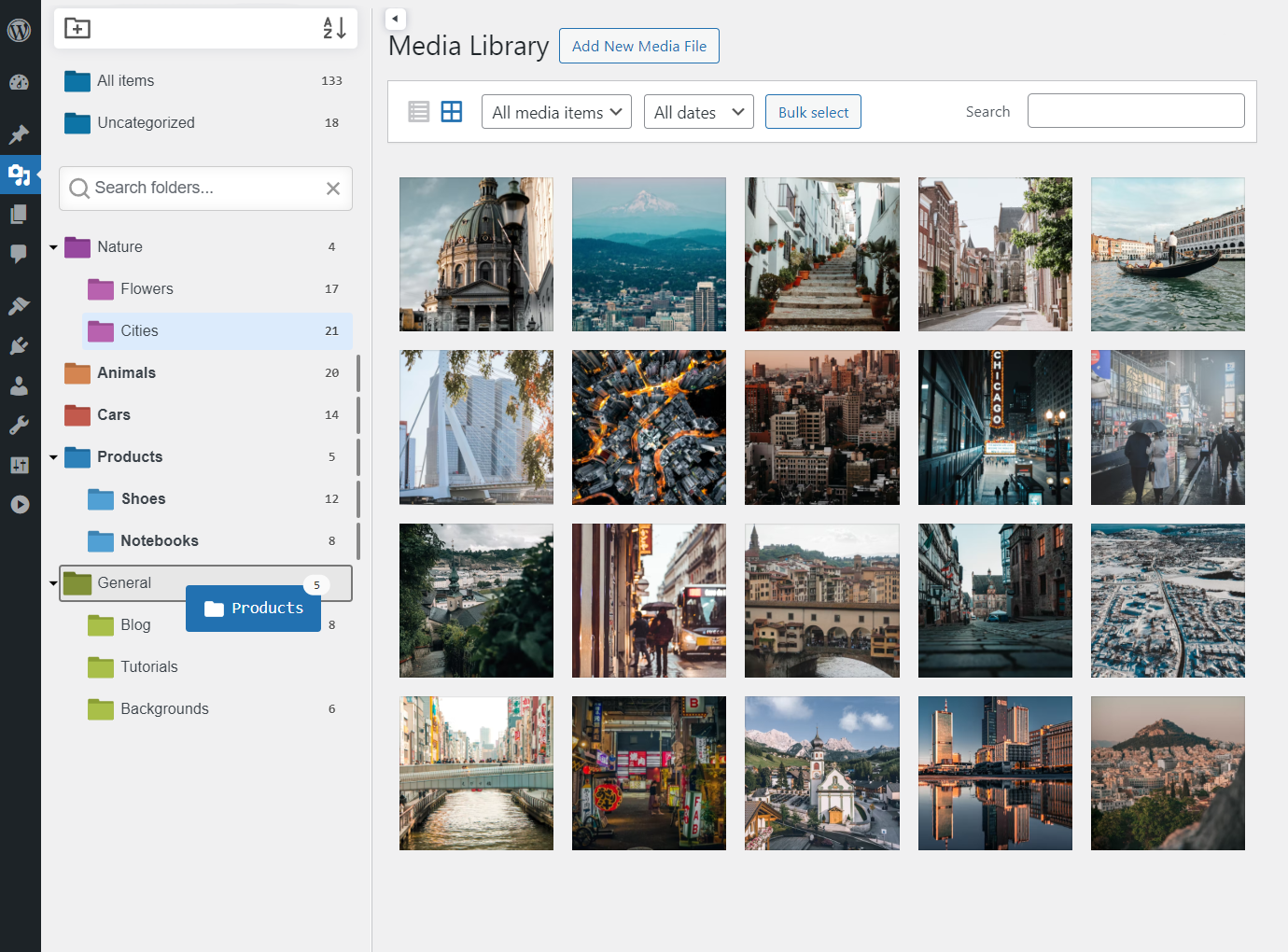
Drag & drop folders to reorganize the tree
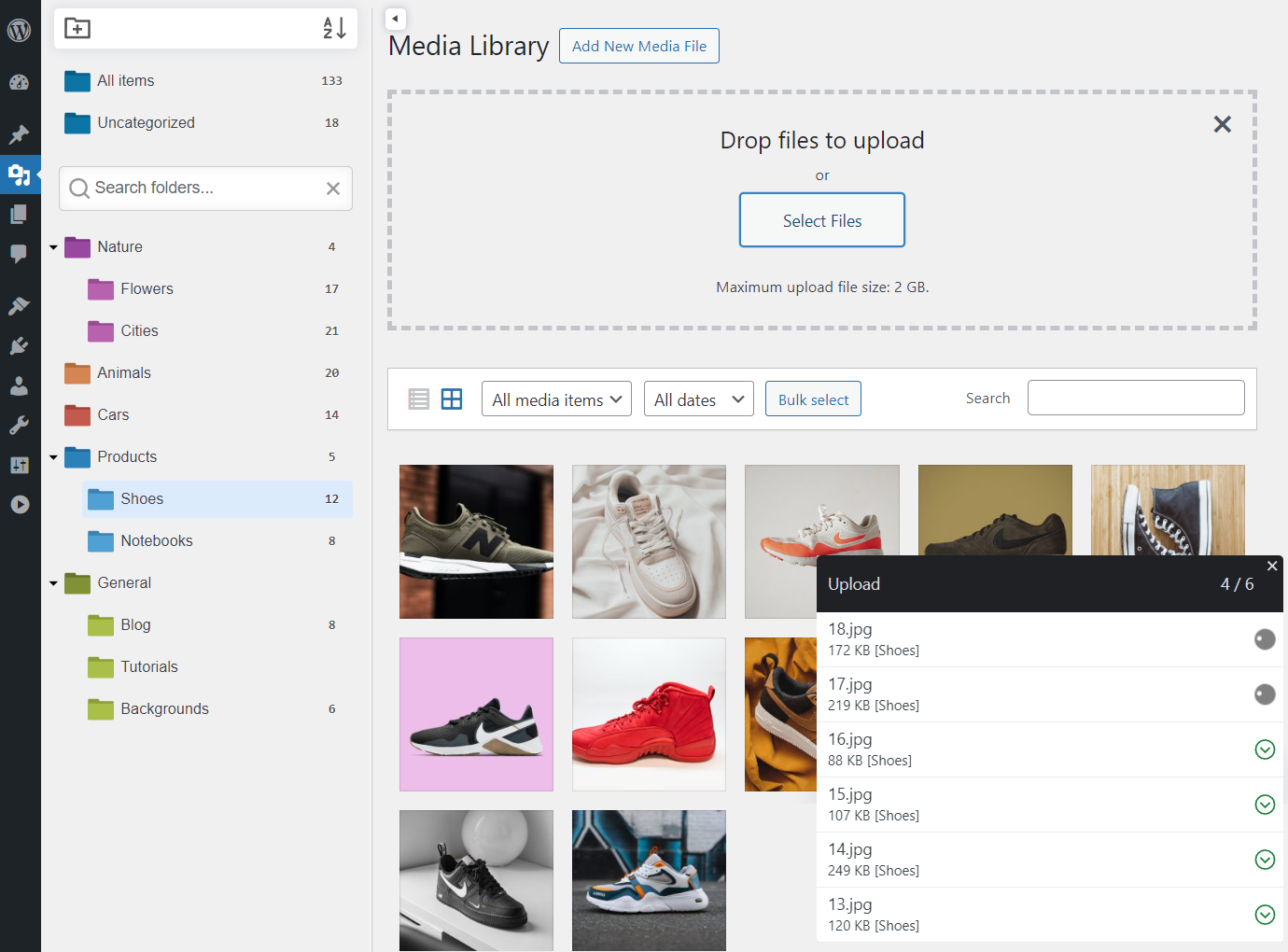
Upload files straight into a selected folder
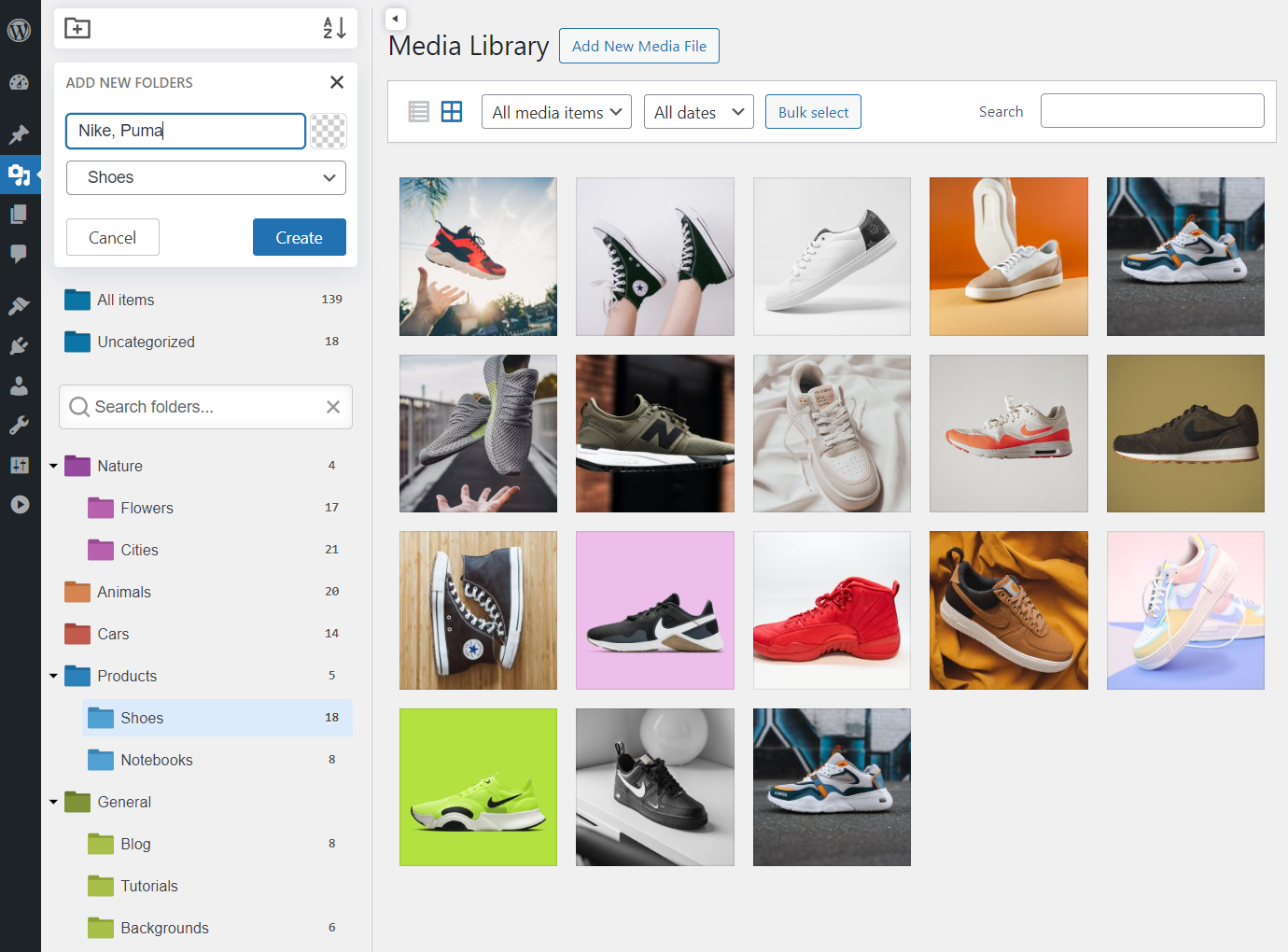
Creating a new folder
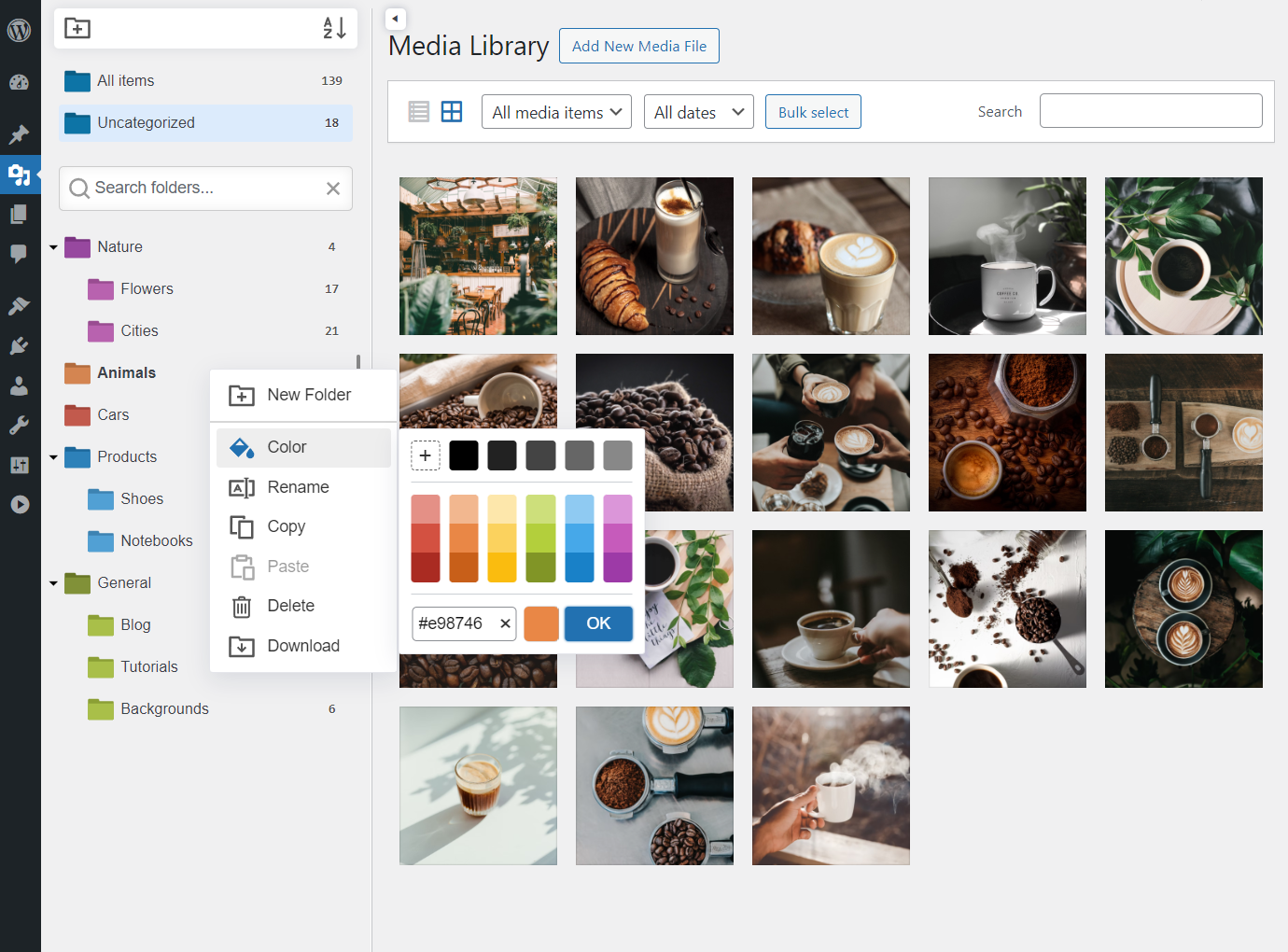
Color-coding folders
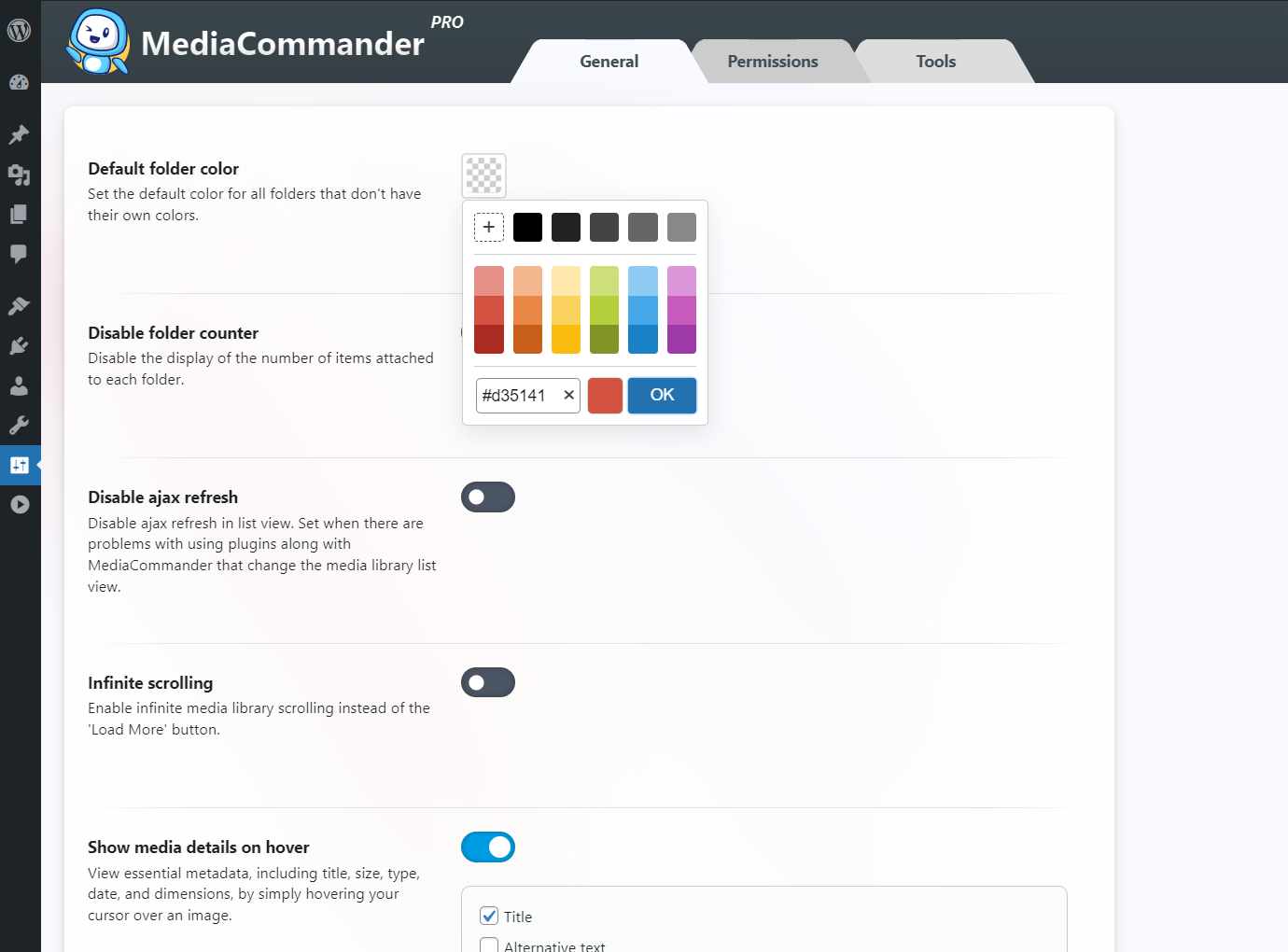
General settings
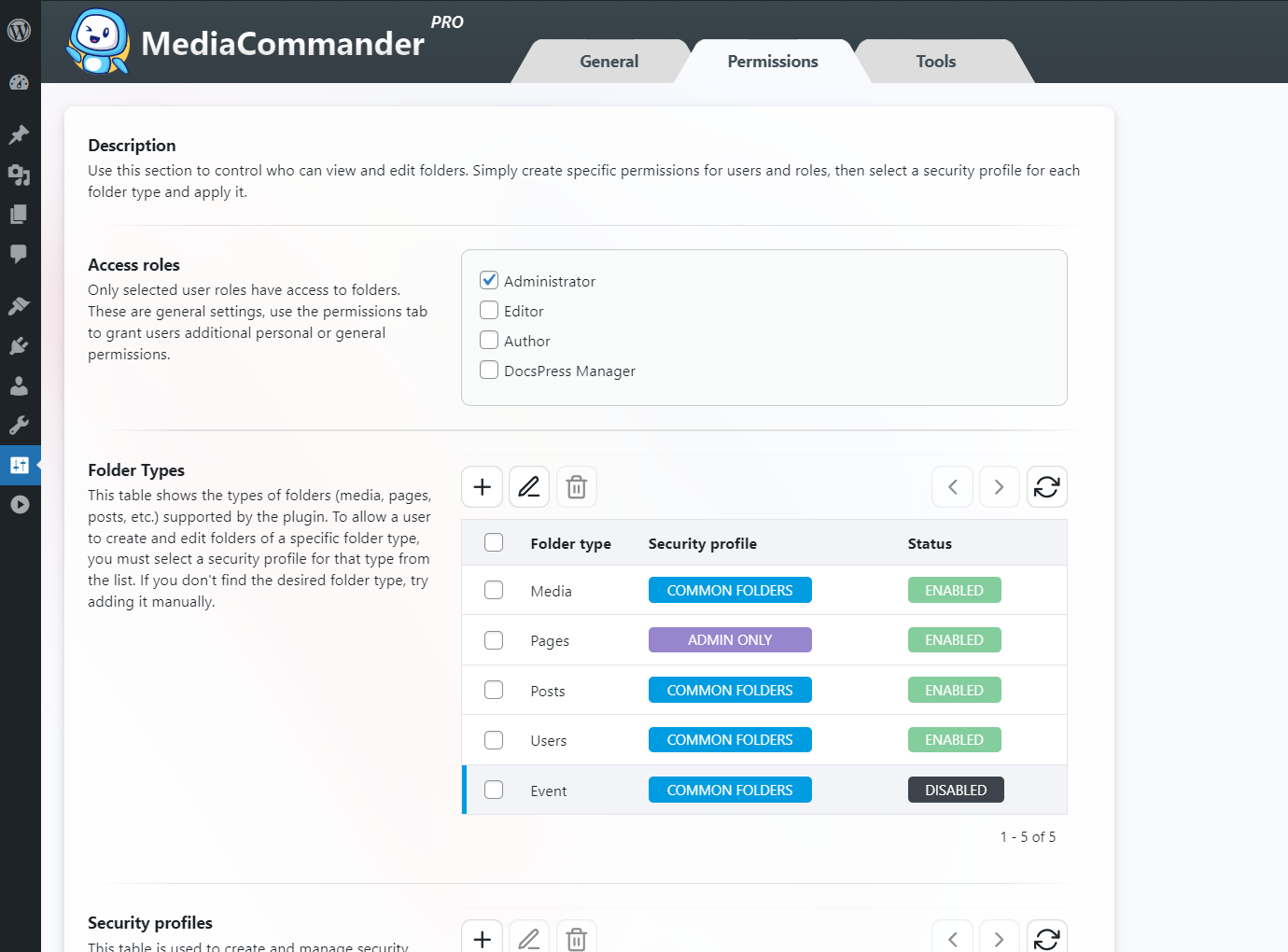
Advanced folder permissions
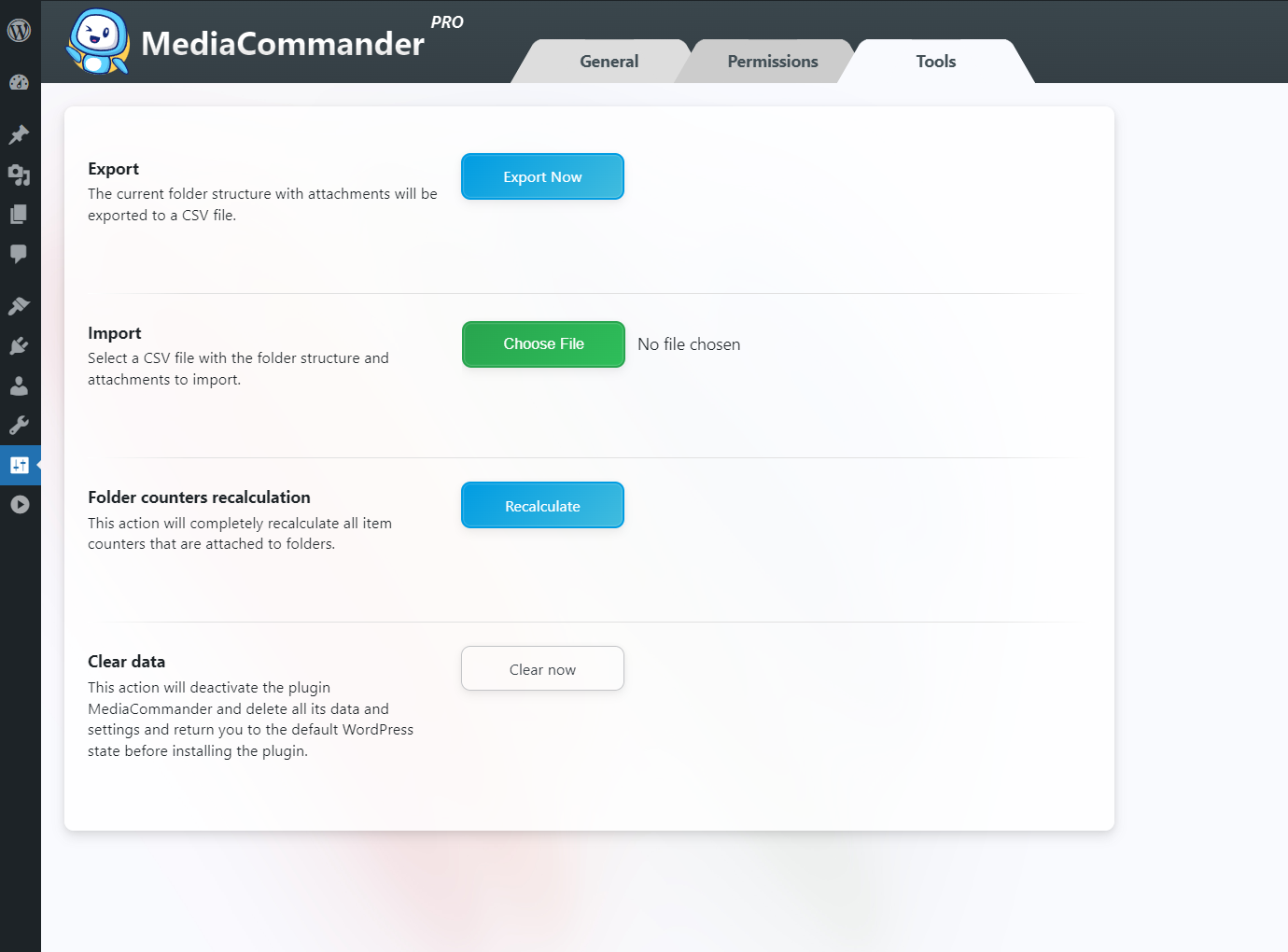
Tools: import/export and special actions
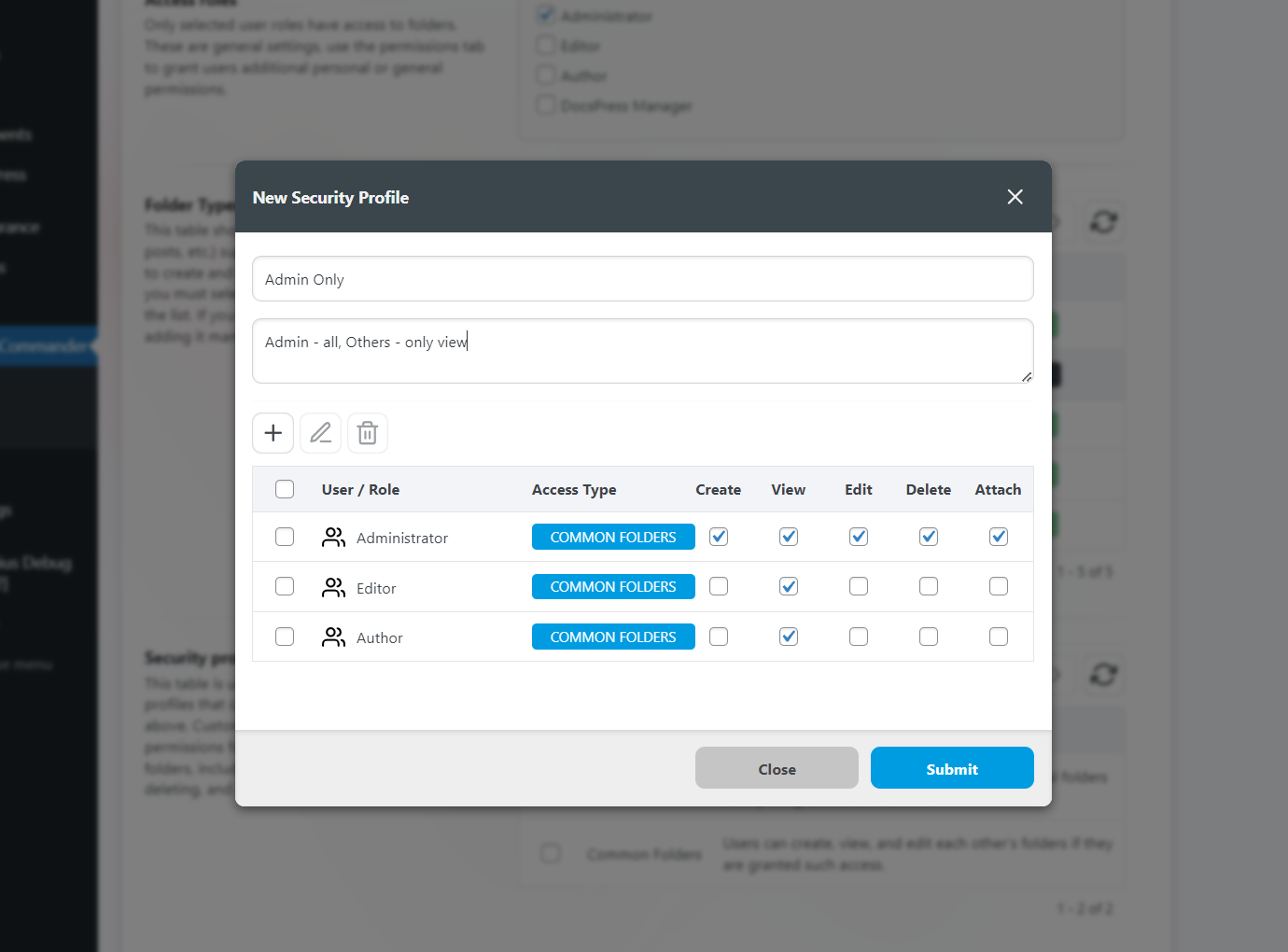
Permission profiles: admin edits, other users read-only