
WordPress makes you jump to Appearance Menus every time you want to add a page to your navigation. Search the list, tick the page, pick a menu, save — repeat for every page.
Menulo Add Page to Menu adds an Add to Menu link on each published page in Pages All Pages. One click adds the page to your site’s primary navigation menu.
Menulo is a product line from Simple WP Plugins — simple tools for common WordPress admin headaches.
Features
- One-click row action on the Pages list
- Adds the page to your primary / default menu
- Inserts the item at the end of the menu
- Helpful notice when no menu exists yet
- Works with any theme that uses the standard WordPress menu system
- Lightweight — scripts load only on the Pages list screen and page block editor
About the author
Made by Simple WP Plugins. Questions? Email support@simplewpplugins.com.
Screenshots
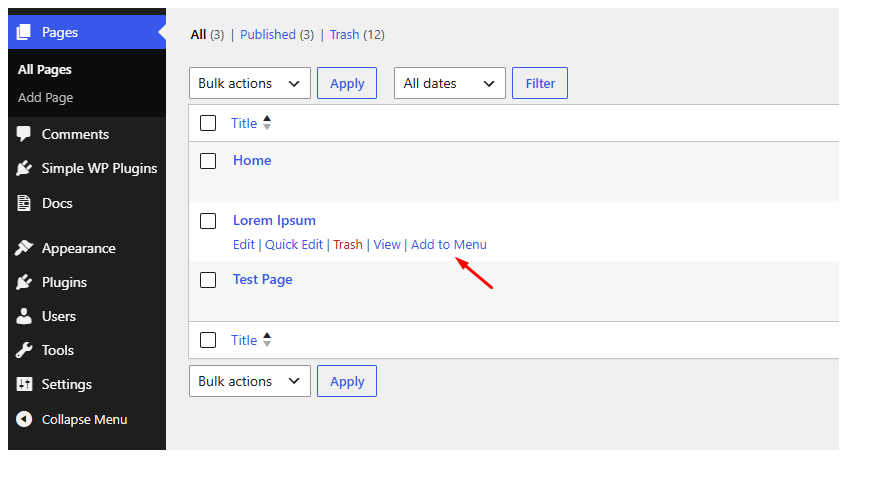
"Add to Menu" row action on the Pages list
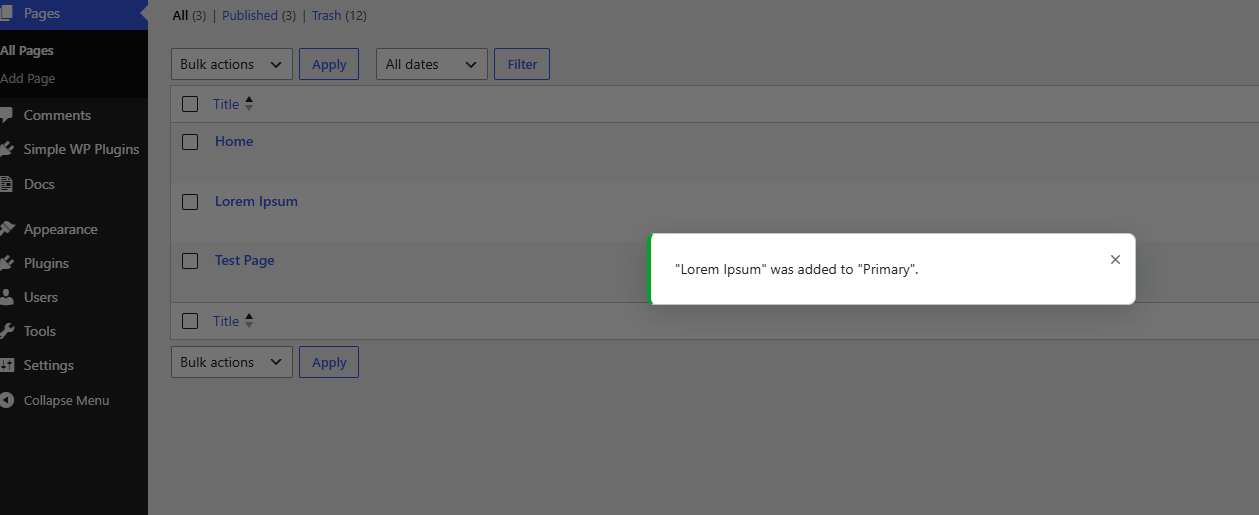
Success popup after a page is added to the menu
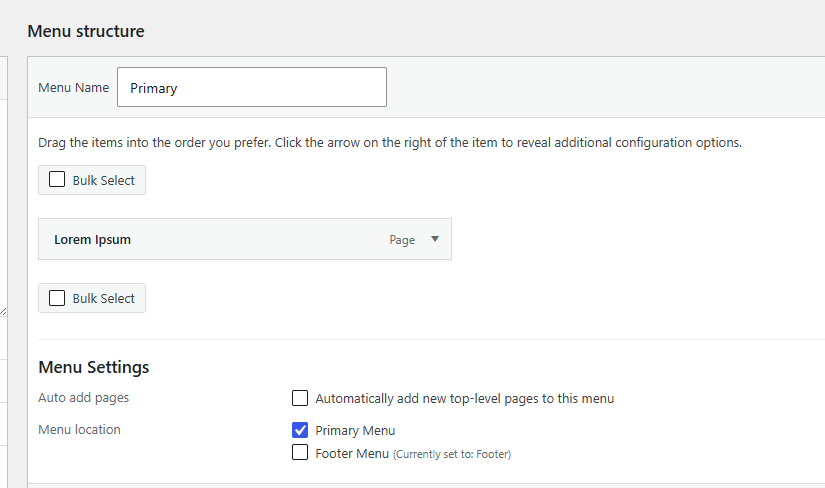
The page appears in your menu under Appearance → Menus
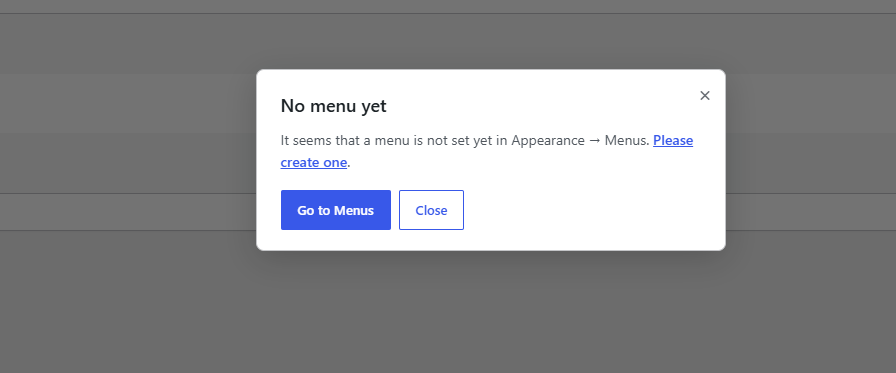
Helpful popup when no menu exists yet
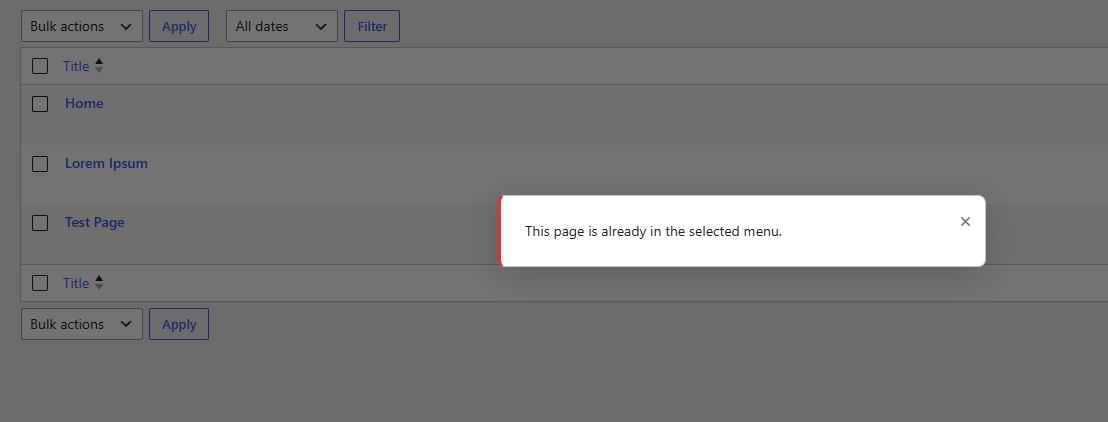
Notice when the page is already in the menu

Add Page To Menu panel in the block editor sidebar