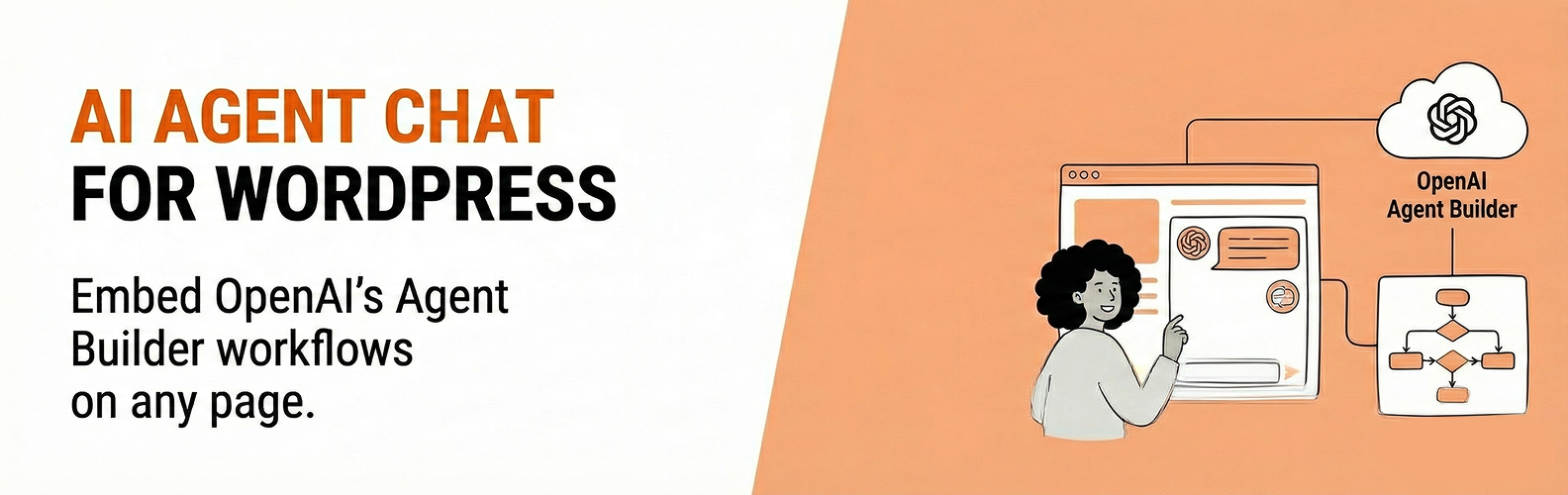
Embed AI chat widgets powered by OpenAI Agent Builder on your WordPress site. Connect to workflows you create in OpenAI’s Agent Builder platform, allowing you to add AI-powered chat assistants to any page.
Features:
- Gutenberg block for easy placement
- Shortcode support:
[migkapa_agent_chat] - Optional floating chat widget (site-wide)
- Customizable appearance (colors, size, position)
- Secure server-side API key handling
This plugin creates chat sessions server-side using your OpenAI API key and workflow ID, then returns a client_secret to the browser. Your OpenAI API key is never exposed to visitors.
Requirements
- An OpenAI account with API access
- An Agent Builder workflow (see setup instructions below)
- An OpenAI API key with Agent Builder permissions
- Your website domain added to OpenAI’s domain allowlist (see installation instructions)
External Services
This plugin connects to OpenAI’s servers to provide AI chat functionality.
OpenAI API (https://api.openai.com)
- Purpose: Creates chat sessions and processes chat messages
- Data sent: API key (server-side only), workflow ID, chat messages, session metadata
- Terms of Use
- Privacy Policy
OpenAI CDN (https://cdn.platform.openai.com)
- Purpose: Loads the chat web component script
- Data sent: Standard HTTP request headers
- Terms of Use
- Privacy Policy
You should disclose this external data transmission in your site’s privacy policy.
Shortcode
[migkapa_agent_chat height="600" width="320" workflow="wf_..." classname="my-class"]
workflowis optional; if omitted, the global Workflow ID from settings is used.
Screenshots
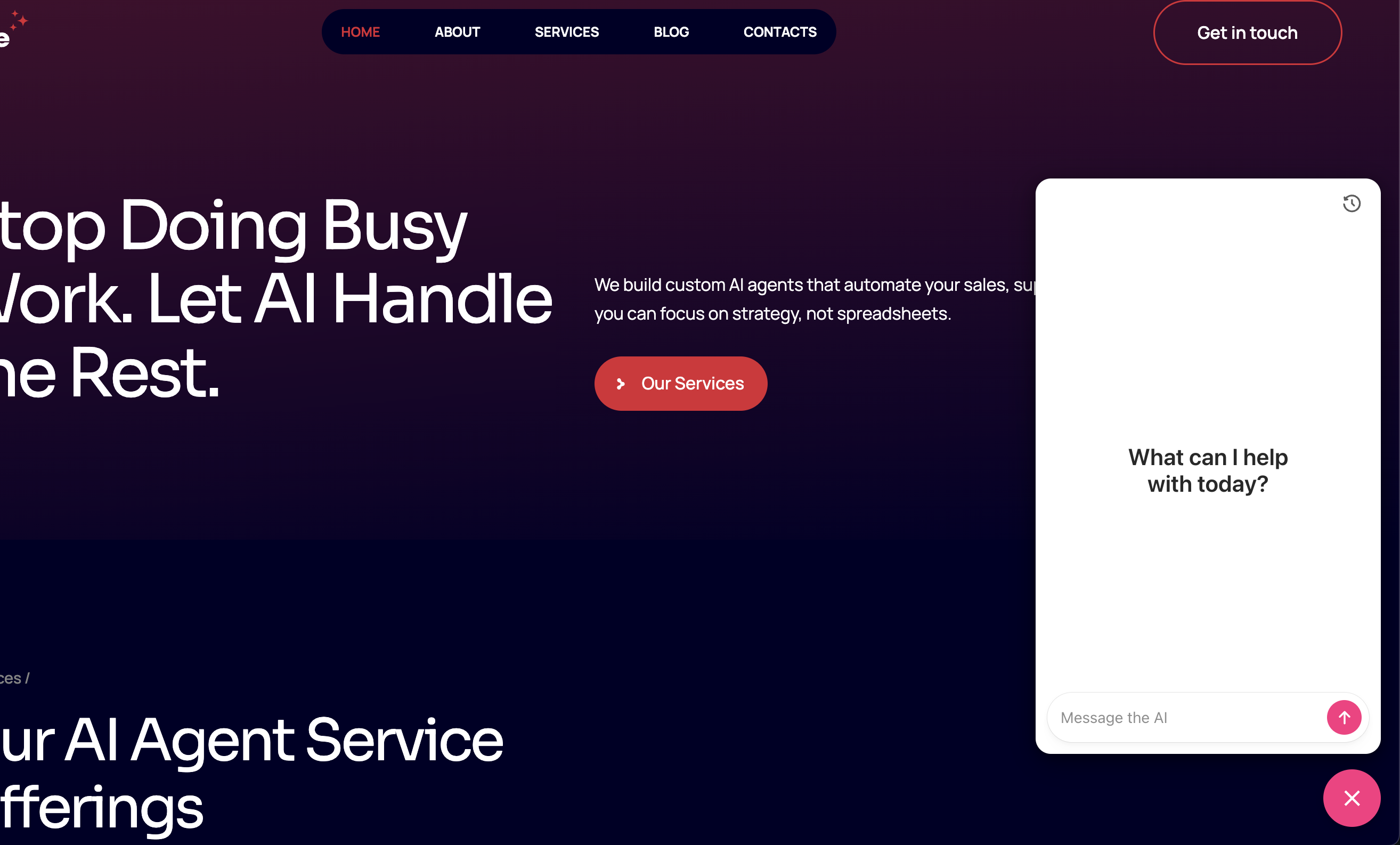
Floating chat widget on your website - clean, minimal design that doesn't distract from your content
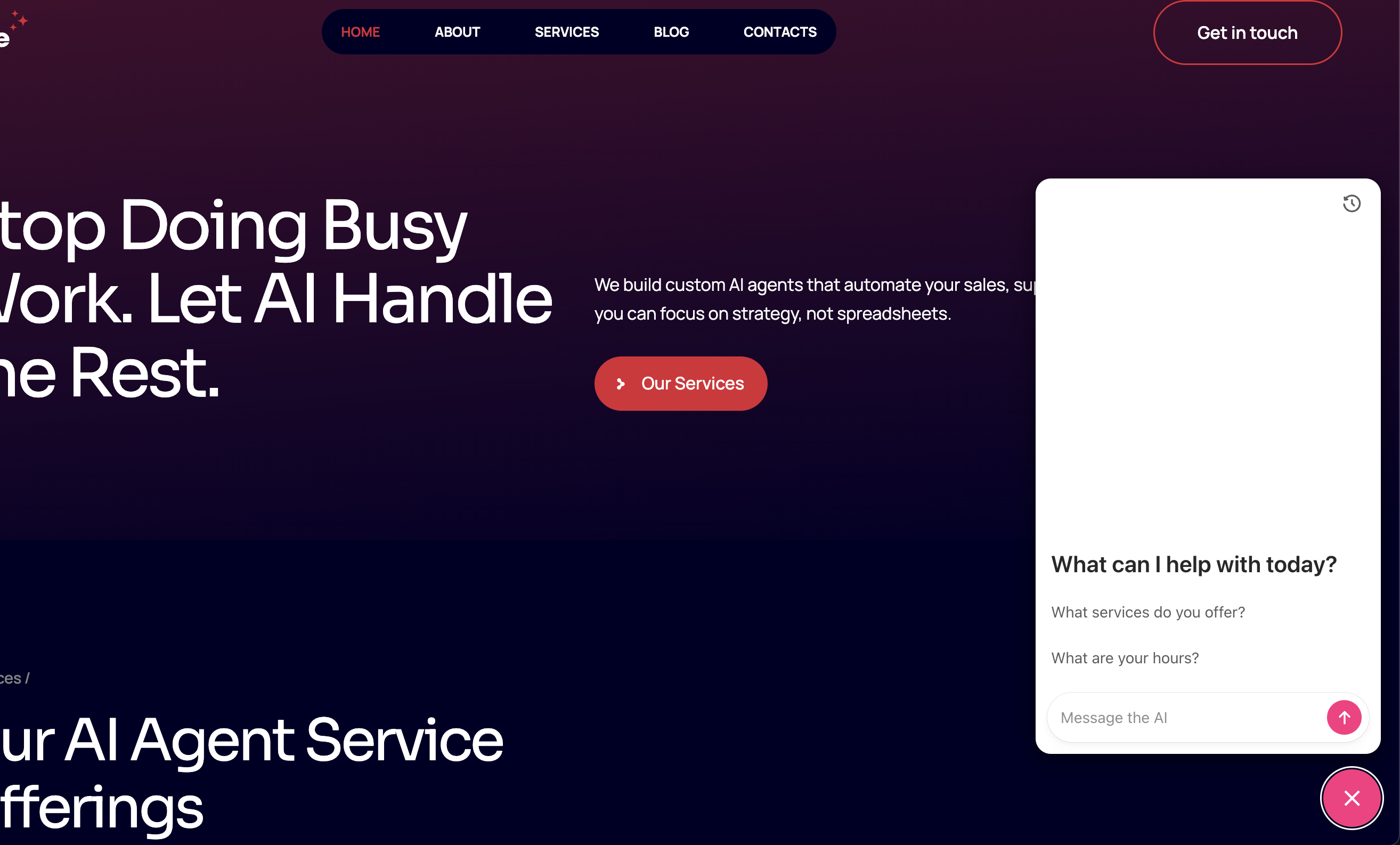
Starter prompts help visitors begin conversations with suggested questions
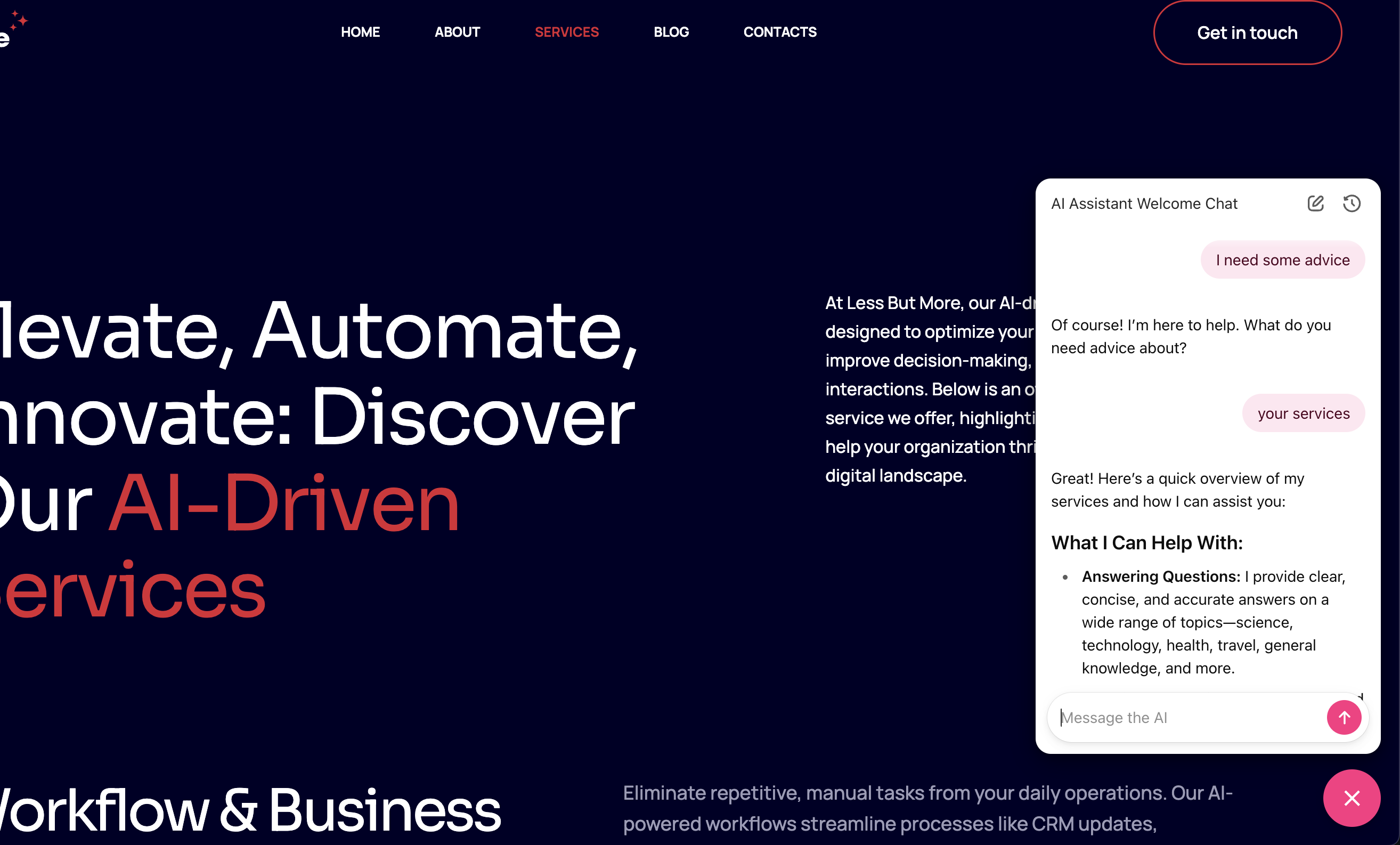
Active conversation with the AI assistant showing real-time responses
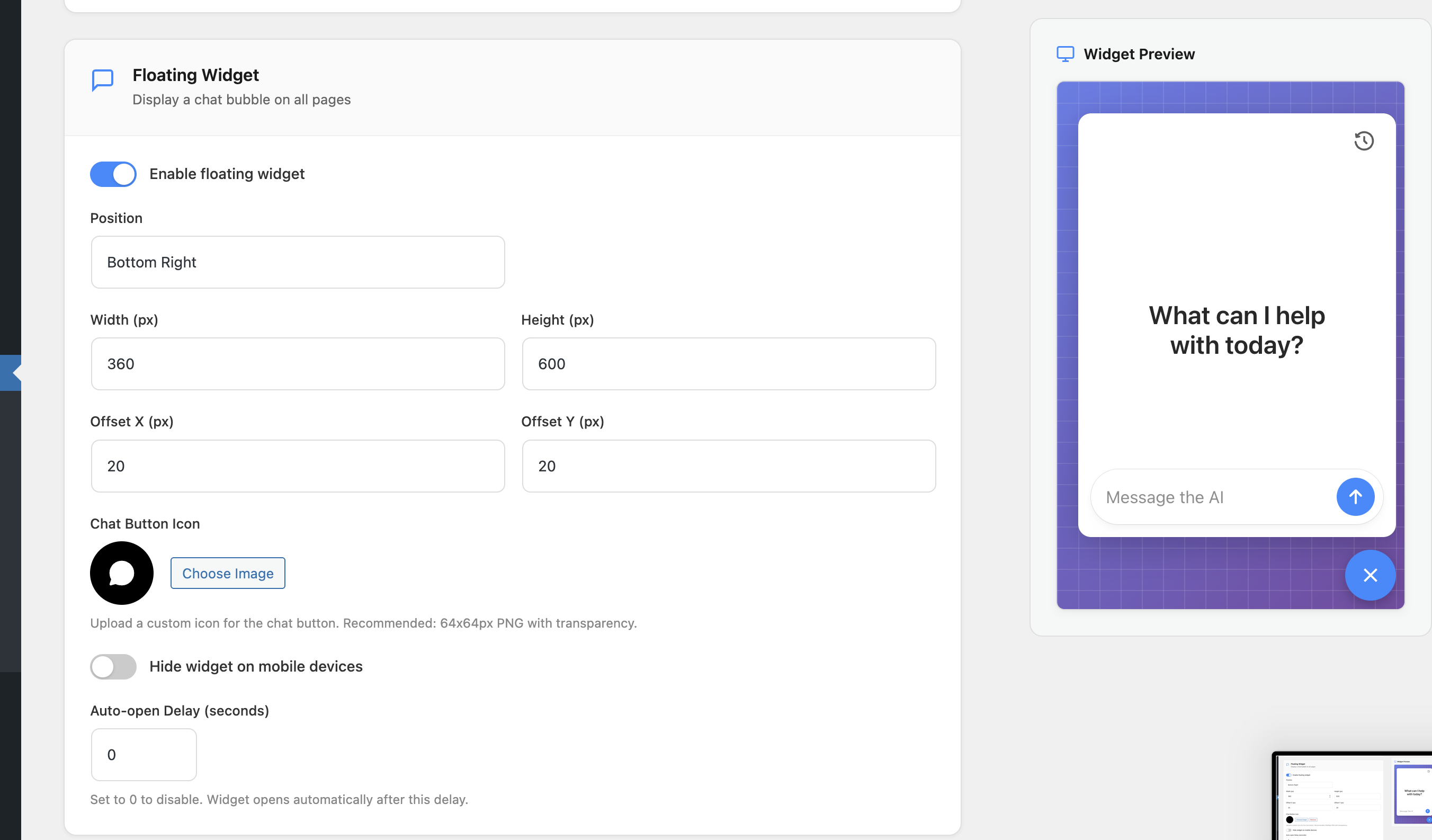
Admin settings - Configure floating widget position, size, custom icon, mobile visibility, and auto-open delay
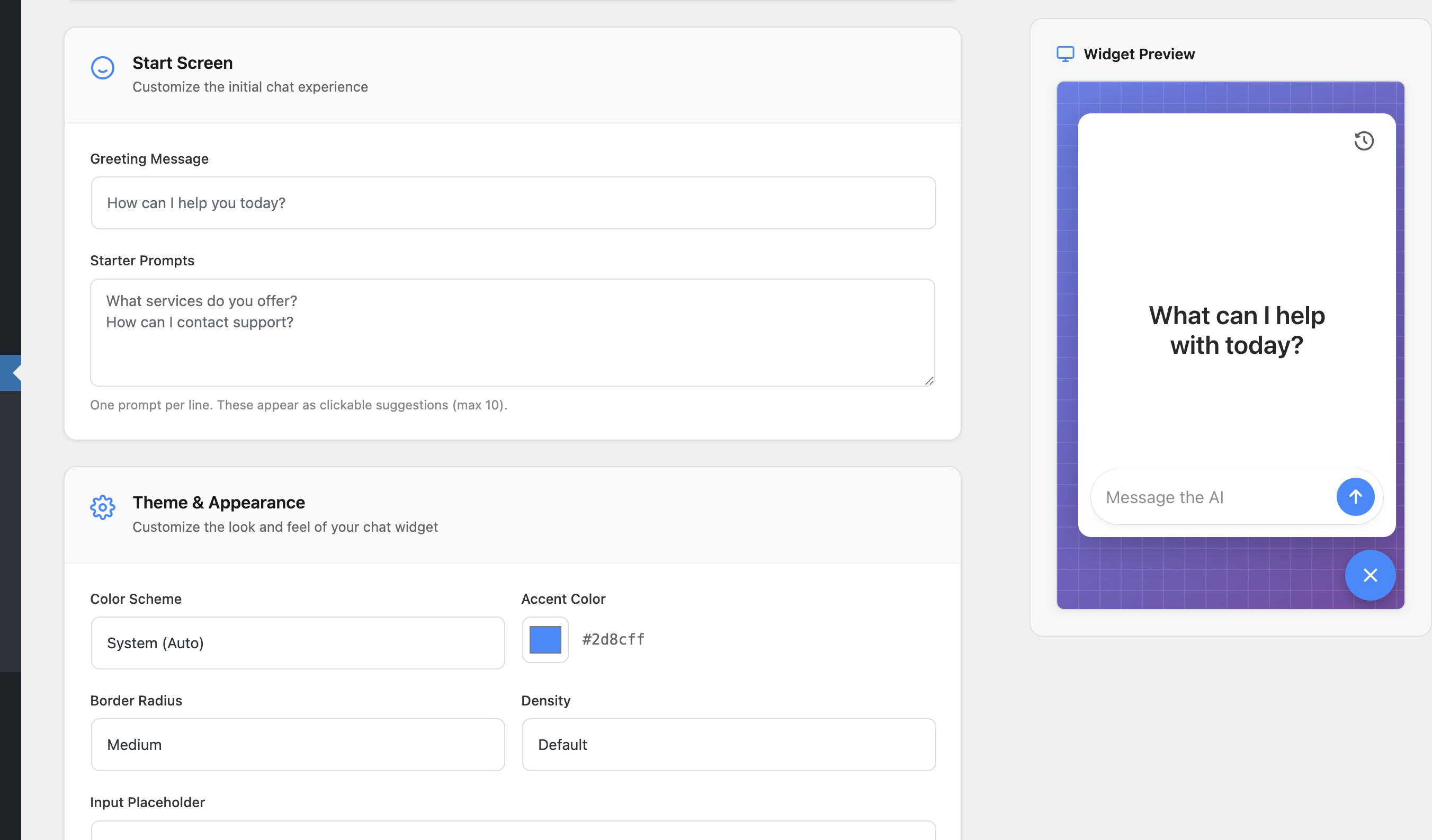
Admin settings - Customize the start screen greeting, prompts, and theme appearance
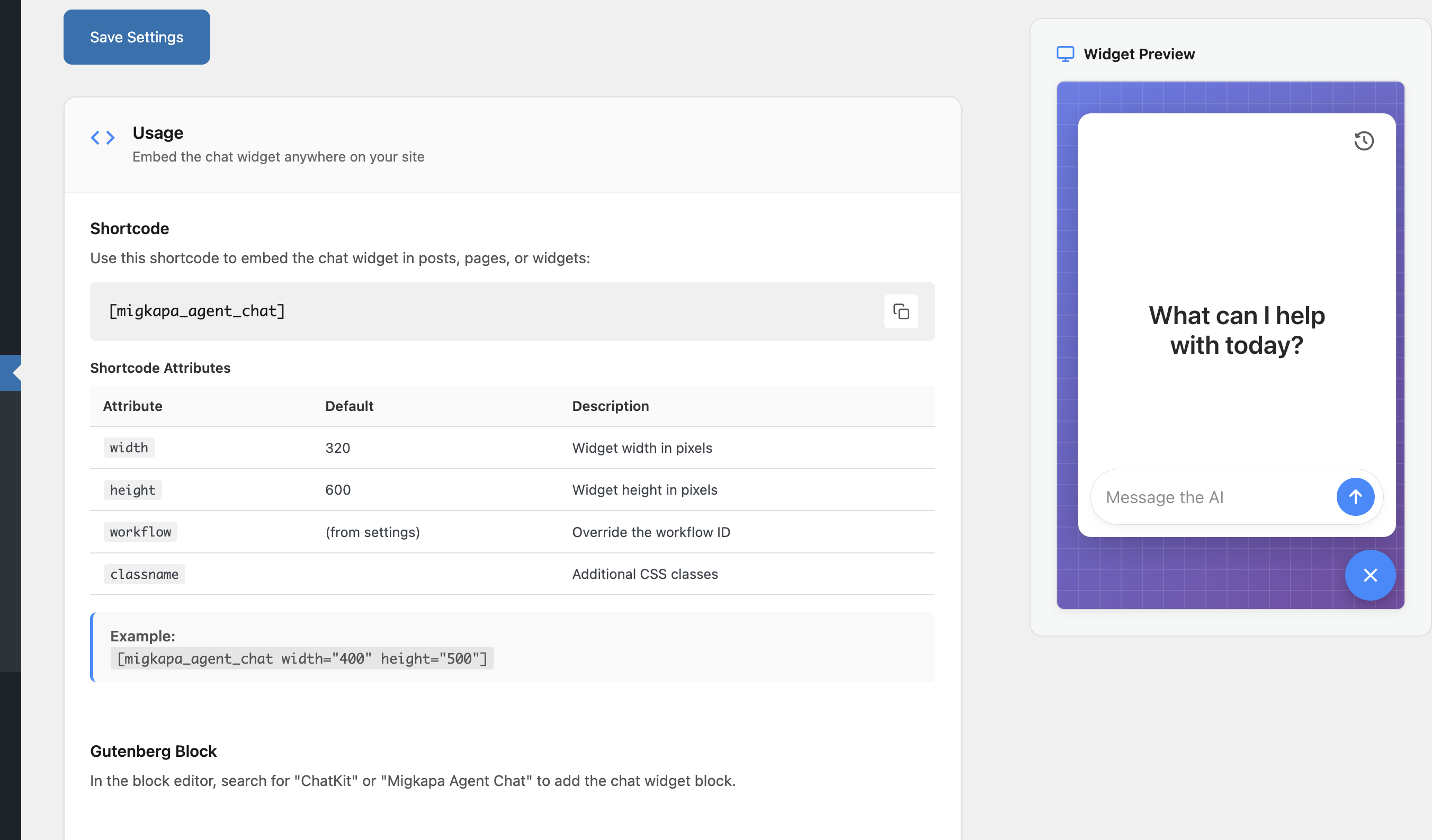
Admin settings - Usage documentation with shortcode examples and live widget preview