Cloud video playback and online courses on WordPress
Mine CloudVod helps you add cloud-hosted video to WordPress and build a video-powered learning website. Use supported cloud video services, add video players to your content, and extend your site with course and lesson features.
Choose the workflow that fits your site:
- Video playback: Add supported cloud videos or supported embedded video URLs to WordPress pages and posts.
- Online courses: Organize learning content into courses, chapters, and lessons using the LMS features available in Mine CloudVod.
- Extend as you grow: Add optional integrations and add-ons for workflows such as course progress, quizzes, checkout, course packages, and other site-specific needs.
Cloud video integrations
The plugin page currently lists integrations for services including:
* ApsaraVideo VoD
* Aliyun OSS
* Tencent Cloud VoD
* Tencent Cloud COS
* Dogecloud Vcloud
* Dogecloud OSS
* Qiniu Cloud Kodo
* Bunny.Net
* Cloudflare Stream
* Cloudflare R2
* Huawei Cloud
* Baidu Cloud
Availability and setup steps can vary by provider. Some workflows may require a compatible add-on, a provider account, API credentials, or a separately configured cloud service. Review the documentation for the provider you plan to use before configuring it.
Video player features
Depending on the player, provider, and configuration, available capabilities include:
- Video blocks and supported embedded video URLs
- Video cover images and playlists
- Captions and video markers
- Watermark or scrolling-text options where supported
- Remembering playback position and sticky-player options where supported
- Provider-specific playback encryption options where supported
Security note: No web player can guarantee that all video copying is impossible. Encryption, signed URLs, watermarks, and related options depend on the provider and your configuration; test the exact playback workflow before using it for paid content.
Course and learning features
Mine CloudVod exposes course-related blocks and has optional learning extensions. Depending on the features you enable, your site may include course lists, single-course pages, course chapters and lessons, student course lists, user-center links, quizzes, progress tracking, reviews, checkout integrations, and other learning workflows.
Get started
- In your WordPress dashboard, go to Plugins Add New Plugin and search for Mine CloudVod.
- Install and activate the plugin.
- Open the Mine CloudVod documentation and choose your path: video playback or course website.
- For cloud-hosted video, create or select a supported provider account and configure the required credentials and settings. Keep API secrets private and use the least-privilege permissions supported by your provider.
- Add a video block or create a course/lesson, then test playback on the front end.
- If you sell access to courses or videos, install and configure the required compatible payment/add-on workflow and test it with a non-production transaction first.
Documentation and demo
Support and feedback
Screenshots
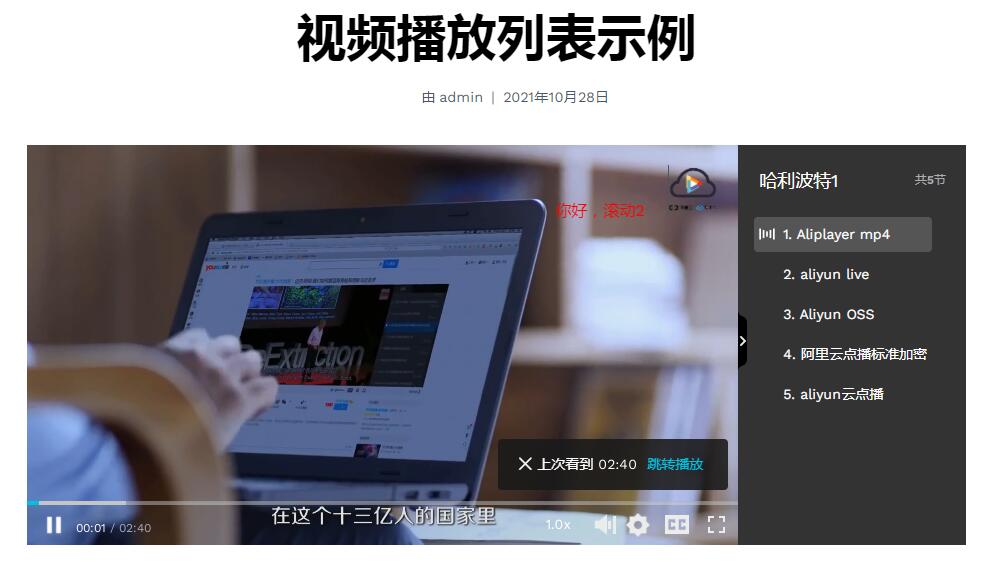
Video Playlist
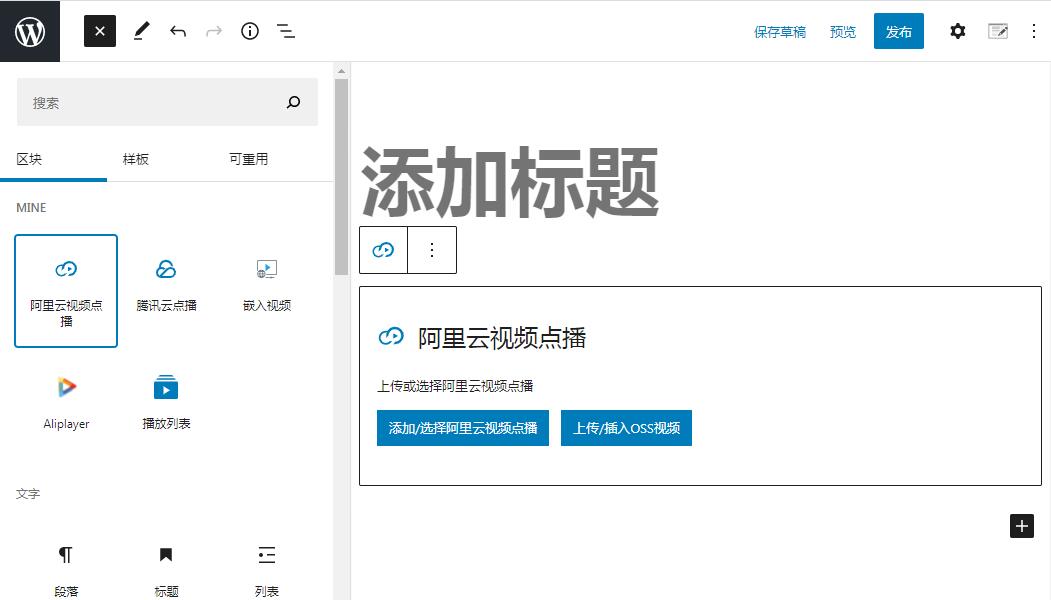
ApsaraVideo VoD Block
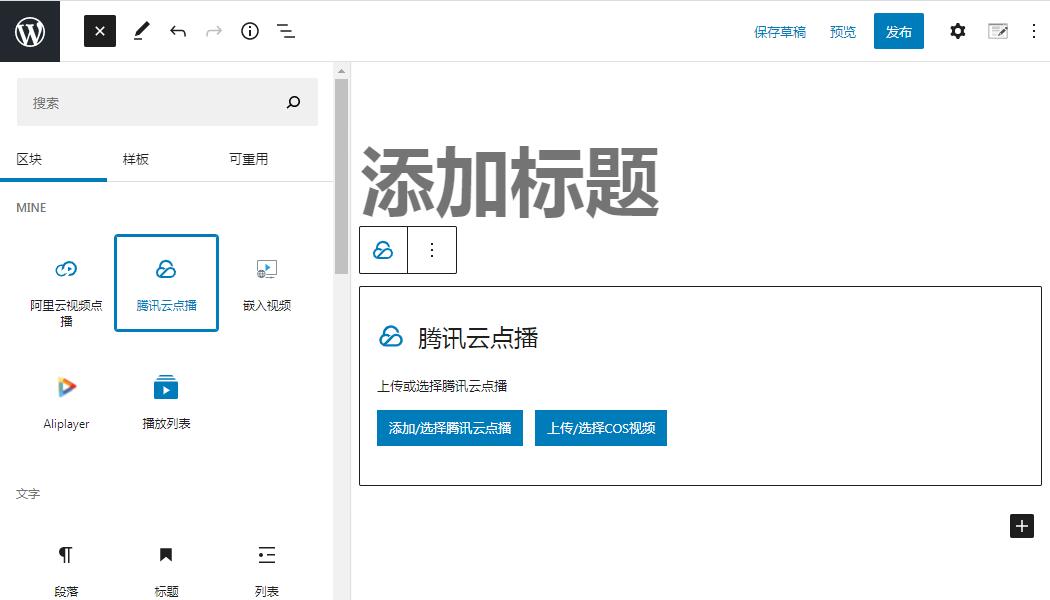
Tencent Cloud VoD Block
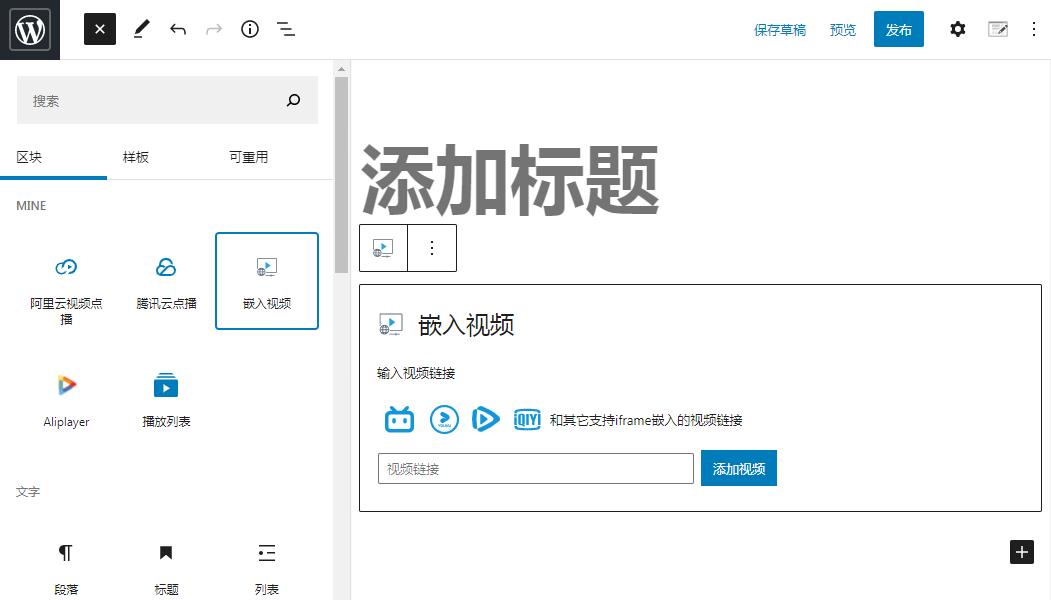
Embed Video Block
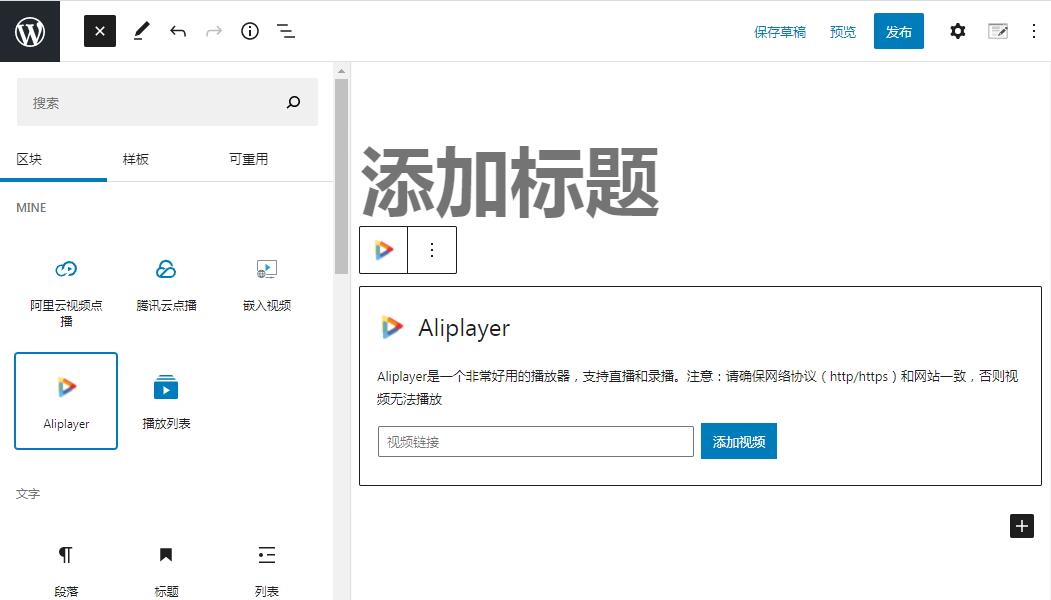
Aliplayer Block
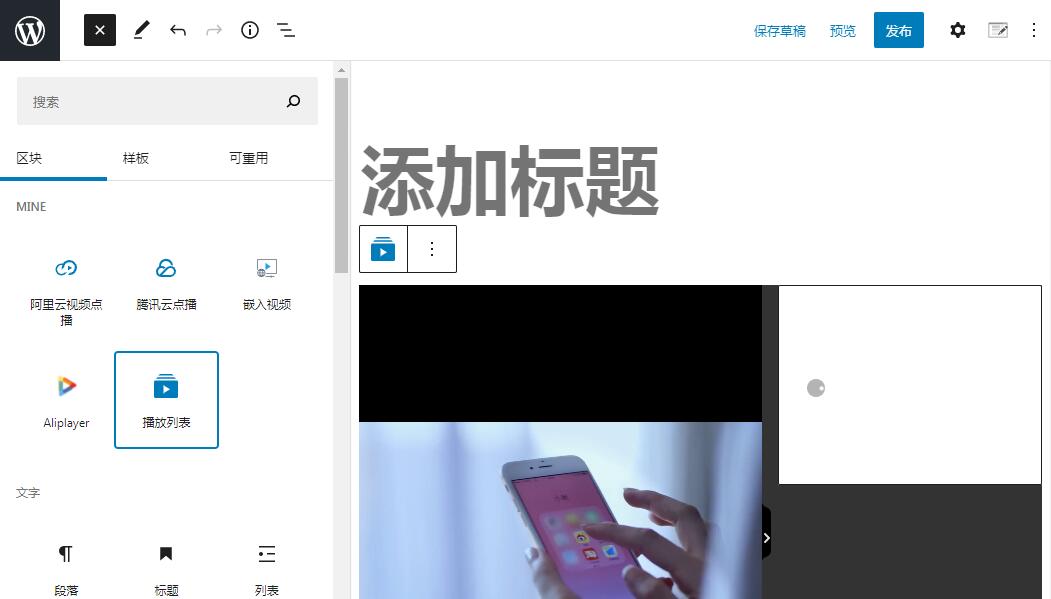
Video Playlist Block
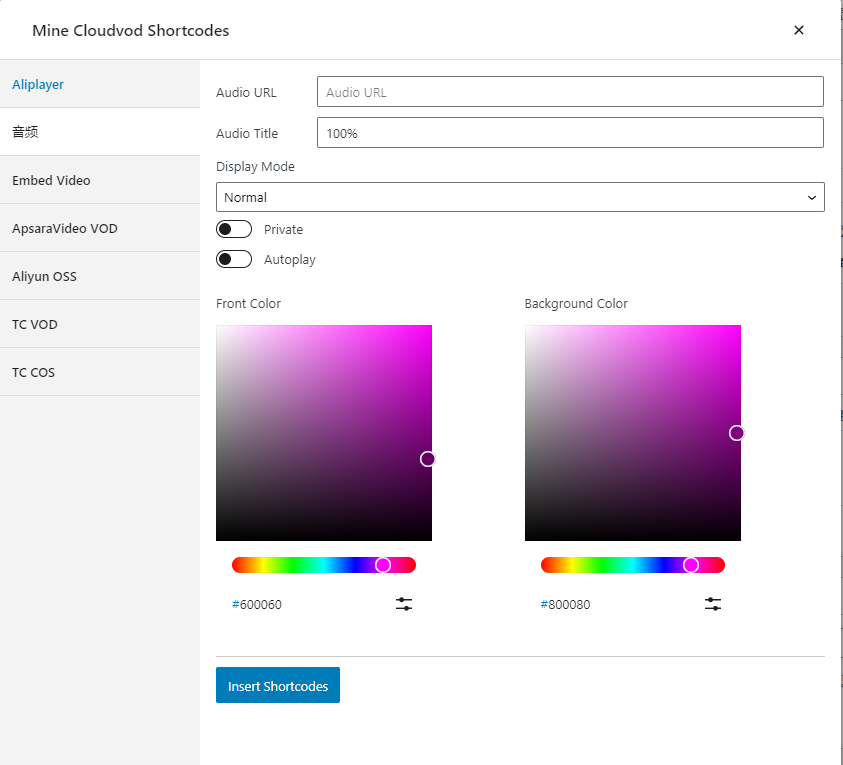
The Settings of Aliplayer
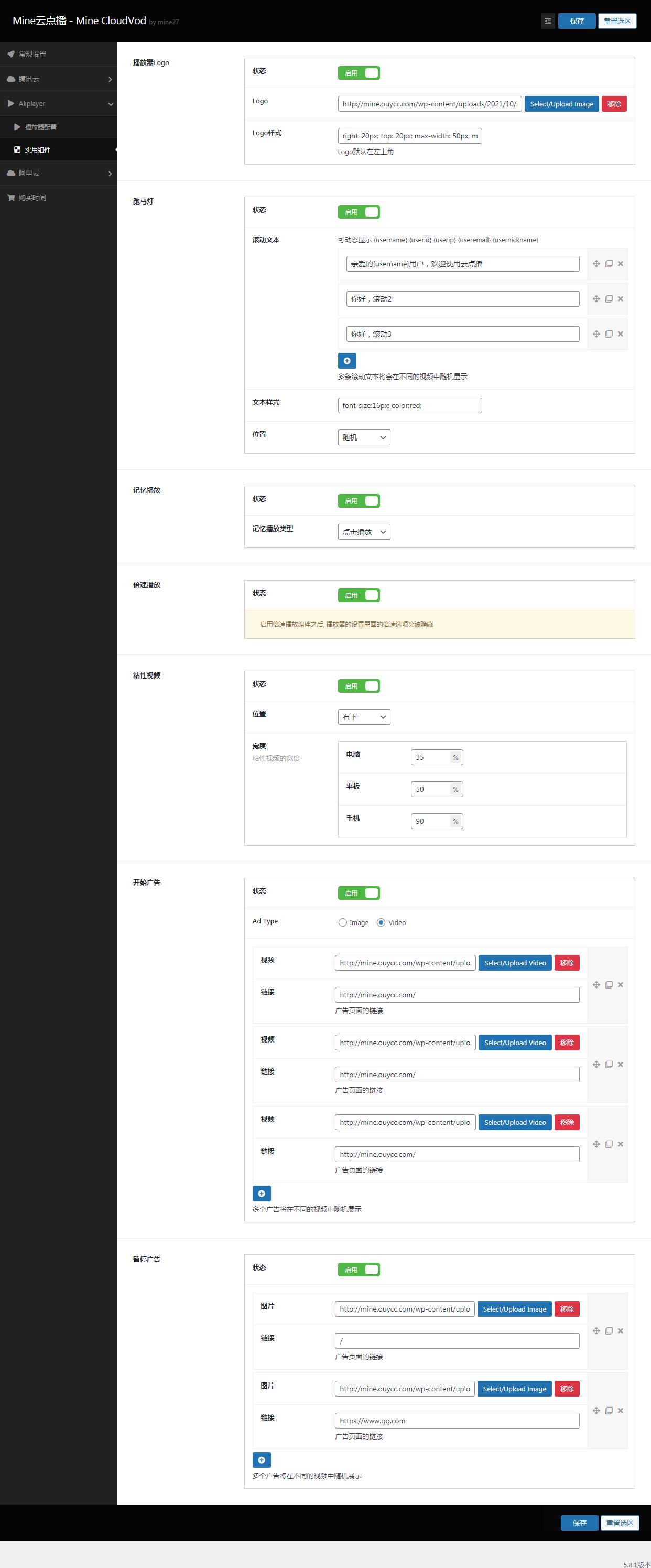
The Utility Components of Aliplayer