BACK TO DIRECTORY


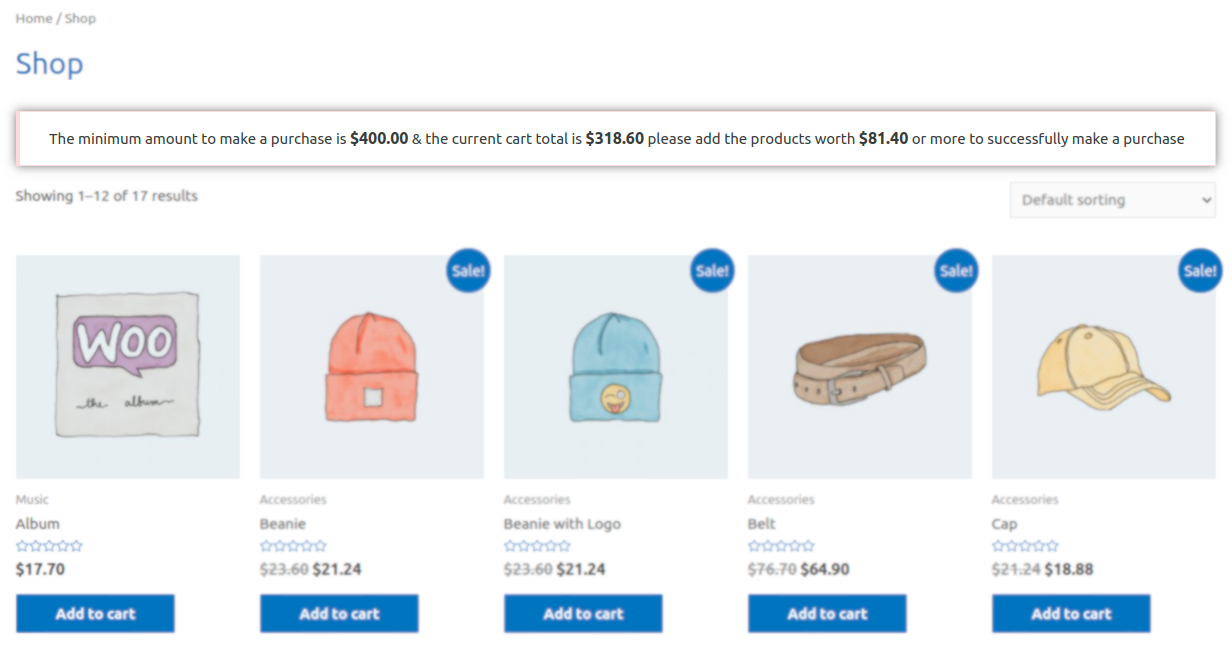
- This woocommecre extension will allow you to specify the minimum purchase value for WooCommerce.
- The extension will also allow to set the different minimum order amount for each user role.
- To show the cart message using the shortcode ‘ct_mpac_minimum_order_amount_message’, add the following shortcode on the page/post where you want to show this message.
> [ct_mpac_minimum_order_amount_message] - A newly added feature will allow you to offer the free shipping over the specified cart amount.
Check out how the plugin works:
Like, Share & Subscribe to the Channel.
Features of Minimum Purchase Amount For Woo Cart
- Restrict the purchase if the cart amount is lesser than the specified amount.
- Ability to set the minimum order amount by user roles.
- Enable/Disable the role based minimum order rules.
- Specify custom messages for the resctrictions on the cart page.
- Shortcode to show the cart message anywhere on the site.
- Translation ready.
- Highly customizable.
Workflow of Minimum Purchase Amount For Woo Cart
After the plugin installation, the admin needs to set the minimum purchase amount in the settings. Cart Settings > Minimum Cart Amount To Make a Purchase.
Screenshots
General Settings Page To Set Minimum Order Amount & Customize The Cart Message.
Setting To Set The Role Based Minimum order Amounts.
Cart/Checkout Page Warnings.
Showing Cart Message On a Shop Page.
Plugin Details
Active Installs
6K+Total Downloads
50,602Version
2.3.26Requires WP
4.4Requires PHP
7.4Tested Up To
7.1.4Added
2020-09-14Last Updated
2026-09-13 8:32am GMTRatings
5
8
4
0
3
0
2
1
1
0