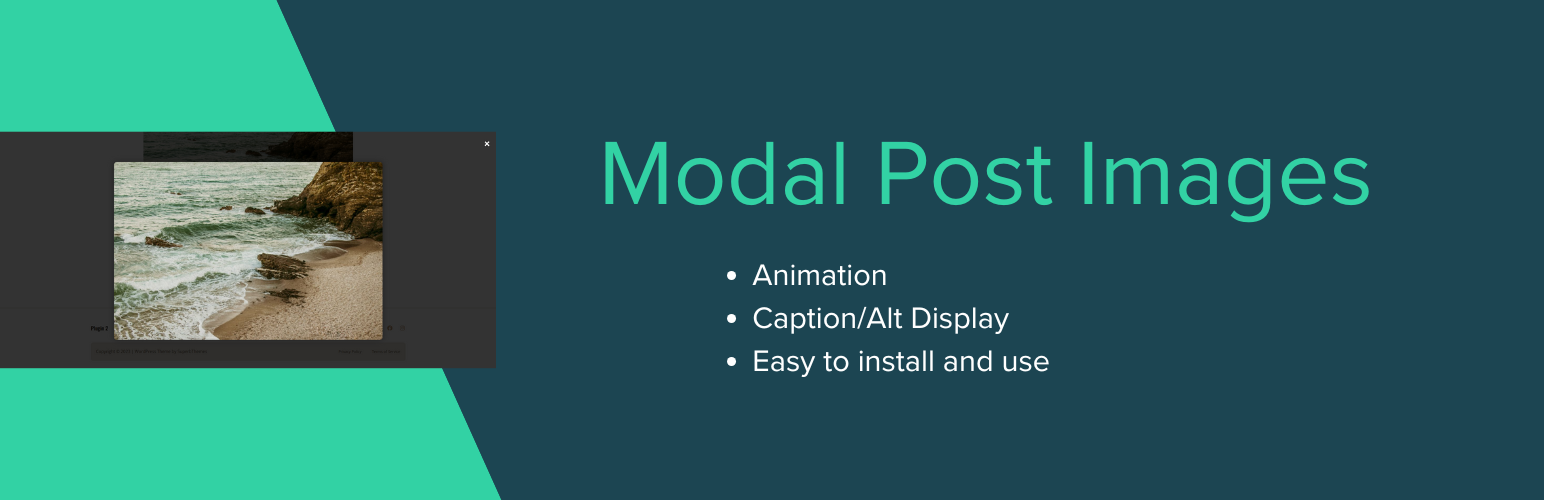
Modal Post Images instantly adds modern, mobile-friendly image popups (modals) to all images inside your WordPress post content.
When visitors click a post image, it smoothly enlarges in a centered modal view, showing the image and its ALT text (if available).
Perfect for blogs, magazines, and photography sites that want to enhance user experience with elegant, distraction-free image previews.
Features
– ✨ Automatically adds modal popup functionality to all post images
– 🖼️ Displays image alt text or caption inside the popup
– ⚙️ Includes admin settings to choose animation effects (Fade, Zoom, Slide, Flip, Blur)
– 📱 Fully responsive and mobile-friendly
– ⚡ Lightweight, no dependencies — just install and it works
– 🔒 Built with WordPress security and performance best practices
Usage
1. Install and activate the plugin from your WordPress dashboard.
2. Open any post — click an image and watch it open beautifully in a modal popup!
3. Customize animations or toggle captions under Settings Modal Image Settings.
Pro Tip:
For best results, insert post images in Full Size to ensure sharpness in the modal view.
Screenshots

Example of image popup modal

Settings page with animation options