BACK TO DIRECTORY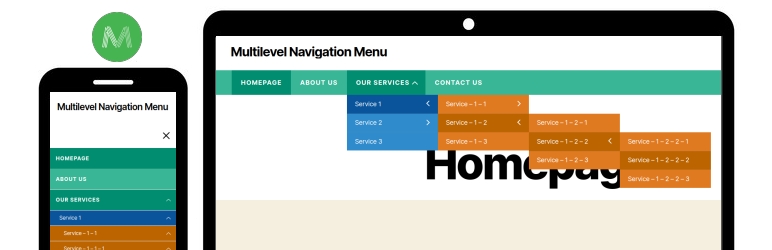


Multilevel Navigation Menu plugin ability to add a full-screen navigation menu to our website. An easy way to use the plugin on our website.
You can use the [multilevel_navigation_menu] shortcode in your header file and after that, the menu will be shown automatically on the front side.
Make sure you have hide your default navigation menu before adding a shortcode. From CSS, javascript or any other way.
Awesome features
- Display the menu with full-width or container width
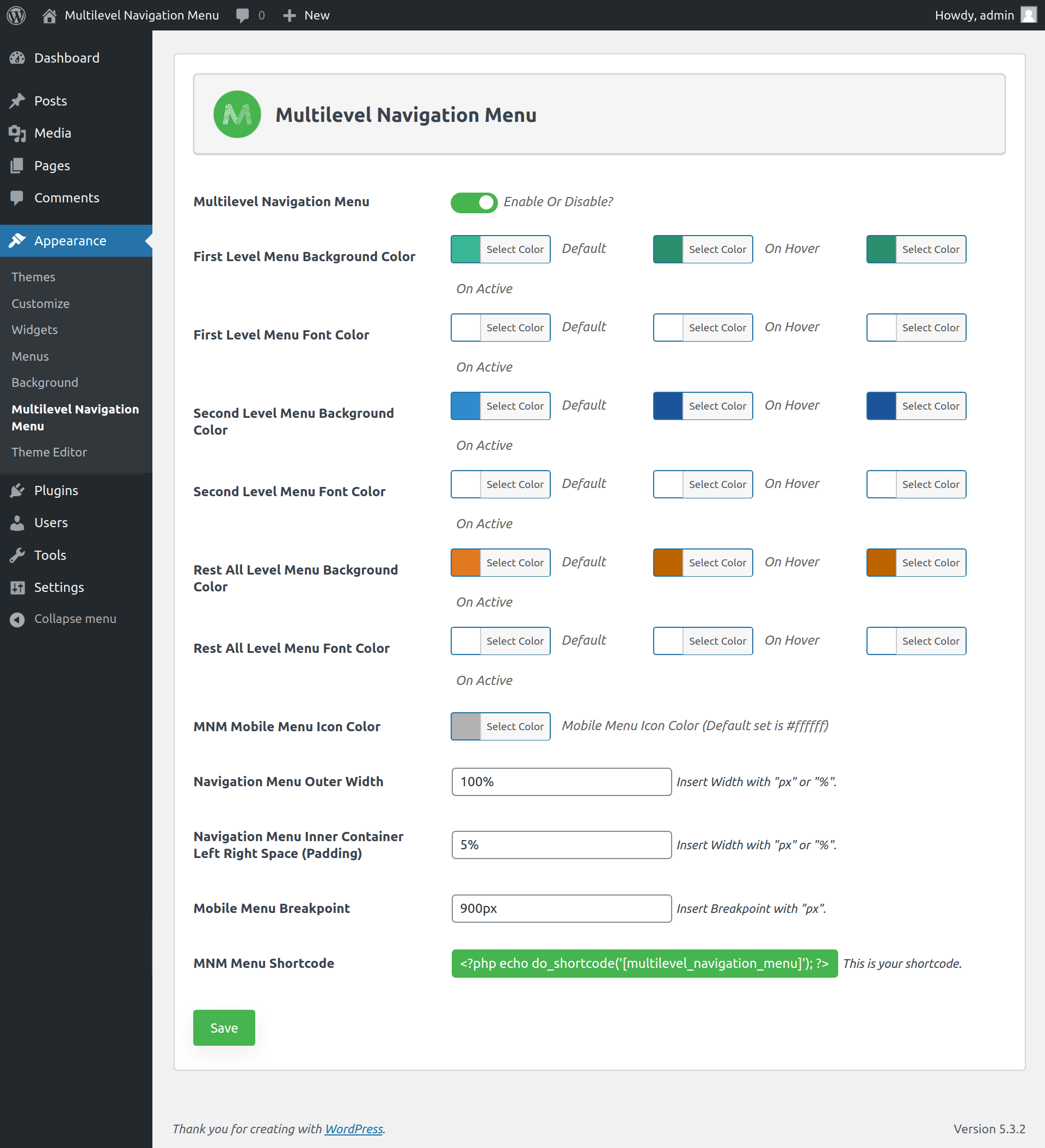
- Set menu outer width as well as inner container left and right spacing of the menu
- Display the multi-level menu (Level 1, 2, 3, 4, 5)
- Set menu background and font color based on the menu level
- Set the responsive breakpoint of menu
Shortcodes
- [multilevel_navigation_menu] – Show the navigation menu in the header(front side).
Screenshots
Multilevel Navigation Menu
Setting page
Assign menu on theme location
Plugin Details
Active Installs
400Total Downloads
11,818Version
2.0.2Requires WP
6.3Requires PHP
7.4Tested Up To
6.6.10Added
2020-03-24Last Updated
2025-01-06 10:58am GMTRatings
5
3
4
0
3
0
2
0
1
0