Just tag parts of your text to be in different languages, and a flag will appear next to the text and allows users to switch between them.
No other elements of the blog will be translated.
Use [:gb] to specify that the following text part is english, or use any other two char language code.
To use one text block in multiple languages use e.g. [:gb,de], which is handy for parts like images.
Write [:*] to use the block in all (within the text already known) languages.
You can without any problem mix many of those tags. e.g. [:gb]english-intro[:de]german-intro[:*]common image[...].
Optionally also the title of a text can be multilingual, but requires theme modification.
The flags can be placed:
- next to the text. This is the default and do work out of the box.
- next to the title. This requires a template change.
- an other place. If you would like to place e.g. the flags in a widget (which is included).
Thanks
Thanks to:
- zorun for the flags
- Tamas, Anton for beta testing
Contributing
You may overwork the readme and also the other texts… that would be great.
If you have ideas/bugs please contact me.
Code
The package also contains an version for PHP5.3+. The file is functional identical to the other one (which only requires PHP 5.2) but makes usage of a nice new feature and is easier to read/write.
When WordPress requires PHP5.3+ (sometime in the future) that file will be used.
Flags
The flags are from http://www.free-country-flags.com/ and under CC-BY-SA License (http://creativecommons.org/licenses/by-sa/3.0/).
Screenshots
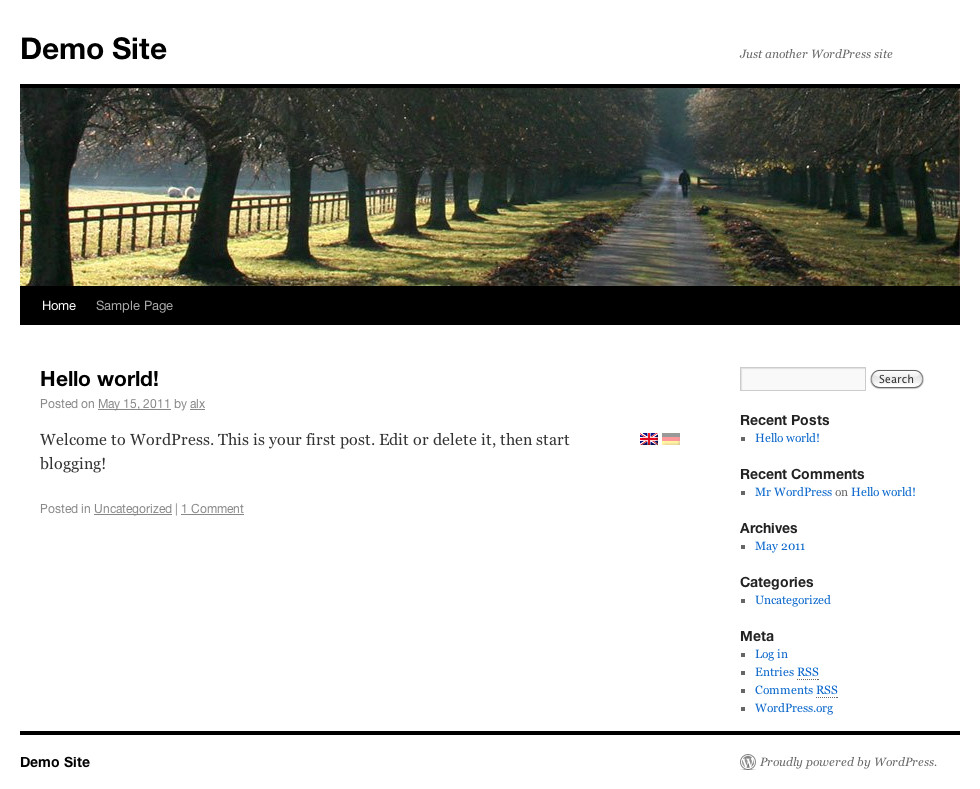
How a blog looks like

How you write a text