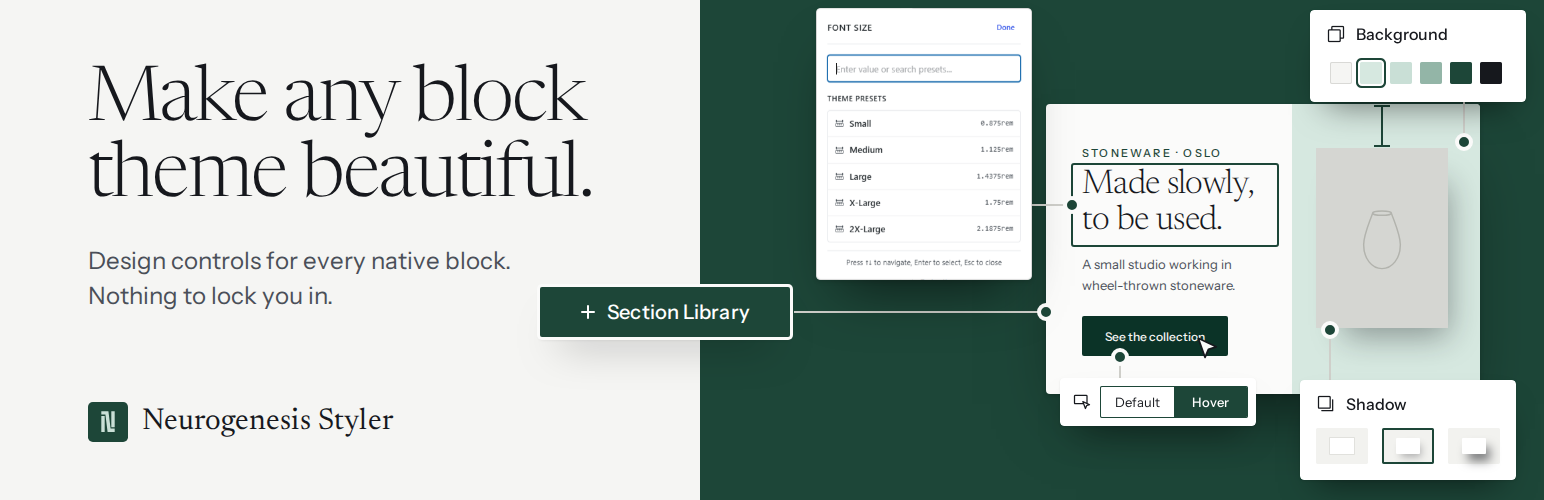
Neurogenesis Styler adds the design controls the Block Editor is missing – without replacing your blocks, adding bloat, or locking you into a proprietary system. Install it, style your blocks visually, and keep your existing content exactly as it is.
Every control is visual. No CSS knowledge required. Patterns and blocks that already have WordPress color, typography, spacing, or border styles can be converted into Neurogenesis from the Styler ⋮ menu.
Free companion themes
Pair the Styler with a block theme that already speaks its language — colors, type, spacing, and patterns that snap into Neurogenesis controls. No page builder. No lock-in.
- Thinko — the companion theme for Neurogenesis Styler. A full site editing theme for LMS and online course sites, built entirely with native Gutenberg blocks and custom-made patterns, with bold dark-green and coral accents. Get it free: https://wordpress.org/themes/thinko/
- A new companion theme is on the way — another free starter in the same native-block family. More themes coming soon.
Install Thinko, open the editor, and start styling. A professional site in hours, not weeks.
Responsive Styles – Desktop, Tablet, and Mobile
Set different values for every styling property at each breakpoint. Typography, spacing, sizing, visibility, and text alignment all respond independently per device. Controls also support theme.json variables – pick from your theme’s declared color, spacing, and typography values directly inside the panel, keeping your design system consistent.
Typography
Font family, weight, size, line height, letter spacing, and text shadow – all responsive. Font sizes support fluid scaling using CSS clamp(), so your typography transitions smoothly across screen sizes without jumping between fixed values.
Backgrounds
Colors, gradients, and images – with Background Clip control for creative text and element effects. Multi-layer backgrounds let you stack colors, gradients, and images for richer visual depth.
Borders
Width, style, and color – set globally or per side independently. Border radius with full corner control.
Spacing
Margin and padding per side, per breakpoint. Supports theme.json spacing scale values for consistency with your theme.
Block Sizing
Width, height, minimum and maximum dimensions – all responsive. Keep elements at the right size on every screen without writing a single media query.
Visual Effects
Box shadow, text shadow, opacity, z-index, and transitions – all with visual controls. Hover states available for colors, backgrounds, borders, and shadows, letting you build micro-interactions directly in the editor.
Transforms and Positioning
Rotate, scale, skew, and translate with visual sliders. CSS positioning – relative, absolute, and sticky – with offset controls. No need to touch Additional CSS.
Custom Element Selectors
Style specific elements inside a block – not just the block wrapper itself. Define a CSS path to target repeating sub-elements like images inside a gallery, text inside columns, or links inside a card. Useful anywhere the block’s own controls don’t reach.
Neurogenesis Tab
A dedicated Neurogenesis tab in the block editor groups your advanced design controls in one place. Jump in from the inspector with the “Style with Neurogenesis” shortcut, or open styling from the block toolbar.
Full Site Editing
Works inside the Site Editor. Style template parts, global patterns, and page templates with the same controls available in the post editor.
No New Blocks. No Lock-in.
Neurogenesis Styler extends the native Gutenberg blocks you already use. It does not register new block types – there is no custom Section block – and it does not replace core ones.
The inserter Section item is a Group variation: a full-width Group using the section HTML tag, plus a layout overlay. Real Sections insert starter copy and media using the same WordPress blocks as a hand-built page. Old Column Splits insert empty Columns you fill yourself. Saved markup is always core blocks:
- Group
- Columns
- Cover (including a video background hero)
- Heading and Paragraph
- Image
- Buttons
- Separator
Deactivate the plugin and the content does not break. Posts and templates still open. Those native blocks keep editing and rendering – headings, images, columns, buttons, and Cover video included. Neurogenesis visual styles (colors, type, spacing, shape dividers) simply stop painting. You will not see missing-block placeholders or leftover custom markup.
Source Code
This plugin uses JavaScript and SCSS, which are compiled into the production-ready files in the /assets/dist/ directory.
The original, human-readable source code is included in the /assets/js directory.
The build configuration for this plugin is included in package.json.txt. Rename it to package.json before npm install. Developers can review, modify, or extend the code from there.
Build Instructions
- Make sure you have Node.js and npm installed.
-
From the plugin root, install dependencies:
npm install
-
To build the production assets:
npm run build
-
For development with automatic rebuilds on file changes:
npm run start
Screenshots
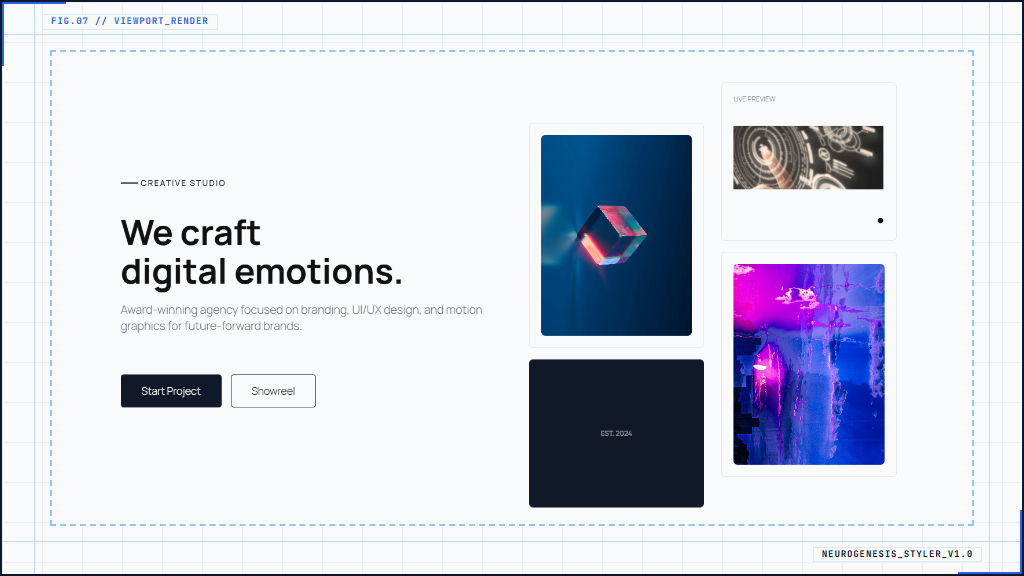
Typography controls in the block sidebar - customize fonts, sizes, line height, spacing, and text shadows.
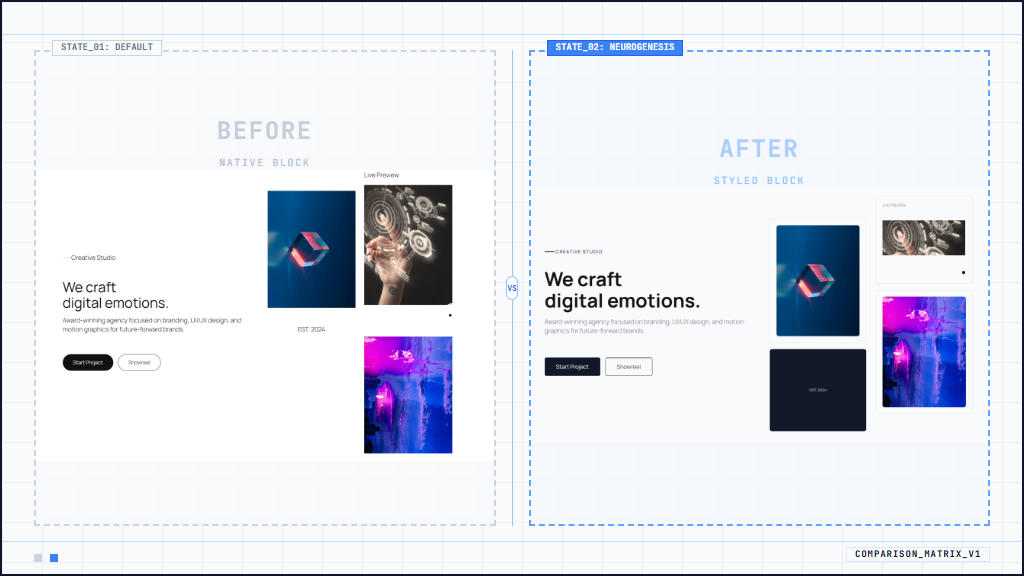
Background settings - apply gradients, images, or layered effects directly to any block or group.
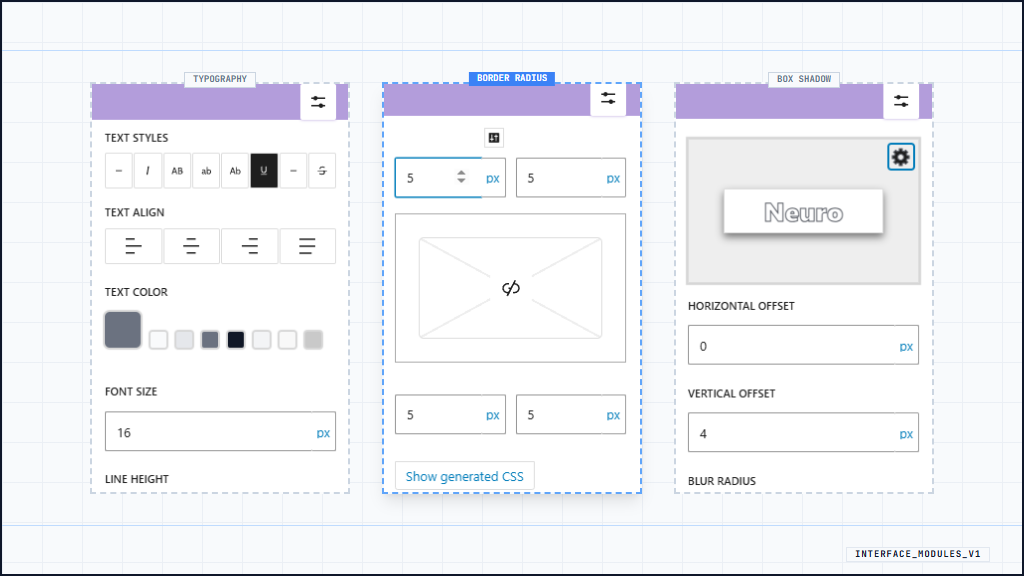
Border and spacing tools - fine-tune widths, styles, radii, margins, and padding with precision.
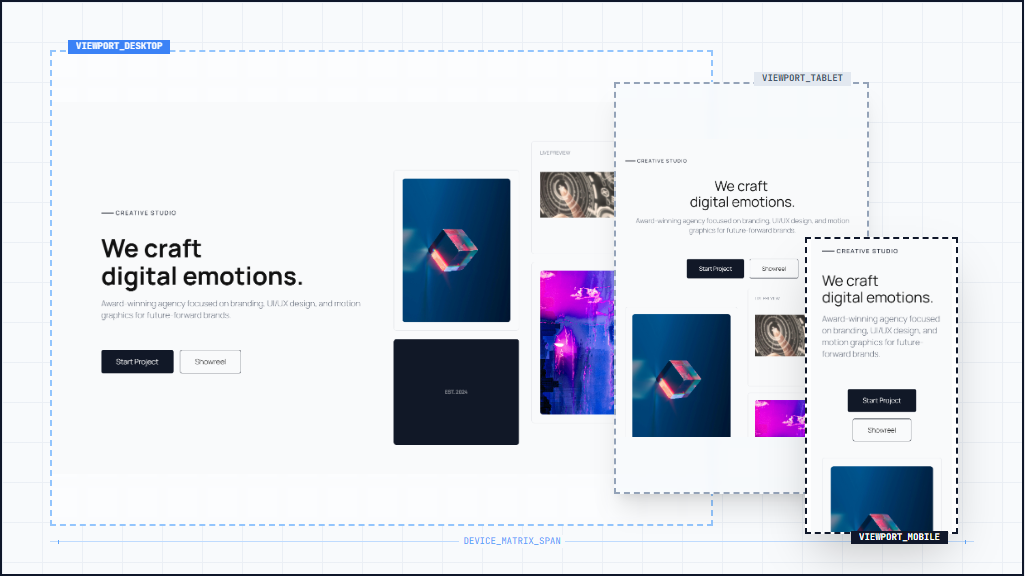
Responsive controls - style blocks differently for desktop, tablet, and mobile views.