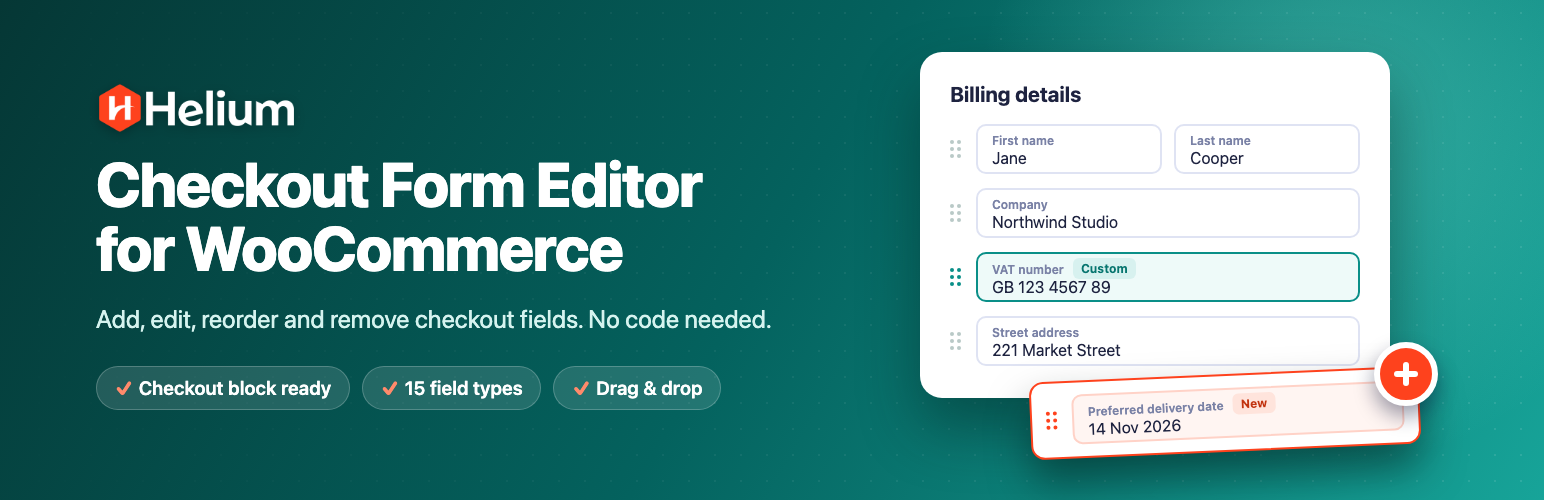
Helium Checkout Form Editor is a free WooCommerce checkout field editor. It lets you add custom checkout fields, edit or hide the default billing and shipping fields, and drag fields into the order you want. You don’t need to write code.
It works with the WooCommerce Checkout block, the default checkout in new WooCommerce stores, as well as the classic shortcode checkout. Many checkout field editors still only support the classic checkout.
Use it to collect what your store needs at checkout, such as a VAT or tax number, a delivery date, a gift message, a company PO number or a “How did you hear about us?” question. You can also remove the fields you don’t need, so checkout is quicker for your customers.
Why store owners choose Helium Checkout Form Editor
- Works with the Checkout block and the classic checkout. Your custom fields, field order and field widths apply on both.
- Built like WordPress itself. The screens use standard WordPress list tables, tabs and settings pages, and follow your admin color scheme.
- Fast and lightweight. Settings load with the page, and the checkout only loads a small stylesheet.
- Translation-ready. Field labels, placeholders and options can be translated with WPML or Polylang.
Edit WooCommerce checkout fields
- Edit the default billing fields, shipping fields and additional fields (order notes).
- Change a field’s label, placeholder, description, default value and autocomplete attribute.
- Make a field required or optional.
- Disable checkout fields you don’t need, such as Company or Address line 2.
- Drag and drop to reorder checkout fields, including WooCommerce’s own fields.
- Set each field to half width or full width.
- Add your own CSS classes to any field.
- Enable, disable or delete several fields at once, and search your fields.
- Reset a section to WooCommerce’s default fields at any time.
Add custom checkout fields
Add as many custom fields as you need, with 15 field types:
- Text, Textarea, Number, Email, Telephone and URL
- Date
- Select (dropdown), Multi-select and Radio buttons
- Checkbox and Checkbox group
- Hidden field, for passing a fixed value with the order
- Heading and Paragraph, for adding titles and notes to your checkout form
Checkout field validation
- Built-in validation for email, phone, postcode, state, number and URL fields.
- Write your own error messages for each validation rule.
- Required fields are checked on the server, so they can’t be skipped.
Show custom field values where you need them
For each field, choose where its value is shown:
- In order emails, to the admin, the customer, or both
- On the order received (thank you) page and the customer’s order details
- In the billing address or shipping address
- On the admin order screen, so your team sees every value with the order
WooCommerce Checkout block support
Custom fields are added through WooCommerce’s own checkout fields API, so they look and behave like the rest of the Checkout block.
- Billing and shipping fields appear in the address form, and additional fields in the order information section.
- Your field order and half/full widths apply, and fields still stack nicely on mobile.
- Values are saved with the order and shown in emails and on order pages, the same as on the classic checkout.
The Checkout block supports fewer field types than the classic checkout. Text, Number, Email, Telephone, URL, Date, Select, Radio and Checkbox fields work on both checkouts, and Textarea shows as a single-line field on the block. Multi-select, Checkbox group, Hidden, Heading and Paragraph fields work on the classic checkout only.
Translate your checkout fields
Every label, placeholder, description and option you type is registered with WPML String Translation or Polylang. You can then translate your checkout fields for each language your store supports.
Settings
- Turn the checkout field editor on or off without deactivating the plugin.
- Choose the default width, required status and display options for new fields.
- Keep the values of disabled address fields, so tax and shipping still work.
- Rename the custom fields section on order pages.
- Choose whether to delete all plugin data when you uninstall.
Screenshots
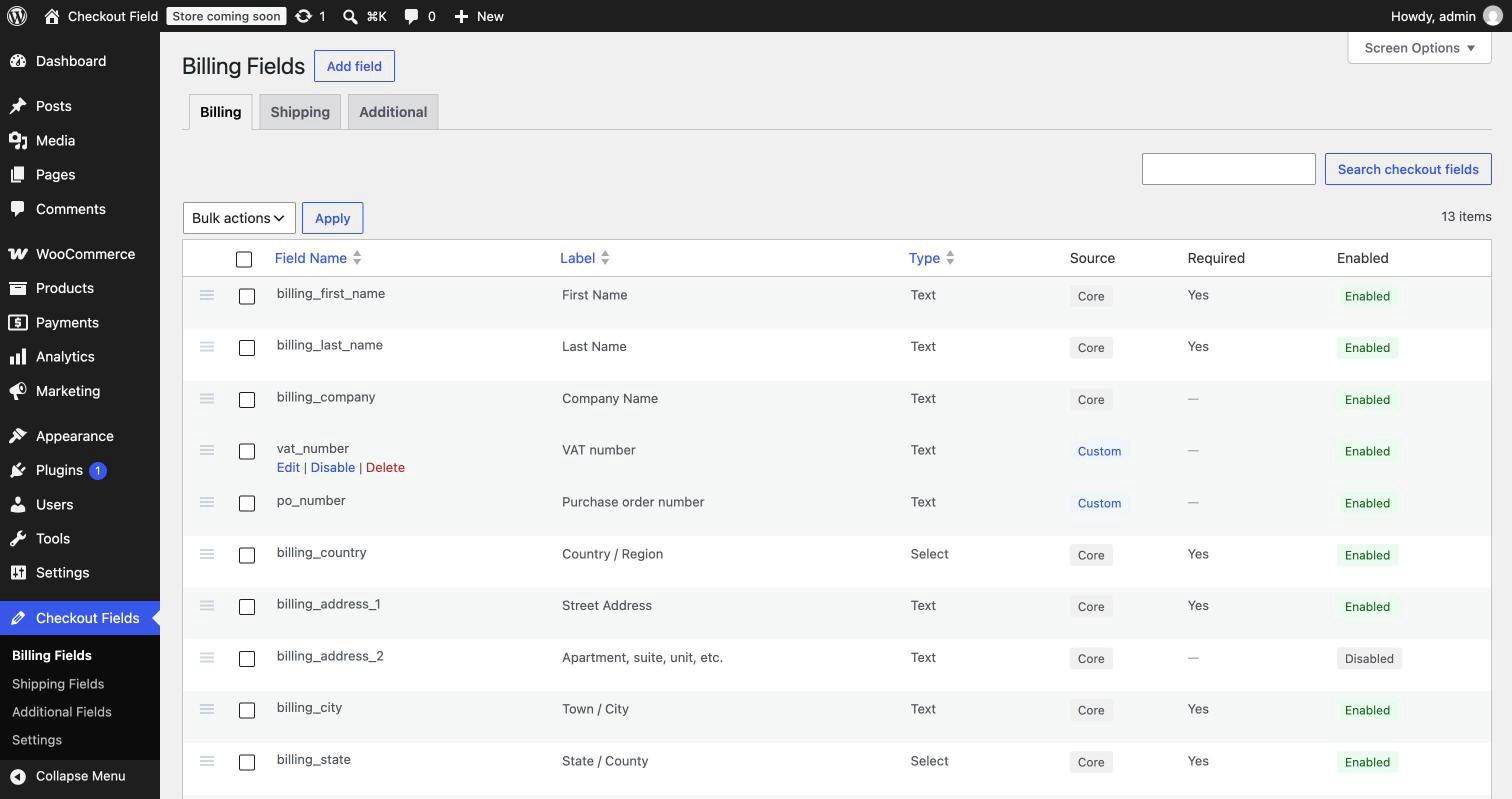
Billing fields list. Reorder, enable or disable, and edit WooCommerce checkout fields.
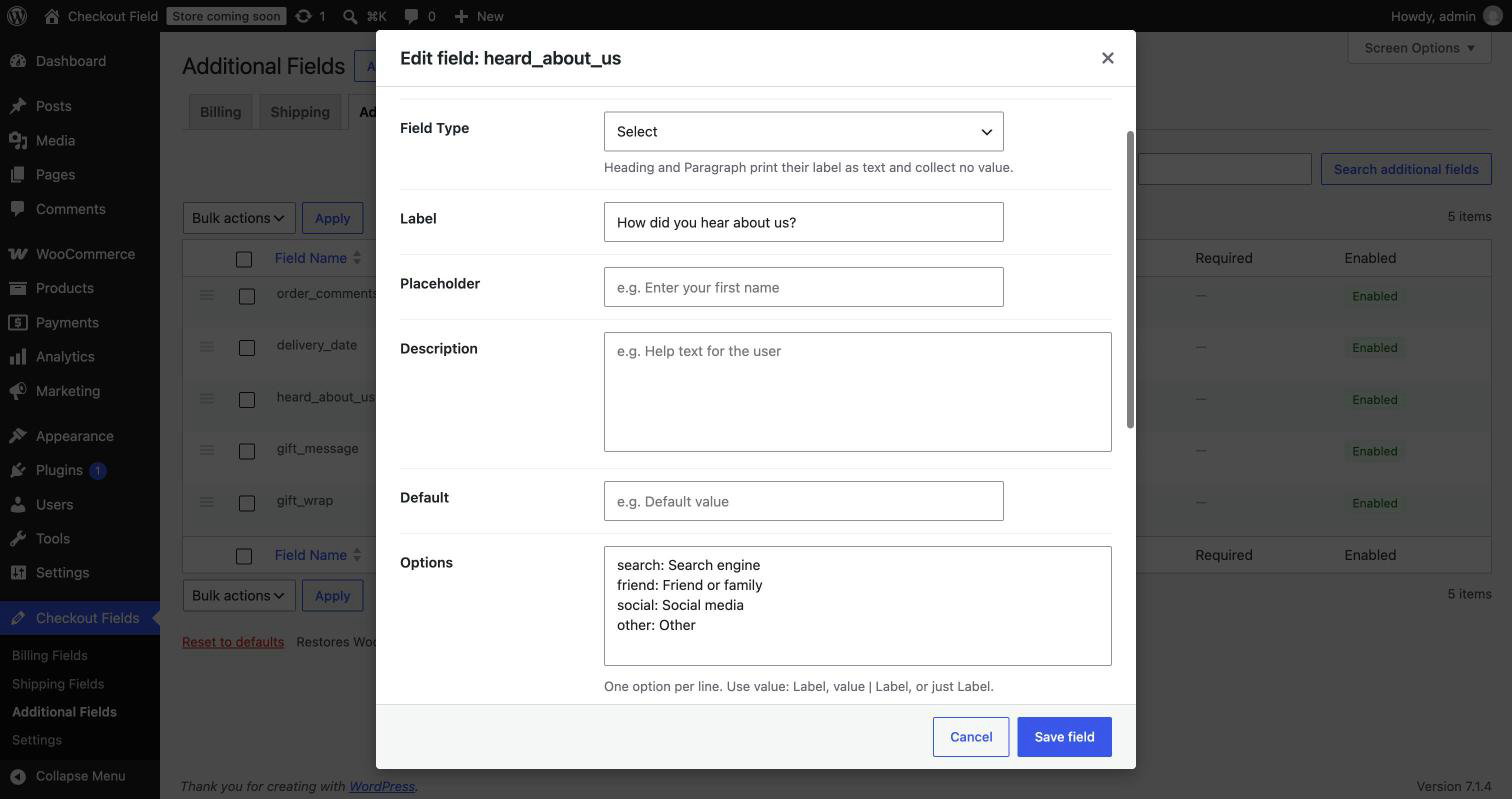
Add or edit a checkout field: type, label, options, width, validation and display settings.

Custom checkout fields on the WooCommerce Checkout block.

Custom field values on the admin order screen.
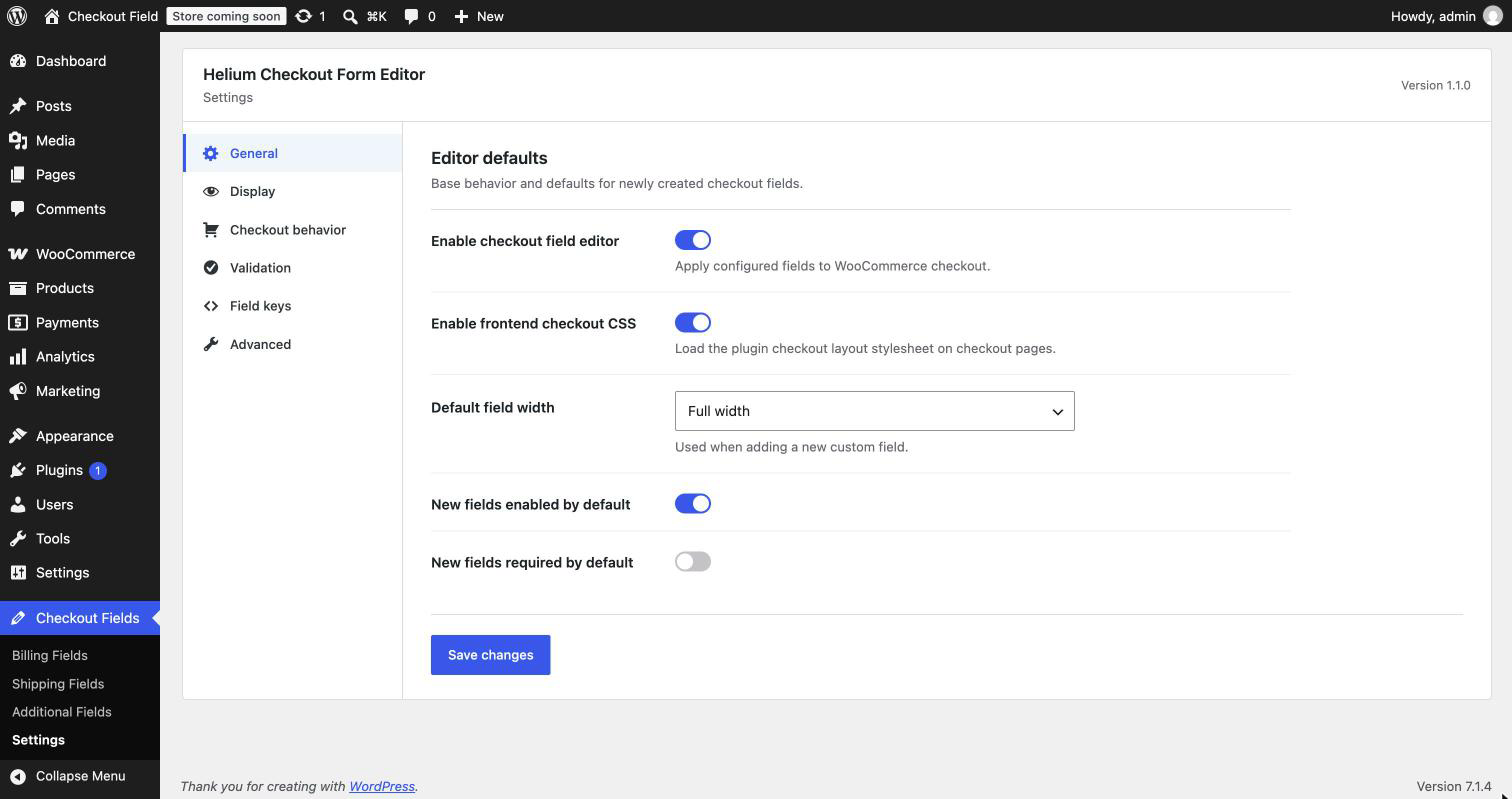
Settings for new fields, display, validation messages and uninstall.