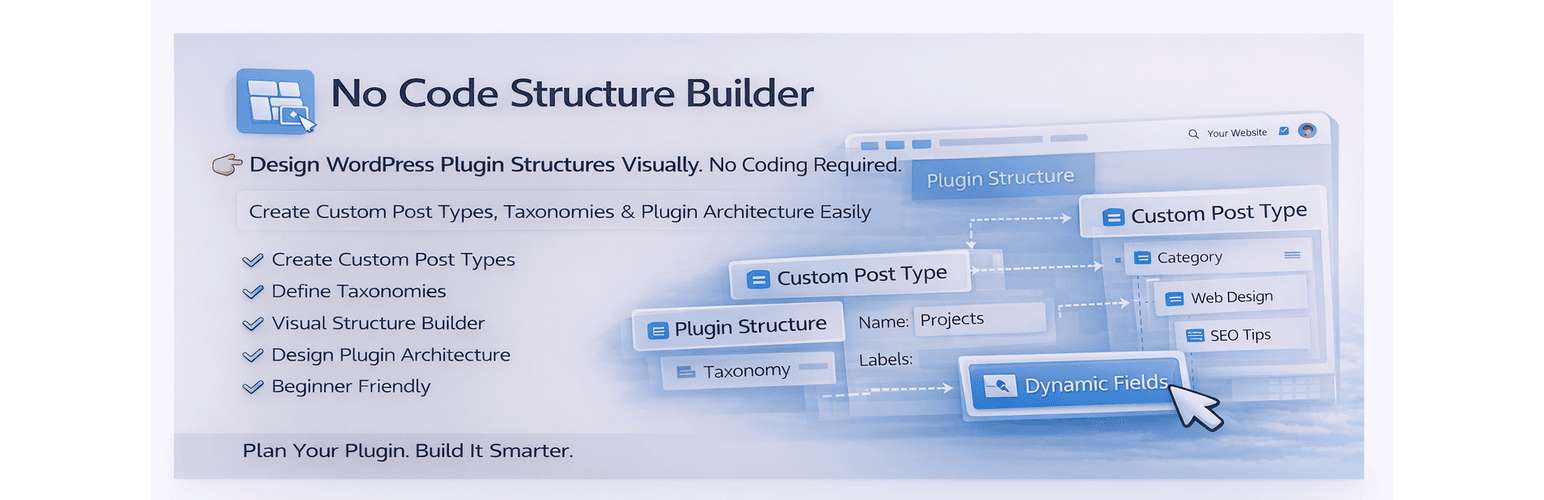
No Code Structure Builder is a visual tool that helps you create and manage WordPress content structures without coding.
Instead of writing code or configuring complex settings, you can simply use a clean drag-and-drop interface to define how your content is structured.
Create custom post types, attach taxonomies, and organize everything visually — all inside your WordPress dashboard.
This plugin is built for speed, clarity, and simplicity.
What you can do
- Create custom post types visually
- Attach taxonomies to post types
- Organize your content structure in one place
- Plan plugin/content architecture before development
- Build structured systems without touching code
Key Features
- Visual structure builder inside WordPress admin
- Create custom post types without coding
- Easy taxonomy creation and linking
- Clean drag and drop workflow
- Instant integration into WordPress dashboard
- Lightweight and fast performance
- Beginner-friendly interface
- No configuration complexity
Why this plugin?
Most plugins require manual setup or coding.
No Code Structure Builder simplifies the process by giving you a visual system to plan and build your structure efficiently.
It helps you:
- Save development time
- Avoid repetitive setup work
- Reduce errors in structure planning
- Clearly visualize your content architecture
Who is this for?
- Freelancers building client websites
- WordPress developers speeding up workflow
- Agencies managing multiple projects
- Beginners learning WordPress structures
- Anyone who wants to work faster without coding
Example Use Cases
- Create a “Projects” custom post type with categories
- Build structured content for portfolios or services
- Plan plugin data structure before development
- Organize dynamic content systems visually
Screenshots
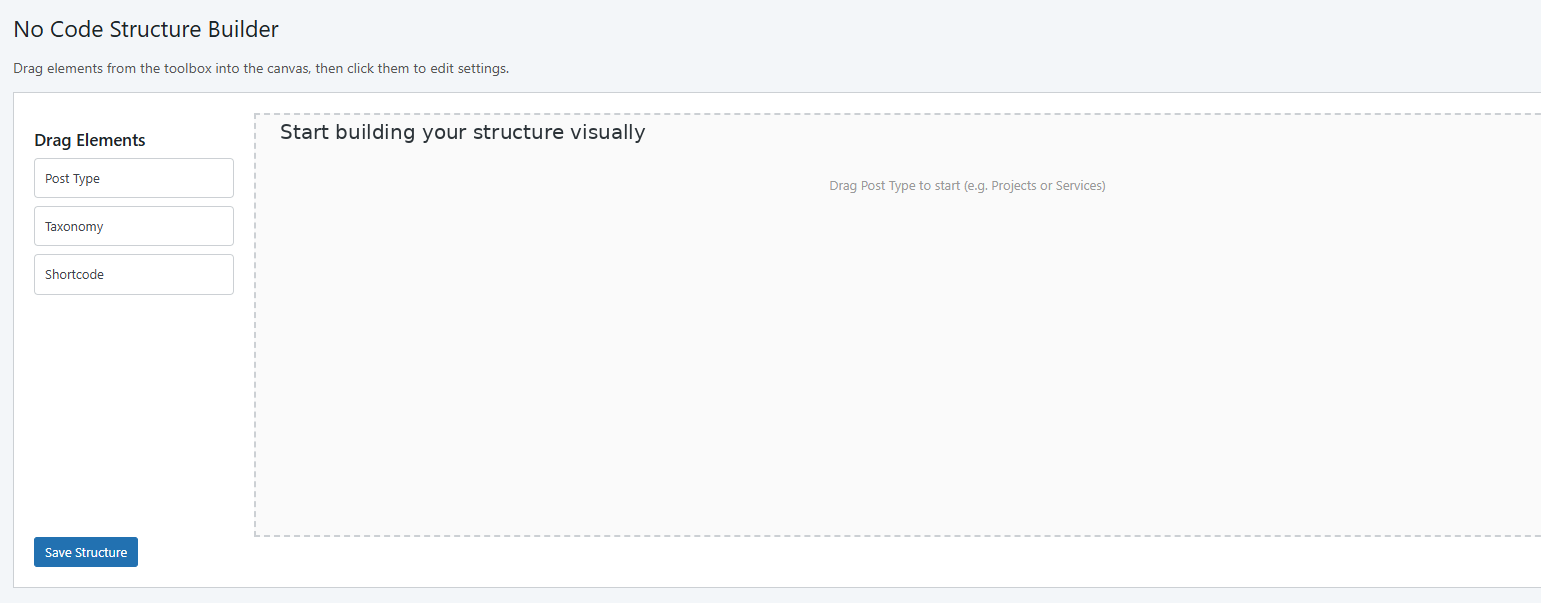
Start building your structure visually
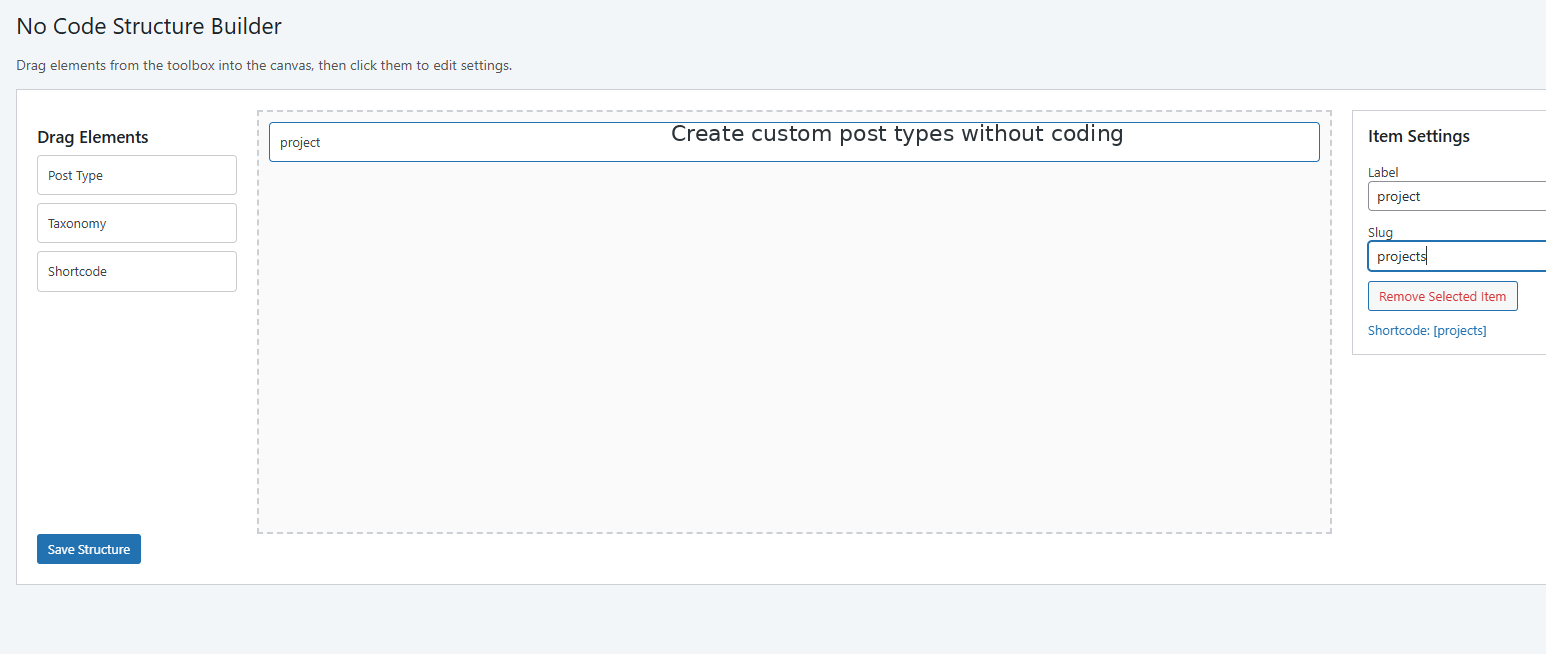
Create custom post types without coding
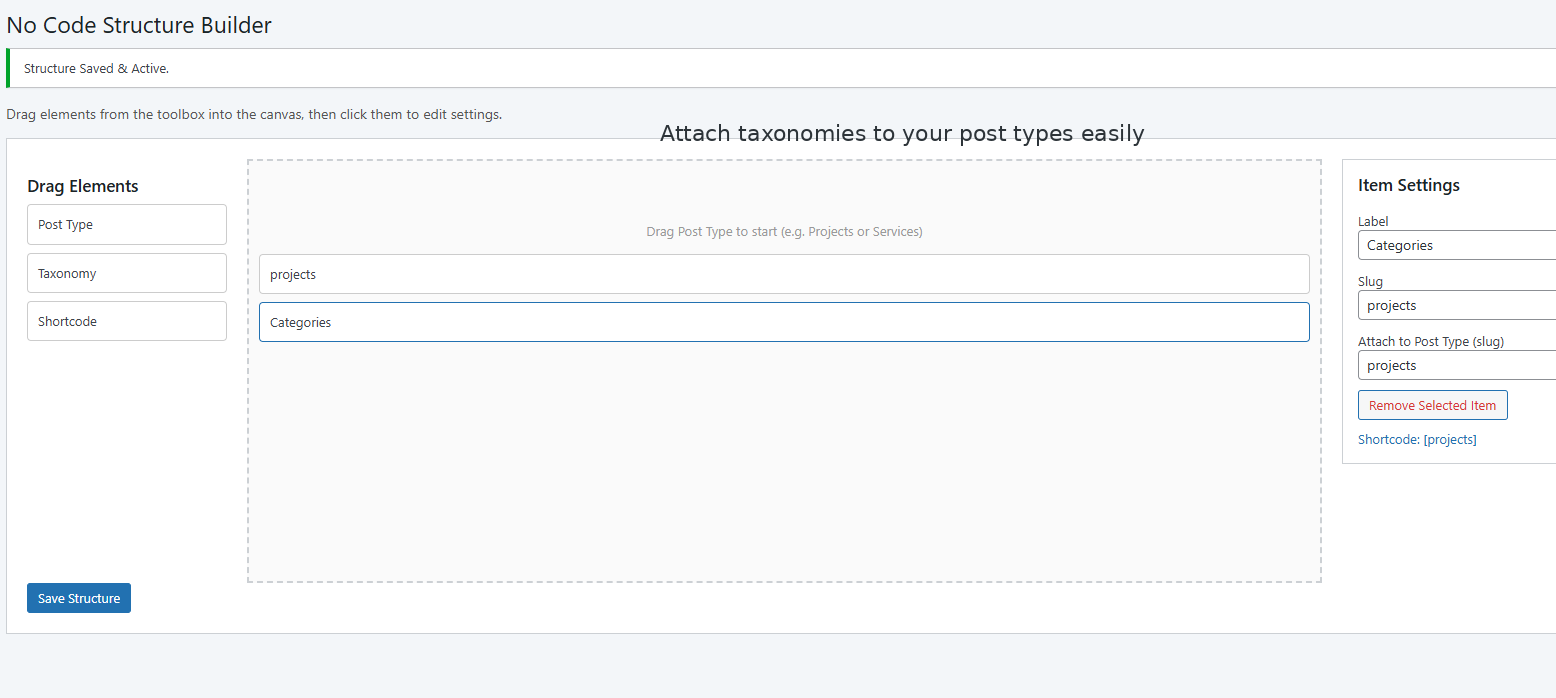
Attach taxonomies to your post types easily
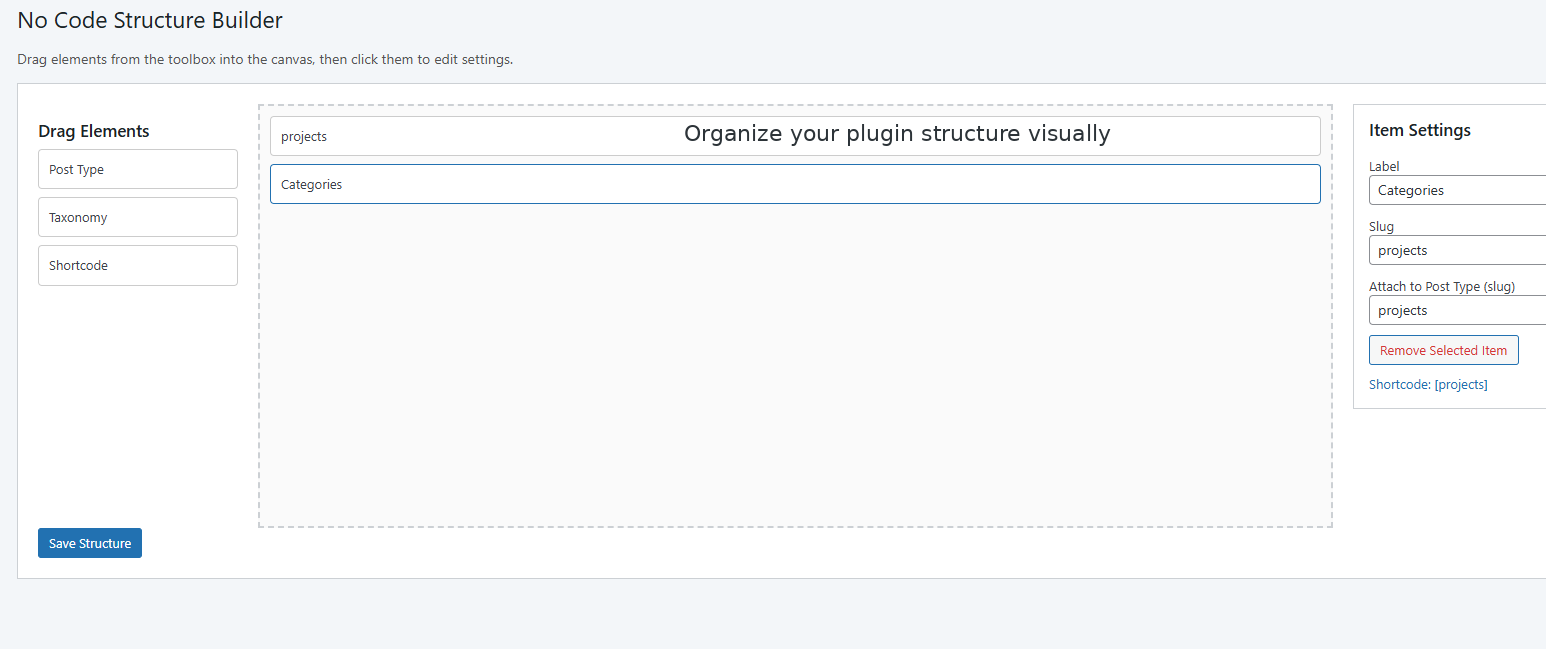
Organize your plugin structure visually
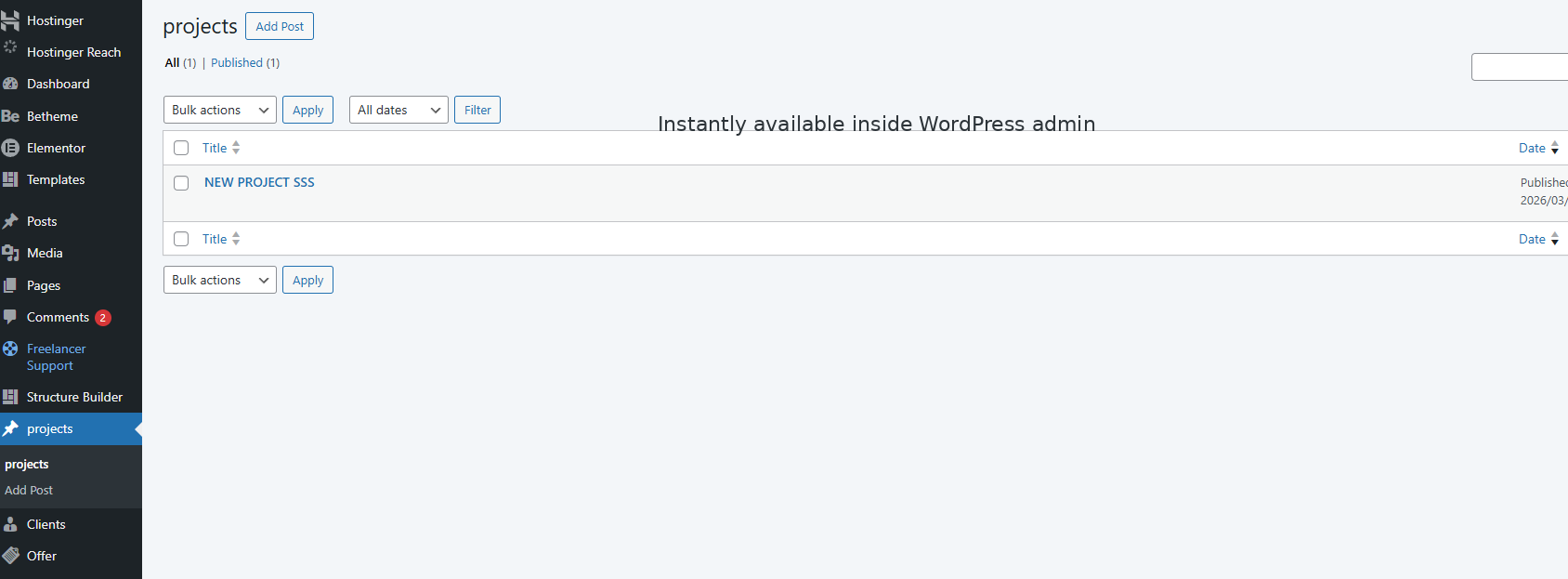
Instantly available inside WordPress admin