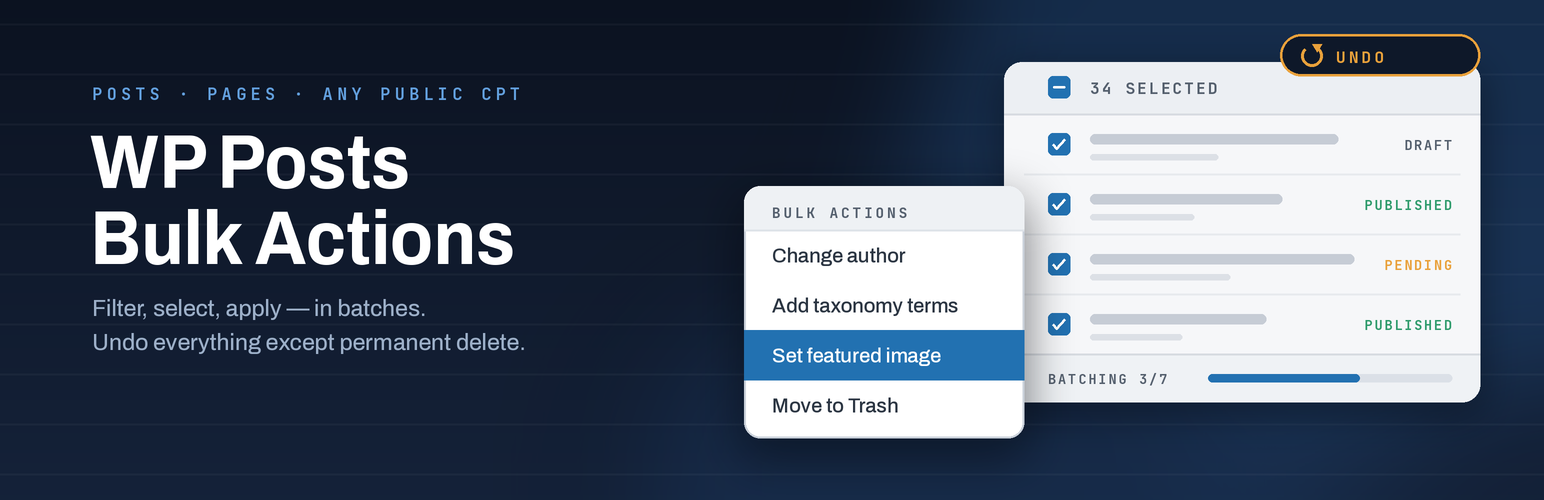
WP Posts Bulk Actions extends the WordPress posts (and custom post type) list screens with extra bulk actions. Choose which public post types should show the actions, filter content on the Tools page before you act, then apply changes from the familiar Bulk actions dropdown.
Large selections are processed in batches so the admin screen stays responsive. Recent operations are logged so you can review what ran and undo supported actions when needed.
Features
- Bulk change status: move to Draft or Published
- Move selected items to Trash, or delete permanently (with confirmation)
- Change author on many posts at once
- Add, remove, or replace taxonomy terms in bulk
- Set or remove featured images in bulk
- Open or close comments in bulk
- Toggle sticky posts (Posts only)
- Enable the plugin’s bulk actions per post type (posts, pages, and public CPTs)
- Filter-before-acting Tools page: status, author, taxonomy/term, date range, and “no featured image”
- Preview matching posts before you leave for the list screen
- Batch processing for large selections (admins)
- Operation history with undo for supported actions (last 20 operations)
- Permanent delete is logged but cannot be undone
- Optional Abilities API integration on WordPress 6.9+ (find posts, update status, delete)
Options
From Tools WP Posts Bulk Actions:
- Step 1 — Select posts — choose a post type and filters, then preview matches.
- Step 2 — Apply action — enable bulk actions for Posts, Pages, and other public post types, then Save.
- Operation history — review recent bulk operations and undo when available.
On each enabled list screen, use the standard Bulk actions dropdown plus any extra fields the chosen action needs (author, taxonomy terms, featured image, and so on).
Screenshots

Tools page — Select posts filters and Preview list.

Tools page — Enable bulk actions per post type and Save.

Tools page — Operation history with Undo.