
Oderland SMTP & Postal Mailer is a plugin that allows you to send transactional emails using SMTP or Postal API. Easy-to-use for e-mail logging and making sure your e-mails make it all the way to your intended target.
The plugin works with any SMTP mailer you’re using, including but not limited to Oderland Postal.
What is SMTP and why do you need it?
SMTP (Simple Mail Transfer Protocol) is the standard that ensures that emails actually arrive at their destination. It’s a protocol that delivers your email between servers when you click “send” in your email client.
You could say that with an SMTP plugin or service, you want to confirm to the email servers that what you’re sending isn’t spam, which lends authenticity to your mailings.
Features:
- Send transactional emails via SMTP, Postal API or PHP mail()
- Multiple mail account support with priority-based failover
- Automatic retry on temporary failures with exponential backoff
- Comprehensive email logging with configurable retention
- Statistics dashboard — email volume over time, delivery success rates, per-account breakdown, failure analysis, recipient domain insights, and send time patterns
- CSV export of all dashboard statistics
- WordPress admin dashboard widget with 7-day email summary
- Engagement tracking (opens, clicks) for Postal accounts
- Postal webhook integration for delivery status tracking
- Per-account webhook debug logging for Postal accounts
- Secure credential storage with AES-256 encryption
- Protocol-level SMTP debugging
Services Supported:
- SMTP – Connect to any SMTP server
- Postal – Integration with Postal mail delivery platform
- Local – Fallback to PHP mail() function
Screenshots
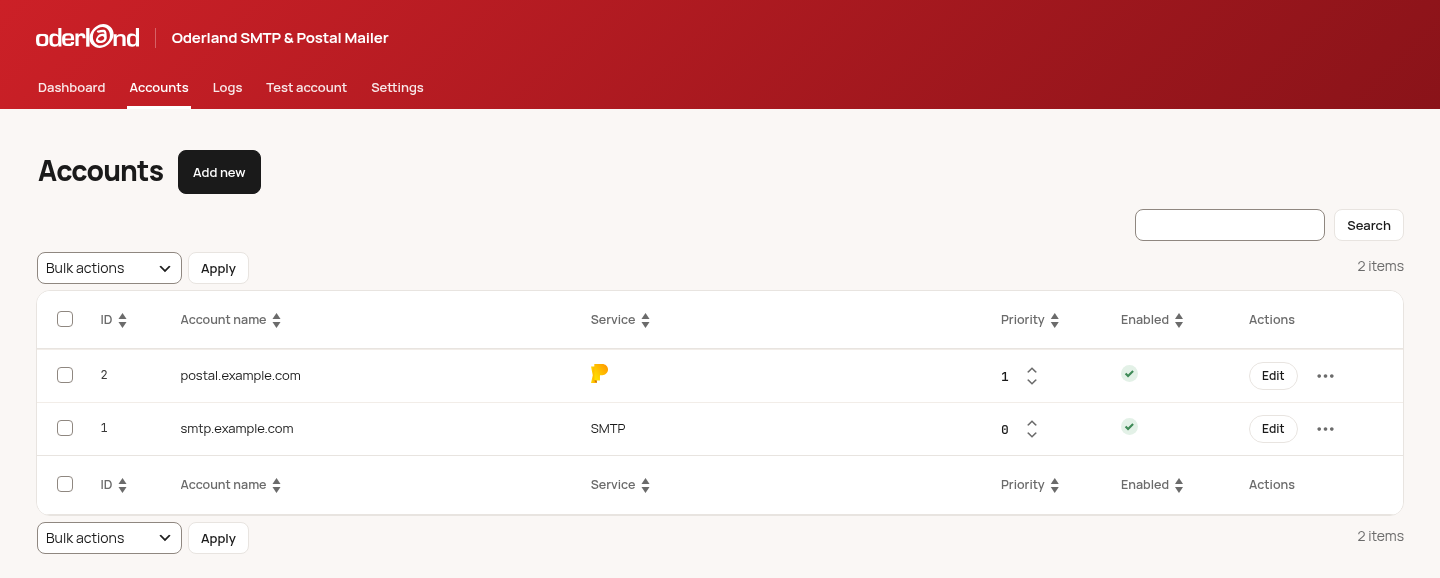
Accounts management - Configure multiple mail accounts with priority
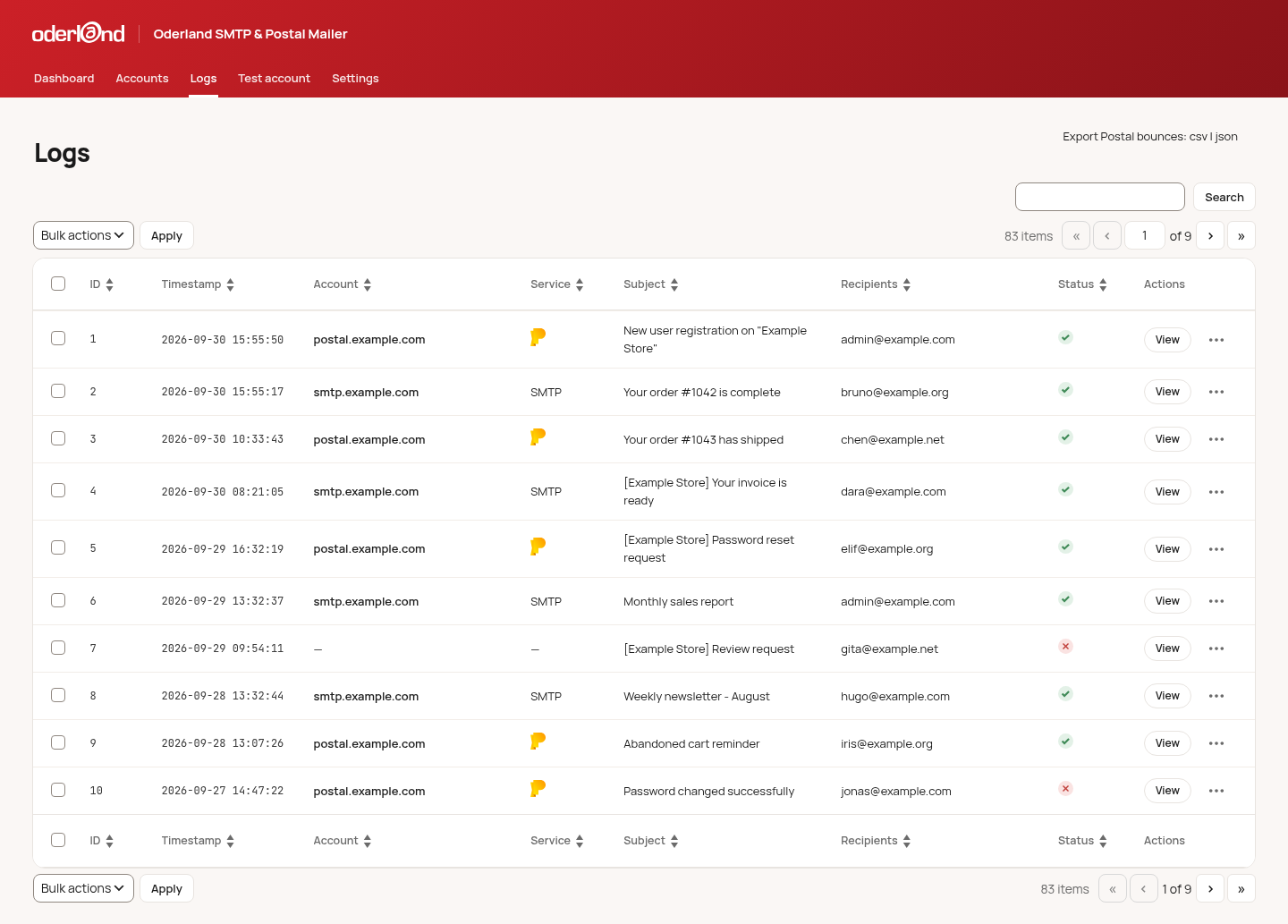
Email logs - View sent emails with delivery status
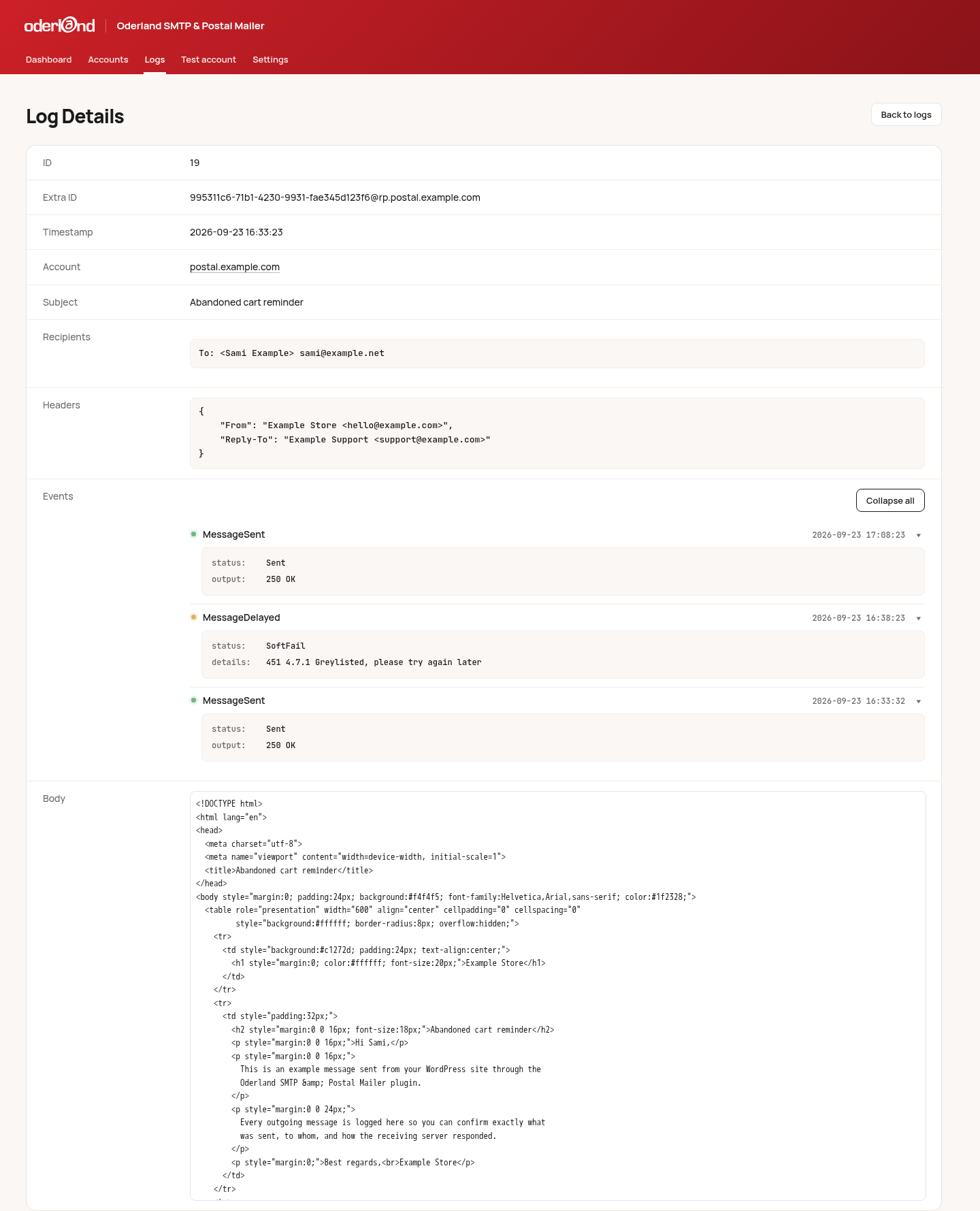
Log details - Inspect individual email details and events
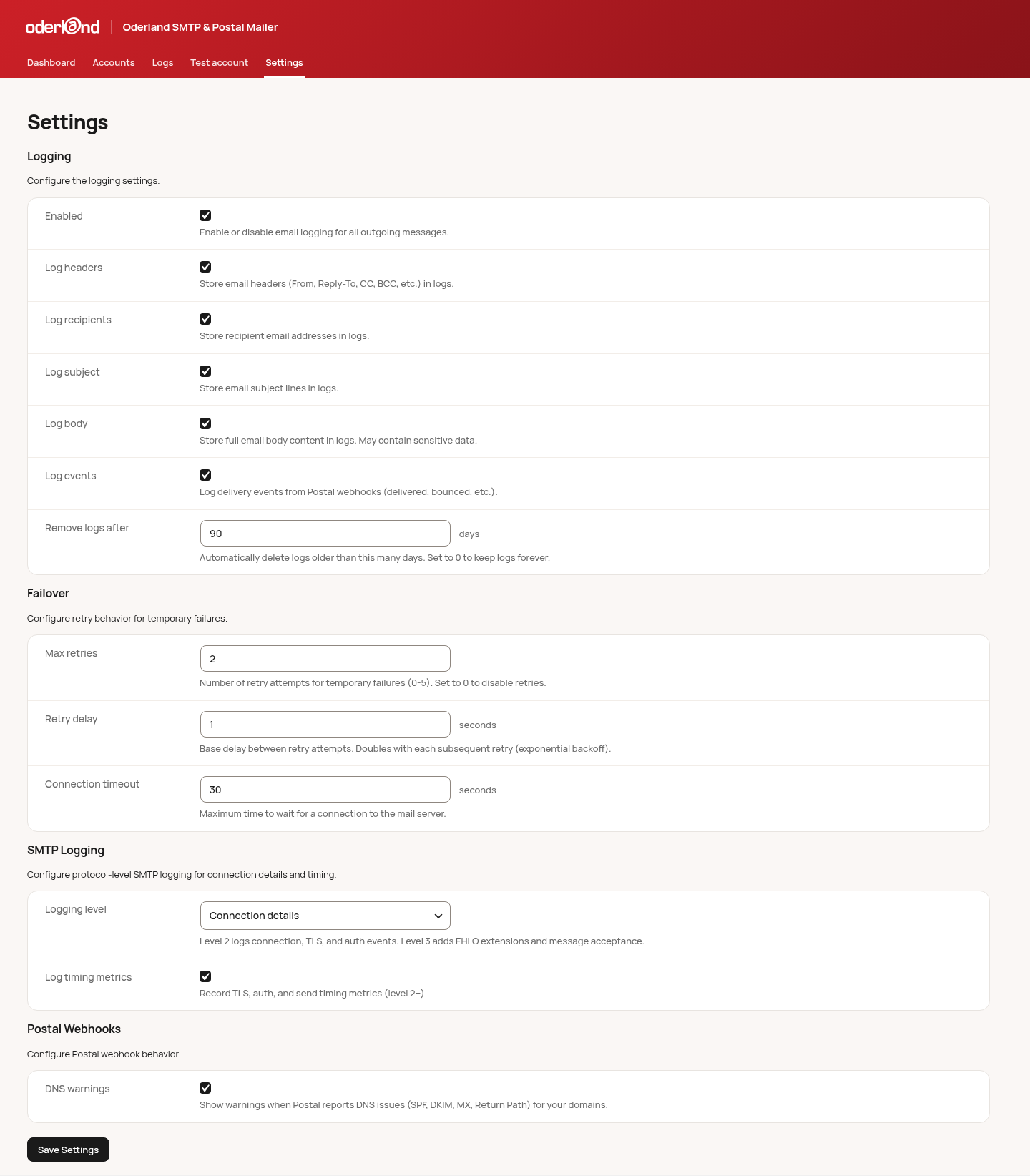
Settings - Configure logging and failover behavior
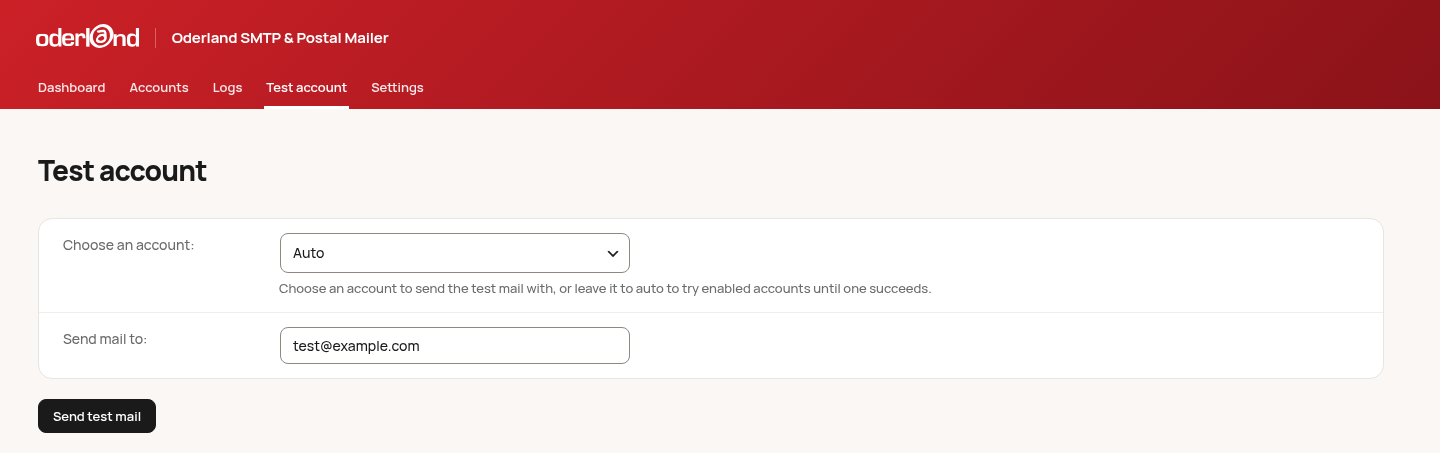
Test email - Send test emails to verify configuration
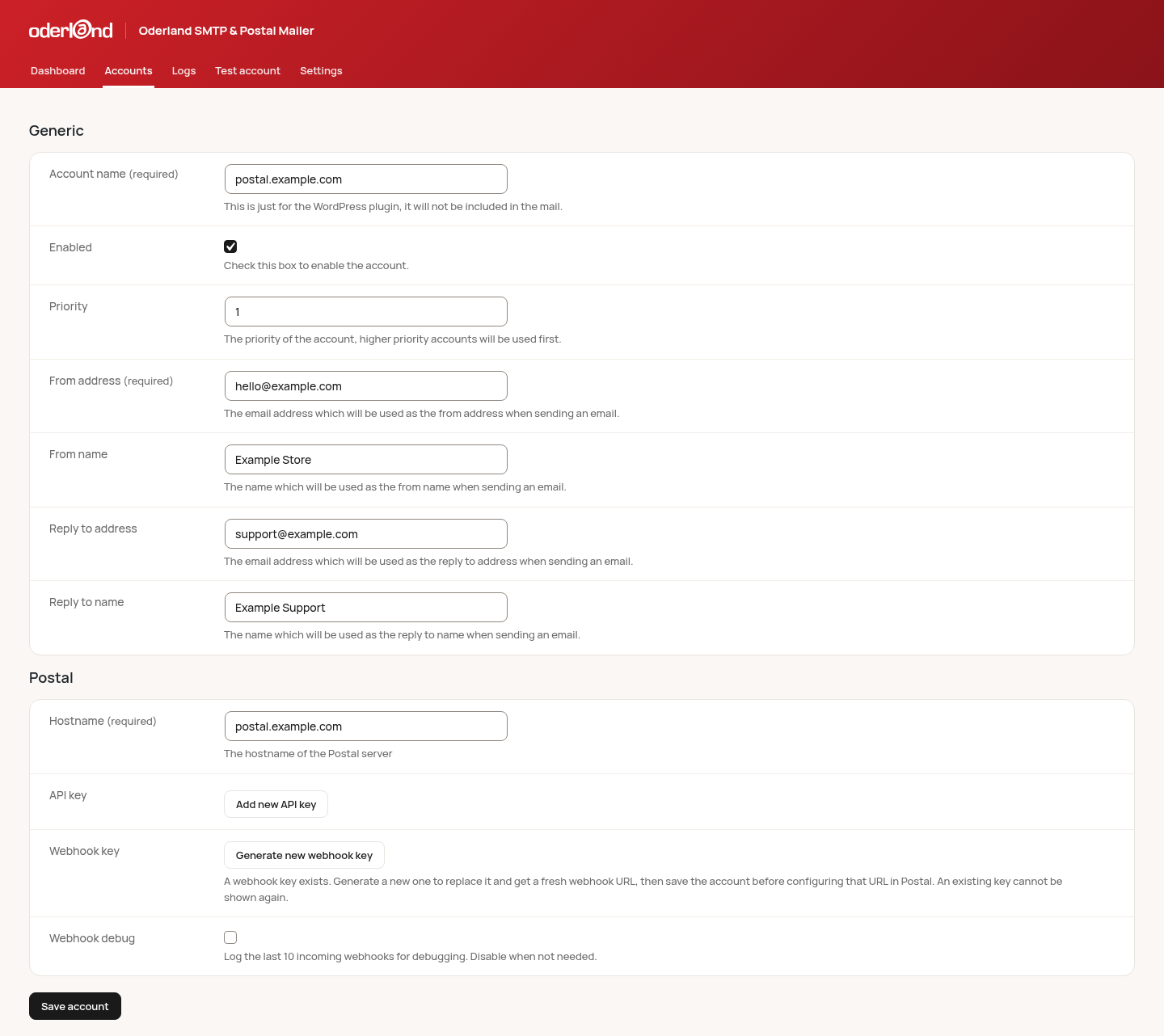
Postal settings - Setting up a Postal account
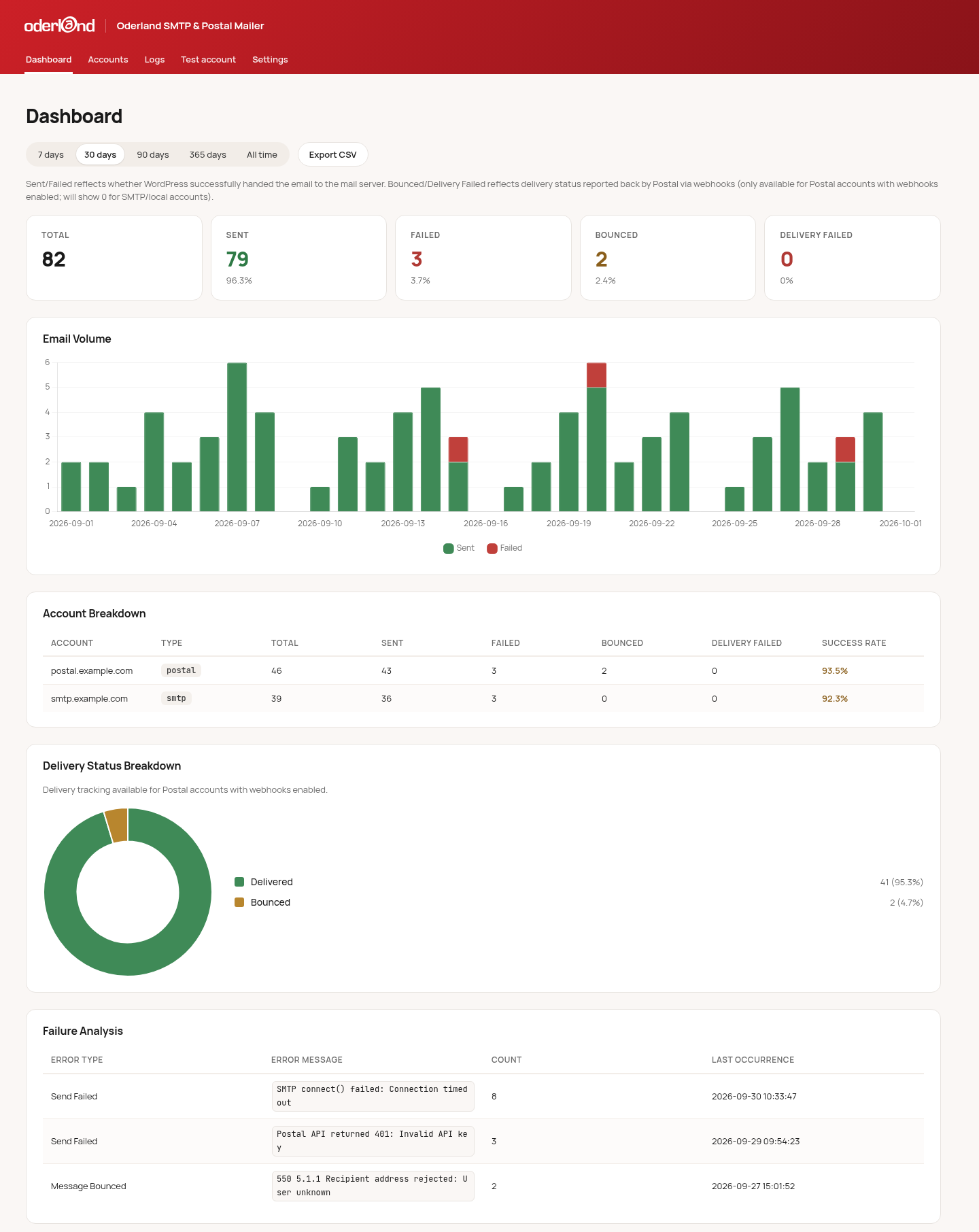
Dashboard - Email statistics with volume chart, account breakdown, and failure analysis
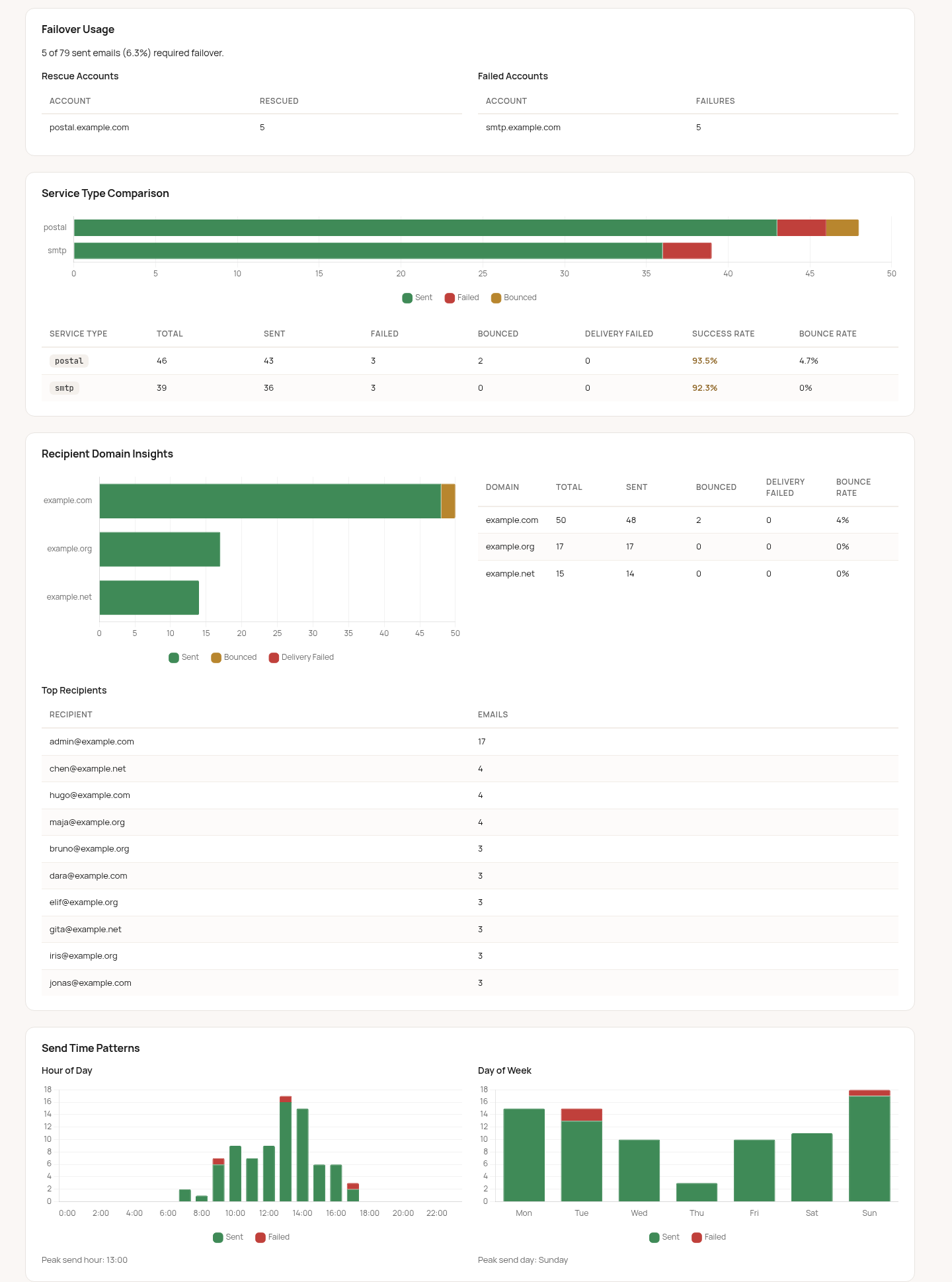
Dashboard analytics - Failover usage, service type comparison, recipient domains, and send time patterns