The Official StatCounter WordPress Plugin adds StatCounter to your site in a couple of clicks – no code editing required. StatCounter has provided reliable, real-time visitor analytics to millions of websites since 1999, and now includes session replay and heatmaps.
Session Replay
Watch recordings of real visits to your site – a video-like playback of each visitor’s clicks, scrolls and page navigation:
- See exactly where visitors get stuck, confused or frustrated
- Understand why visitors abandon carts, forms and signups
- Watch how visitors from a specific campaign, country or referrer actually use your site
- Improve support: replay a customer’s session to see what went wrong
Heatmaps
See at a glance where your visitors click – and what they ignore:
- Click heatmaps highlight the links, buttons and images getting the most attention
- Interactive elements like dropdowns and mobile menus are tracked too
- Spot “dead clicks” on elements that look clickable but aren’t
- Compare engagement across desktop and mobile
Real-Time Visitor Stats
All the classic StatCounter reports, updated in real time:
- Popular pages, entry pages and exit pages
- Incoming traffic: referring sites, keywords and campaigns
- Visitor paths, visit length and returning visits
- Country, state and city stats with a recent visitor map
- Browser, OS, screen resolution and ISP stats
- Magnify individual visitors for a detailed session report
- Email reports, multiple site management and user access management
- Invisible counter option
Pricing
Core visitor stats are free forever on the Basic plan. Session replay and heatmaps are premium features, and every new account starts with a 30-day free trial – no credit card required. View pricing
Screenshots
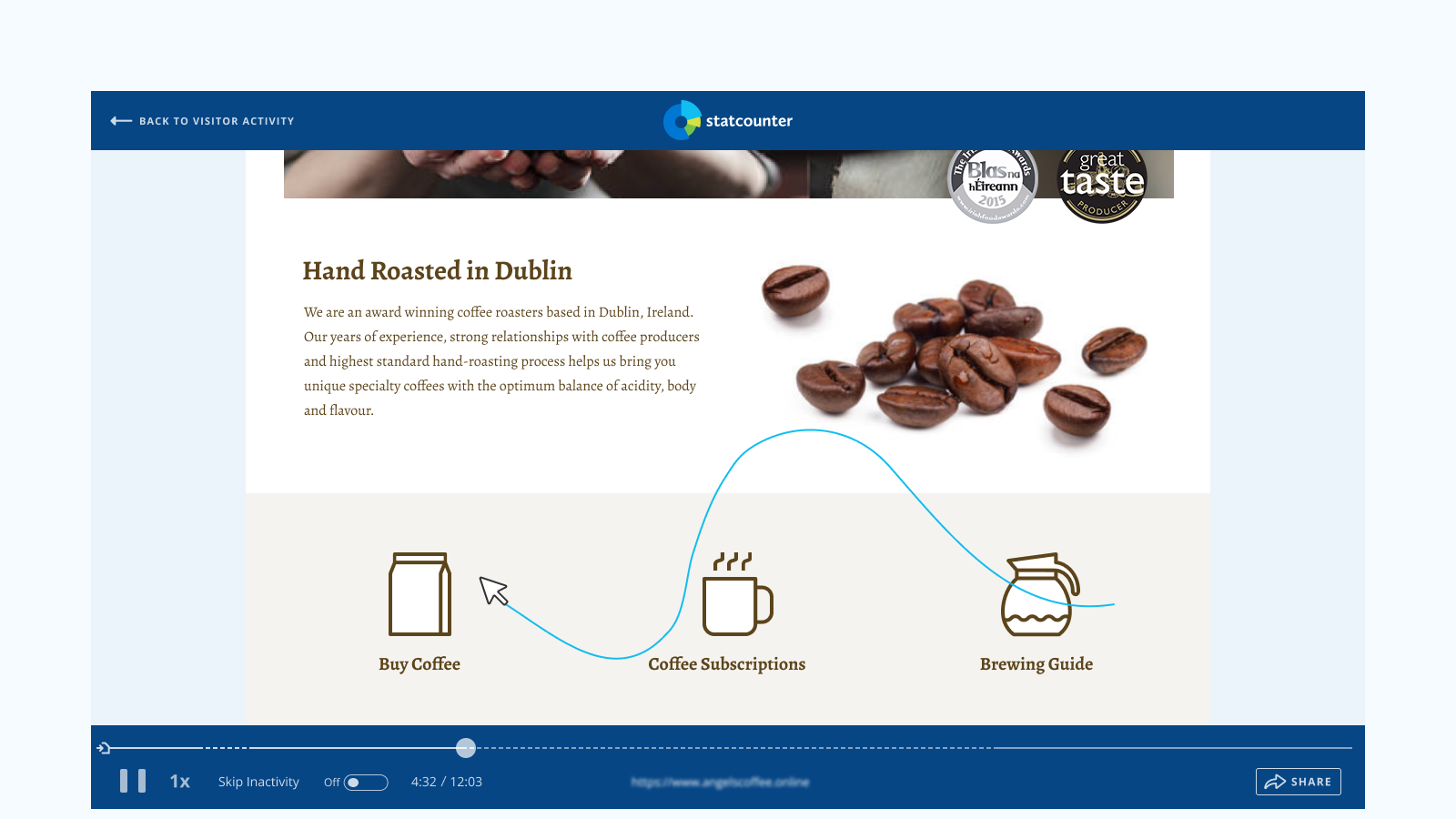
Session Replay - watch a full recording of a visitor's session, with playback controls to skip inactivity, change speed and share the recording.

Heatmaps - see exactly what visitors click and tap, broken down by page element, with separate desktop and mobile views.
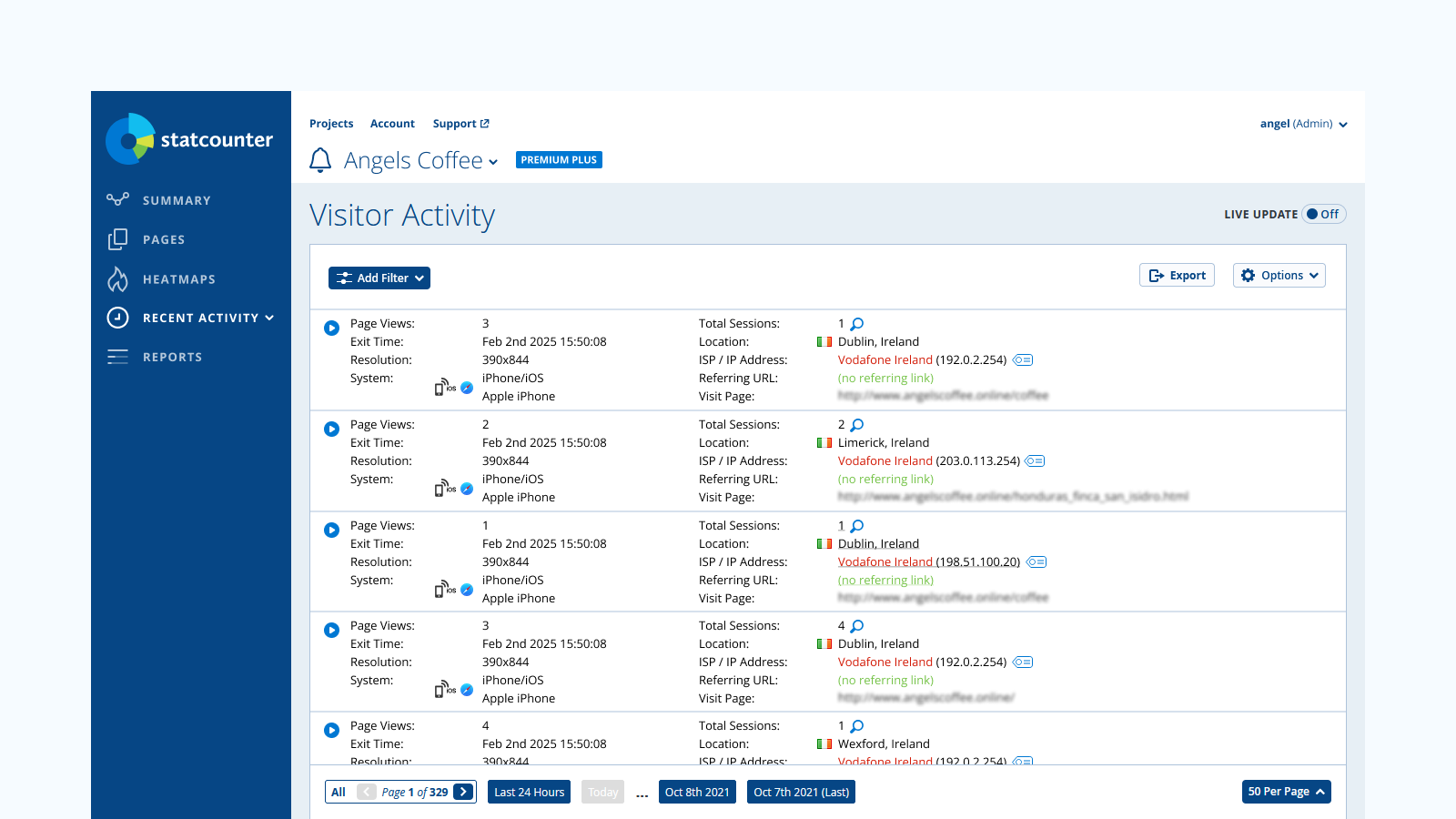
Visitor Activity - real-time stats on every visit, including location, referring URL, browser, system and screen resolution.