Find orphan pages in one scan. Runs in WordPress, no account, no credits.
An orphan page is a published post or page that no other page on your site links to, so visitors and search engines struggle to reach it. OpptiAI Internal Linking finds those pages, shows the internal links you already have, and lets you add a link after you review it.
The scan runs on your site. It does not need an OpptiAI account, and it does not use credits. AI suggestions stay off until an administrator opts in and you ask for a specific page.
Two more free audits from OpptiAI: OpptiAI Alt Text shows how many of your images have no alt text, and OpptiAI Titles checks for missing and duplicate SEO titles and meta descriptions. Both are free to try.
Features
- Free orphan page scan that lists published content with no inbound internal links. Pages linked from a navigation menu are not treated as orphans.
- Inbound and outbound counts for every scanned post and page, including links inside blocks and shortcodes.
- Link map that shows which pages are hubs and which are cut off.
- Posts and pages by default, plus other public post types such as WooCommerce products if you enable them.
- Apply only what you review: nothing is inserted on its own, and every apply saves a revision.
- Optional AI link suggestions for a page you choose, after an administrator opts in.
- One OpptiAI account shared with OpptiAI Alt Text and OpptiAI Titles if you already use them.
Find orphan pages
The scan lists published content with no inbound internal links. A page linked from a navigation menu is not treated as an orphan. This check stays in WordPress.
See your internal links
Every scanned post and page gets an inbound count and an outbound count. Links inside blocks and shortcodes are included. Posts and pages are scanned by default; you can add other public post types, including WooCommerce products. The link map shows which pages are hubs and which pages are cut off.
Apply a link you have reviewed
Nothing is inserted on its own. When you apply an approved internal link, the plugin never self-links, never nests inside an existing link, saves a revision, and follows your per-page link cap, minimum word count and excluded pages. If there is no safe place for the link, the post is left unchanged.
AI link suggestions (the Opportunities screen) need an OpptiAI account, the administrator opt-in and an explicit request. They are free to try and use credits from your OpptiAI wallet; asking again for the same page within 30 minutes uses the saved result.
If you already use OpptiAI Alt Text or OpptiAI Titles, an administrator can share one OpptiAI account. The orphan page scan does not need that account.
Privacy
This plugin does not contact OpptiAI until an administrator enables “Send page excerpts to OpptiAI” and someone requests suggestions. It does not adopt credentials from Titles or Alt Text unless an administrator enables that in Settings. No personal visitor information is collected. Anonymous usage stats are sent only if an administrator turns on “Share usage stats” in Settings (off by default). See the External Services section for details.
External Services
This plugin connects to the OpptiAI API to generate internal-link suggestions and to report remaining service credits. AI generation is performed by the external service and is not performed locally by this plugin.
Service: OpptiAI API
Service URL: https://alttext-ai-backend.onrender.com
Website: https://oppti.dev
Purpose: Generate internal-link suggestions between related pages, connect an OpptiAI account, and report available service credits.
When data is sent: Only after an administrator enables “Send page excerpts to OpptiAI” in Settings, and only when an Editor or Administrator then requests AI suggestions for a page they can edit, or an administrator views remaining credits. Opening the plugin, scanning, viewing Pages or the Link Map, and applying an approved link do not contact the service.
Data sent: Site URL; plugin version; a pseudonymous installation and site identifier; a site fingerprint; the connected account license key (and an optional sibling JWT when the administrator has opted in to reuse a sibling account); and, for suggestions, the source page title, URL, a content excerpt, and candidate destination page titles, URLs, and IDs.
Privacy Policy: https://oppti.dev/privacy
Terms of Use: https://oppti.dev/terms
Service: PostHog (usage stats, opt-in only)
Service URL: https://us.i.posthog.com
Purpose: Understand which features are used so OpptiAI can improve the plugin.
When data is sent: Only after an administrator turns on “Share usage stats” in Settings. It is off by default, nothing is sent or queued before you opt in, and turning it off stops sending immediately.
Data sent: Feature usage events (plugin opened, scan finished, suggestions generated, links applied, first link inserted, settings saved) with counts only; the plugin, WordPress and PHP versions; whether an OpptiAI account is connected; and a random installation identifier. Never page content, titles, URLs, post IDs, emails, license keys or visitor data.
Privacy Policy: https://posthog.com/privacy
Terms of Use: https://posthog.com/terms
Development
Human-readable source for the compiled admin app is included as prototype/*.jsx. The bundle in prototype/dist/app.bundle.js is React and ReactDOM (production builds) followed by those files, each compiled from JSX with esbuild in the listed order. No other code is added.
Screenshots
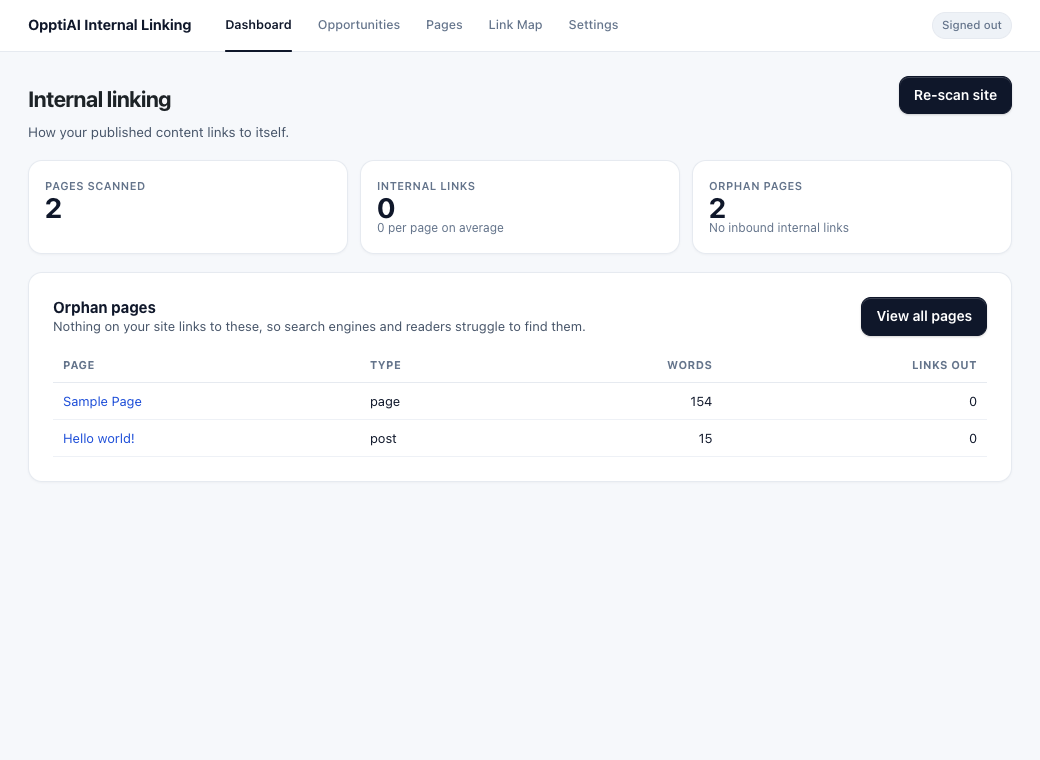
Dashboard after a scan: pages scanned, internal links, and orphan pages.
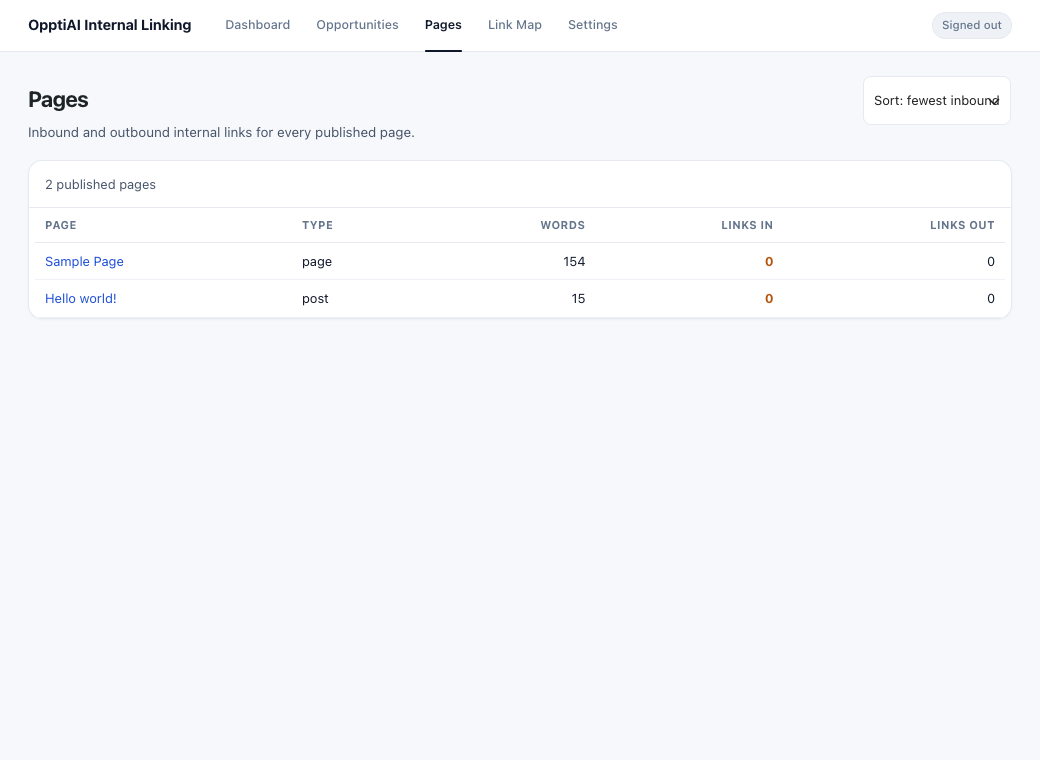
Pages list with inbound and outbound counts.
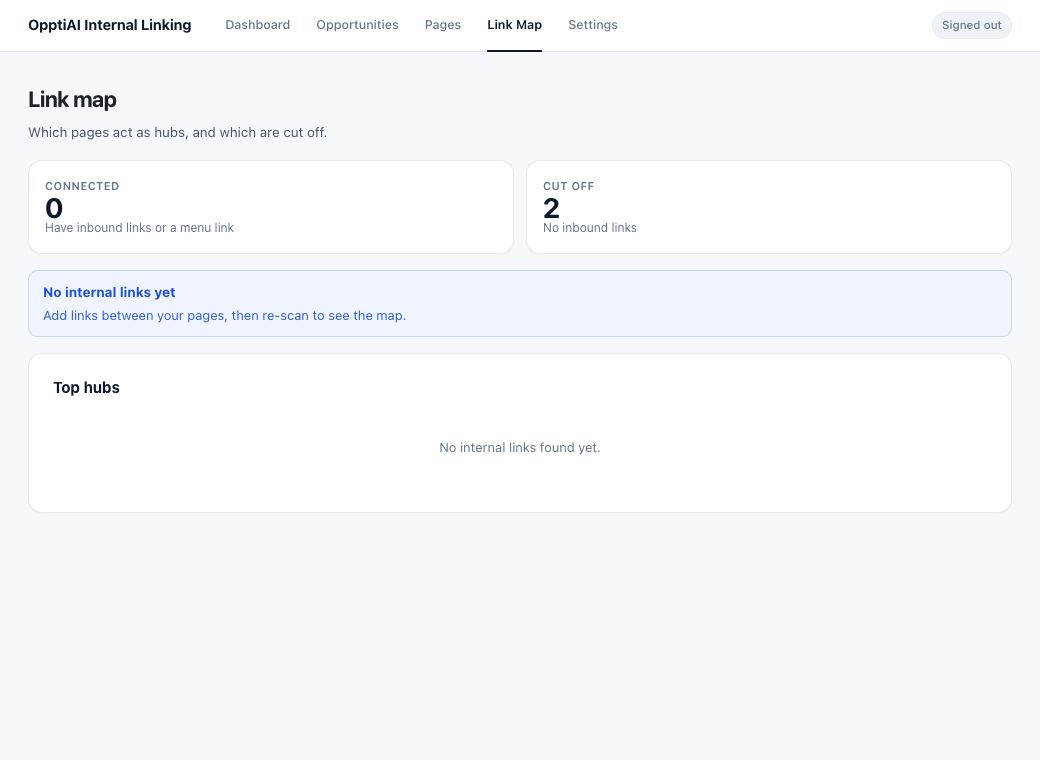
Link map showing hubs and pages that are cut off.
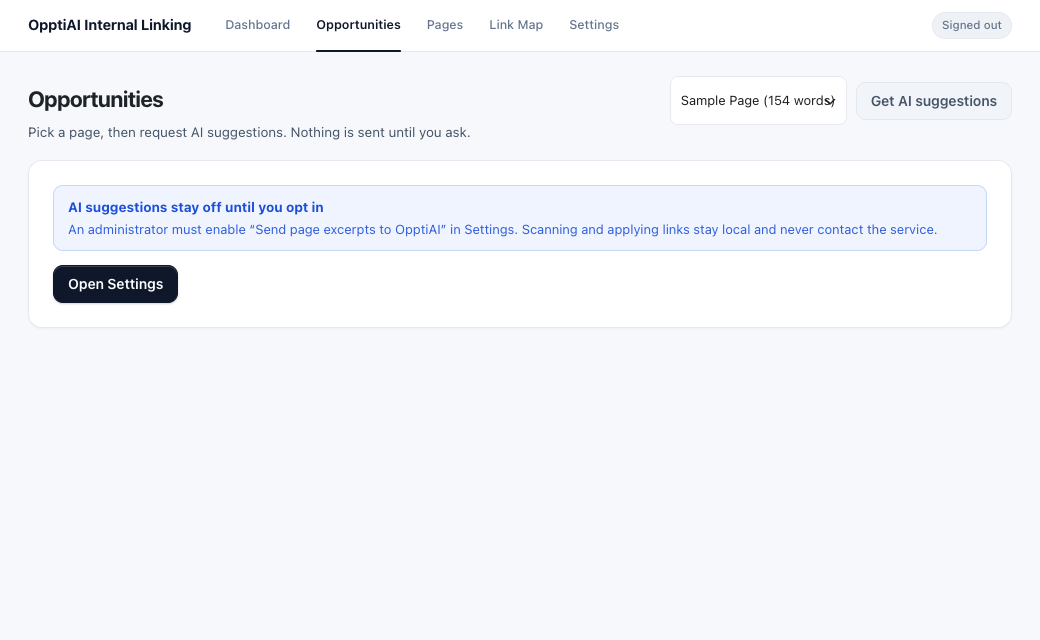
Opportunities: AI suggestions only run when you ask for a specific page.
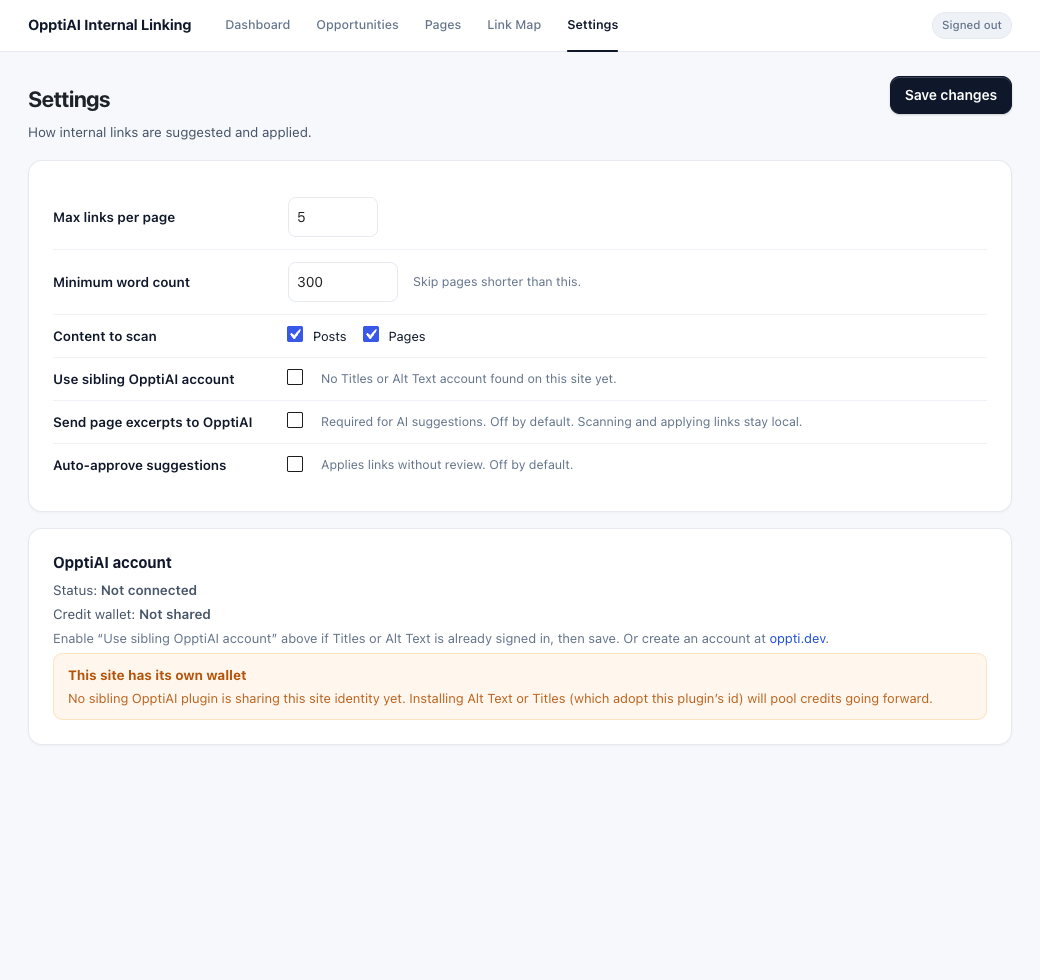
Settings: link caps, what to scan and the OpptiAI opt-in.