OSTE manages the WooCommerce order journey: custom statuses and colors; global or per-product shipment tracking; per-status email templates; a live style editor; delayed customer or admin emails; automatic status changes and status-email resends. Configure each section individually or use an optional wizard and presets. Export settings and rules as JSON for another site.
Existing orders are not changed by the wizard. Generated rules start disabled. Delayed actions use WooCommerce Action Scheduler and WP-Cron; low-traffic stores can configure a server cron using the built-in scheduler guidance.
Main Features:
Create and manage custom WooCommerce order statuses with colored badges and order-list action buttons.
Rename WooCommerce core status labels and customize status colors without writing code.
Assign descriptive operational roles to core or custom statuses without forcing a predefined store workflow.
Use the optional setup wizard and status presets, or map operational roles to existing statuses with the separate advanced mapping tool. None of these tools changes existing orders.
Create optional delayed email automations triggered by an exact order status or an operational role, with paid/tracking conditions and a dedicated event log.
Build separate workflow rules that can change an order to a selected status when tracking is added or after time in an exact status.
Use workflow rules to resend the current status email without changing status, with an explicit warning for immediate duplicate-email risk.
Compose automation messages with the WordPress visual editor while keeping internal rule names private to the administration area.
Preview unsaved automation content with a real order, send it safely to a test address, and inspect a filterable event log with guarded retries for failed mail transport attempts.
Opt custom statuses into selected WooCommerce behavior: paid-order checks, downloads, and product purchase notes.
Keep custom status slugs stable after creation, with protected deletion and order reassignment tools.
Recover orders assigned to orphan custom statuses left behind by old slug changes or deleted statuses.
Configure custom email templates per order status, with subject, heading, intro text, extra content, footer content, and per-product tracking text.
Choose a WooCommerce fallback email for each custom status when the plugin template is disabled.
Add global tracking or per-product tracking to orders, including carrier selection and direct tracking links.
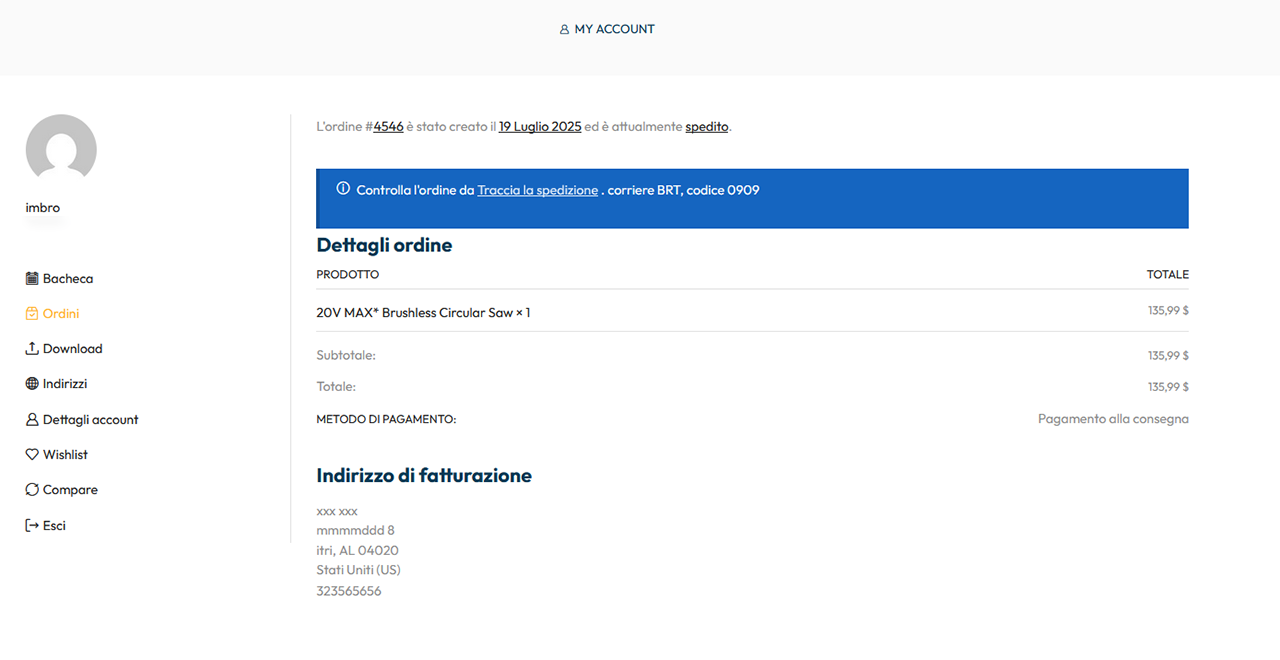
Show tracking information in customer emails and in the customer’s My Account order details.
Resend the current customer status email from the order screen without changing the order status.
Assign icons to carriers and control icon display in Cart, Checkout, Email, and My Account.
Map WooCommerce shipping methods to carriers to show the correct icon in classic Cart/Checkout labels.
Use custom shipping-method icons for Cart/Checkout when a single carrier mapping is not enough.
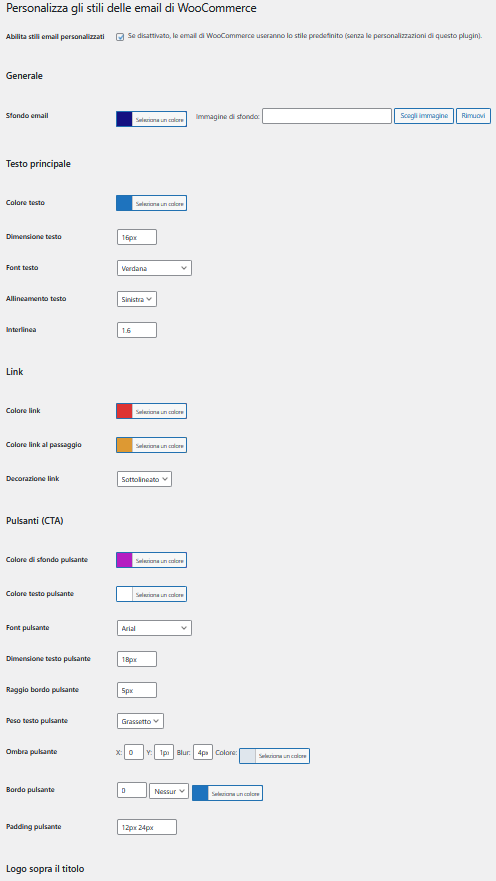
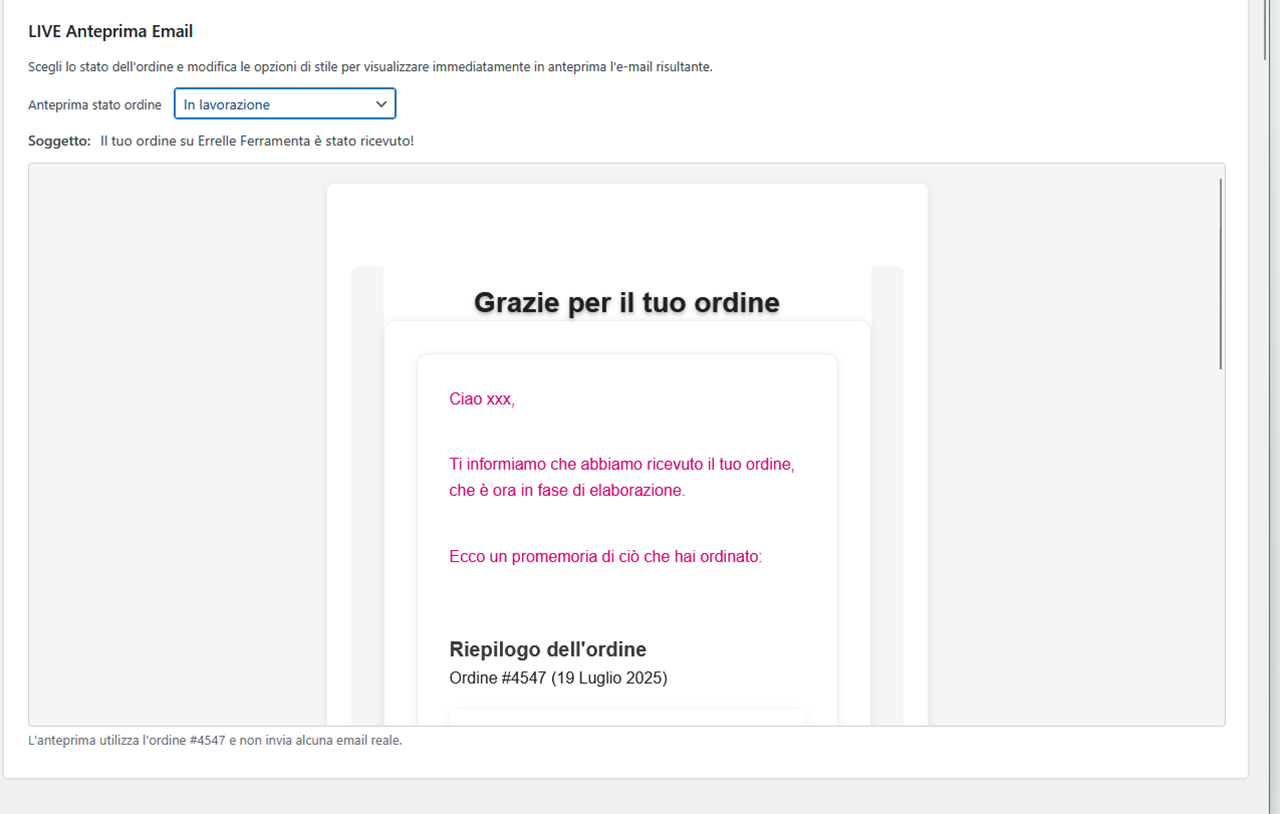
Customize WooCommerce email styles with a live preview and send the preview to a test email address.
Choose among Ordered Classic, Modern Clean and Minimal directly from the email-style screen. Applying a preset replaces only OSTE’s style settings after saving a restorable backup; WooCommerce-owned settings and settings belonging to other plugins are not modified.
The same central preset catalog is also available contextually: status flows from the Statuses screen, email content from Email Templates, workflow suggestions from Workflow, and follow-up suggestions from Email Automations. Suggested rules are created only when their required operational roles exist and always start disabled.
Compatible with HPOS order screens and legacy WooCommerce order tables.
Fully translatable and GPL licensed, with no third-party services required.
Perfect for store owners who want full control over order management and customer notifications.
Screenshots
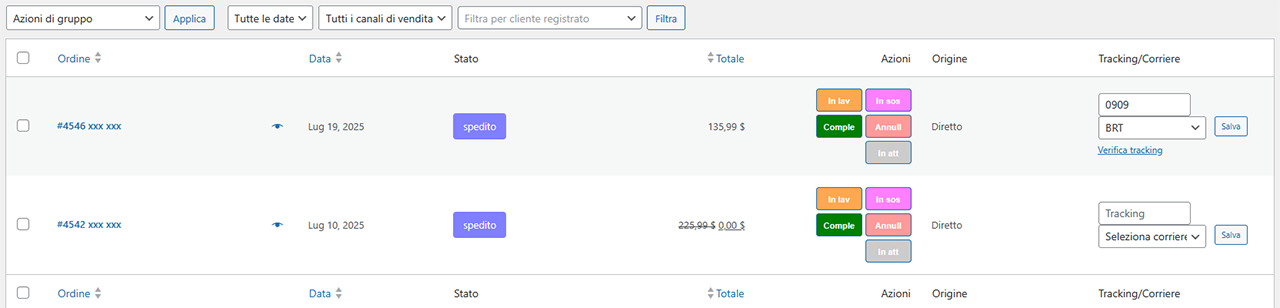
Colored badges in order list - Quick view of custom statuses in the order table.
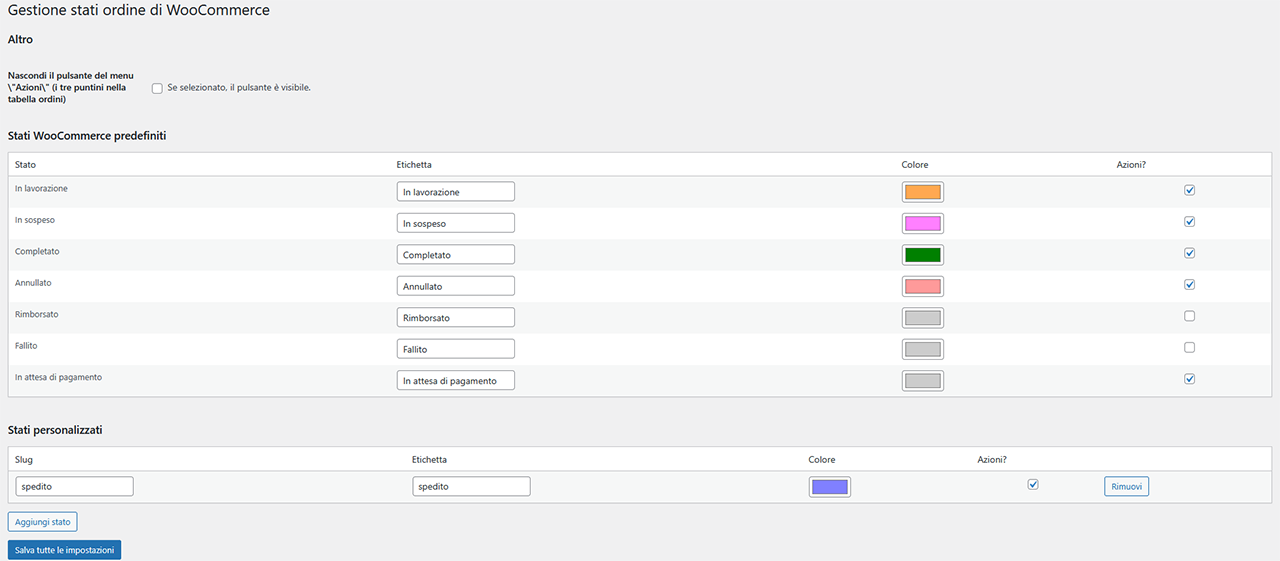
Status editor screen - Configure status name, color, and actions.
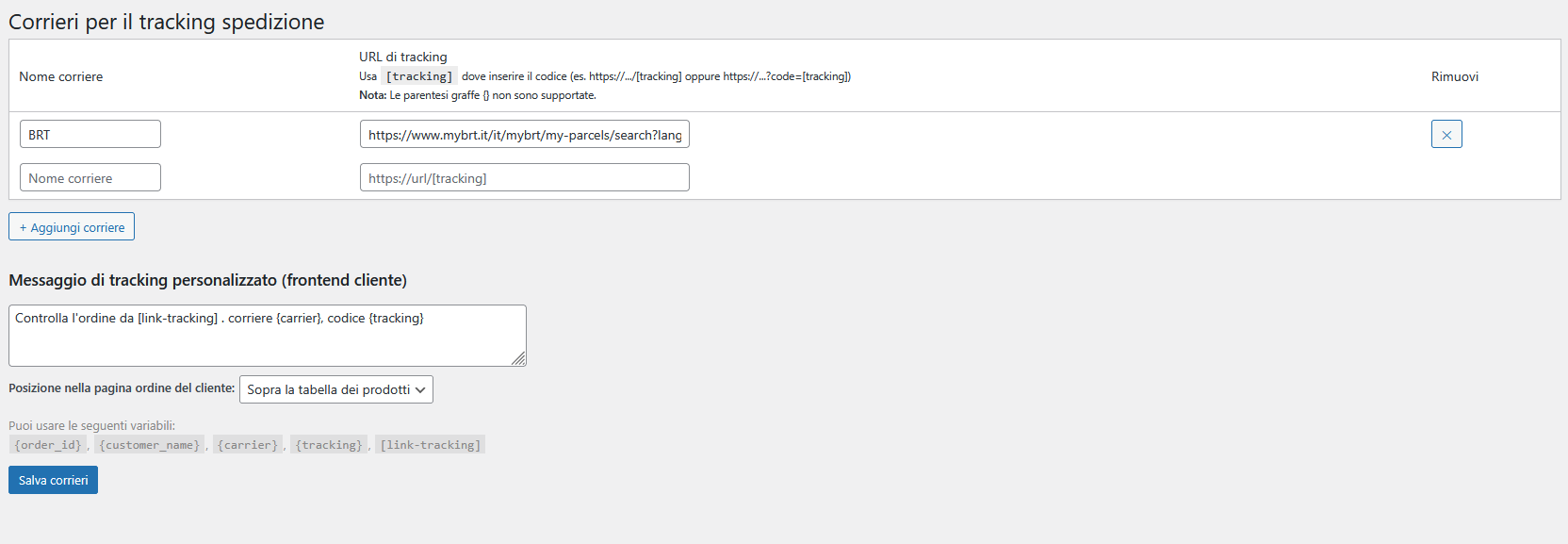
Carriers and tracking links - Define carrier names and URLs.

Carrier icons and display settings - Upload icons, style them, and choose where to show them.
Customer email - Personalized email with tracking info.
Email CSS Style Settings panel - Set custom styles (background, text, borders, etc.).
Order page on frontend - Tracking info shown to the customer in customizable positions.