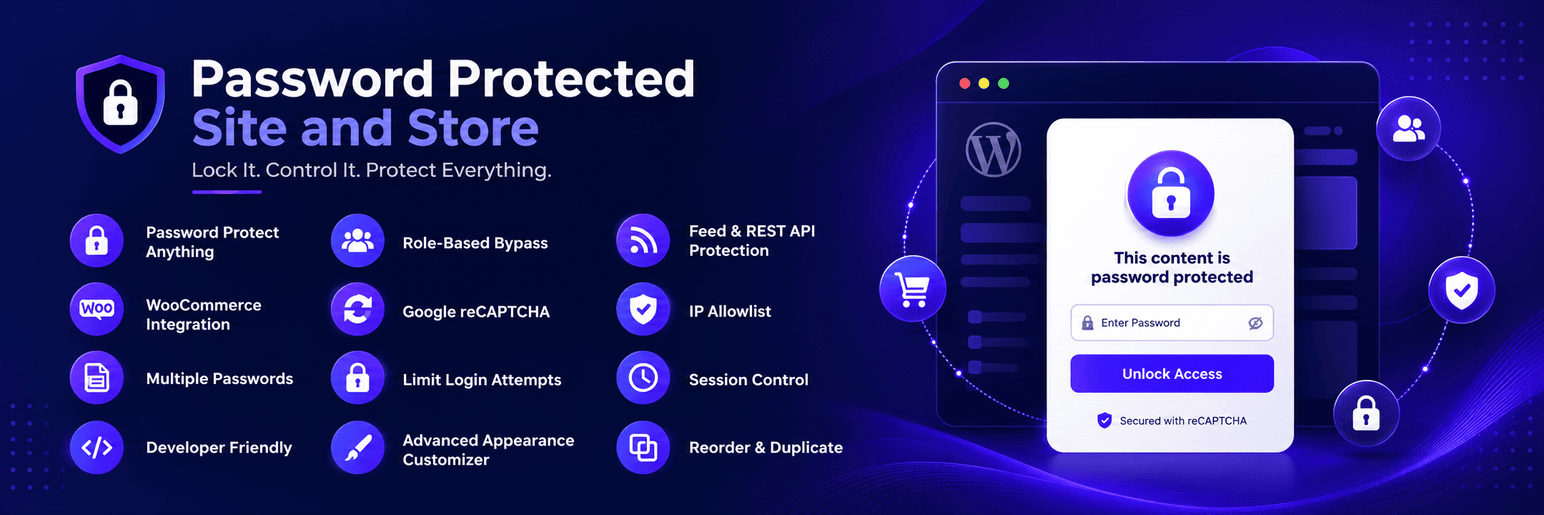
Want to make your WordPress site password protected? Need to create a protected WooCommerce store for select users or clients only? Our Password Protected Site and Store plugin is the ultimate all-in-one solution to restrict access and fully customize the experience – without touching any code.
Whether you’re building a staging site, client preview, private membership area, or exclusive product showcase – this plugin gives you complete control over who can access your WordPress site or WooCommerce store.
Features
🔹 Password Protect Anything: Protect your entire site, specific pages, categories, custom post types, or WooCommerce store.
🔹 WooCommerce Integration: Password protect specific WooCommerce products, product categories, or the entire store.
🔹 Multiple Passwords: Create unique passwords for different sections, individual pages, or even products.
🔹 Role-Based Bypass: Automatically bypass password protection for specific user roles (e.g., Administrators, Editors).
🔹 Google reCAPTCHA: Prevent brute force attacks with integrated security checks on the login forms.
🔹 Limit Login Attempts: Lock out an IP address after a set number of failed password attempts, for a duration you choose. The password field is disabled while the lockout lasts.
🔹 Feed & REST API Protection: Keep protected content out of /feed/ and /wp-json/ as well as the page itself.
🔹 IP Allowlist: Let trusted addresses or CIDR ranges skip the password entirely.
🔹 Session Control: Decide how long a visitor stays unlocked, with an optional “Remember me” checkbox.
🔹 Reorder & Duplicate: Drag passwords into the order you want and copy an existing one in a click.
🔹 Developer Friendly: Over 25 documented hooks and filters, including filters for every message shown to visitors.
🔹 Advanced Appearance Customizer:
🔹 Custom logo upload with width/height/alignment controls.
🔹 Background types (color, custom image with cover size options).
🔹 Custom colors for page background, form cards, primary buttons, text, inputs, labels, and borders.
🔹 Responsive, sleek layouts (default WordPress login style or customized design).
For developers
Several settings that are available in the plugin as filters, so you can change them in code without upgrading.
Change the message shown for a wrong password:
add_filter( 'ppsas_message_incorrect', function () {
    return 'That password is not right.';
} );
Change the lockout message. The {minutes} placeholder is replaced with the remaining wait:
add_filter( 'ppsas_message_lockout', function ( $template, $minutes ) {
    return 'Please wait {minutes} minutes before trying again.';
}, 10, 2 );
Let any signed-in user through, whatever their role:
add_filter( 'ppsas_visitor_is_exempt', function ( $is_exempt ) {
    return $is_exempt || is_user_logged_in();
} );
Keep a specific page public while the rest of the site is protected:
add_filter( 'ppsas_visitor_is_exempt', function ( $is_exempt ) {
    return $is_exempt || is_page( 'pricing' );
} );
Change how long access log entries are kept:
add_filter( 'ppsas_log_retention_days', function () {
    return 30;
} );
The full hook reference is in the plugin documentation.
Screenshots

Settings Tab

Passwords Tab

WooCommerce Protection Tab

Appearance Tab

Password Protected Page1. Settings Panel – Configure global protection, role-based bypass, authentication type, password form layout, and Google reCAPTCHA from one clean settings screen.