BACK TO DIRECTORY


This plugin was created to help Pics.io users save time on switching between tabs when they want to make a post for their blog or website with several images that are stored in digital asset management software.
Features
- Quick access to your Picsio library from a post editor
- Powerful search by text or by filters like color, rating, or upload time
- Ability to browse through the entire collections tree
- Quick preview of an image by clicking on its thumbnail
- Upload from Picsio to the Media Library and add an image to a post
- Create galleries from several images
Support
If you have questions about the plugin, contact us at support@pics.io or via live chat. We reply 24 hours 5 days a week.
Screenshots
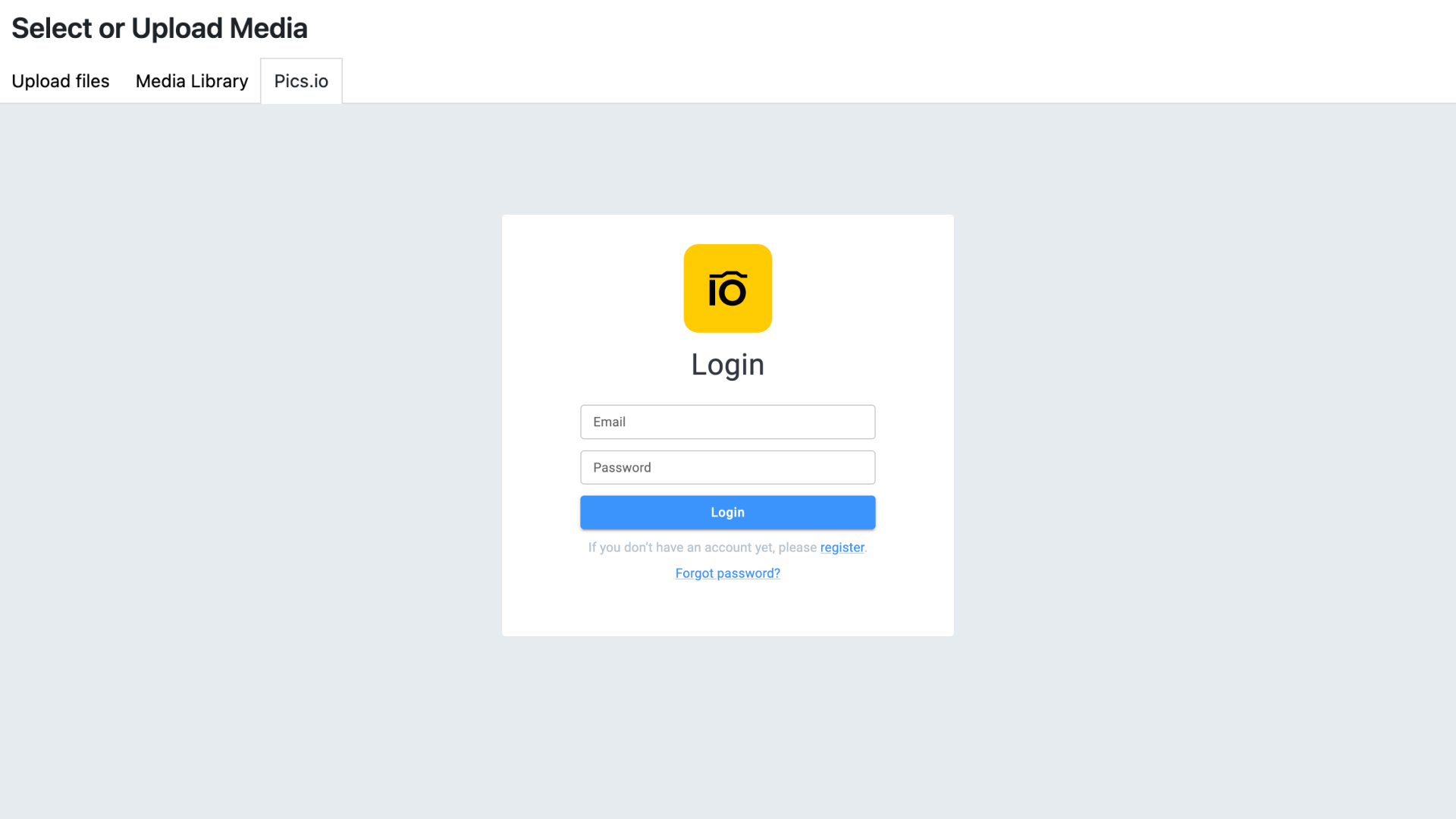
Log into your Pics.io account after installing WordPress DAM Plugin
Once logged in, you will see your DAM library collection tree
Before importing an image, you can open its preview for a full-scale image
Full-scale preview
WordPress DAM integration also gives you access to the advanced search filters straight from your WP editor
You can also order displayed assets by rating, upload time, file name, etc.
Plugin Details
Active Installs
10Total Downloads
6,001Version
1.0.1Requires WP
5.0Requires PHP
—Tested Up To
6.2.15Added
2023-04-24Last Updated
2023-04-24 3:40pm GMTRatings
5
0
4
0
3
0
2
0
1
0