BACK TO DIRECTORY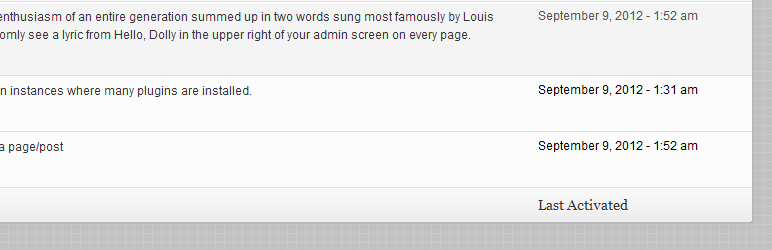

Current features:
- Adds a new column on the plugins dashboard screen that shows when each plugin was activated, only if PAD was installed before
- Control whether you’d like to see a relative date or a “regular” date as set under Settings > General
While by default the date & time settings are being used, you can always change the date format by filtering ‘pad_date_time_format’. For instance:
<?php

add_filter( 'pad_date_time_format', 'my_pad_date_time_format' );
function my_pad_date_time_format( $date_format ) {
    return 'm-d-Y';
}
Here’s some more info on date & time formatting in WordPress
Feel free to post your feature requests, issues and pull requests to Plugin Activation Date on GitHub.
Screenshots
The "Last Activated" column in the plugins dashboard screen
Plugin Details
Active Installs
300Total Downloads
7,143Version
1.1Requires WP
3.0Requires PHP
—Tested Up To
3.4.2Added
2012-09-09Last Updated
2012-10-19 9:47pm GMTRatings
5
8
4
1
3
1
2
0
1
0