
Postora Export for DOCX lets you export a WordPress post, including an unpublished draft, as a properly formatted Microsoft Word .docx file with one click.
The export is generated securely on your own server. No content is sent to an external service, and no third-party PHP library is required.
Features
- Download draft, pending, scheduled, private, and published posts.
- Export from the Posts list or the post editor.
- Include the title, status, author, last-modified date, categories, and featured image.
- Preserve headings, paragraphs, bold text, italic text, underline, links, lists, nested lists, blockquotes, code blocks, tables, captions, and local Media Library images.
- Distribute table columns automatically according to the number of cells.
- Keep exports private with post-specific nonces and WordPress capability checks.
- Protect server resources with image-count and image-size limits.
- Build genuine DOCX files with PHP’s built-in
ZipArchiveextension. - Process everything locally without tracking, remote requests, or external services.
The plugin exports the currently saved database version of the post. Save or update the post before downloading to include your latest editor changes.
Shortcodes are not executed by default. This avoids running unknown or expensive shortcode callbacks during an export. Developers can enable trusted shortcodes with the postora_docx_process_shortcodes filter.
Screenshots
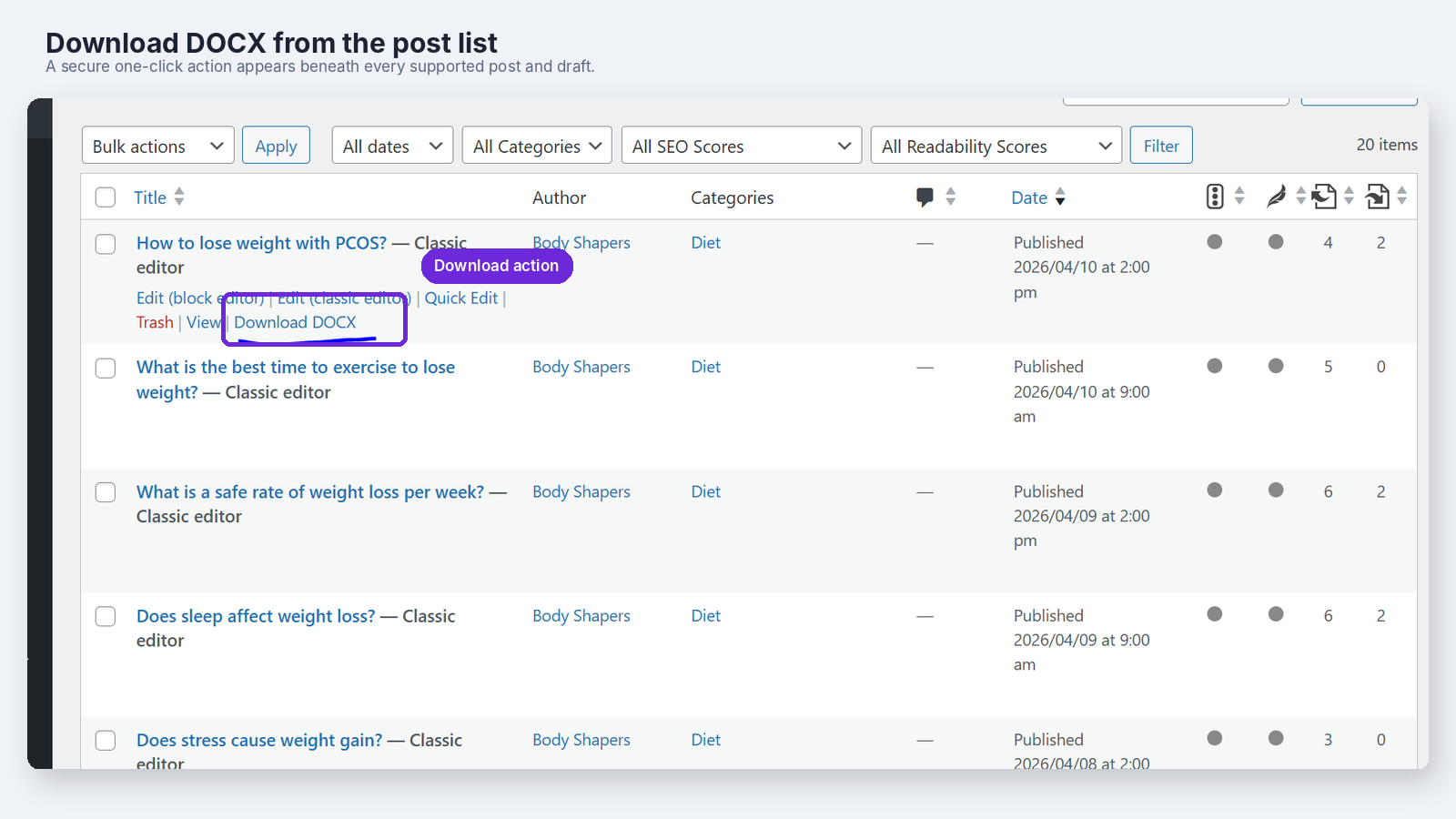
Download DOCX link in the Posts list.
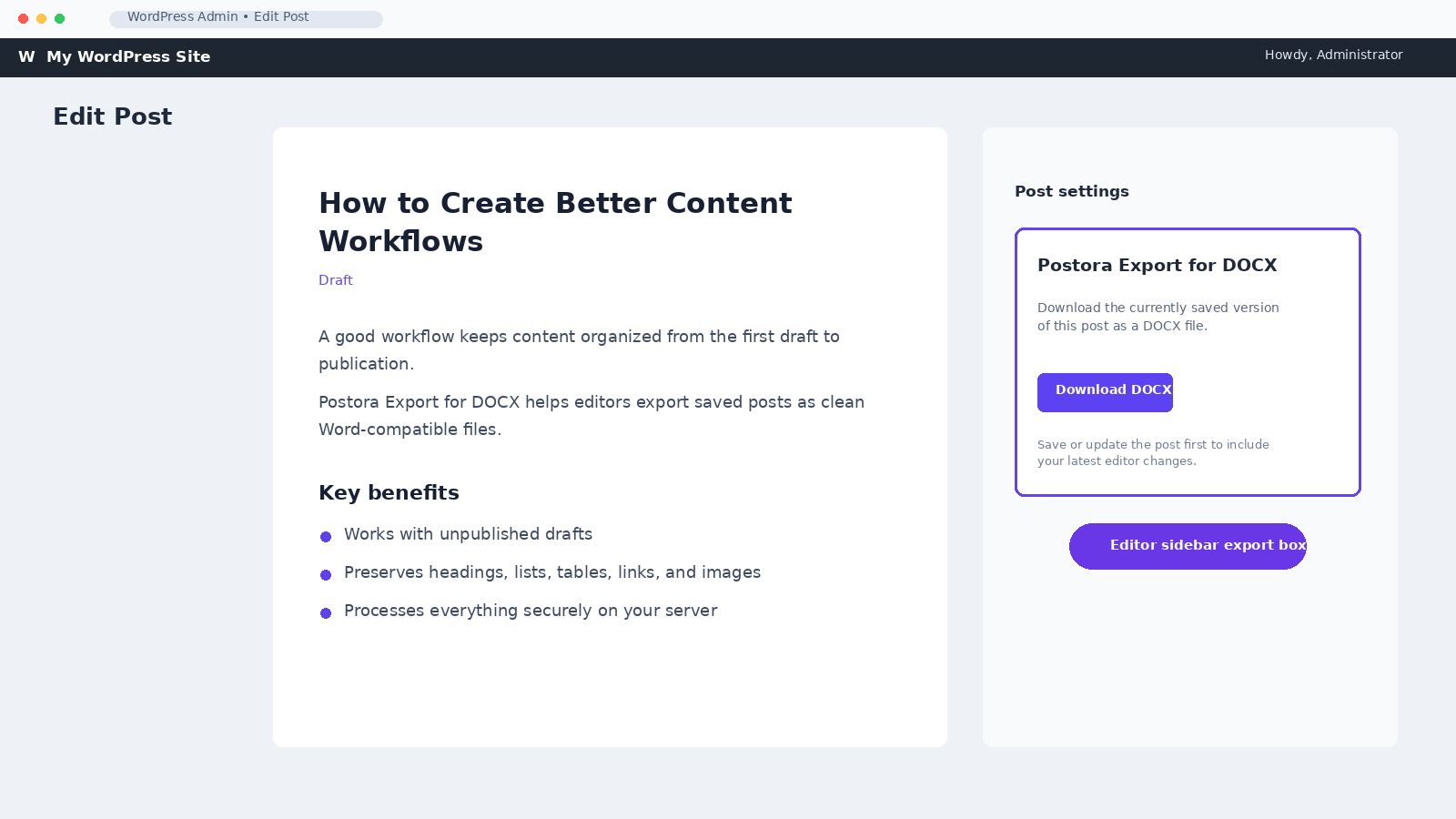
Download DOCX button in the post editor sidebar.
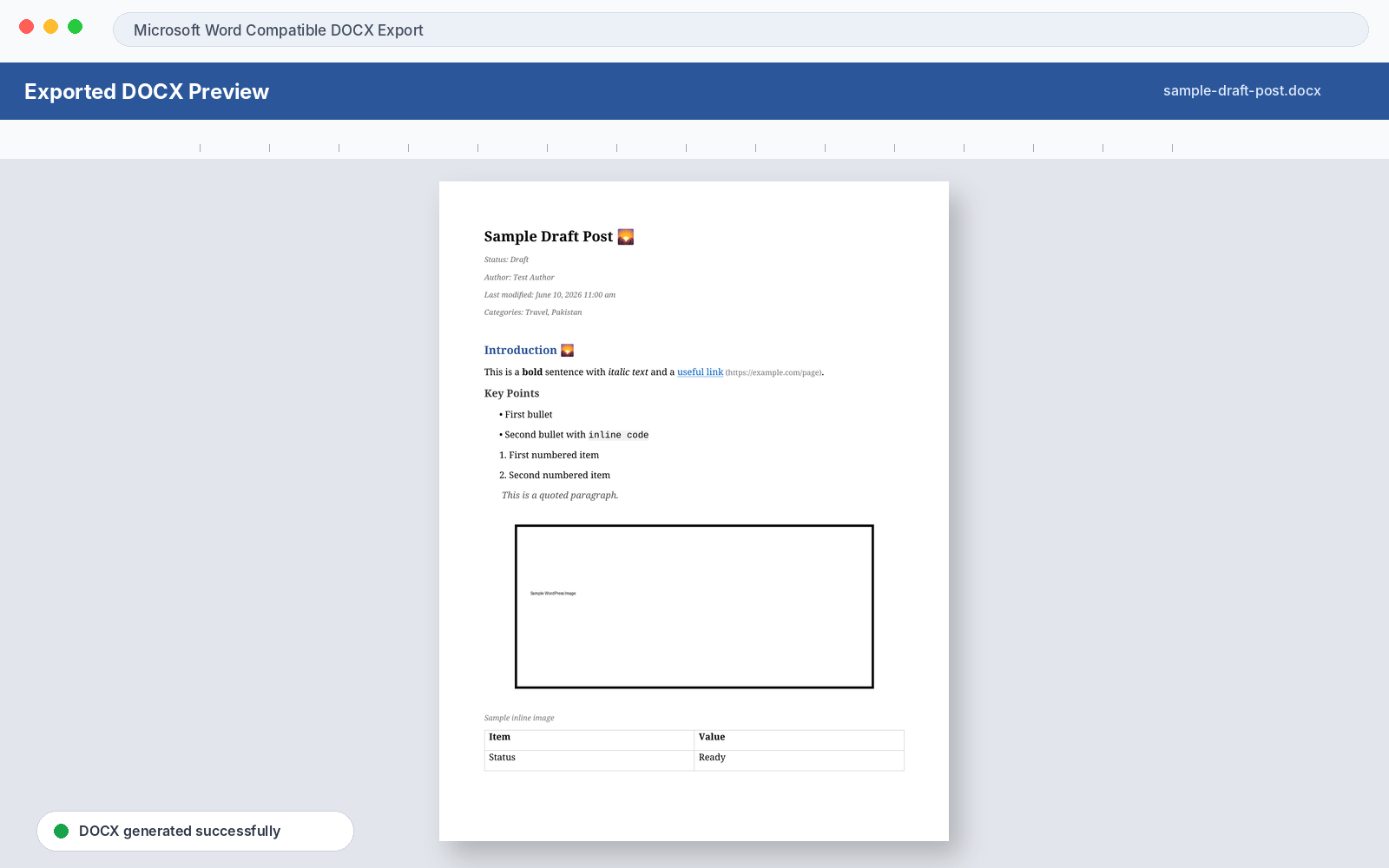
Example exported Microsoft Word document.