
Price Guard turns your WooCommerce shop into a catalog. Hide product prices, remove the Add to Cart button, and replace them with your own button so visitors get in touch instead of checking out.
Not every store should sell online at a fixed price. Wholesale suppliers negotiate. Trade counters price by account. Custom manufacturers quote per project. Distributors are contractually barred from showing retail prices in public. Price Guard covers all of these without touching your product data: your prices stay exactly where they are, they just stop being shown.
What Price Guard does
- Hide product prices across the shop, category pages, and single product pages.
- Show your own wording instead – “Call for pricing”, “Login to see price”, “Request a quote”, or anything you like.
- Hide the Add to Cart button and make products unpurchasable, so nothing can be ordered at the wrong price.
- Add your own button in its place, with your own label and link – a contact page, a quote form, a phone number, or a Calendly booking.
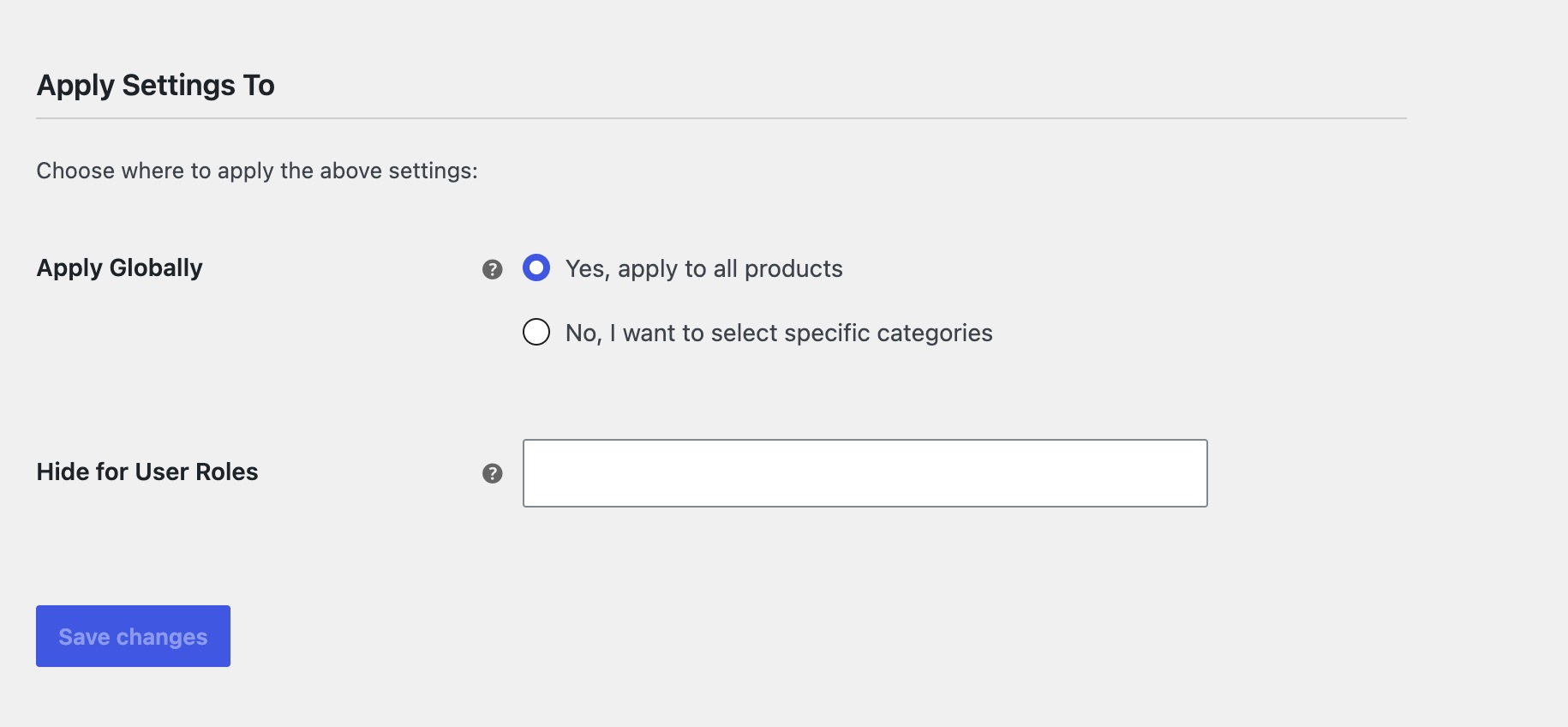
- Choose who sees what. Hide prices from logged-out visitors only, from specific user roles, or from everyone.
- Apply everywhere or by category, so part of your catalog can stay a normal shop.
Hide prices from guests, show them to customers
The most common setup for a wholesale store: pick Guest under Hide for User Roles, and prices disappear for logged-out visitors while approved customers who sign in see them normally. No separate wholesale plugin, no duplicate catalog.
You can target any role the same way – hide from subscriber but show to wholesale_customer, or hide from everyone by leaving the selection empty.
Full catalog mode
Enable both Hide Price and Hide Add to Cart and your store becomes a browsable product catalog. Customers still see products, images, descriptions and specifications – they just contact you instead of buying. Useful for:
- Wholesale and B2B suppliers who price per account
- Trade-only and distributor catalogs
- Made-to-order and custom manufacturing
- High-value equipment sold after a conversation
- Stores that must hide RRP under supplier agreements
Built to stay out of the way
Price Guard uses WooCommerce’s own filters rather than overriding templates, so it works with virtually any theme and does not need template edits. It is compatible with WooCommerce High-Performance Order Storage (HPOS), adds no front-end scripts, and stores nothing beyond a handful of options.
Requirements
WooCommerce must be installed and active.
Screenshots
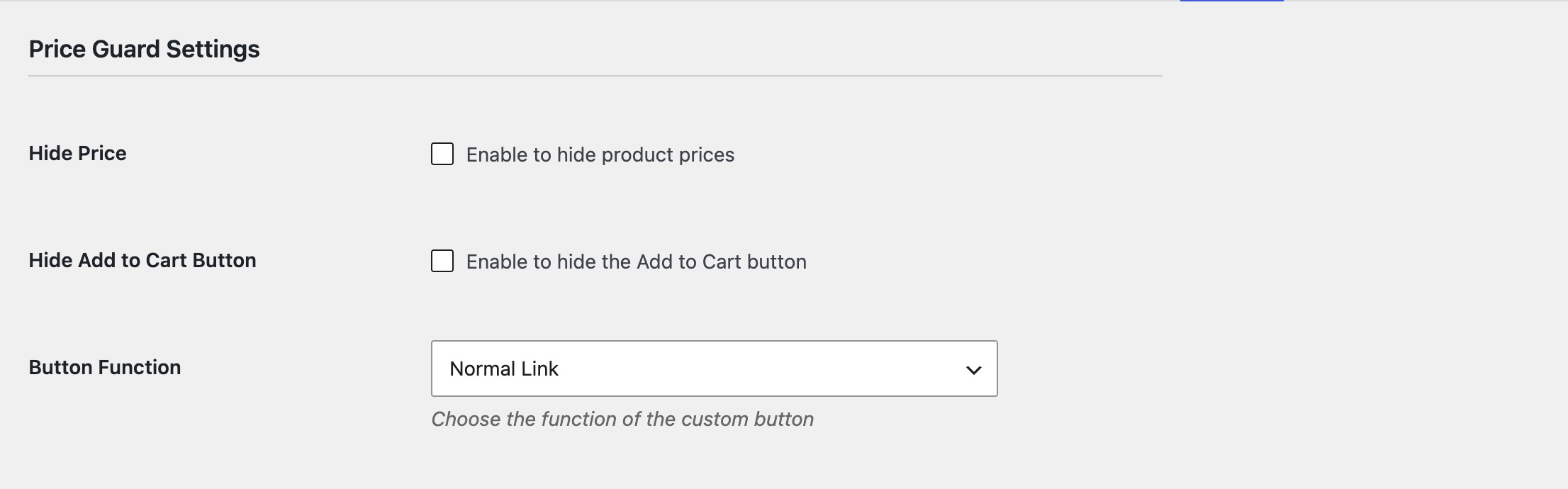
Price Guard settings under WooCommerce > Settings, including category and user role targeting
A product with its price replaced and a Request a Quote button in place of Add to Cart