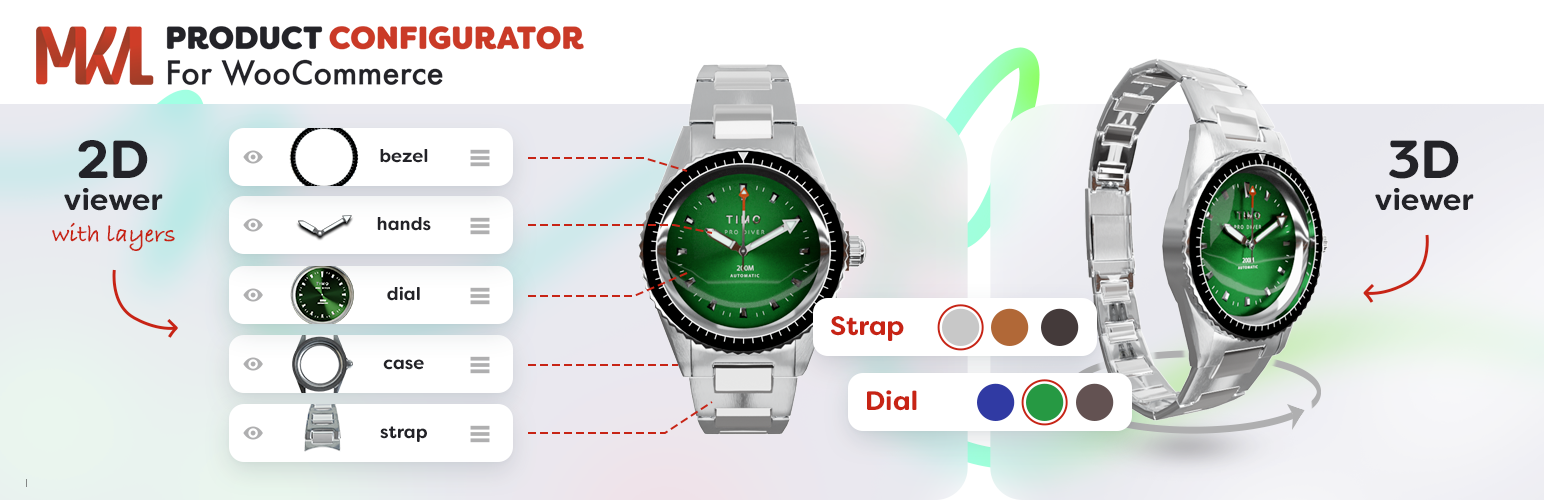
Product Configurator for WooCommerce turns any WooCommerce product into an interactive product builder. Every option a customer picks updates a live preview, so they see exactly what they are buying before they add it to the cart — in 2D or in 3D.
- 2D product configurator – Stack transparent image layers exported from Photoshop, 3D renders or product photography, across several views (front, side, back…).
- 3D product configurator – Upload a glTF / GLB model and let customers rotate, zoom and configure it in real time: show or hide parts, swap materials and colors, move components.
Add colors and swatches, conditional logic, pricing rules, form fields, file uploads and linked WooCommerce products, and replace hundreds of product variations and images with a single configurable product. Build a configurator once and share it across your whole catalog with global configurators and global layers.
No coding and no bulky setup: the configurator works with any WooCommerce theme, and everything is managed from a visual editor in the WordPress admin.
New in version 2: 3D configurator, global configurators and global layers. Read what’s new in v2
Perfect for:
- Bikes, bicycles and other vehicles
- Furniture, sofas and lighting
- Custom jewelry and watches
- Clothing, shoes and accessories
- Electronics, computers and simulators
- Industrial, B2B and made-to-order products
- Any product you sell in many combinations
🎮 Check out the live demos
🛠️ Set up a sandbox with admin access
Have feedback, ideas, or found a bug? Report issues on GitHub or use the support forum.
Features
2D and 3D visual configurators
- 2D Layered Images – Compose product previews from transparent PNG layers—no need to create an image for every combination.
- 3D Models – Configure glTF / GLB models in real time. Each choice can show, hide or move a part of the model, or change its material.
- Multiple Views – Show several angles of a 2D product, or saved camera views of a 3D model, each framing the part that matters.
- Realistic 3D Scenes – HDRI or cubemap environments, six light types, and soft or real-time shadows.
- Fast Loading – 3D scripts only load on products that use them, and secondary models can load on demand.
- Configuration Image in the Cart – The cart, orders and quotes show a picture of the configured product, in 2D or 3D.
- Live Text Overlay (via add-on) – Let customers preview custom text with your fonts and colors—ideal for engraving, embroidery, and personalization.
- 3D Premium (via add-on) – Clickable hotspots, model animations, augmented reality (“View in your space”), parts that snap onto anchors, and photo-style postprocessing.
Reuse configurators across your catalog
- Global Configurators – Share one configurator between many products. Edit it once and every product using it is updated. Assign it product by product or to whole categories, and detach a single product with “Make local copy” when it needs to differ.
- Global Layers – Build a layer once, such as a fabric range or a color palette, and import it into any configurator. Changes reach every product using it, and any product can disconnect to customize its own copy.
Create smart configuration flows
- Multi-Step Configurator – Split complex product builds into multiple steps for a guided product selection experience.
- Required Selections – Make sure customers choose an option before they can add the product to the cart.
- B2B – Compatible with quote plugins, tiered pricing and wholesale prices. A configured product keeps its choices, price and preview image in the quote, the cart and the order.
- Conditional Logic (via add-on) – Show/hide options dynamically depending on user selections. Perfect for complex logic flows.
- Form Fields (via add-on) – Let users enter text, numbers, or upload files—ideal for personalized orders.
Connect to WooCommerce
- Price per Option (via add-on) – Assign additional pricing to individual options (great for premium upgrades).
- Custom Pricing Formulas (via add-on) – Calculate advanced prices dynamically based on user input and selected options.
- Inventory & Stock Management (via add-on) – Track inventory per option inside the configurator, or by linking to actual WooCommerce products.
- Linked Products (via add-on) – Link any configurator choice to a real product in your WooCommerce shop:
- Add real components to the cart
- Track SKUs and inventory
- Support ERP/warehouse integration
- Build composite/bundled products
- Use or override linked product pricing
- Order Data Your Tools Can Read – Store the configuration as one plain-text order meta per layer, ready for exports, invoices and ERP integrations.
Ready for your shop
- No development required — works out of the box on any Woo store
- Multilingual – Compatible with WPML and Polylang, with translatable layers and choices.
- Developer Friendly – Includes hooks, filters, a JavaScript API, and a clean, commented codebase to adapt it to your needs.
- Accessible – Full keyboard use, including the 3D view, screen-reader friendly labels and live announcements, validation errors shown in-page with links to each field
Shortcodes
-
Configurator Button:
[mkl_configurator_button product_id=1 classes=”button primary”]
Optional content:
[mkl_configurator_button product_id=1]Button text[/mkl_configurator_button] -
Inline Configurator:
[mkl_configurator product_id=1 classes=”your-css-class”]
Configurator templates
- Includes 9 built-in high quality themes (see Screenshots)
- Easily create your own theme for full control
- Supports WordPress Customizer (Appearance > Customize) to change visual styles
Premium features
The core plugin is fully functional. Extend it with these premium features:
- 3D Premium – Hotspots, animations, augmented reality, parts that snap onto anchors and photo-quality rendering for 3D configurators
- Extra Price – Add custom pricing to options
- Save Your Design – Save feature – Let users save their designs
- Save Your Design – Share feature – Let users share their designs, copy a link or email their configuration
- Save Your Design – Presets feature – Create configuration presets for direct access
- Save Your Design – PDF download – Users can download their configuration as PDF
- Multiple Choice – Enable multi-select per layer
- Linked Products & Stock Management – Link options to WooCommerce products, track inventory, sync with ERP
- Conditional Logic – Build complex products: dynamically show, hide, or auto-select items based on conditions
- Form Fields – Add forms to collect extra input, upload files and perform price calculations
- Text Overlay – Let users preview personalized text in real time
💬 For custom development or tailored integrations, contact me here.
Screenshots
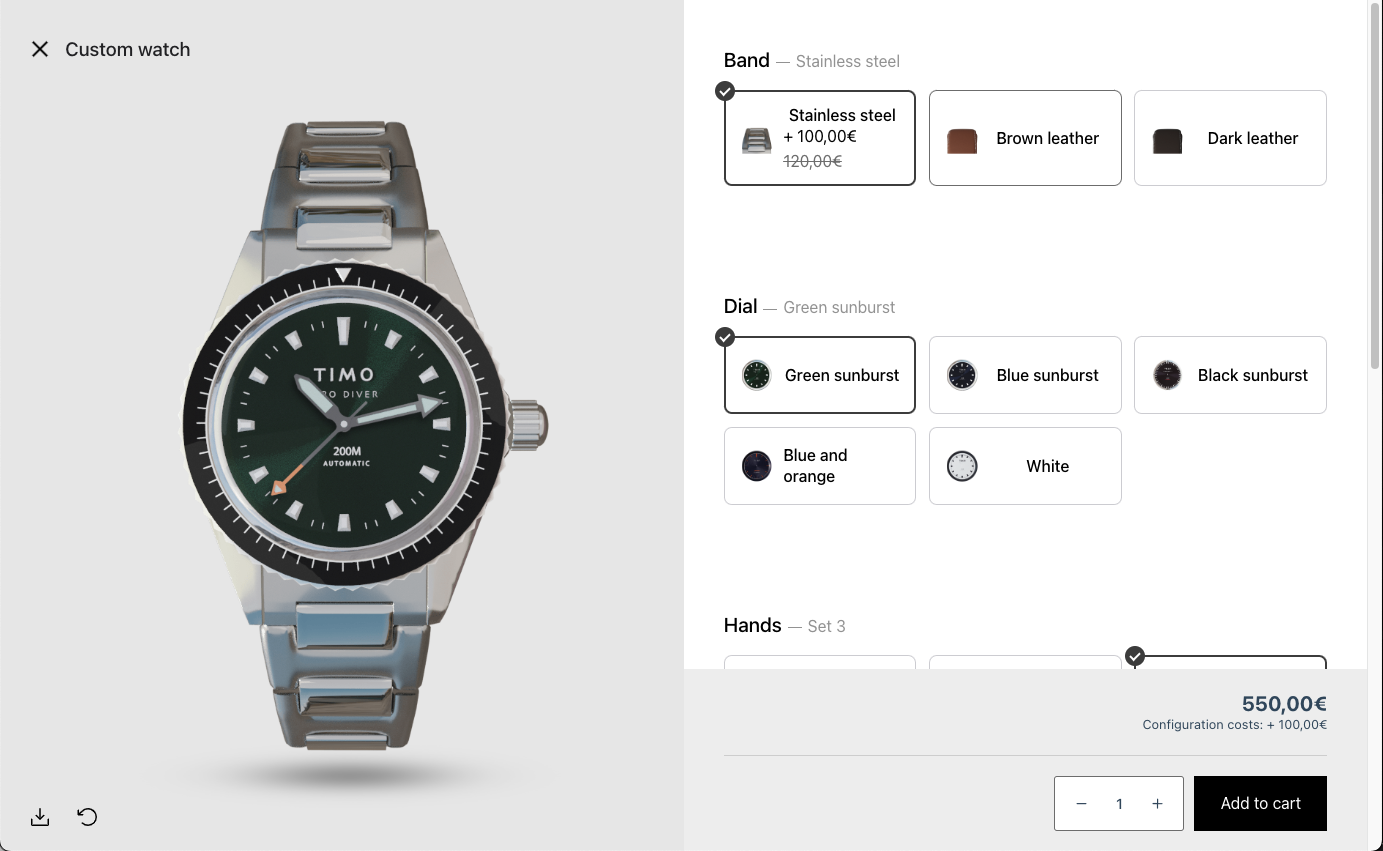
Configurator theme - Le Bolide
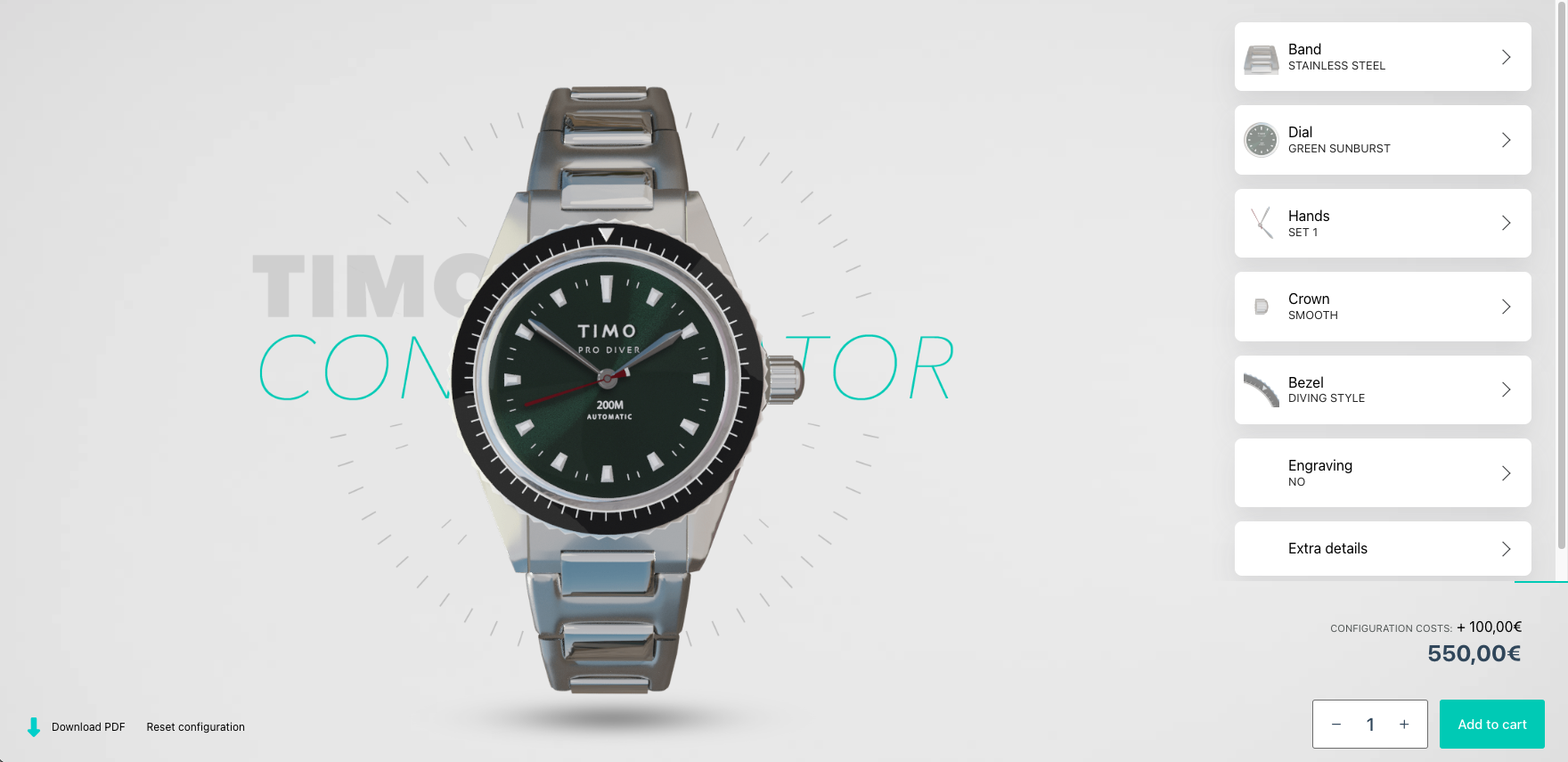
Configurator theme - Float
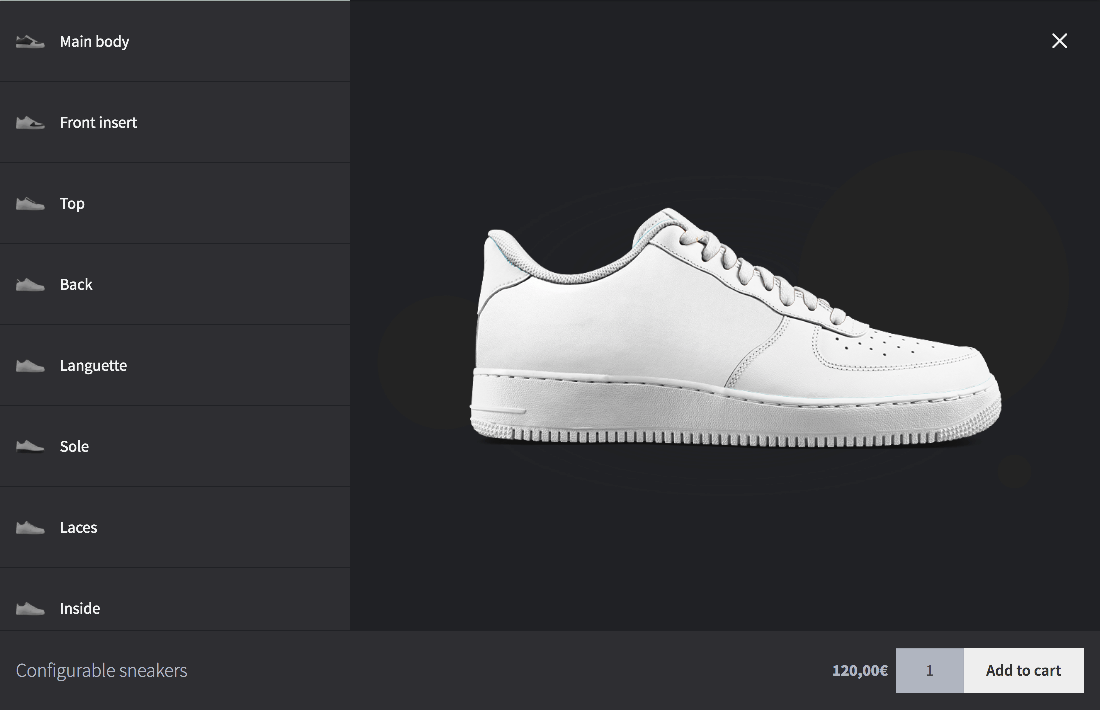
Configurator theme - Dark mode
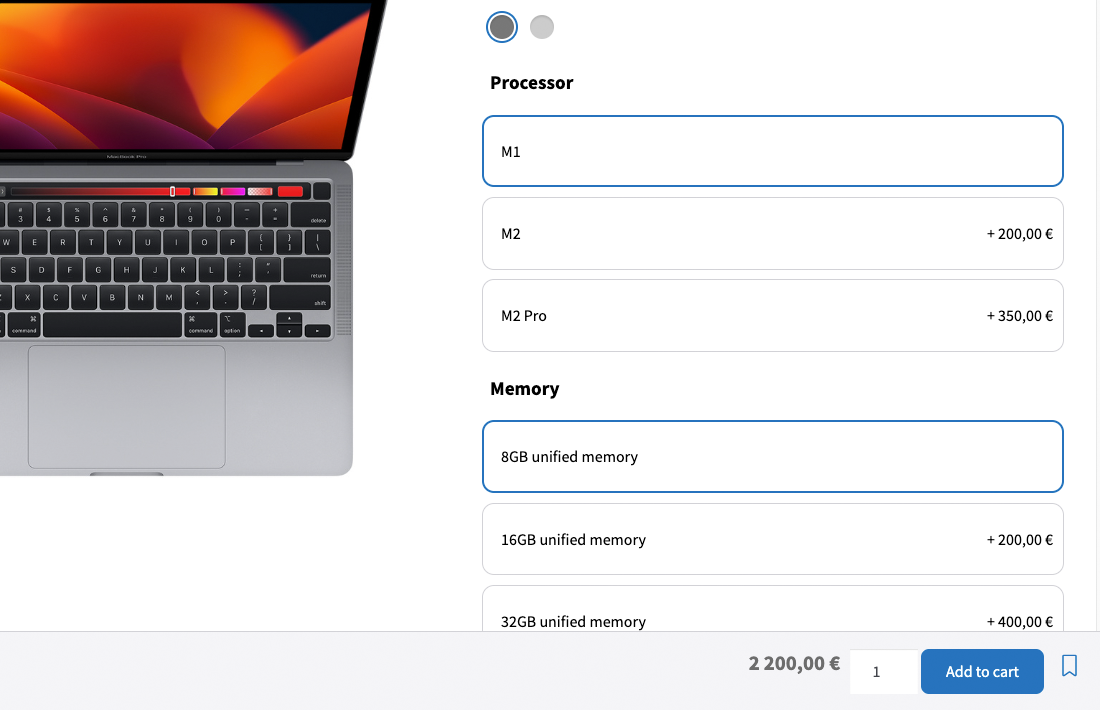
Configurator theme - La Pomme
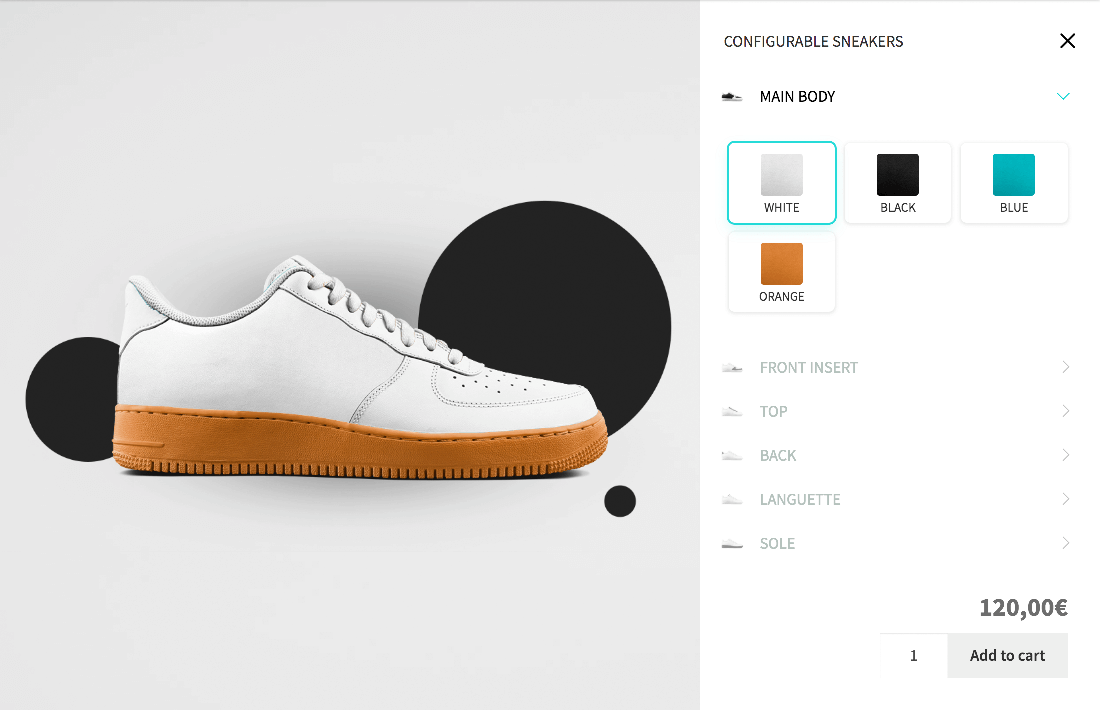
Configurator theme - WSB
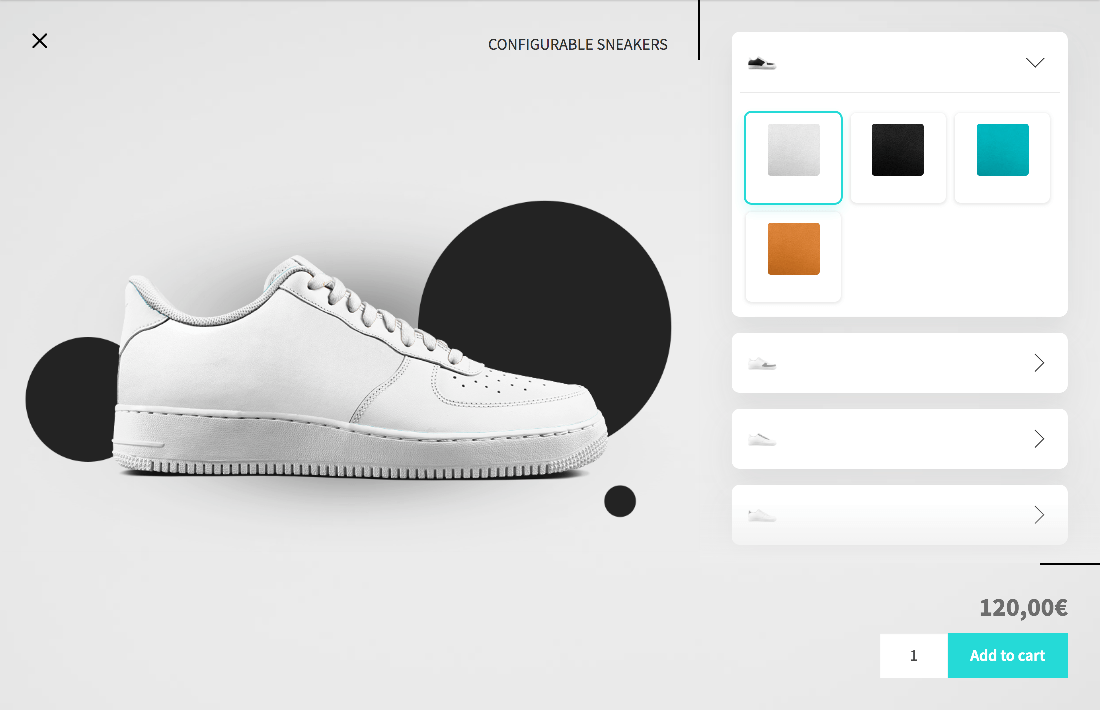
Configurator theme - Float
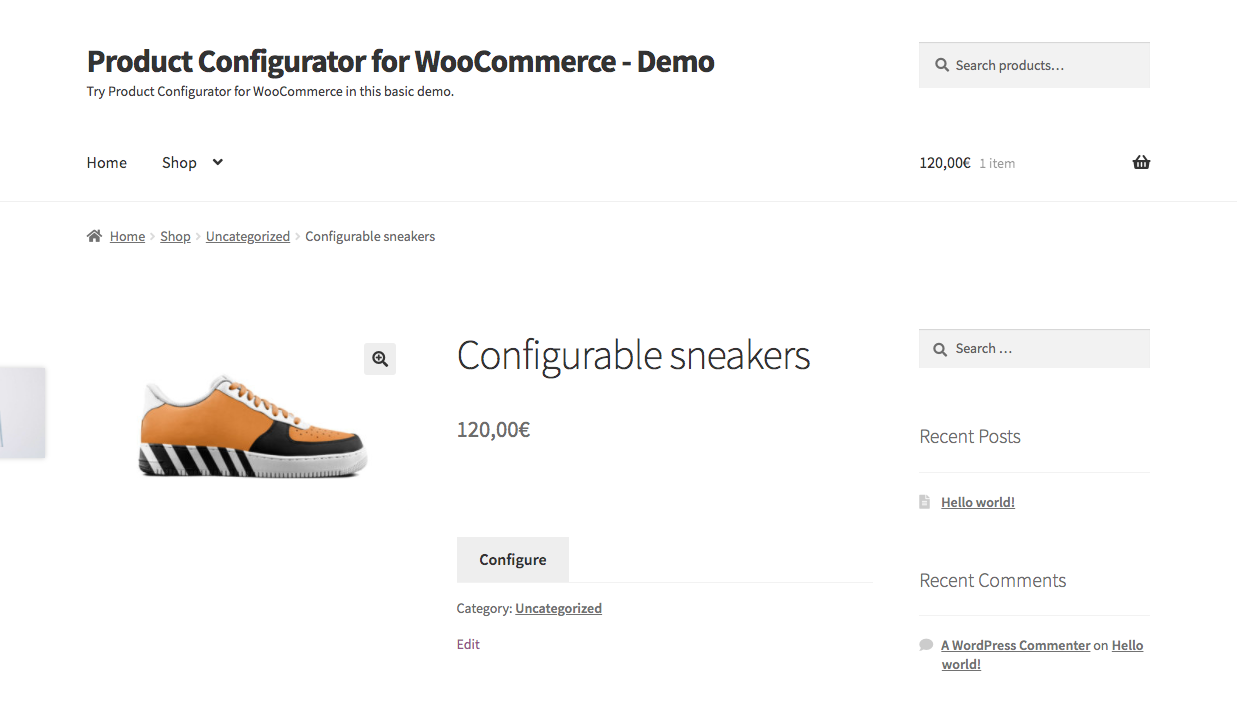
Frontend default: replaces the Add to cart button by a "Configure" button
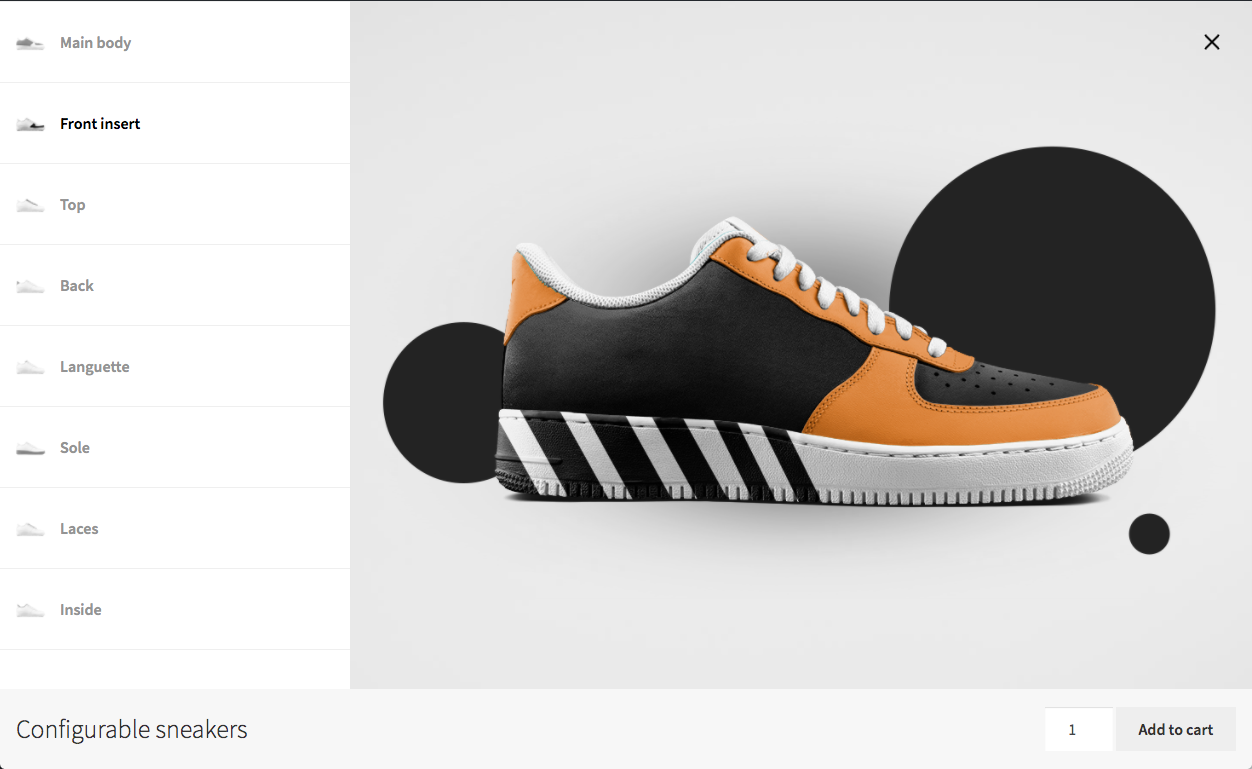
Configurator theme - Default
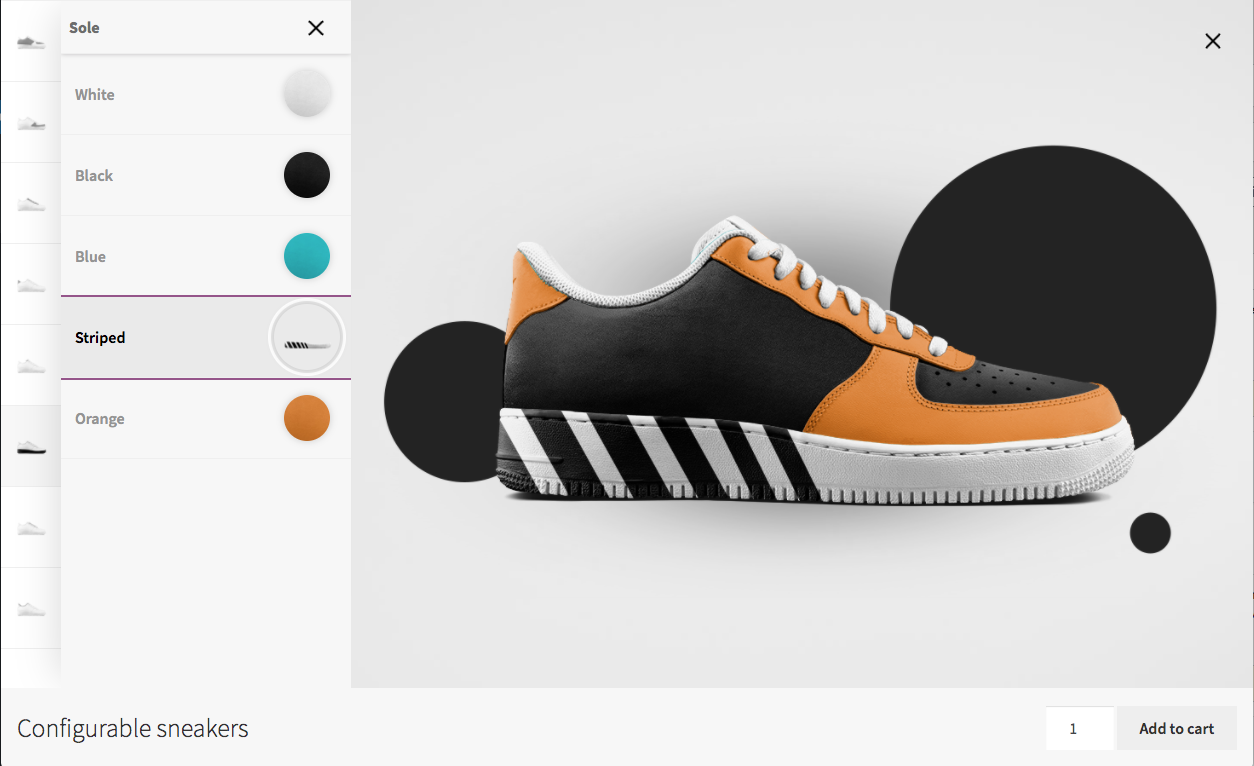
Configurator theme - Default opened
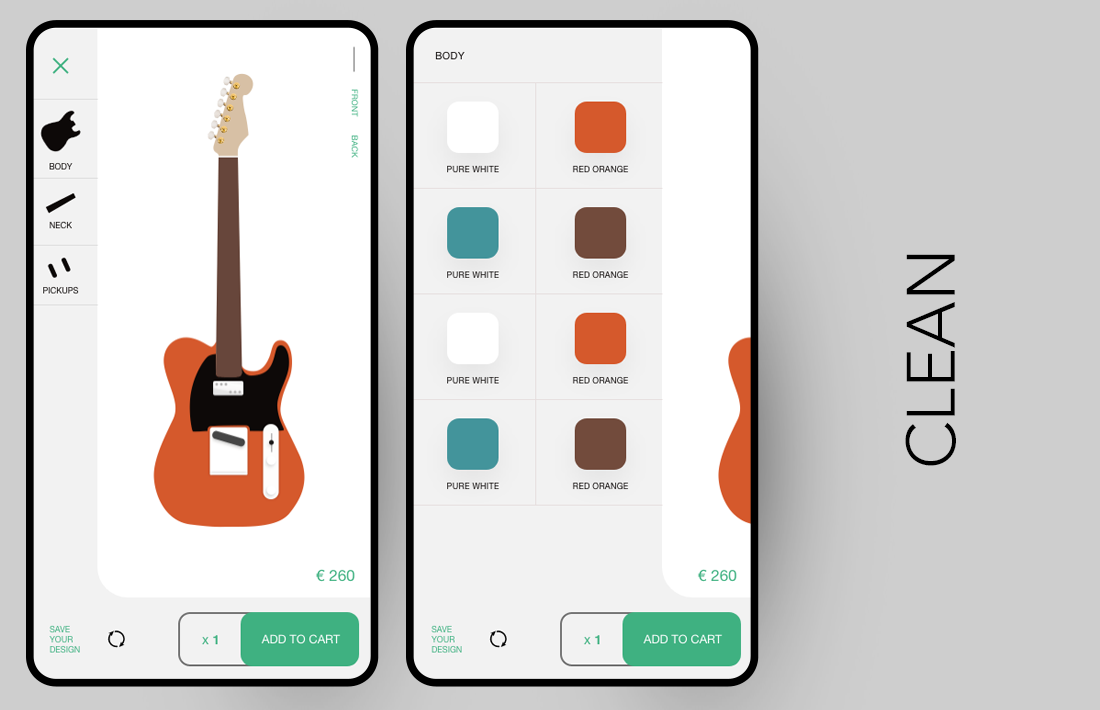
Configurator theme - Clean
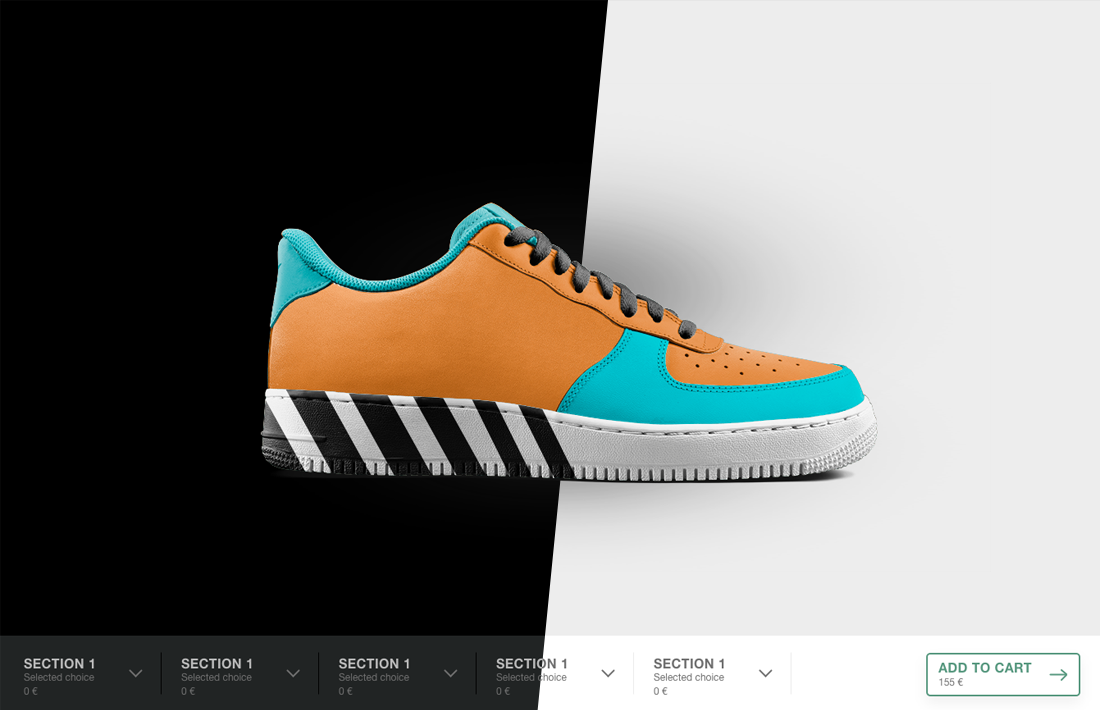
Configurator theme - H
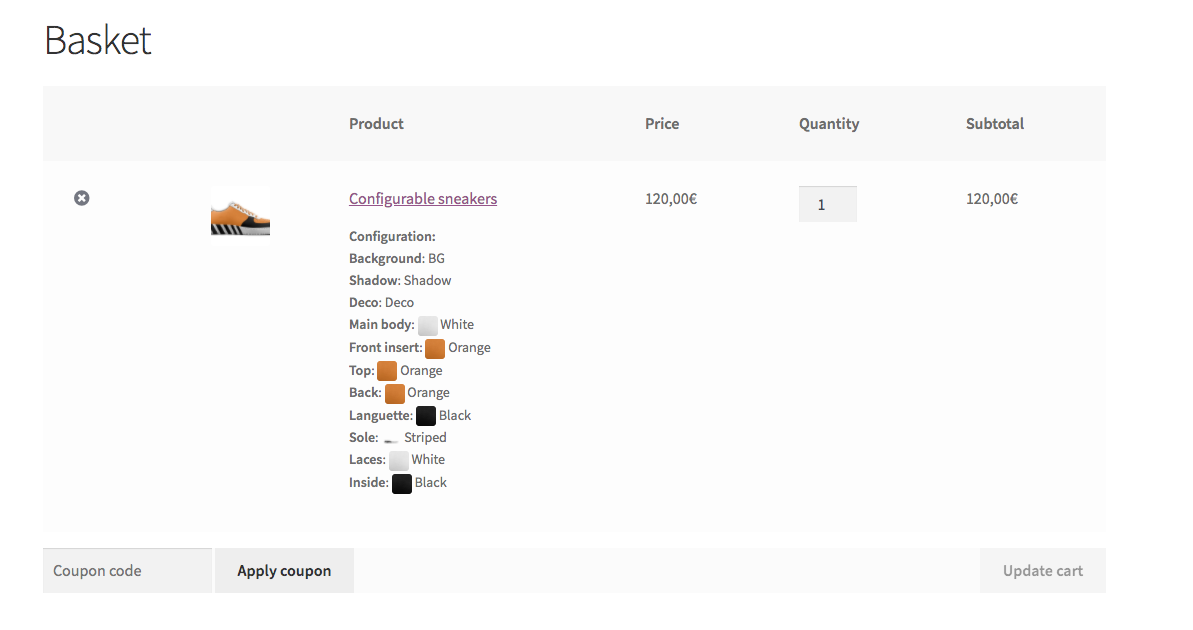
Frontend: configuration in the cart
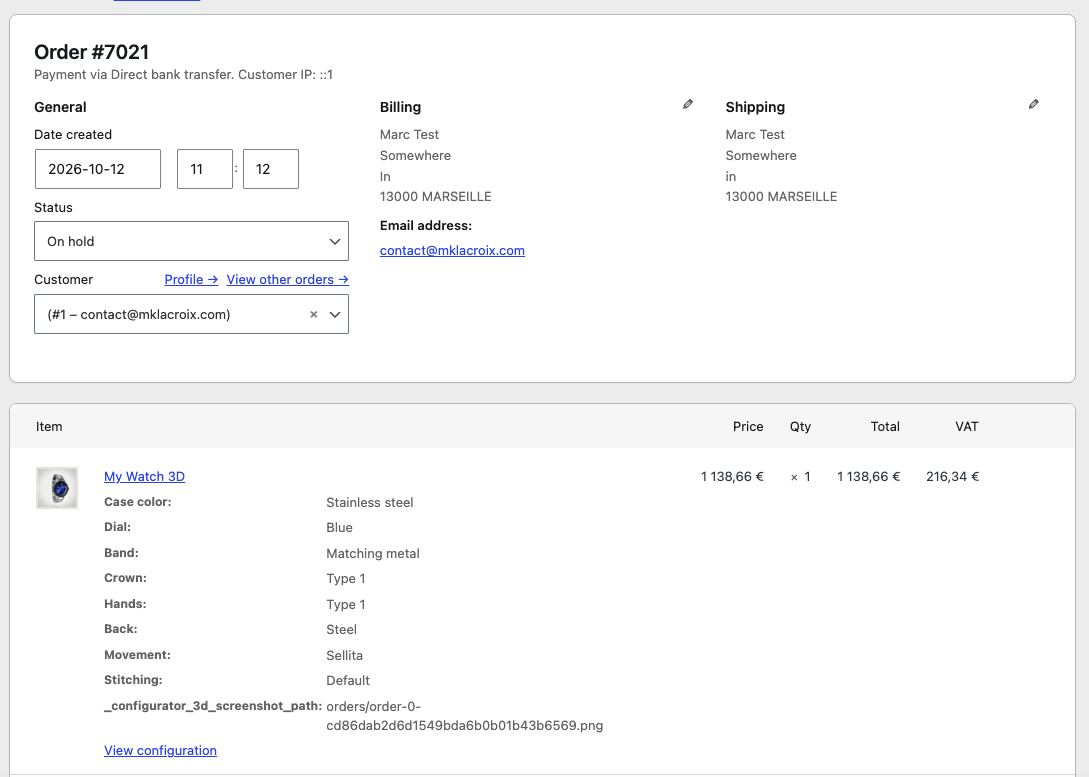
Backend: configuration in the order
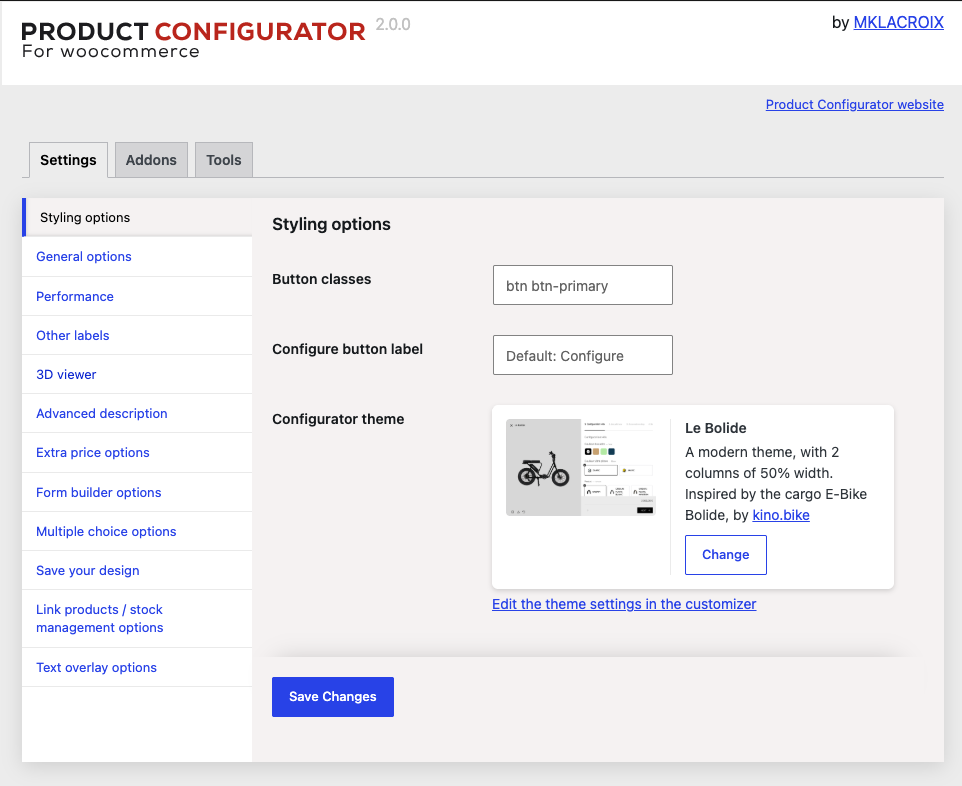
General plugin settings
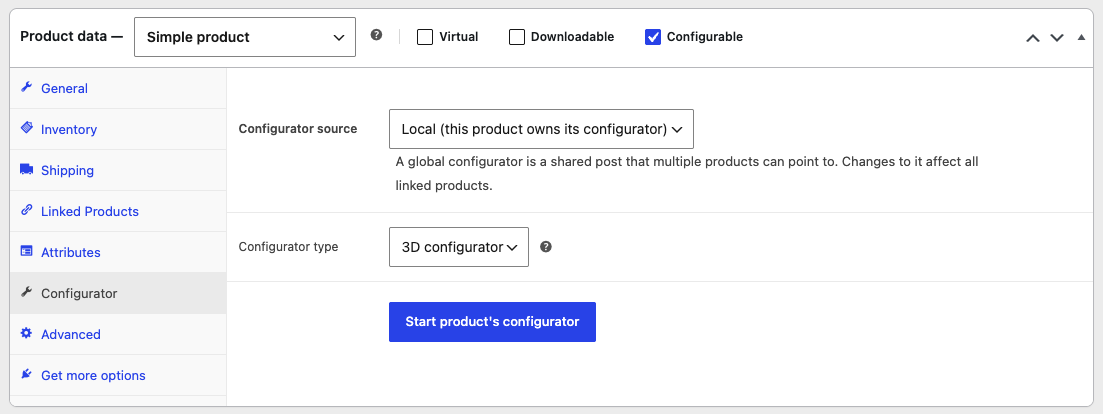
WooCommerce product settings

Editing a configuration - home screen

Editing a configuration - Layers screen

Editing a configuration - Contents screen
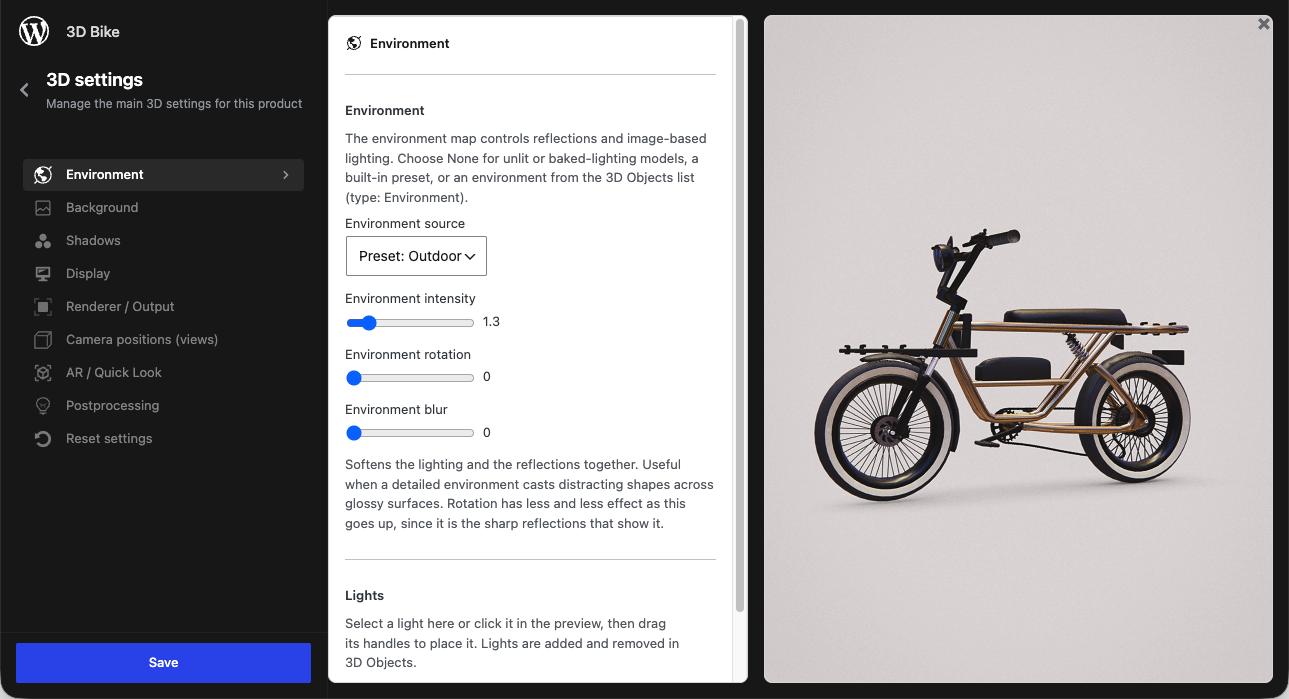
Editing a configuration - 3D settings