
Persian WC Product Expiration allows store owners to set expiration dates for products and automatically update stock status when they are near expiration.
Features:
– ✅ Add an expiration date to products via the product edit page or Quick Edit.
– ✅ Display the expiration date on the product page.
– ✅ Automatically set products to “Out of Stock” two months before expiration.
– ✅ Send email notifications to administrators and shop managers.
– ✅ Full support for the Persian calendar when jdate() is available.
– ✅ Compatible with WooCommerce.
🗓️ Persian Calendar Support
If the jdate() function is available (e.g., by using the WP-Parsidate plugin), the expiration dates will be displayed using the Persian (Jalali) calendar. Otherwise, it will default to the Gregorian calendar.
Screenshots
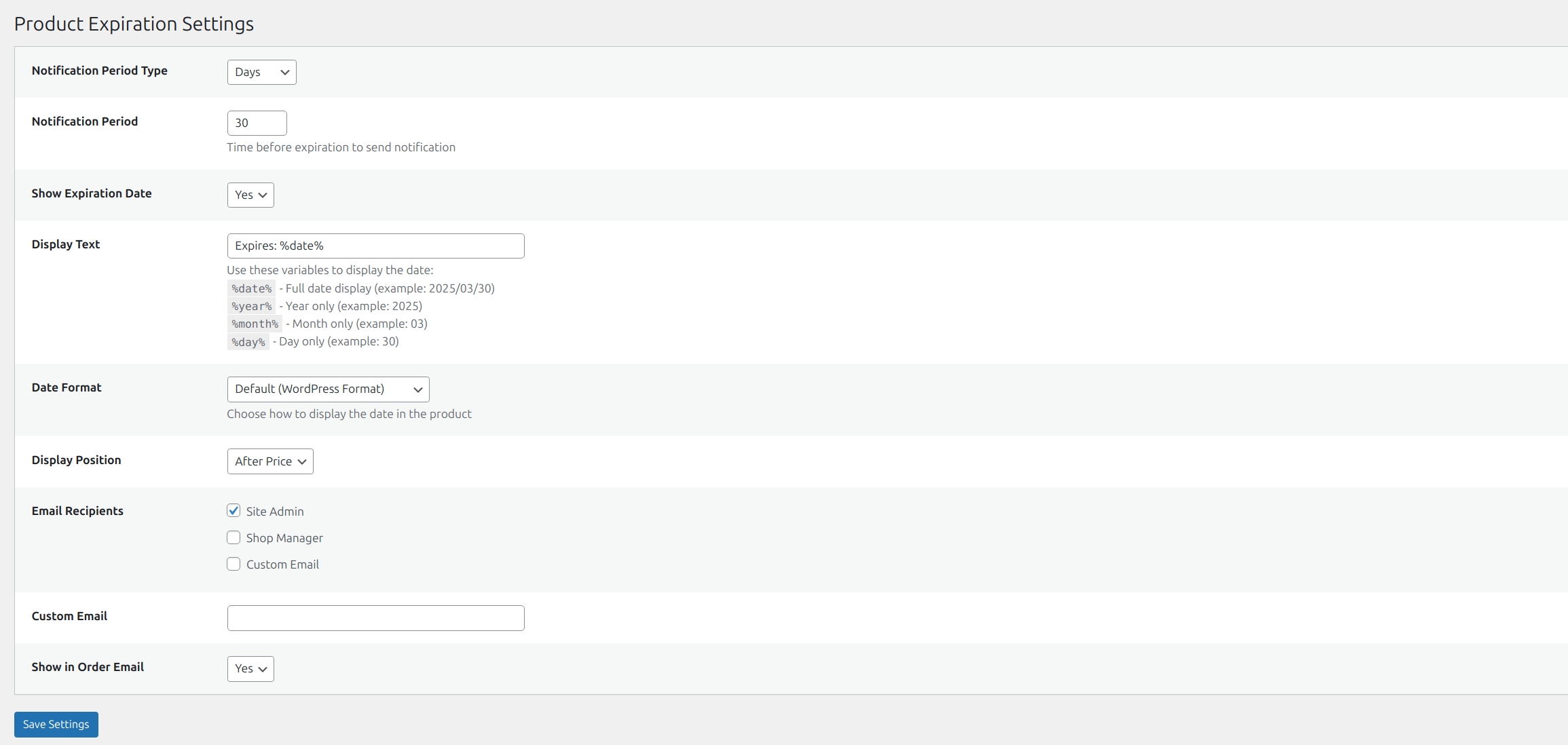
Plugin settings page with expiration configuration options.
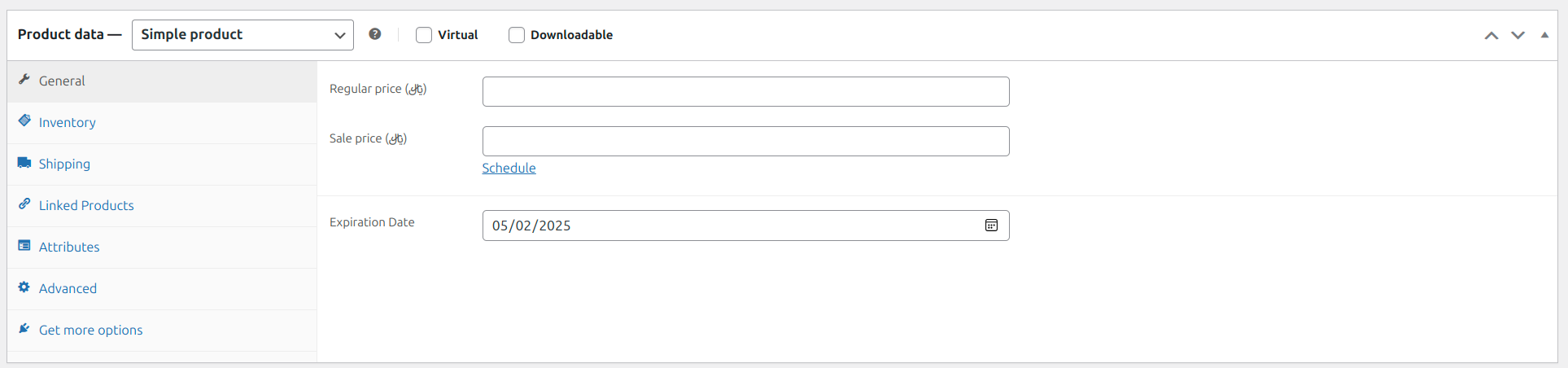
Expiration date field in WooCommerce product edit screen.

Expiration date column in the products list.

Expiration date displayed on the product page (frontend).
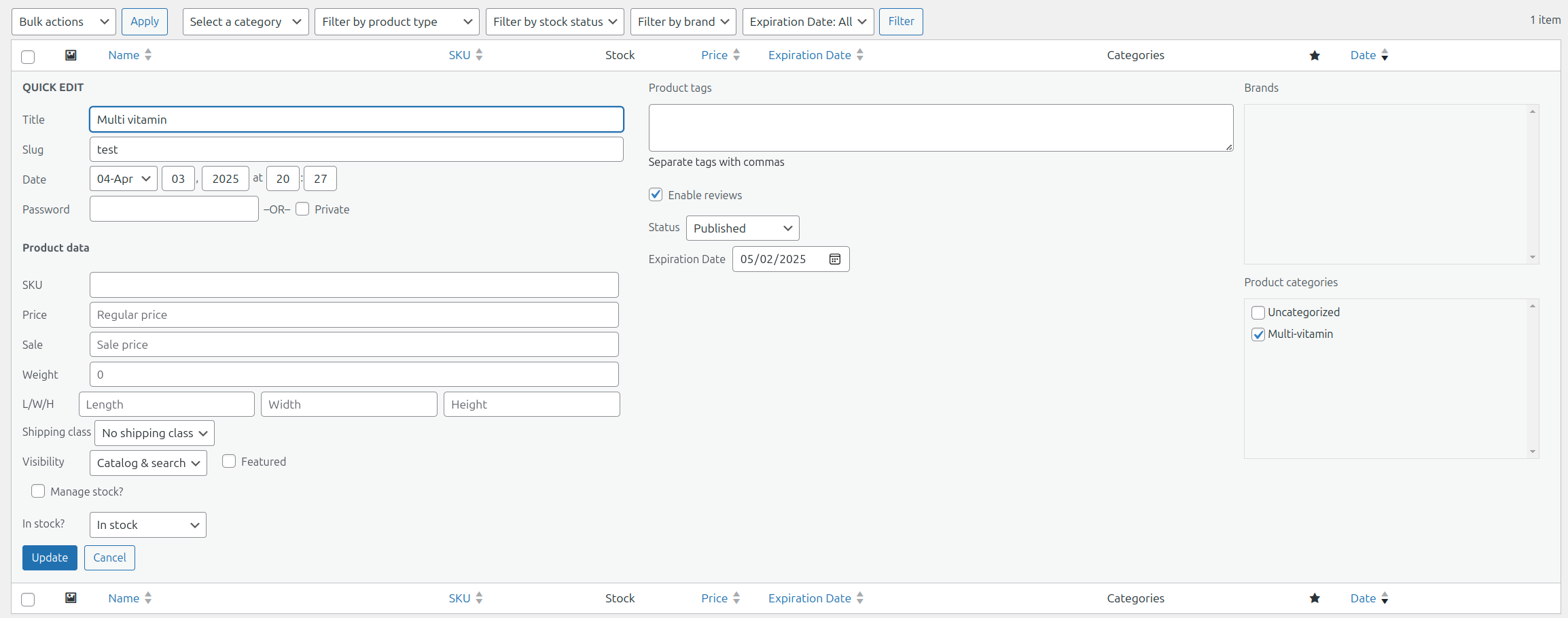
Quick Edit feature showing the expiration field.
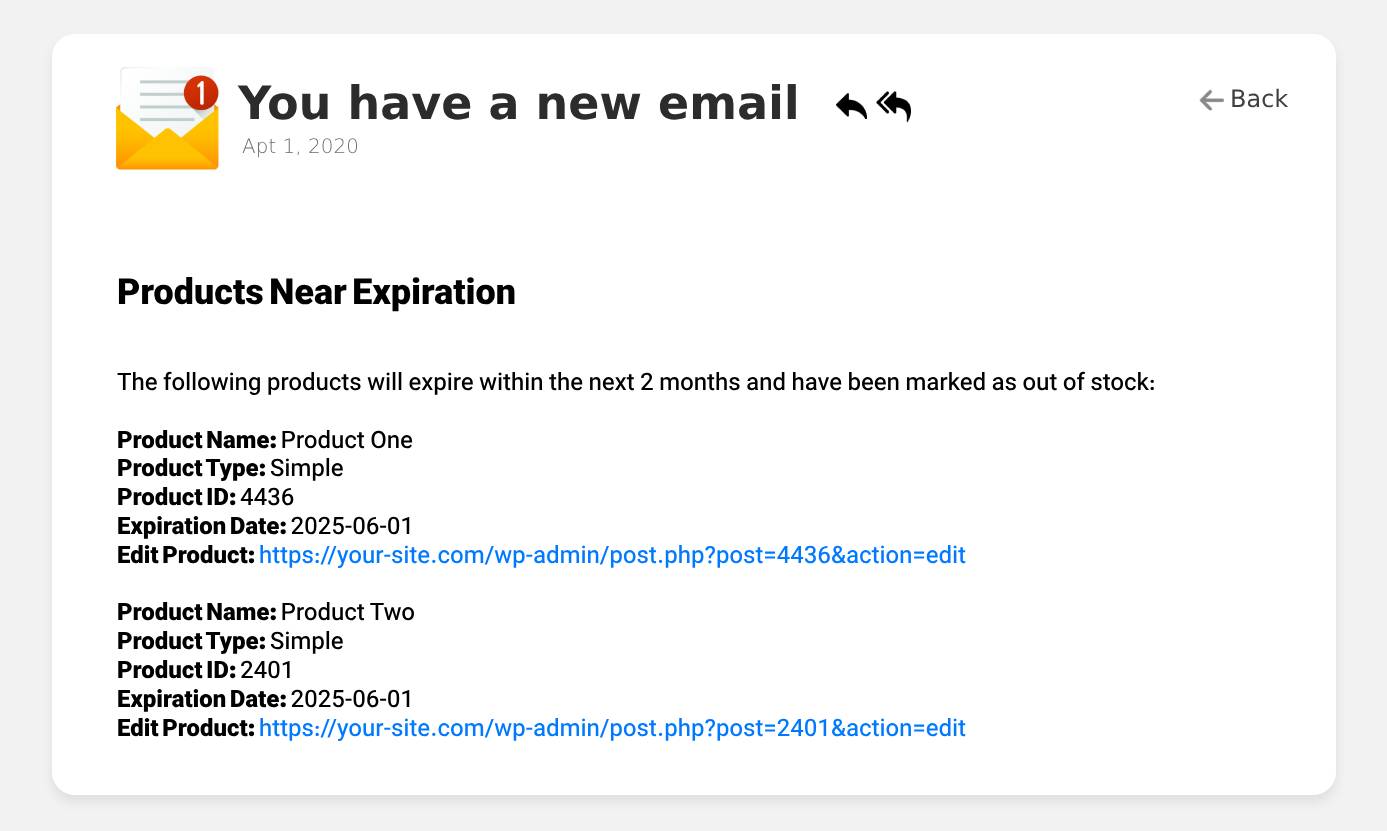
Sample email notification for expiring products.