BACK TO DIRECTORY


It clears whole CloudFlare cache for desired domain.
Purge is done from WordPress admin panel or plugin’s page. Current version contains functionality which purges individual files by URL and clears CloudFlare cache after Save Post action.
THINGS YOU NEED TO KNOW:
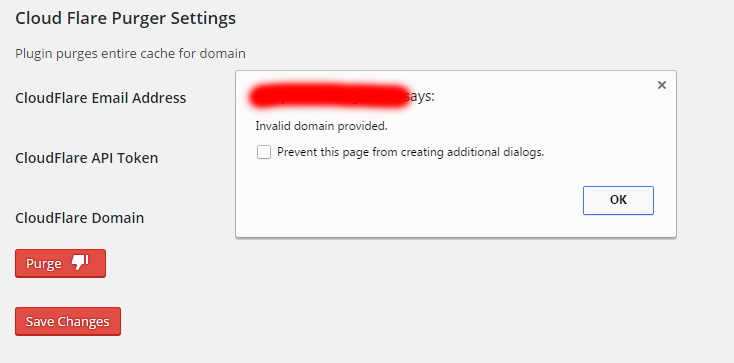
- Whenever you get error clearing the cache alert popup appears with CloudFlare Api response.
- This version allows you to purge whole CF cache and specific files by their urs.
- Clear cached files to force Cloudflare to fetch a fresh version of those files from your web server. You can purge files selectively or all at once.
- Purging the cache may temporarily degrade performance for your website.
Screenshots
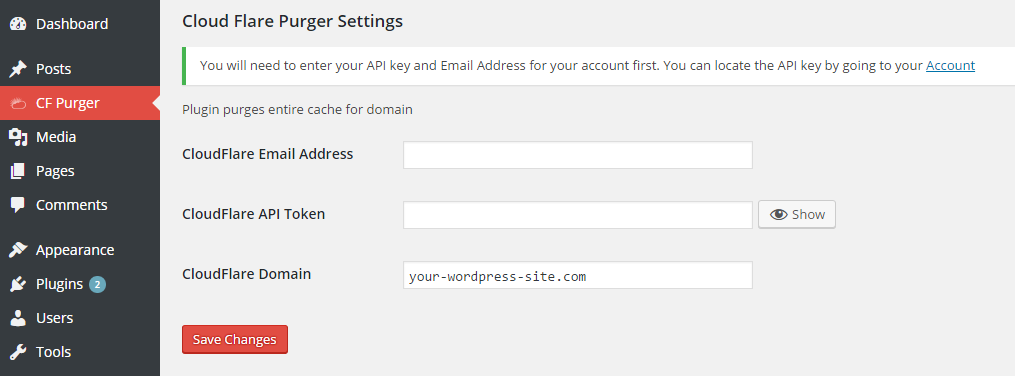
Plugin blank settings
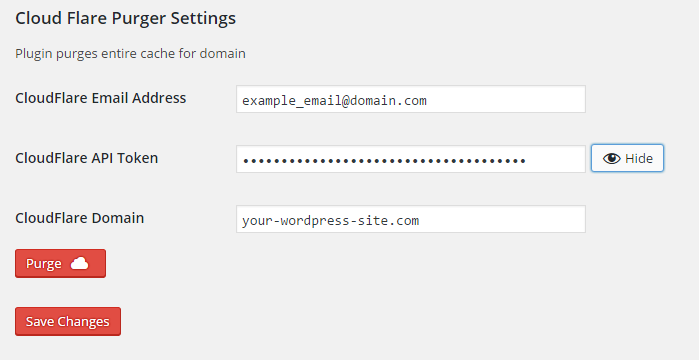
Plugin settings filled with purge button
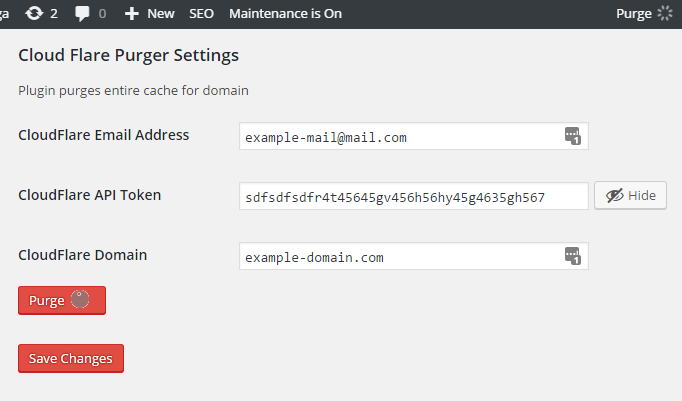
CloudFlare cache being cleared with API key setting unveiled
Error notification popup
Settings page with successful purge status
Purge individual files modal
Plugin Details
Active Installs
100Total Downloads
5,619Version
1.6Requires WP
3.1Requires PHP
—Tested Up To
4.7.39Added
2016-06-20Last Updated
2017-02-22 2:02pm GMTRatings
5
2
4
0
3
0
2
0
1
0