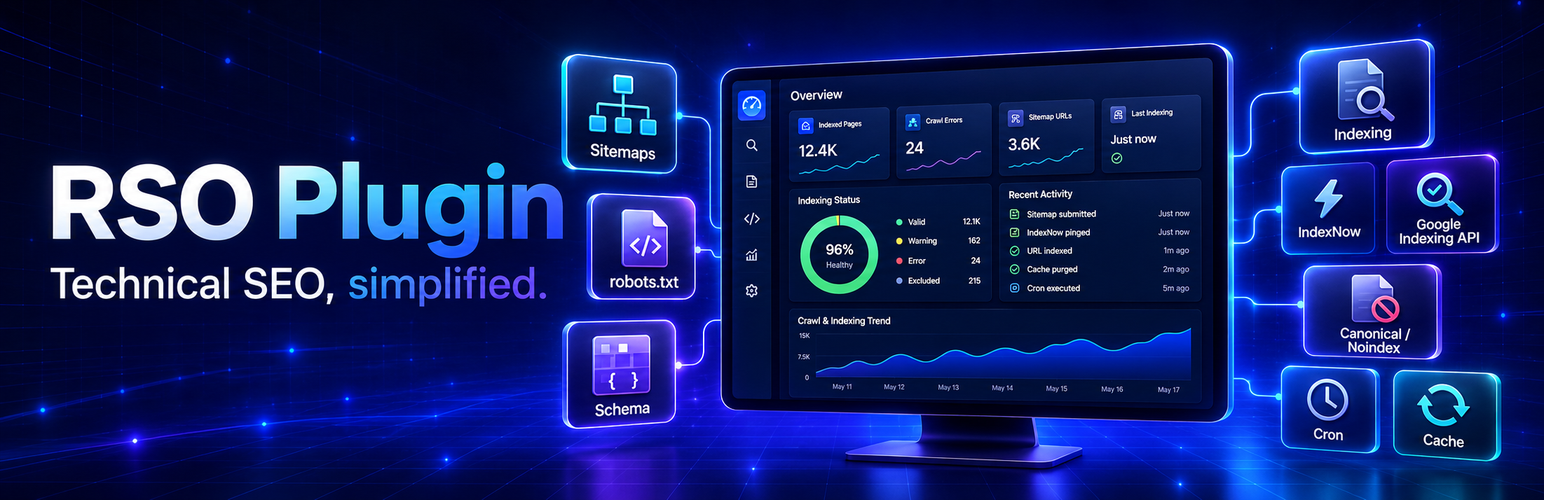
Raschgroup SEO Suite brings technical SEO tools into the WordPress administration area. Its local features include configurable XML sitemaps, virtual robots.txt rules, page-level metadata, Schema.org structured data, caching, scheduled maintenance and PDF/XML reports.
An optional paid RSO service performs the computational crawling and SEO analysis. All executable PHP, JavaScript and CSS used inside WordPress is shipped with the plugin. The external service returns analysis data such as scores, findings, measurements and recommendations; it does not send executable code to WordPress.
Local features
- Dynamic XML sitemap index with post-type pagination and exclusions.
- Optional static XML exports.
- Virtual robots.txt management and sitemap references.
- Page-level SEO metadata and sitemap/indexing controls.
- Schema.org structured data for common content types.
- Configurable cache and WordPress cron maintenance.
- Authorized PDF and XML report downloads.
Optional RSO Analysis service
The paid service provides remote crawling, technical SEO analysis, prioritized findings, SEO scores and metadata suggestions. A service license is required for these API operations. Local plugin features remain installed when no service license is connected.
External services
Raschgroup SEO Suite connects to the RSO Analysis API at https://api.raschgroup.com/ only when an authorized administrator submits license credentials, requests an analysis or another explicitly selected service operation, or when a configured analysis-related scheduled task runs for an already connected installation.
If the administrator enables IndexNow, the plugin also sends published page URLs and the configured IndexNow key to the selected indexing endpoints at Bing (https://www.bing.com/) and Yandex (https://www.yandex.com/). If Google Indexing is enabled, page URLs and the configured service-account authorization are sent to Google’s Indexing API (https://indexing.googleapis.com/). These integrations are disabled until an administrator configures and enables them.
Depending on the selected analysis source and operation, the plugin may transmit:
- The site URL and URLs of pages selected for analysis.
- Page titles, rendered public HTML or stored post content.
- Metadata, headings, links, image URLs and script URLs contained in the analyzed page.
- HTTP response and performance information collected for the analysis.
- An installation identifier and signed capability used to authenticate the installation.
- The account email address, order ID and license token submitted during activation. The plain license token is used for the activation request and is not stored locally; a SHA-256 hash is stored locally.
- Information deliberately entered into the support form when an administrator sends a support request.
This data is used to activate the service, perform requested SEO analysis, return results and provide requested support. Analysis results are cached locally for up to six hours. The plugin provides cache controls and asks whether local plugin data should be retained or deleted when the plugin is removed.
Service provider: Raschgroup
Service information: https://raschgroup.com/rso/
Terms: https://raschgroup.com/agb/
Privacy policy: https://raschgroup.com/datenschutz/
Additional service policies:
Bing privacy: https://privacy.microsoft.com/privacystatement
Yandex privacy: https://yandex.com/legal/confidential/
Google privacy: https://policies.google.com/privacy
Please review those documents before connecting the service. The site administrator is responsible for informing users and content authors when analyzed page content can contain personal data.
Development
Human-readable source and build definitions are included with the plugin. The shared minified file assets/js/dist/bundle.min.js is built from assets/js/index.js and the other readable files in assets/js/ with npm install && npm run build-js from the plugin root. The root package.json contains this build command. Each application below templates/gui/ contains its readable src/ directory and its own package.json; run npm install && npm run build in that application directory to reproduce its compiled JavaScript and CSS. PHP dependencies are declared in composer.json.