
This plugin adds a shortcode that will list a hierarchical site map or list of a particular type of post such as page, post or custom post types with clickable links to view each listed entry. The shortcode is registered using the name: rc_sitemap. The shortcode will by default render an unordered list of the entries with a default class of "rc_sitemap_list". The optional heading that it outputs has the default class of rc_sitemap_heading.
Overview of shortcode
Site map (rc_sitemap)
This shortcode is used to get and render a list of published posts like a site map. The attributes are as follows:
post_type– defaults to ‘page’. You can use ‘post’, ‘page’ or any post type name.orderby– defaults to ‘menu_order’. Comma-separated list of options to sort by: accepts ‘post_author’, ‘post_date’, ‘post_title’, ‘post_name’, ‘post_modified’, ‘menu_order’, ‘post_parent’, ‘ID’, ‘rand’, or ‘comment_count’.order– defaults to ‘ASC’.heading_text– defaults to empty, show no heading.heading_tag– defaults to h2. Accepts h1–h6, p, div or span; invalid values fall back to h2.heading_class– defaults to'rc_sitemap_heading'. CSS Class added to the heading element.child_of– defaults to empty. Display all descendants of a page by ID, excluding the parent itself. Empty or 0 includes all pages. Only applies to hierarchical post types and takes precedence over post_parent.post_parent– optional. Select immediate children of a parent ID; 0 selects top-level entries. Ignored when child_of is set.depth– defaults to empty. Number of levels in the hierarchy of pages to include in the generated list. Accepts -1 (a flat list of all matching entries), 0 or empty (all levels nested), 1 (top-level entries only), and n (entries to the given depth). With child_of, depth starts at the selected parent’s children. Non-hierarchical post types always render as flat lists.exclude– defaults to empty. Comma-separated list of post IDs to exclude.include– defaults to empty. Comma-separated list of post IDs to include.wrapper– defaults to'ul'. Wrapping element of the list. Accepts ul, ol or an empty value for no wrapper. Invalid values fall back to ul; nested lists use ul.post__in/post__not_in– aliases for include / exclude. The friendly attributes take precedence when supplied.wrapper_class– defaults to'rc_sitemap_list'. CSS Class added to the wrapping element of the list.
Example usage:
The most basic shortcode will render a list of page post type entries as an unordered HTML list in ascending order with no list heading:
[rc_sitemap]
The following is an example of a more advanced usage with custom settings applied via the various additional attributes:
[rc_sitemap post_type="your_cpt_name" orderby="date" order="DESC" heading_text="My CPT Title" heading_tag="h1" heading_class="my_custom_heading_class" wrapper="ul" wrapper_class="my_custom_wrapper_class"]
Screenshots
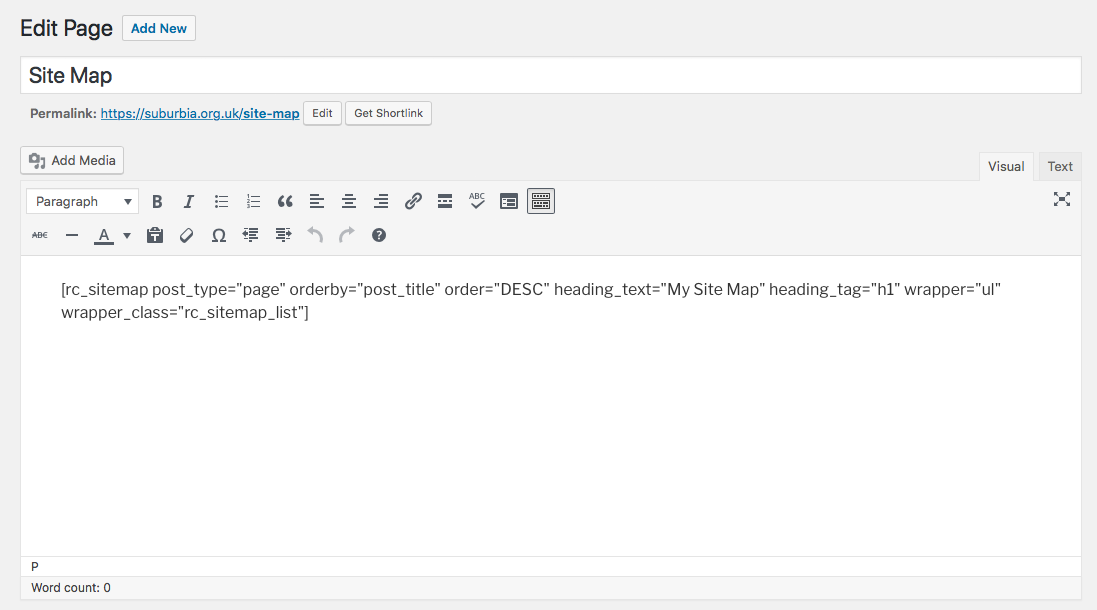
This screen shot shows an example shortcode being entered in the WordPress editor.
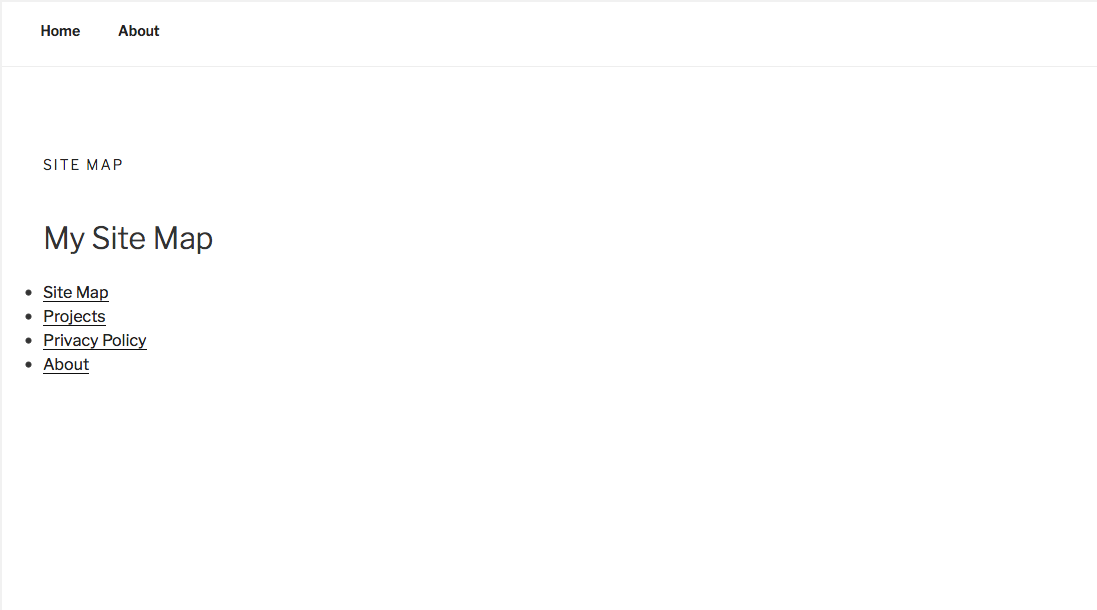
This screen shot shows the output of the shortcode being rendered on the front end of the website.