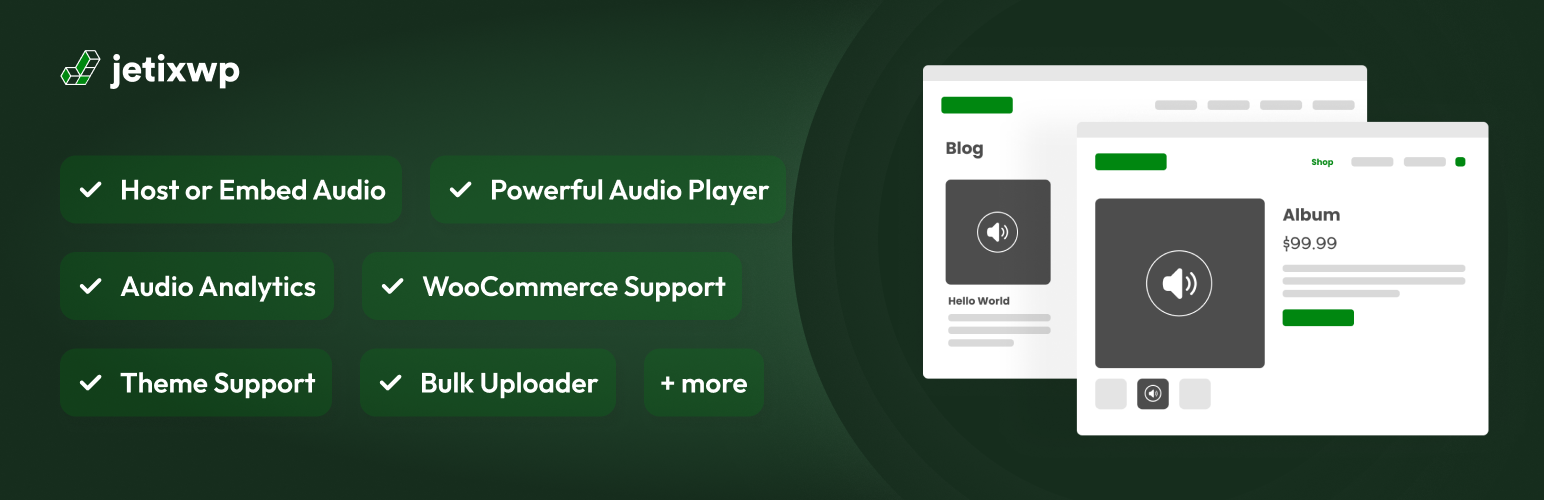
Really Simple Featured Audio – Sell Music, Samples & Audio Products with WooCommerce
by JetixWP Plugins
🎧 Let customers listen before they buy. Really Simple Featured Audio adds an audio player to your WooCommerce products, blog posts, pages and custom post types, the same way you add a featured image. It is made for anyone who sells or shares audio: beats, sample packs, music, audiobooks, podcasts and sound effects.
🚀 Take a closer look at Really Simple Featured Audio
WooCommerce has no built-in way to preview audio. Shoppers have to buy a track, a sample pack or an audiobook without hearing it first. Really Simple Featured Audio puts a player right in the product gallery and on your shop pages, so people can hear what they are buying.
🎯 Who it is for
- 🎹 Producers and beat makers selling beats, loops and stems
- 🥁 Sample pack creators showing off drum kits and sound libraries
- 🎸 Musicians selling tracks, instrumentals and backing tracks
- 📚 Audiobook publishers sharing a sample chapter
- 🎙️ Podcasters adding an episode player to posts and pages
- 🔊 Sound designers selling sound effects and audio assets
🛒 Audio previews in WooCommerce
- The player appears in the product gallery, next to your product images
- Show audio on shop, category and tag pages too, or turn it off there
- Play on hover: shoppers hear a preview by hovering over the player in your shop
- Use audio links from External/Affiliate products as their preview
- Works with product gallery plugins such as Codeixer Product Gallery Slider and TP Product Image Flipper
▶️ A player built for audio
- Clean player with title, artist and cover art
- Play and pause, seek bar, skip back and forward, playback speed and volume
- Switches between light and dark to match the visitor’s device
- Optional autoplay, loop, mute and download button
- Touch-friendly controls that fit any screen size
📝 Not just for stores
- Add featured audio to posts, pages and any custom post type
- Choose whether audio shows on your blog home, archives and single posts
- Place audio anywhere with the
[rsfa]and[rsfa_by_postid]shortcodes - Elementor widget, Bricks element, and support for Salient and Astra Pro
🗂️ Manage audio in bulk
- Audio Tools puts every post and product on one screen, where you can set the audio, cover image and featured image without opening each one
- Bulk upload assigns many audio files, audio links or a CSV sheet to posts or products in one go, and checks every row before anything is saved
📊 Simple analytics
- See views and plays for every featured audio over the last 14 days
- Anonymous and stored on your own site: no cookies, no IP addresses, nothing sent elsewhere
- Your own visits as an editor are left out
🎨 Works with your theme
Built-in support for Astra, Divi, Electro, Flatsome, GeneratePress, Go, Hestia, Kadence, Neve, Ollie, Savoy, Storefront, The7, Woodmart, Woostify and the Twenty Twenty to Twenty Twenty-Five themes. Using something else? Most themes work out of the box, and we add support on request.
⚡ Fast by default
The player’s files load only on pages that actually show audio. Players added later by AJAX, infinite scroll or page builders start up on their own.
⭐ Go further with PRO
Really Simple Featured Audio PRO adds:
- 📈 Full analytics: history beyond 14 days, listen time, completion rate, date range and compare, CSV export, plus optional country, device and referrer counts
- 🛍️ WooCommerce gallery control: choose where the audio sits in the gallery and set your own gallery thumbnail
- 🎨 Player appearance: your own accent color, or a player that always stays light or dark
- 🖱️ Play on hover extras: screen sizes, hover delay, larger hover areas such as whole product cards, and accessibility options
- 🧩 More themes: OceanWP, Jupiter X, Avada, Uncode, Divi Builder, Lodestar, Konte and more
- 💬 Priority support from the developer
Screenshots

Blog and Archives Pages - Audio player on Twenty Twenty-Four theme.

WooCommerce Shop Page - Audio players integrated seamlessly with product thumbnails

WooCommerce Single Product Page - Professional audio player in product gallery

Settings Panel - Easy-to-use controls for autoplay, mute, and display options