
Responsive Tabs is a fast, lightweight WordPress tabs plugin for organizing content into horizontal, vertical, or accordion tab sets — no coding knowledge needed. Create a tab set, add your tabs, and drop it into any page with the block editor or a shortcode.
Whether you’re building an FAQ section, breaking up a long product description, or organizing a documentation page, Responsive Tabs turns a wall of text into clean, clickable sections your visitors will actually read.
Why Choose Responsive Tabs?
- No coding required — create a tab set and start adding tabs immediately
- Modern, dependency-free engine — no jQuery required, fast and lightweight
- Gutenberg block included — add tabs anywhere in the block editor, no shortcode-hunting
- Fully responsive — looks right on desktop, tablet, and mobile out of the box
- No advertisements — a clean admin experience, unlike many free plugins
- Preview before you publish — see exactly how a tab set will look before adding it to a page
Live Demo: See Responsive Tabs in action
Video Walkthrough:
Features
- Add unlimited tabs within up to 3 tab sets (Pro removes this limit)
- Supports horizontal, vertical, and accordion tab layouts
- Modern, dependency-free rendering engine (no jQuery required)
- Native Gutenberg block — insert and configure a tab set directly in the block editor
- Shortcode support for any theme or page builder
- Shortcodes inside tab content render correctly (sliders, forms, galleries, etc.)
- Overflowing horizontal tabs collapse into a clean “More” menu automatically
- Set your own display order for tabs
- Preview any tab set before publishing it
- Full color customization — border, background, tab text, active text, and content text
- Vertical tabs automatically convert to an accordion on mobile screens
- WordPress user roles and capabilities support
- Multisite compatible
- No advertisements
Want More? Upgrade to Pro
The free version covers the essentials — for advanced features, upgrade to Responsive Tabs Pro:
- Unlimited tab sets (free is limited to 3)
- 4 visual tab styles — Boxed, Underline/Line, Pill/Segmented, and Contained/Boxed
- Scrollable horizontal tabs — drag-to-scroll plus left/right arrow buttons
- Full tab management from the Gutenberg block — add, edit, reorder, and delete tabs without leaving the block editor
- Font Awesome icon picker — add an icon to any tab heading
- Link tabs — set a tab to open an external URL instead of showing content
- Additional custom CSS per tab set
- Duplicate/clone tab sets
- Selected tab via URL (e.g.
?selected_tab=2) - Mass order updates
Screenshots
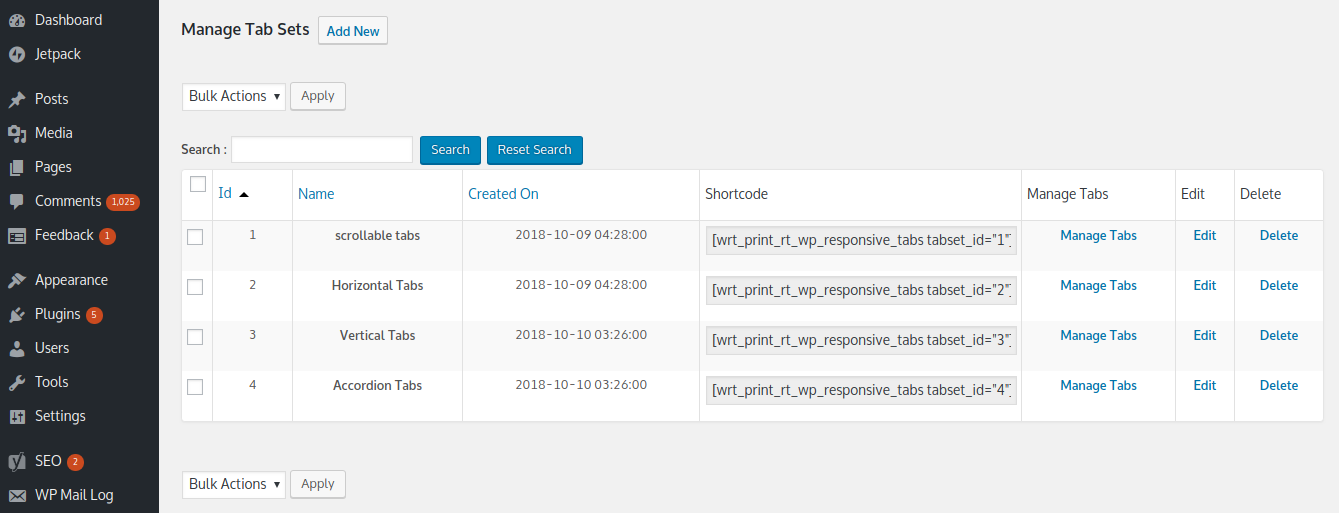
Manage Tab sets
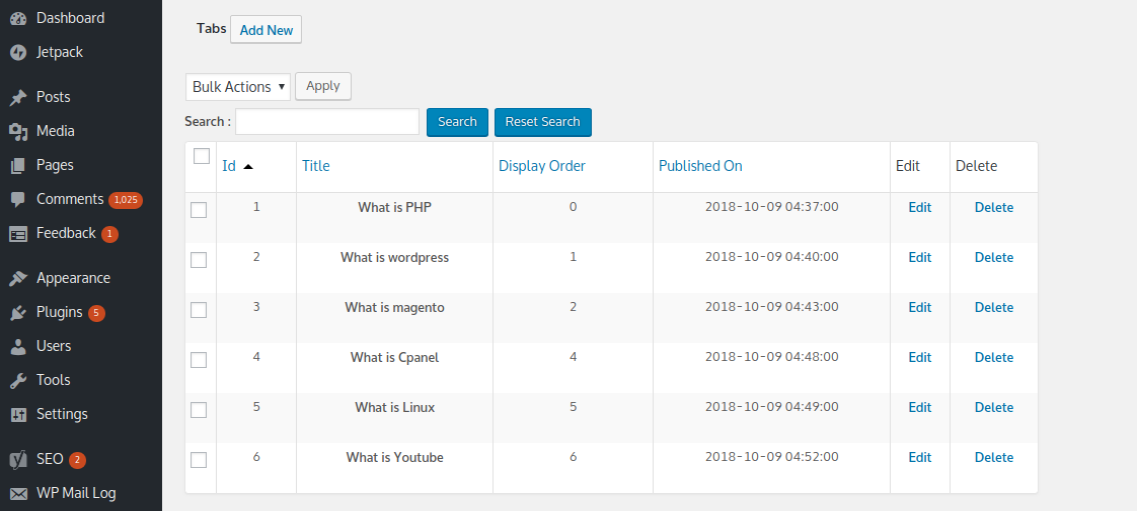
Manage Tab Contents
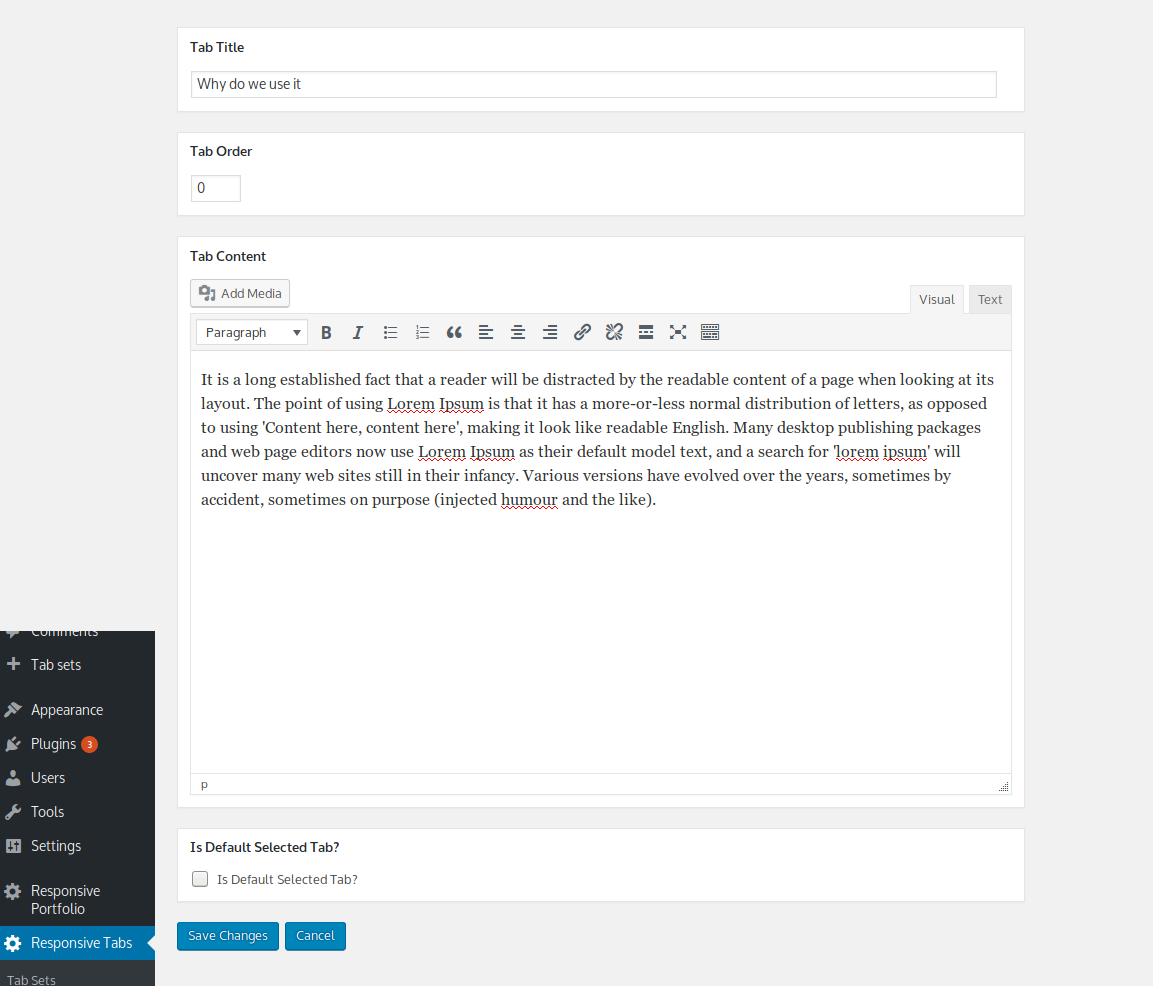
Add/Edit tabs
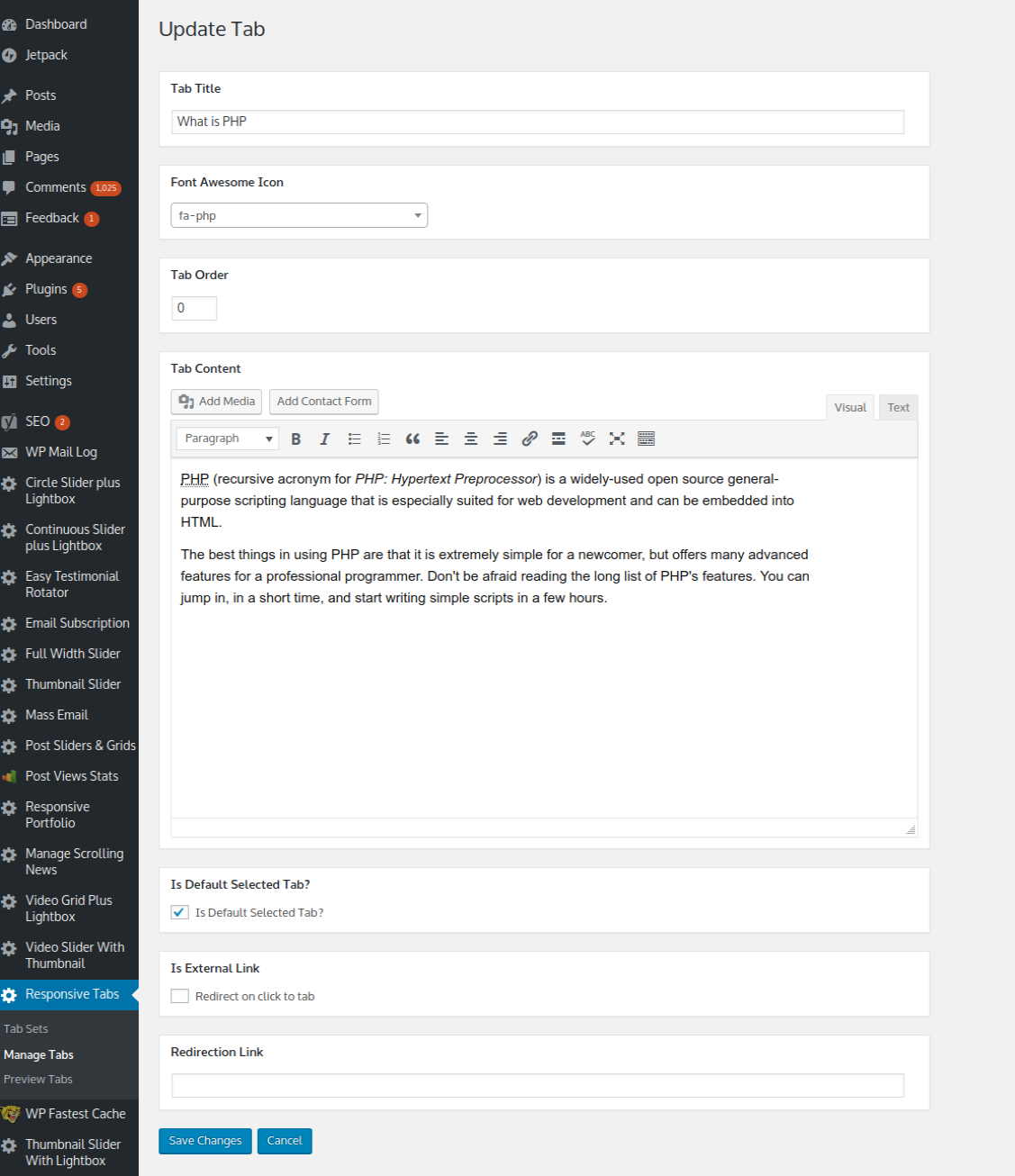
Pro Version Add/Edit tabs
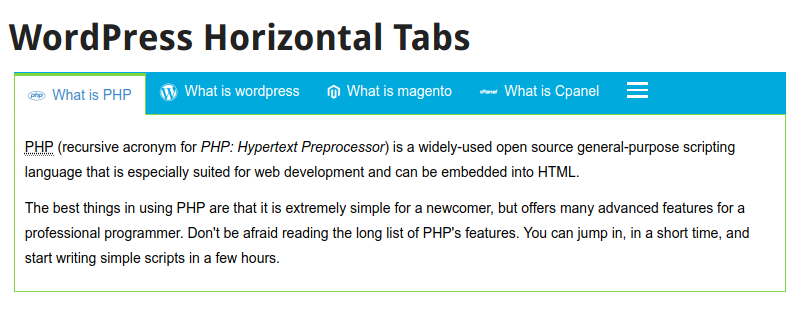
WordPress responsive horizontal tabs
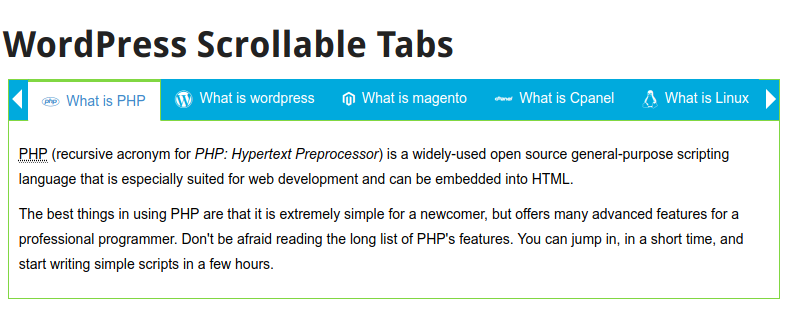
Pro Version WordPress responsive scrollable horizontal tabs
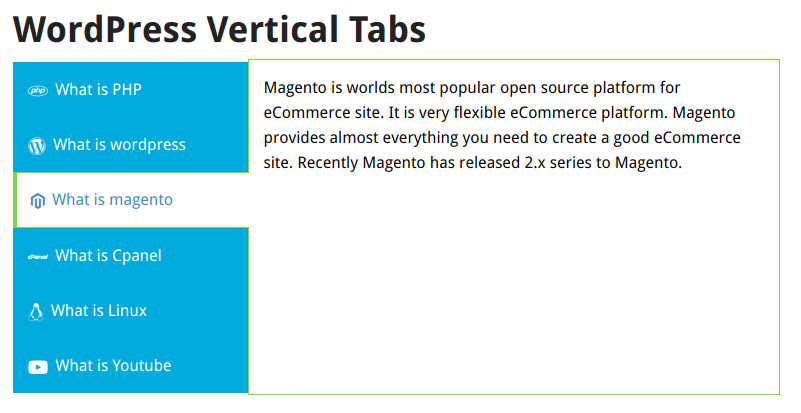
WordPress responsive vertical tabs
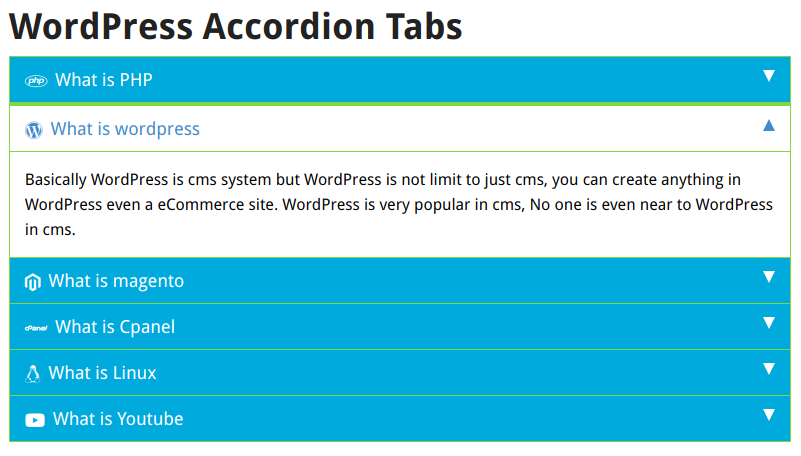
WordPress responsive accordion tabs

Pro Version Gutenberg Block 10.Pro Version Contained Boxed (high contrast) style vertical tabs 11.Pro Version pill segmented style vertical tabs 12.Pro Version Underline style vertical tabs 13.Pro Version Contained Boxed (high contrast) style tabs 14.Pro Version Pill Segmented Style tabs 15.Pro Version Underline style tabs


