BACK TO DIRECTORY


Responsive Sliding Menu allows you to generate a shortcode to integrate into your site via a page builder (Elementor, Oxygen, Divi, Gutenberg…) or via PHP.
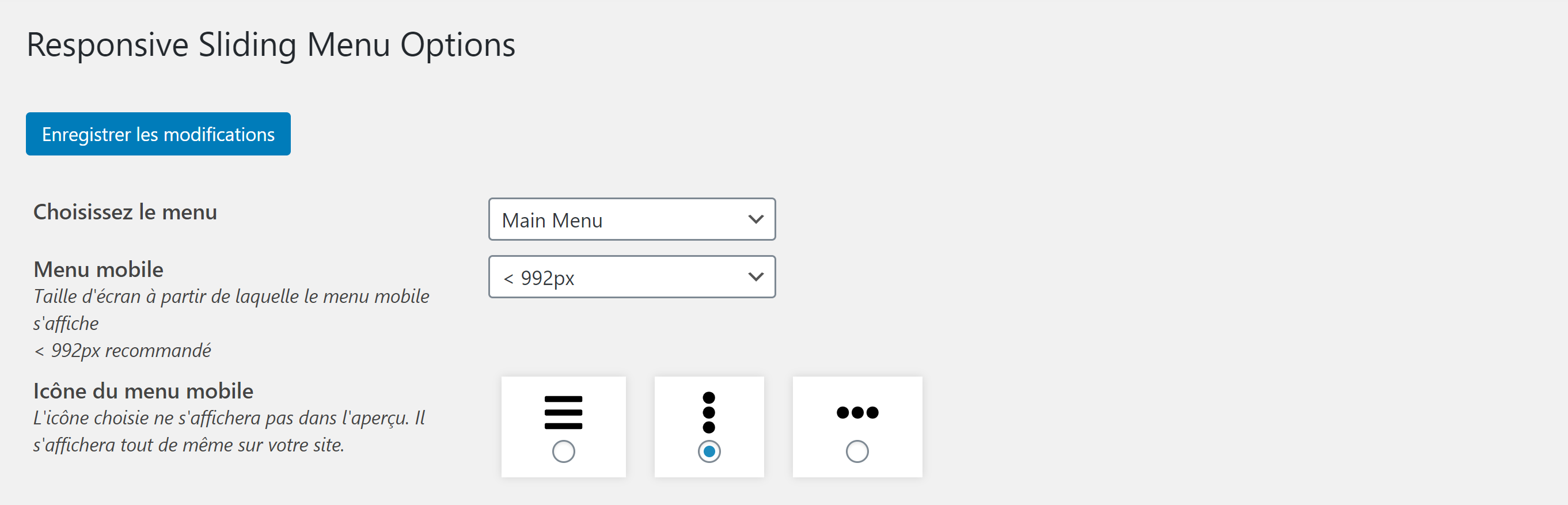
A preview of the rendering is available in the WordPress plugin settings interface.
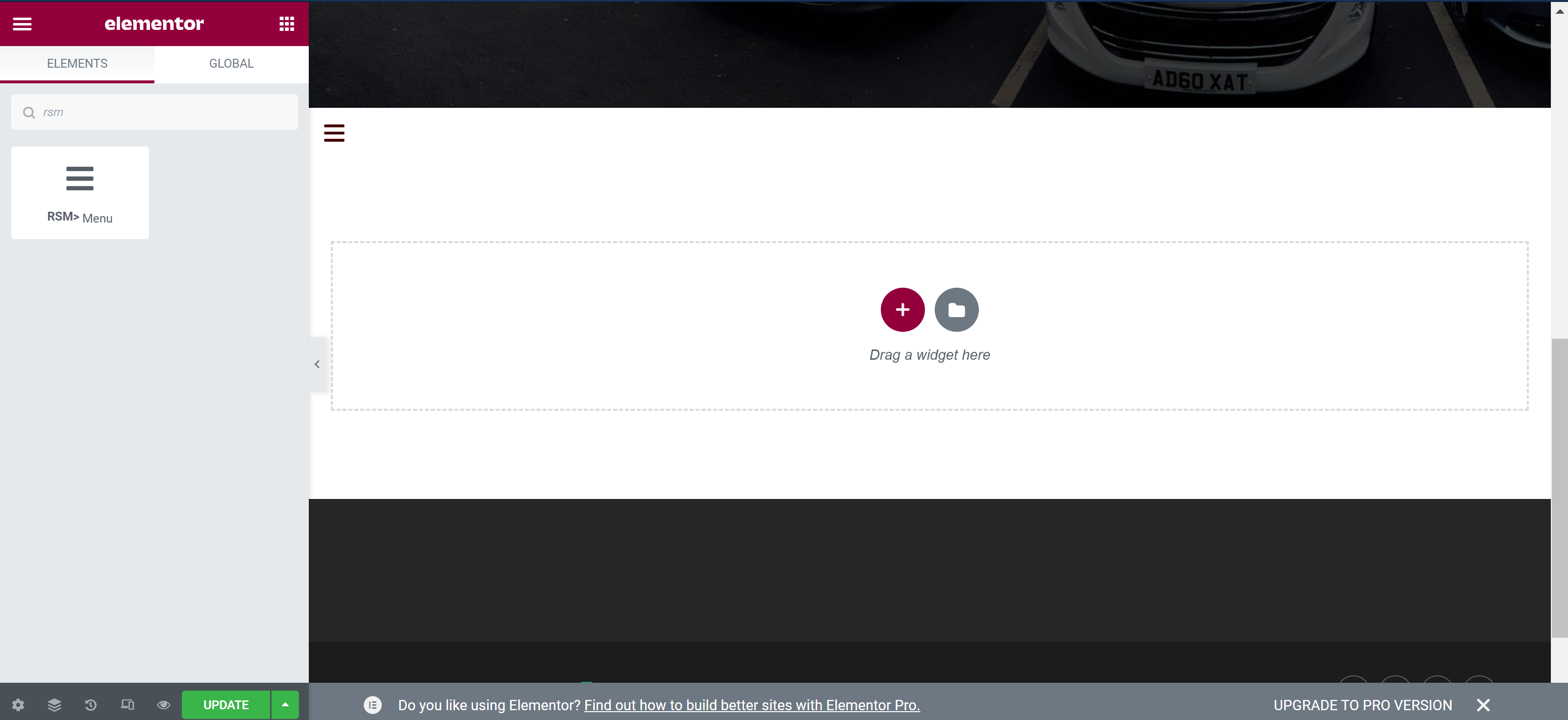
In particular, you can modify the colors, font sizes or even the icon of the burger menu (responsive). You can also use Elementor Widget RSM Menu to display (or not) your Responsive Sliding Menu.
A brief Markdown Example
- Modify Responsive Sliding Menu settings
- Save the changes
- Copy/paste the [responsive_slider_menu] shortcode into your page builder
- You can also copy/paste the instruction in your PHP header.php file
Screenshots
Modify the general settings of Responsive Sliding Menu
Menu preview on the plugin page
Change the menu style
Overview of the submenu and sub-submenu
Icon of the burger menu chosen on the frontend
Display of the menu in mobile version on the frontend
Choose to display RSM using Elementor
Plugin Details
Active Installs
300Total Downloads
9,120Version
1.4.6Requires WP
5.7Requires PHP
8.0Tested Up To
6.4.14Added
2020-07-15Last Updated
2024-09-02 4:27pm GMTRatings
5
9
4
1
3
0
2
0
1
0