RestockX recovers lost sales on your WooCommerce store by letting interested customers subscribe to restock alerts for out-of-stock products. When a product comes back in stock, every confirmed subscriber is notified automatically by email — turning missed sales into completed orders.
Customers click the “Notify Me” button on any out-of-stock product, enter their email, and confirm the subscription. Store owners get a clean admin dashboard to manage subscribers, customize emails, and export data.
Unlock all Pro features with RestockX Pro.
Features
- “Notify Me” button on out-of-stock products — displayed automatically on single product pages, with support for both simple and variable products (per-variation detection).
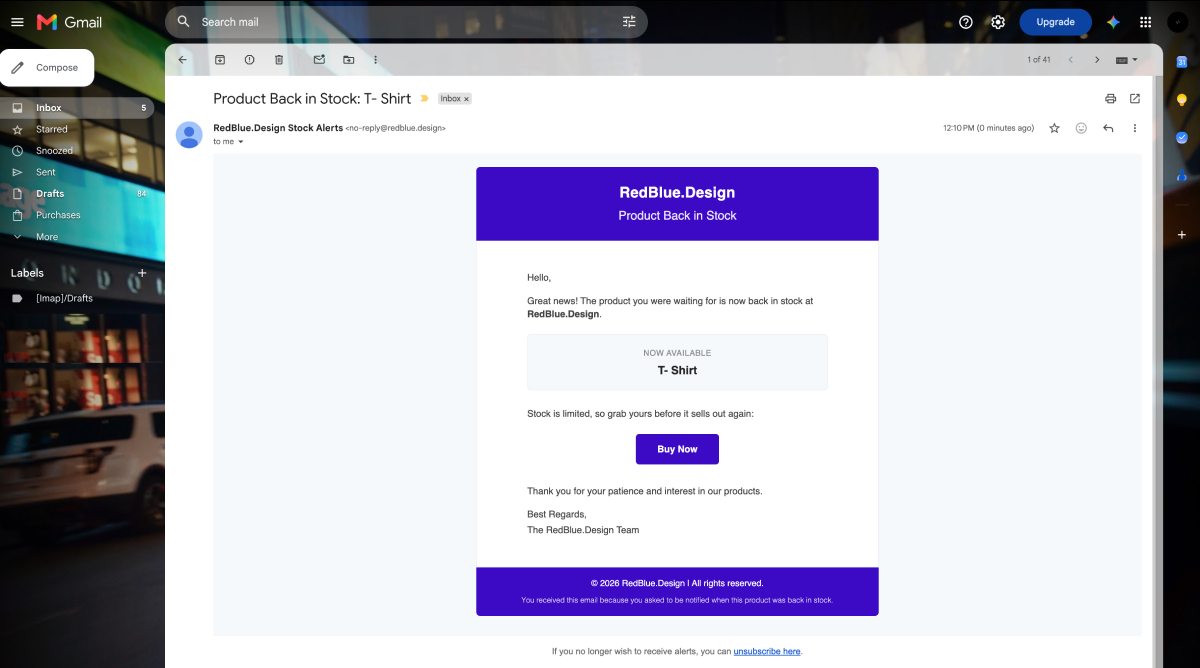
- Automatic back-in-stock emails — subscribers are emailed as soon as a product or variation’s stock status changes to “in stock”.
- Double opt-in confirmation — optional email confirmation protects your list from fake or mistyped addresses. Can be enabled or disabled.
- One-click unsubscribe — every alert email includes an unsubscribe link and a
List-Unsubscribeemail header, so subscribers can opt out anytime. - Customizable button appearance — change button text, tooltip, colors, font, icons, padding, margin, border width, color, and border radius from the admin area.
- Customizable email template — personalize the back-in-stock email with placeholders for product name, product URL, site name, and unsubscribe link.
- Stock notification threshold — choose the stock quantity at which notifications should be triggered.
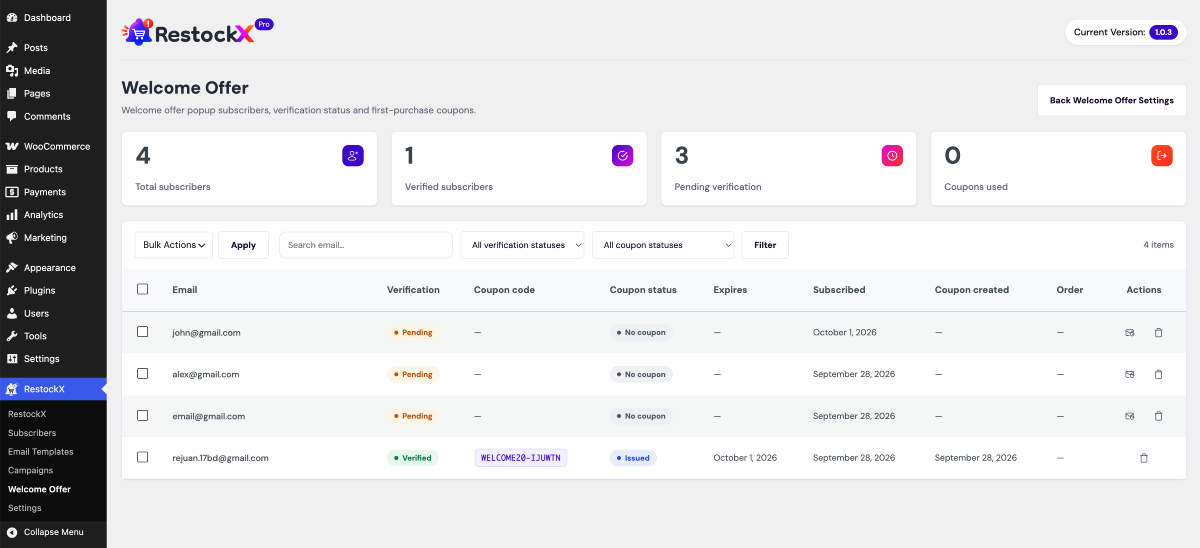
- Subscriber management — view subscribers with product, email, date, and status (pending / confirmed / unsubscribed); delete entries in bulk.
- CSV export — export the full subscriber list for reporting or external marketing tools.
- Dashboard statistics widget — see total notifications, unique products, and unique subscribers at a glance on the WordPress dashboard.
- Alternative product suggestions — after subscribing, customers are shown up to 5 in-stock alternatives from the same categories or tags.
- Rate limiting — subscription requests are limited per email address to prevent abuse and spam.
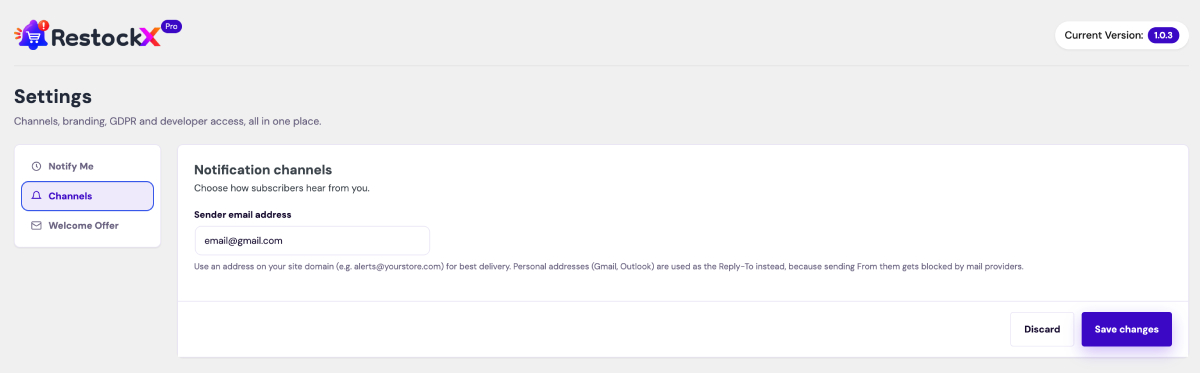
- Email deliverability friendly — sender address is kept domain-aligned (with automatic Reply-To handling) so alert emails don’t get dropped by recipients’ providers.
- Translation ready — fully translatable via WordPress.org translate.wordpress.org.
Pro Features
Take restocking further with RestockX Pro:
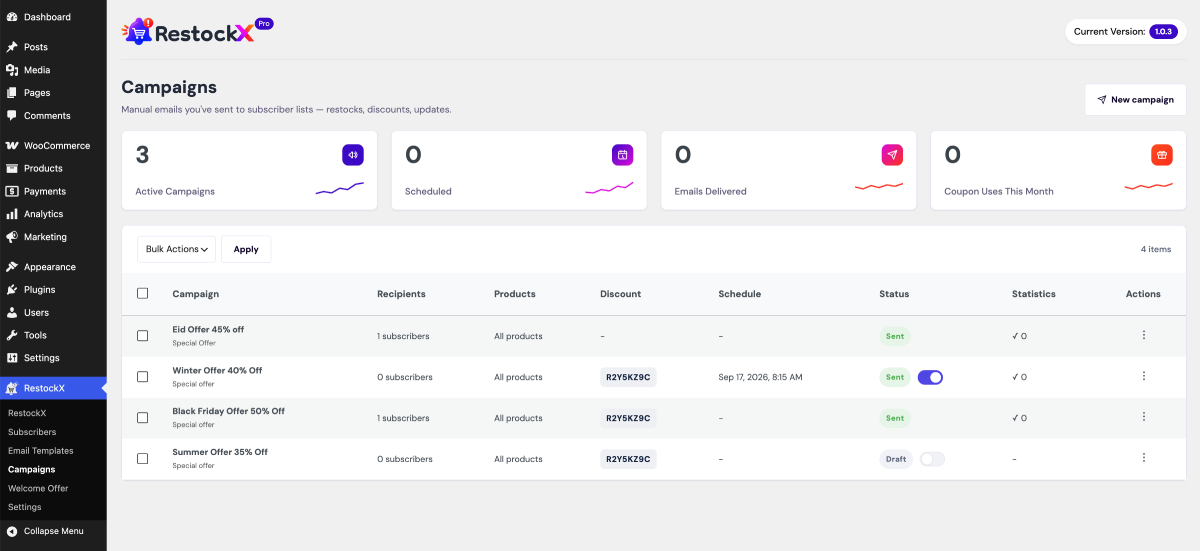
- Email campaigns — create, preview, duplicate, and manage targeted bulk email campaigns to your subscribers, with delivery status tracking for every send.
- Campaign scheduling — send a campaign immediately or schedule it for any future date and time.
- Flexible recipients — send to all confirmed subscribers, import recipients from a CSV file, or add specific email addresses individually.
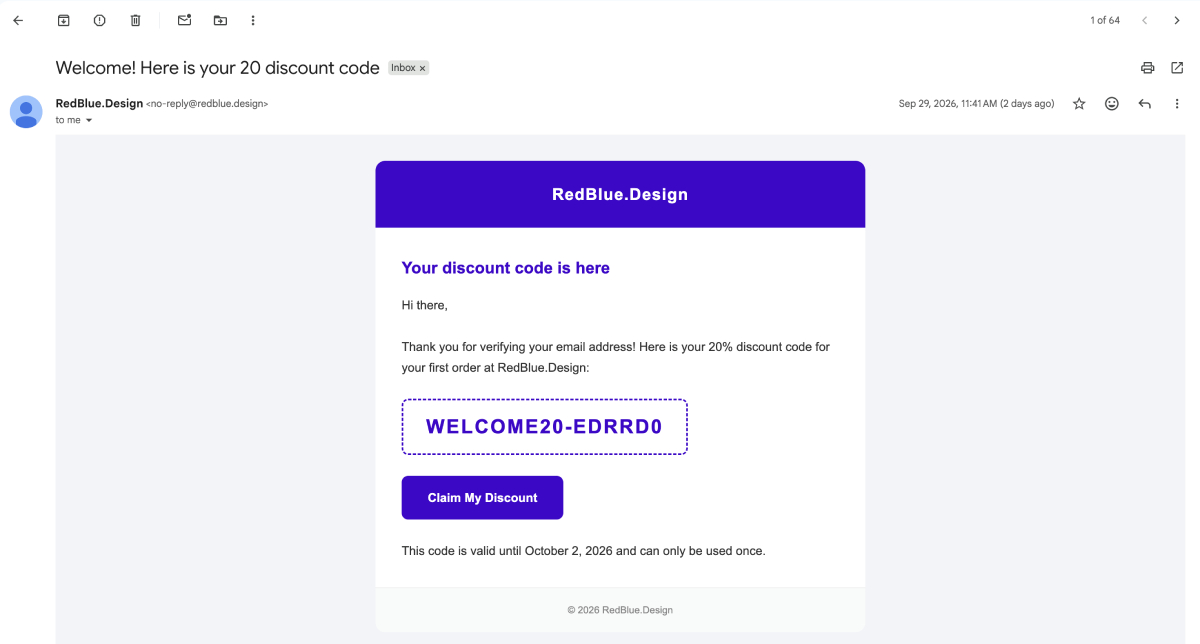
- Discount codes in campaigns — attach a coupon code with an expiry period to any campaign to turn restock alerts into instant sales.
- Professional email templates — choose from four ready-made designs (Default, Modern, Minimal, and Product Showcase), each with a live template preview.
- Advanced merge placeholders — personalize campaign emails with
{campaign_title},{first_name},{discount_code},{discount_amount},{discount_expiry},{product_list},{cta_button}, and{site_name}. - Button customizer with live preview — fine-tune every detail of the “Notify Me” button (text, tooltip, colors, font, size, icon and icon position, padding, margin, border, and radius) while watching changes update in real time.
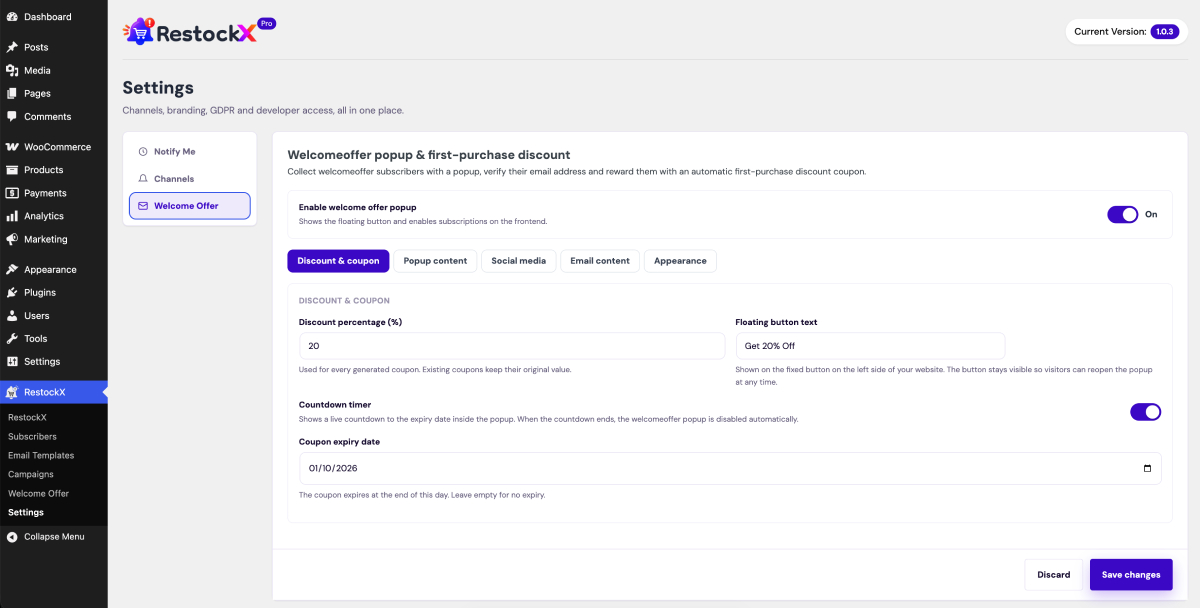
- Notification channel settings — configure your sender email address and branding in one place for maximum deliverability.
How it works
- A customer visits an out-of-stock product and clicks the “Notify Me” button.
- They enter their email address and submit the form.
- Depending on your settings, they either confirm via a double opt-in email or are subscribed instantly.
- When you restock the product, RestockX automatically emails all confirmed subscribers with a link back to the product.
Screenshots

"Notify Me" button shown on an out-of-stock product page.

Email subscription form with double opt-in confirmation message.

RestockX admin dashboard with notification statistics.

Subscribers page with subscriber list, bulk actions, and CSV export.

Email template editor with stock threshold setting.