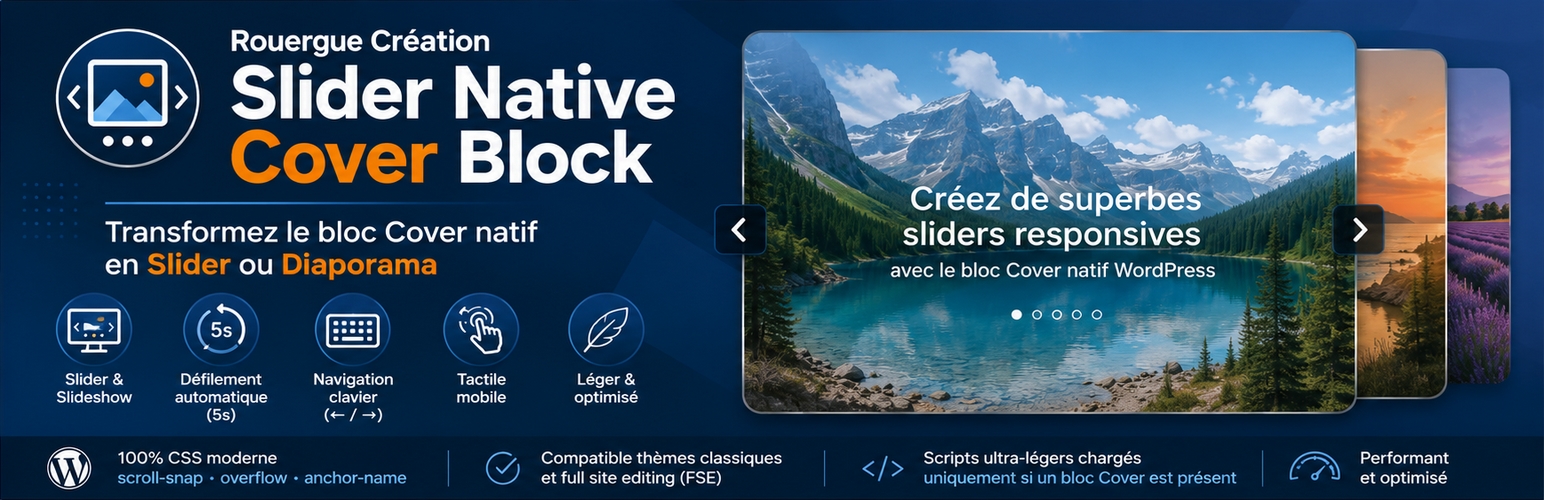
This plugin adds two alternative styles (“Slider” and “Slideshow”) to the native WordPress Cover block (Gutenberg).
The slider relies on modern native CSS features (scroll-snap,overflow,anchor-name), complemented by a very lightweight script for keyboard navigation, touch support, and automatic scrolling in slideshow mode.
✅ Compatible with classic themes and block themes
Features:
- “Slider” & “Slideshow” Styles: Select the desired style directly in the Styles panel of the native Cover block.
- Automatic Scrolling (Slideshow): Smooth fade transitions every 5 seconds with automatic pause on mouse hover.
- Smooth Navigation: Native scroll buttons provided by the browser, mobile touch gesture support (swipe), and endless looping.
- Keyboard Navigation: As soon as the “slider” receives focus, navigate easily using the Left Arrow () and Right Arrow () keys.
- Lightweight and optimized: Ultra-lightweight CSS and JS scripts loaded only on pages containing a Cover block.
How to use
- Install and activate the Rouergue Creation Slider Native Cover Block plugin.
- Open a page or post in the Gutenberg editor.
- In the block editor (Gutenberg), insert a parent Cover block, then add your child Cover blocks inside it (which will serve as slides).
- Setting Recommendation: For a harmonious and uniform visual appearance, apply the same Aspect Ratio or Minimum Height setting (e.g., 500px) to all your Cover blocks (parent and children).
- In the Styles panel of the root block settings, select the Slider or Slideshow style.
- View the Cover block transformed into a Slider or Slideshow on the front end.
Demo
Discover the plugin in action on our Demo Site.
Translations
- English
- French
Discover our other plugins
🔹 Editor Custom Color Palette
🔹 Easy Custom Event Tickets
🔹 Filter Bar Custom Post Type
🔹 Slider Galerie Native Responsive
🔹 Rouergue Creation Top Notice Bar
🔹 Rouergue Creation Events Sidebar
🔹 Rouergue Creation Carousel Style Query Loop
Screenshots

"Slider" or "Slideshow" style structure in the Gutenberg editor.

Selection of the "Slider" or "Slideshow" style in the Cover block Styles panel.

"SIZE PROPORTION" or "MINIMUM HEIGHT" selection in the Dimensions panel for Cover blocks.