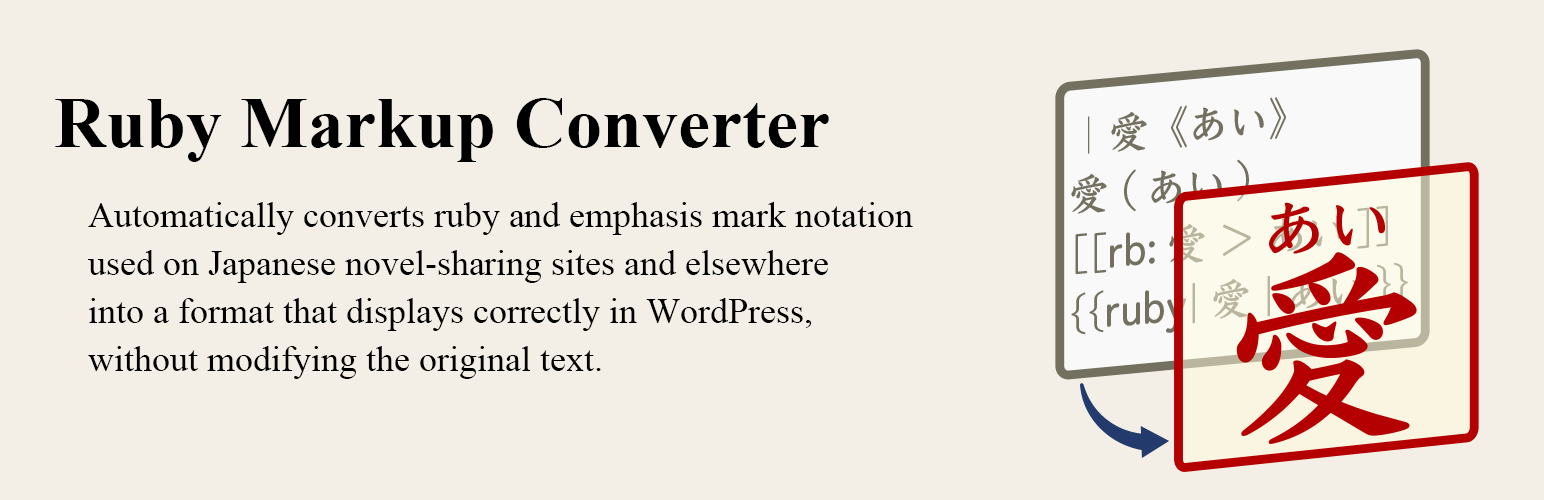
Want to Publish Your Manuscripts Written for Japanese Novel-Sharing Sites on WordPress, Too?
Ruby Markup Converter is a plugin that automatically converts ruby (furigana) and emphasis mark (bouten) notation used on Japanese novel-sharing sites and elsewhere into a format that displays correctly in WordPress, without modifying the original text.
Simply copy and paste your manuscript from a text file. There’s no need to add ruby annotations or emphasis marks one by one. Of course, you can also type the same notation directly into the WordPress editor.
Key Features
- Use your original manuscripts as they are: Supported ruby and bouten notation is converted automatically, so there’s no need to rewrite your text.
- Easy to use: Simply paste your manuscript into the Ruby Markup Converter block.
- Choose the conversion scope: Convert notation within a dedicated block or throughout the entire post content.
- Flexible settings: Enable or disable individual markup rules and choose how bouten marks are displayed.
Support for Languages Other Than Japanese
Although Ruby Markup Converter is designed with Japanese typography and novel-writing conventions in mind, it is not limited to Japanese. Text in other languages can also be converted as long as it follows the supported markup rules.
Supported Markup Styles
-
Ruby:
|BaseText《RubyAnnotation》BaseText《RubyAnnotation》BaseText(RubyAnnotation)[[rb:BaseText > RubyAnnotation]]#BaseText__RubyAnnotation__#{{ruby|BaseText|RubyAnnotation}}
-
Bouten (Emphasis):
《《Emphasis》》
Usage
Ruby Markup Converter supports three ways to convert ruby and bouten notation:
Ruby Markup Converter Block
Add the Ruby Markup Converter block to a post or page, then paste or type your text inside it. Supported notation is automatically converted when the content is displayed.
Shortcode
Wrap your text in [rubymaco]...[/rubymaco] to convert supported notation within that section. This method is also available in the Classic Editor.
Entire Post Content
Enable Apply to Entire Post Content in the plugin settings to automatically convert supported notation throughout the post content.
Documentation
For detailed instructions, examples, configuration options, and troubleshooting, see the Ruby Markup Converter User Guide.
Screenshots
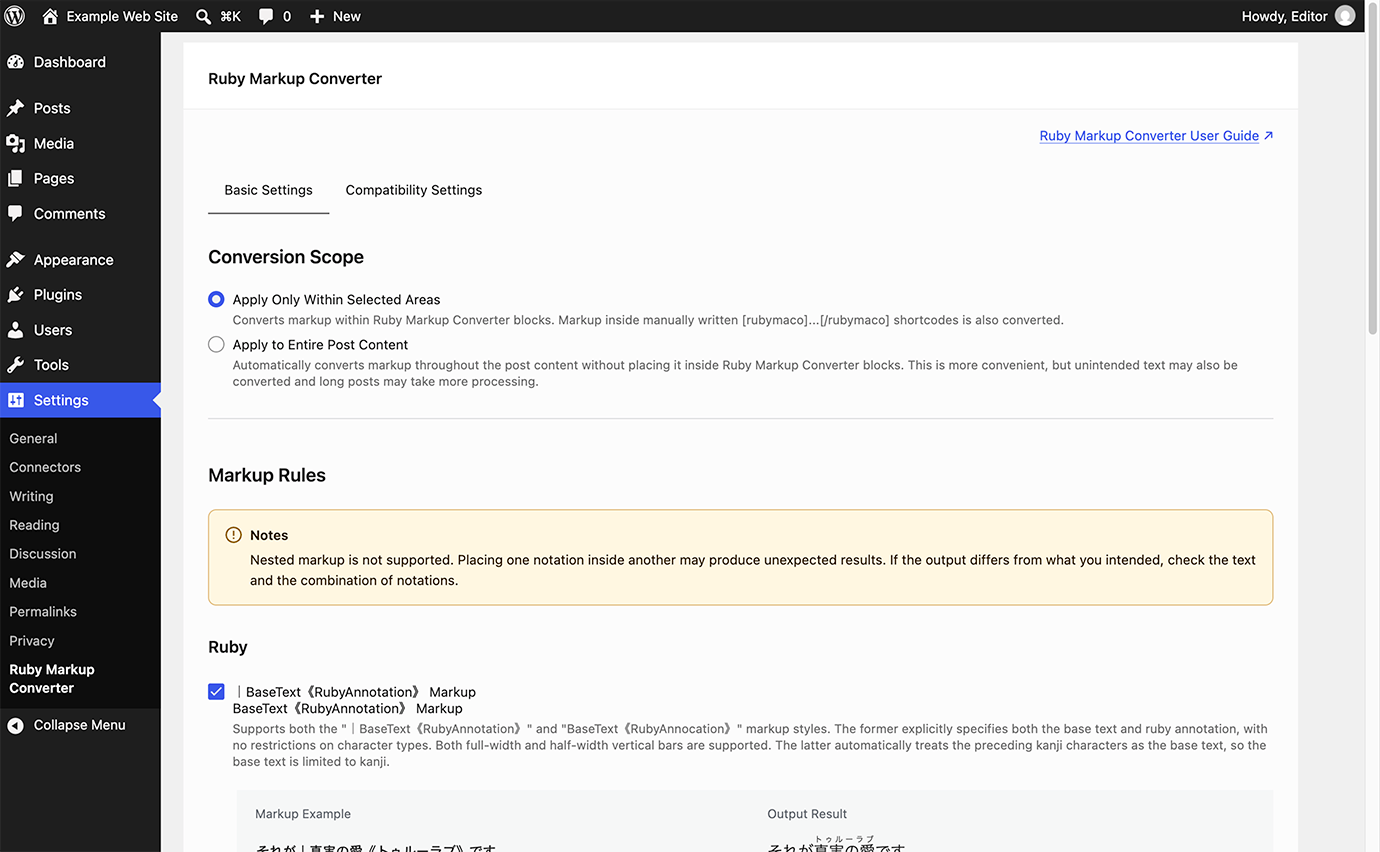
Plugin settings screen.
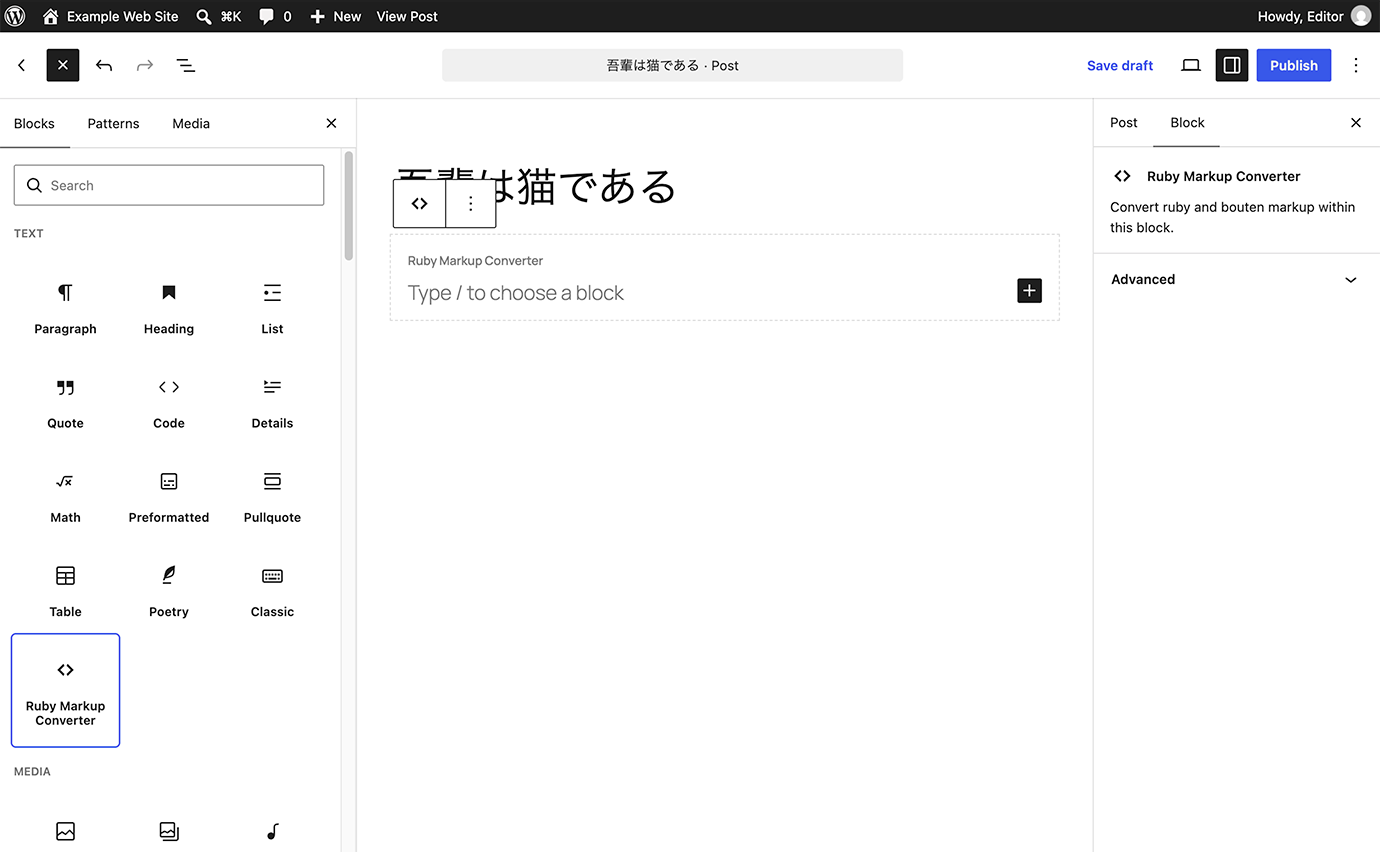
Adding the Ruby Markup Converter block.
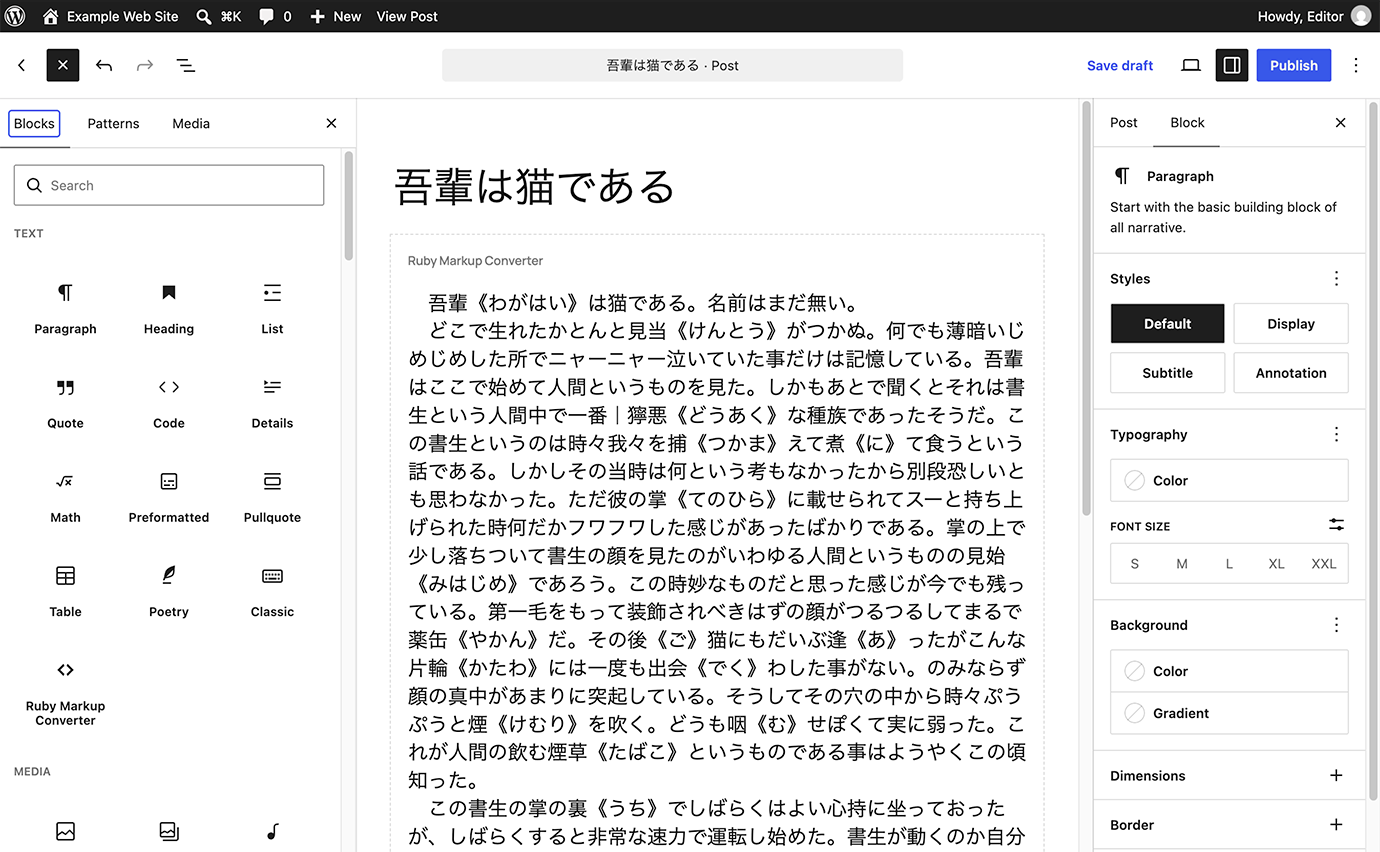
Example of entering or pasting text into the block.
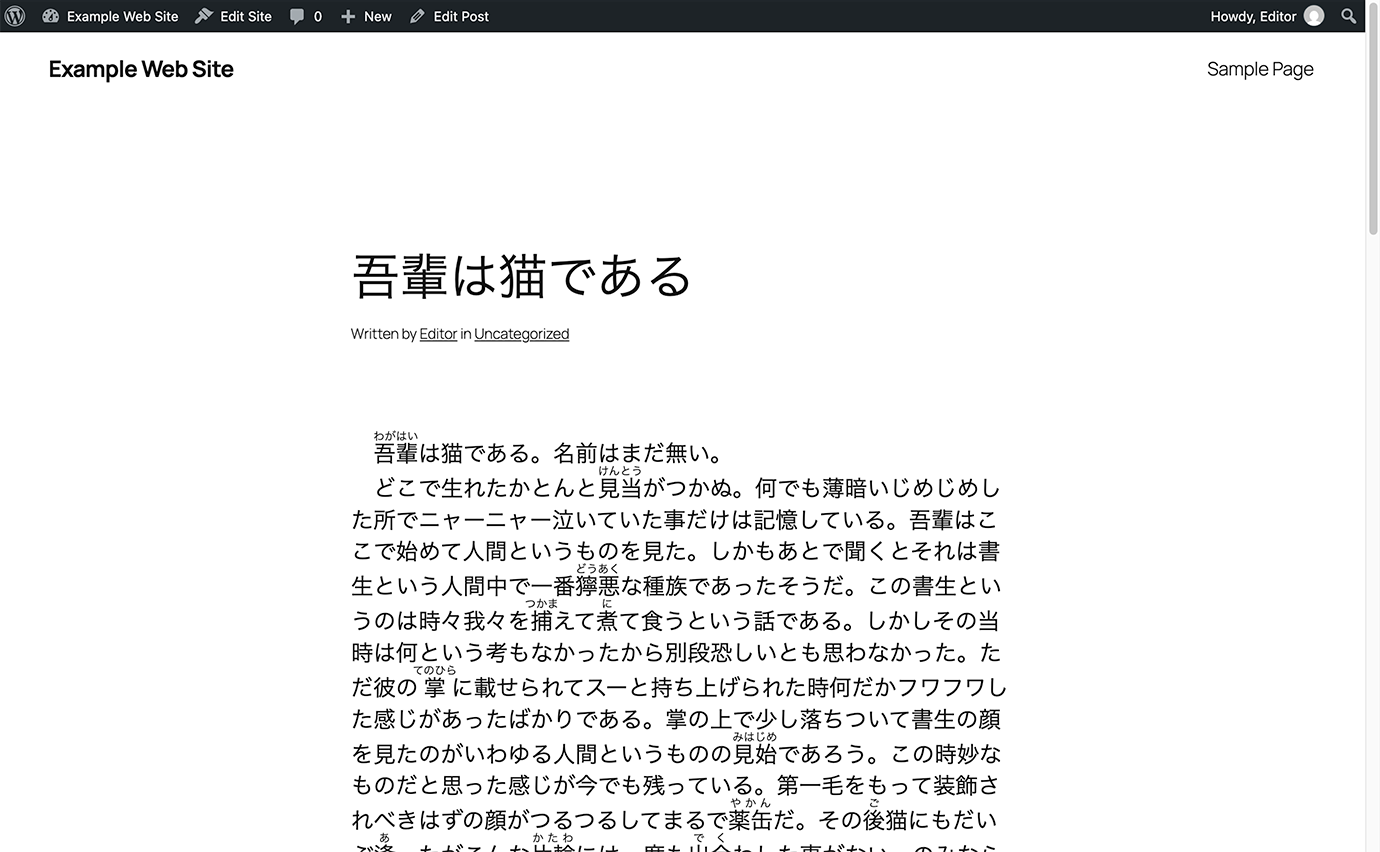
Preview showing the converted ruby and bouten notation.