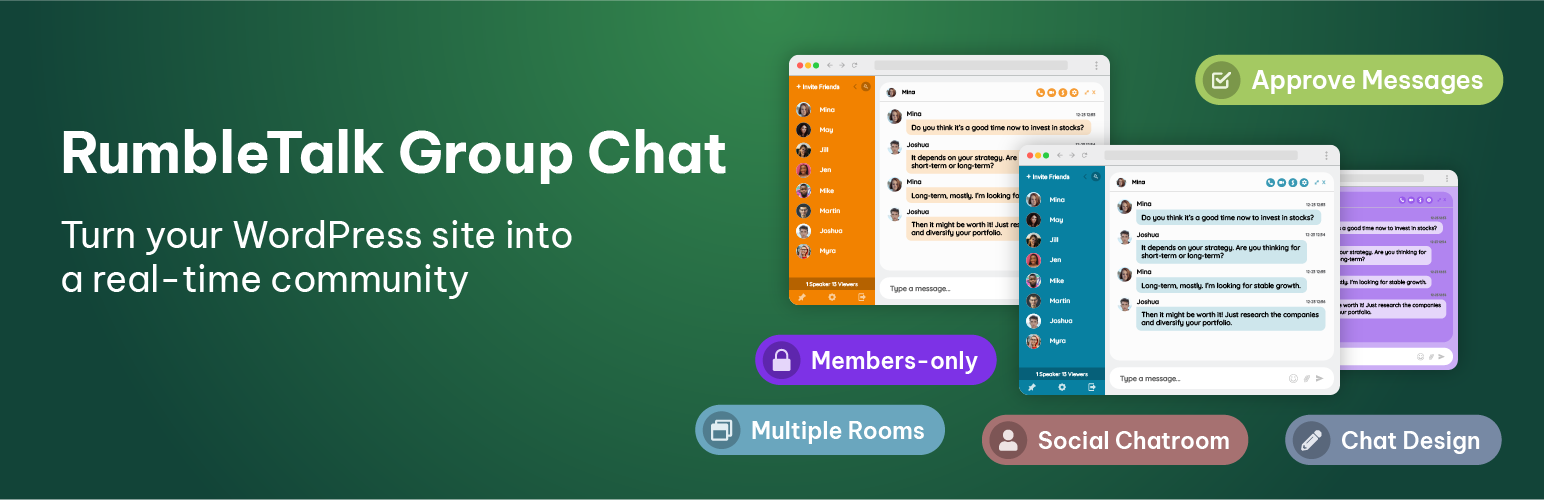
WordPress Group Chat Plugin
Live group chat plugin for WordPress. Integrate it into your website in minutes. Create one or multiple rooms effortlessly.
🛡️ Zero Server Load & High Security:
Unlike local plugins that heavy-load your server database or risk breaking your theme during updates, RumbleTalk runs on a managed, secure cloud infrastructure. Your website stays 100% fast, stable, and safe from database exploits—even during massive traffic spikes.
We support 4 chat types:
- Members-only group chat – Integrated with your user base.
- Queued chat – Admins approve every message.
- Social chat – Open chat room for online discussions.
- Experts chat – One-on-one chats (private chats).
799,100 websites and online events are already using the RumbleTalk HTML Chat Platform.
The chat platform is a hosted professional chat room plugin with a quick integration to your WordPress members’ user base.
You may add it to any type of website, blog, or real-time event.
Unique features that can be set in the admin panel:
1) Integrate your users base with one click – your website members will then auto-login to the chat.
2) Moderated chat mode for live events – approve every message before showing it to all.
3) Private video and audio calls for private one-on-one video discussions
The ideal plugin for members chat, live online events, Group chats, live community, radio shows, fans clubs, stocks & forex trading, hobbies, sports, group discussions…and much more
Plug-in Name
rumbletalk-chat-a-chat-with-themes
WHAT IS A LIVE GROUP CHAT FOR WORDPRESS?
RumbleTalk platform is easy to set group chat plugin for WordPress, buddypress and bbpress
1) Members-only website
2) Social website
3) Live online event website
4) Integrated into any platform using our REST API.
Adding one or many rooms is a no-brainer with the RumbleTalk plugin. Add a chat widget to your website in two minutes.
BuddyPress & BBpress Integration
This group chat plugin supports automatic user base integration with WordPress, BuddyPress and BBpress.
Chat Features
Transform your WordPress site into a powerful communication platform with private messaging, chat rooms, video and audio calls.
-
Member & SSO Integration:
- Integration with WordPress users base and avatars
- Full support for BuddyPress, BuddyBoss Platform, Ultimate Member, and PeepSo
- Auto-login and avatar sync for registered WordPress members
-
Live Events & Moderation:
- Moderated chat mode (approve messages before showing)
- Admin mode – mute all users or disconnect trolls
- Ban users by IP & Spam filter (blacklisted words)
- Pin messages, files, and videos
- Real-time Poll options
-
Media & Communication:
- One-on-One Video and Audio calls
- Private messaging & 1-on-1 chats
- Upload docs, PDF, Excel, PowerPoint, and images
- Video chat messages (30-second recordings)
-
Customization & Controls:
- Chatroom Theme Library & Custom CSS
- InText Keywords feature (automatic link highlights)
- Export chat history to CSV or HTML
- Chat interface supported in 30 languages
BuddyPress Chat Room Integration
These members chat plugin supports automatic integration with BuddyPress plugin.
Languages
English, Español, Bahasa Indonesia, Català, Czech, Dansk sprog
Deutsch, Français, Italiano, Magyar, فارسی, Nederlands, Dutch, Polski
Português, Română, ภาษาไทย, Slovenčina, Suomi, Svenska, Tiếng Việt
Türkçe, ελληνικά, Български, Македонски, Русский язык
Србски, Українська, עברית , عربي
Screenshots
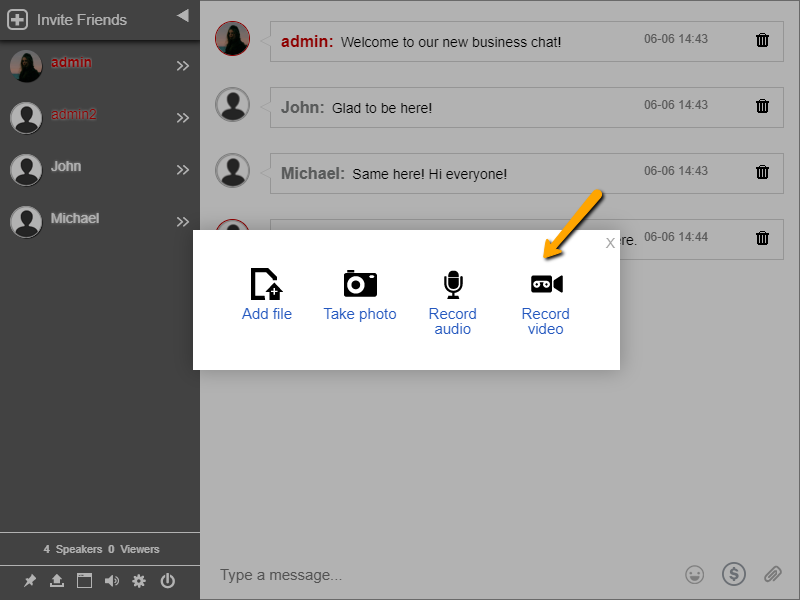
The most advanced chat platform for WordPress with over than 706,000 installations, upload files, images, and docs.
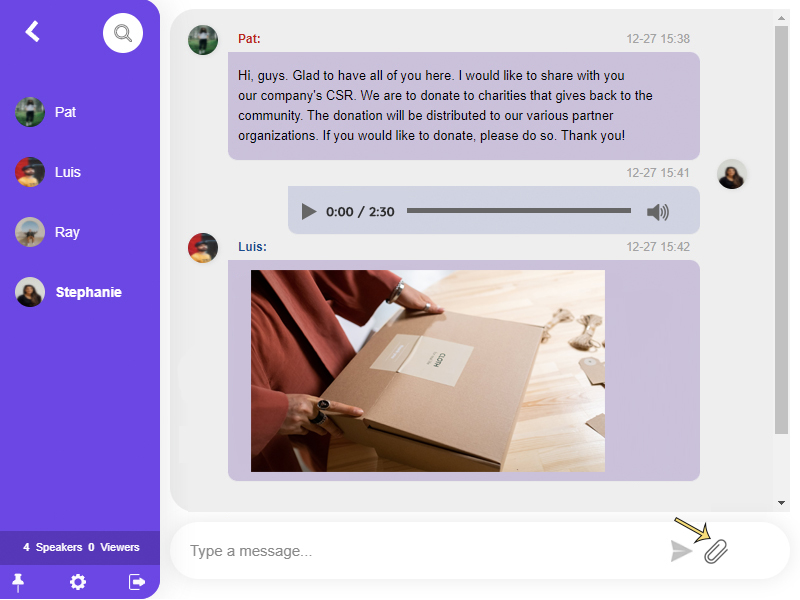
Chat chat skin with advanced design and CSS. You can share any type of file, image, video, link, or emoji to the group chat.

Moderated chat where you approve messages before they show up. Let chat admins perform functions such as screening inbound messages before they go live, limiting the users, banning a specific user, changing the chat type, exporting transcripts, filtering profanity, and more.
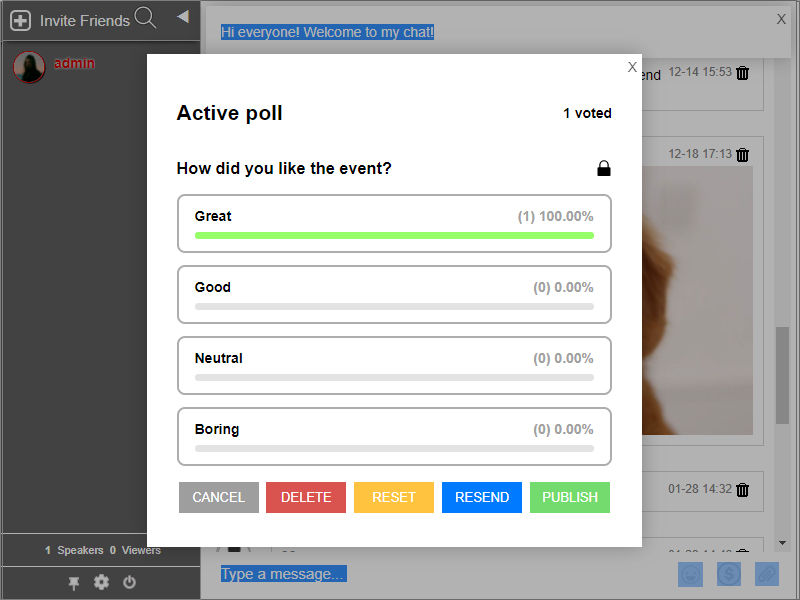
Polls provide streamlined audience feedback in real-time. Let your participants weigh in on the topic by getting their opinions through the polls feature.

Mention a User - Think of the Mentions feature as tagging someone. When you type @ in the chat room, you will see a list of users. This can help you better manage messages in the chat room.

Floating Chat - your messages appear as little popups. The most recent messages will remain in the bubble for users to view, and you can tap the bubble to open the conversation in a popup window.
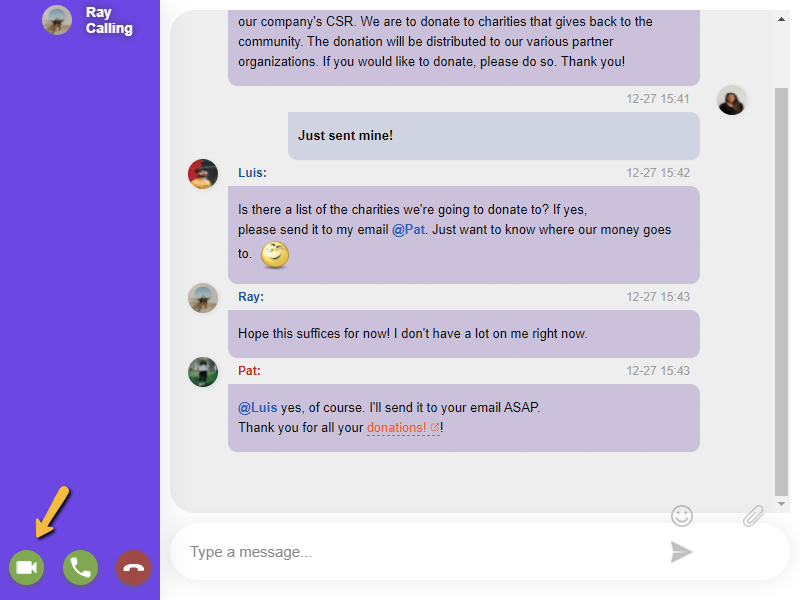
Video and Audio Call - Aside from sending text messages, you can also make private video and audio calls in the chat without having to install anything, making every conversation more personal and less virtual.

Keywords - RumbleTalk Keywords (InTEXT) identify specific words and dynamically turn them into clickable links, allowing you to redirect your audience to any webpage, a downloadable file, an online form, a video instruction, and more.
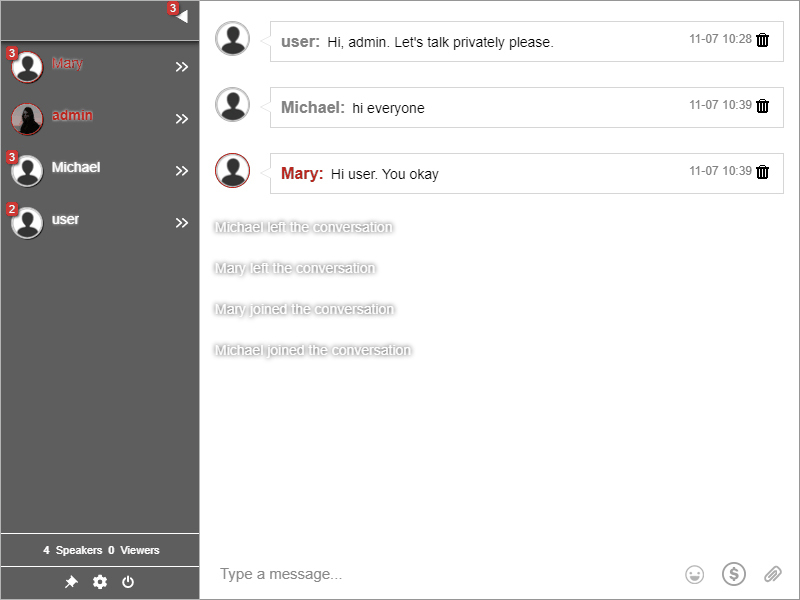
Private Chat - communicate with other users privately, in a one-on-one conversation (you can turn it on/off to your liking)
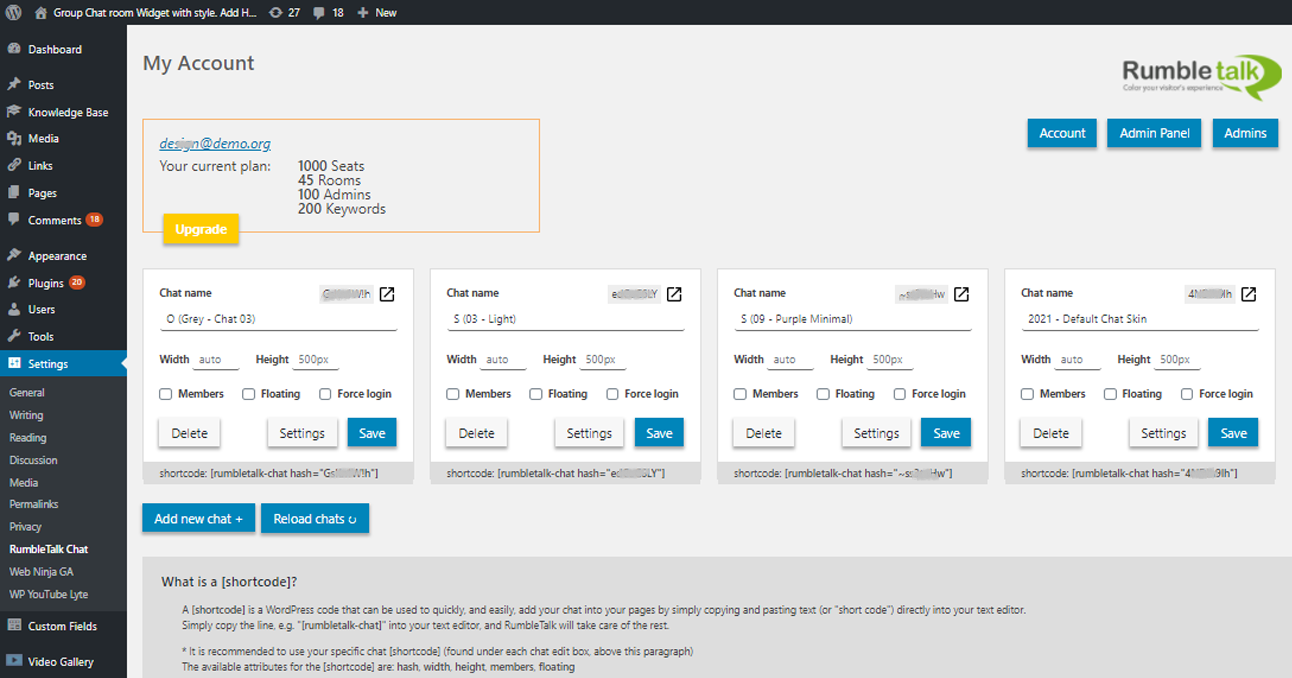
Plugin - create one or many rooms directly from the plugin