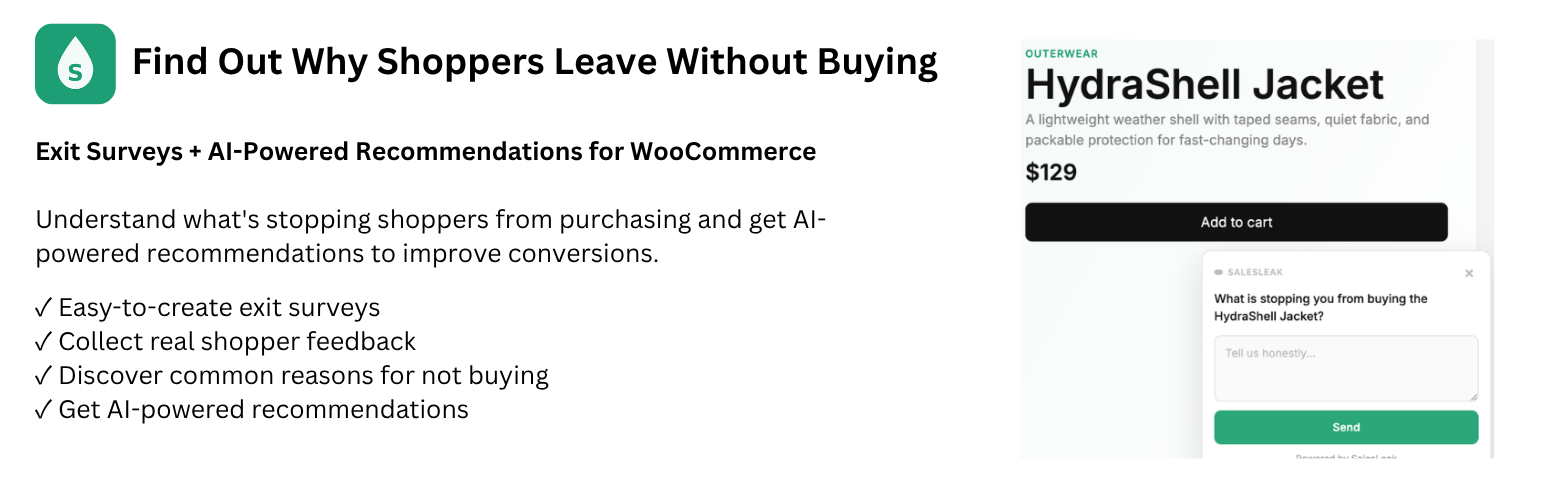
Find out why shoppers leave without buying
Why do shoppers leave your WooCommerce store without making a purchase? SalesLeak helps you find out by asking them directly.
Create exit surveys on your product pages or other WordPress pages. When visitors show exit intent, SalesLeak collects their feedback, helps identify common reasons for not buying, and provides AI-powered recommendations for improvements you can consider.
Start free with 100 shopper responses per month. No separate SalesLeak account, tracking code, or additional Pro plugin required.
How SalesLeak works
1. Create an exit survey
Choose a WooCommerce product or published WordPress page. SalesLeak uses a fixed, product-specific question to keep feedback focused and comparable.
2. Collect shopper feedback
When a visitor shows exit intent, the survey gives them an opportunity to explain what’s stopping them from buying.
3. See why shoppers don’t buy
Read individual responses and see recurring concerns grouped into Reasons for Not Buying, including price, shipping, trust, sizing, and product information.
4. Get AI-powered recommendations
Review feedback, Estimated Sales at Risk, and practical recommendations to help you decide what to improve. SalesLeak does not automatically change your store or guarantee additional sales.
Everything you need inside WordPress
- Exit Surveys: Create, edit, pause, and manage surveys for selected products or pages.
- Shopper Responses: Read the feedback visitors choose to share.
- Reasons for Not Buying: Spot recurring concerns without reviewing every answer manually.
- Estimated Sales at Risk: See an estimate of potential revenue associated with reported buying hesitation, not a measurement of confirmed lost sales.
- AI Recommendations: Get suggestions based on collected feedback to help prioritize improvements.
- Simple setup: Automatic tracking, survey behavior and brand-color controls, and no separate SalesLeak account.
- Notifications and usage: Manage daily feedback notifications and monitor your monthly response allowance.
Free to start
The free plan includes up to 100 shopper responses per month and access to the complete SalesLeak experience. Paid plans increase your monthly response allowance without requiring a separate plugin.
Install SalesLeak Create an exit survey Collect feedback Understand why shoppers leave Review AI recommendations.
External services
This plugin connects to the SalesLeak service at https://app.salesleak.io so it can securely provision the WordPress site, manage Exit Surveys, load Shopper Feedback Reports, and provide the storefront survey widget.
When the plugin is activated, the WordPress site URL, site name, platform, currency, a random installation identifier and a cryptographic site-control proof are sent to SalesLeak to securely prepare the site. No WordPress administrator credentials, SalesLeak login or shopper personal account is sent. The plugin stores the site credential and public collection key returned by SalesLeak.
While the connection is active, the plugin requests Exit Survey and reporting data from SalesLeak. On the public storefront, the SalesLeak widget may send the public site key, product page URL, product information, shopper feedback, referral and campaign attribution, device and visitor classification, and available cart-value information to SalesLeak when an Exit Survey runs or a shopper submits a response.
This service is provided by SalesLeak:
If you select a paid plan, SalesLeak creates a secure checkout session with Stripe and redirects your browser to Stripe Checkout. SalesLeak sends Stripe the internal merchant identifier, selected plan, billing interval and response allowance as checkout metadata. You enter payment and billing information directly into Stripe; the WordPress plugin does not receive or store card details.
Stripe provides the payment service:
Screenshots

See the exit survey shoppers encounter when leaving a product page.

Create and manage exit surveys directly in WordPress.

Review shopper responses and recurring reasons for not buying.