
Saral Login Shield protects your WordPress login three ways: it asks for a code from your phone after the password, moves the login page to an address only you know, and stops password-guessing bots. Direct visits to wp-login.php and /wp-admin get a 404 page (or a redirect of your choice).
Two-factor login
- After the password, users enter a 6-digit code from an authenticator app such as Google Authenticator, Microsoft Authenticator, Authy or 1Password. No phone number, outside service or account is needed: the codes are made on your site and on the phone.
- Each user turns it on in their profile in under a minute. You can require it for administrators.
- 10 one-time backup codes for a lost phone, and “Don’t ask again on this device for 30 days”.
- Works with the normal login page and with front-end login forms that use WordPress’s login, such as WooCommerce’s My Account page.
- Logins from apps through XML-RPC need an application password once two-factor login is on, so a stolen password alone can’t be used there either.
Hide the login page
- Change your login URL to any slug you like. New sites get a random one, such as
/login-k3x9qa. - Block direct access to wp-login.php and /wp-admin for logged-out visitors (404 or redirect).
- No core files are modified. Works in sub-directory installs, with WP-CLI and cron, and with front-end forms that post to admin-post.php.
Stop password guessing
- Limit login attempts: after 5 failed logins within 20 minutes (you can change both), the IP address is locked out for 20 minutes. Even the correct password is refused during a lockout. It also covers logins through XML-RPC.
- Turn off XML-RPC: one switch blocks
xmlrpc.php, which bots use to guess passwords without ever visiting the login page. - Works behind Cloudflare and proxies: choose where the visitor’s IP address comes from, so visitors aren’t all locked out together.
See who logs in
- Login activity: every login, failed login, lockout and recovery email, with the username, IP address and browser. Filter by event, and unblock a locked-out IP address with one click.
- New IP alerts: administrators get an email when their account signs in from an IP address it hasn’t used before.
Never get locked out of your own site
- Forgot your login URL? Go to
yoursite.com/?login-recovery, enter your administrator email address and the login URL is emailed to you. The page answers the same way for every address, so it doesn’t reveal who your administrators are, and it sends at most 3 emails an hour.
What it doesn’t do: Saral Login Shield doesn’t scan for malware or act as a firewall, so keep using strong passwords and regular updates.
More details and screenshots: Saral Login Shield on saraltechies.com
Third-party code: The setup QR code is drawn in the browser by qrcode-generator 1.4.4 by Kazuhiko Arase, included unchanged in assets/js/qrcode.js under the MIT license. It runs only on the profile page while two-factor login is being set up, and sends nothing anywhere. “QR Code” is a registered trademark of DENSO WAVE INCORPORATED.
Screenshots
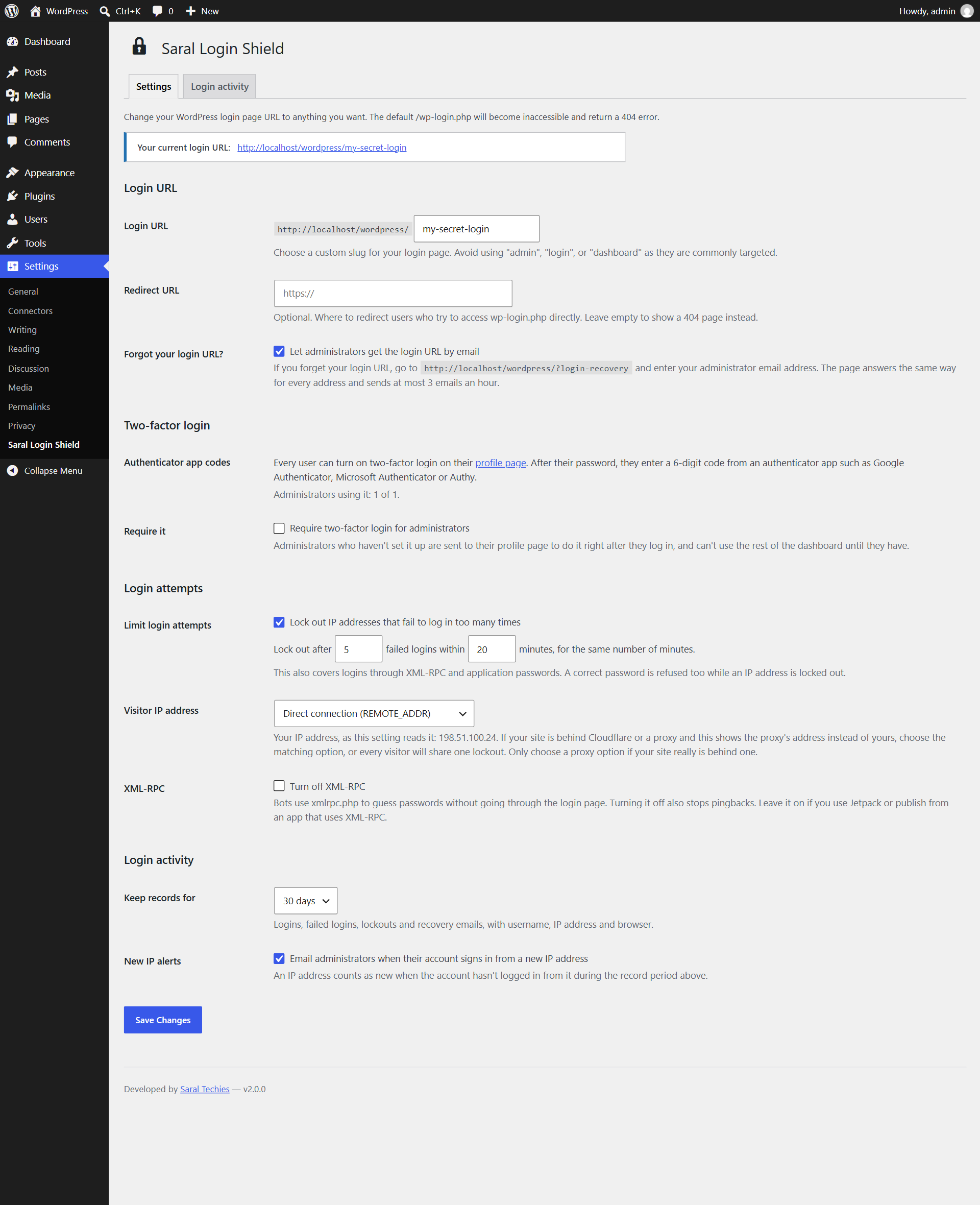
Settings → Saral Login Shield: your login URL, two-factor login, login attempt limits, XML-RPC and new IP alerts.
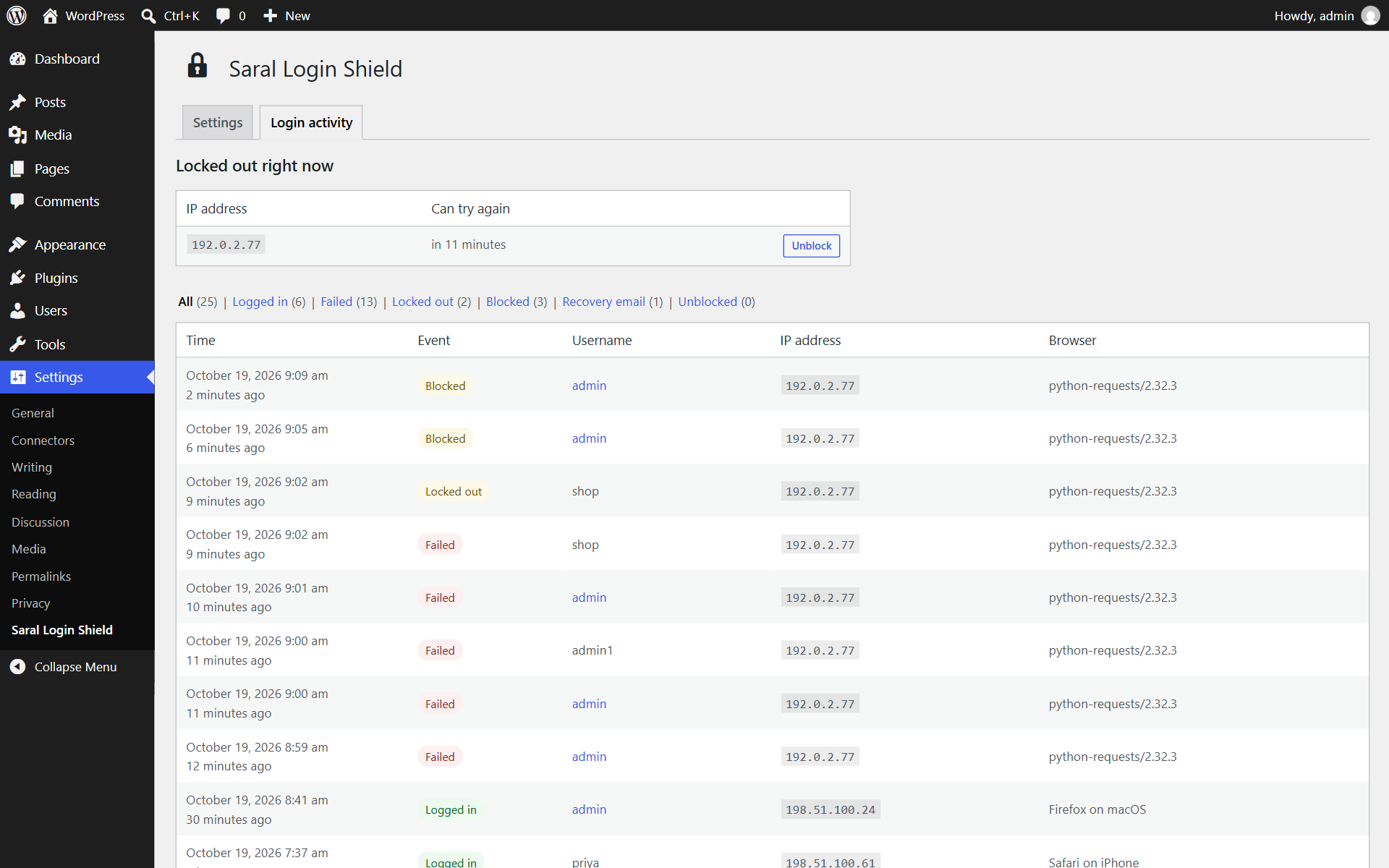
Login activity: every login, failed login and lockout, with one-click unblocking.
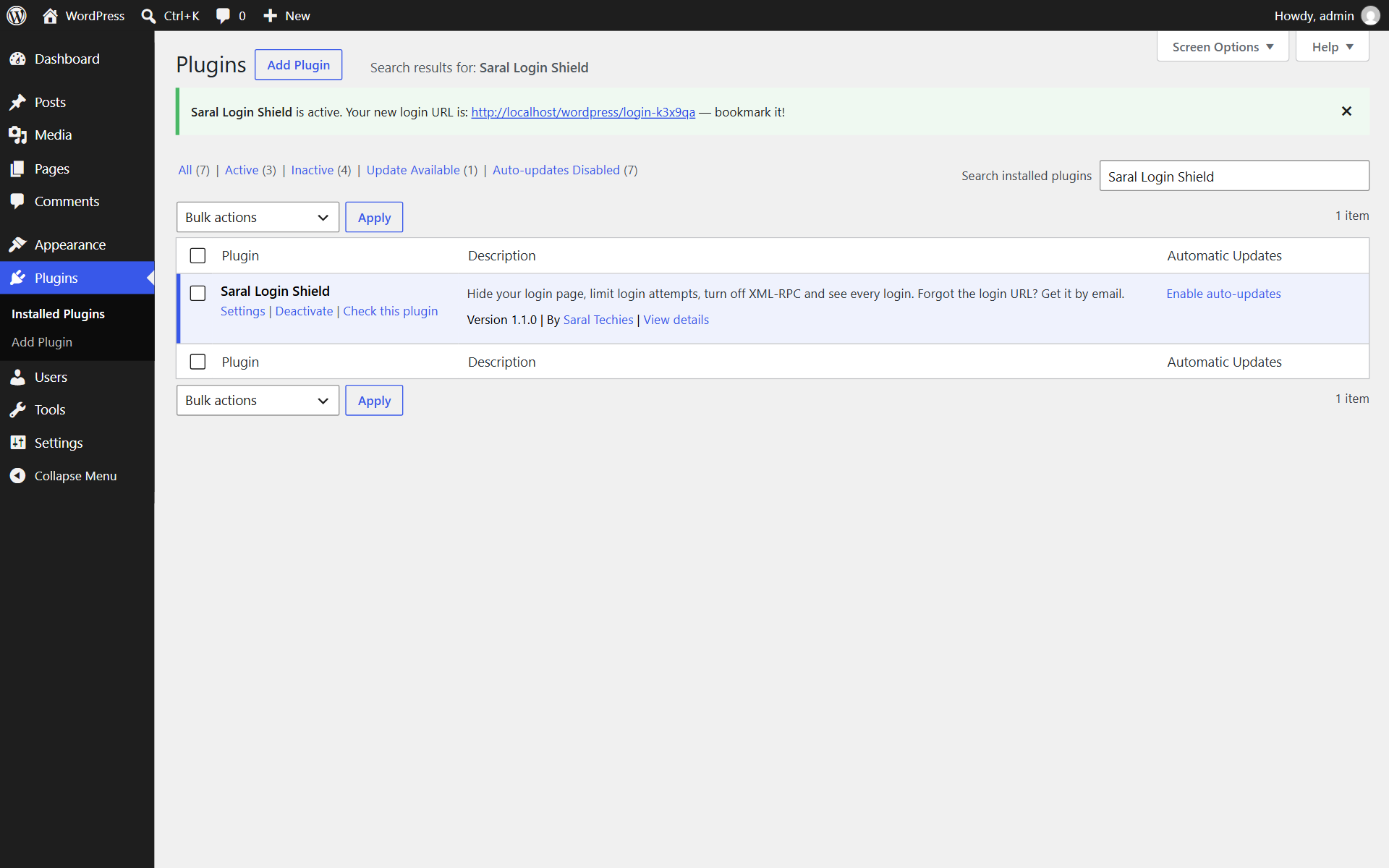
After activation, your new random login URL is shown at the top of the screen. Bookmark it.
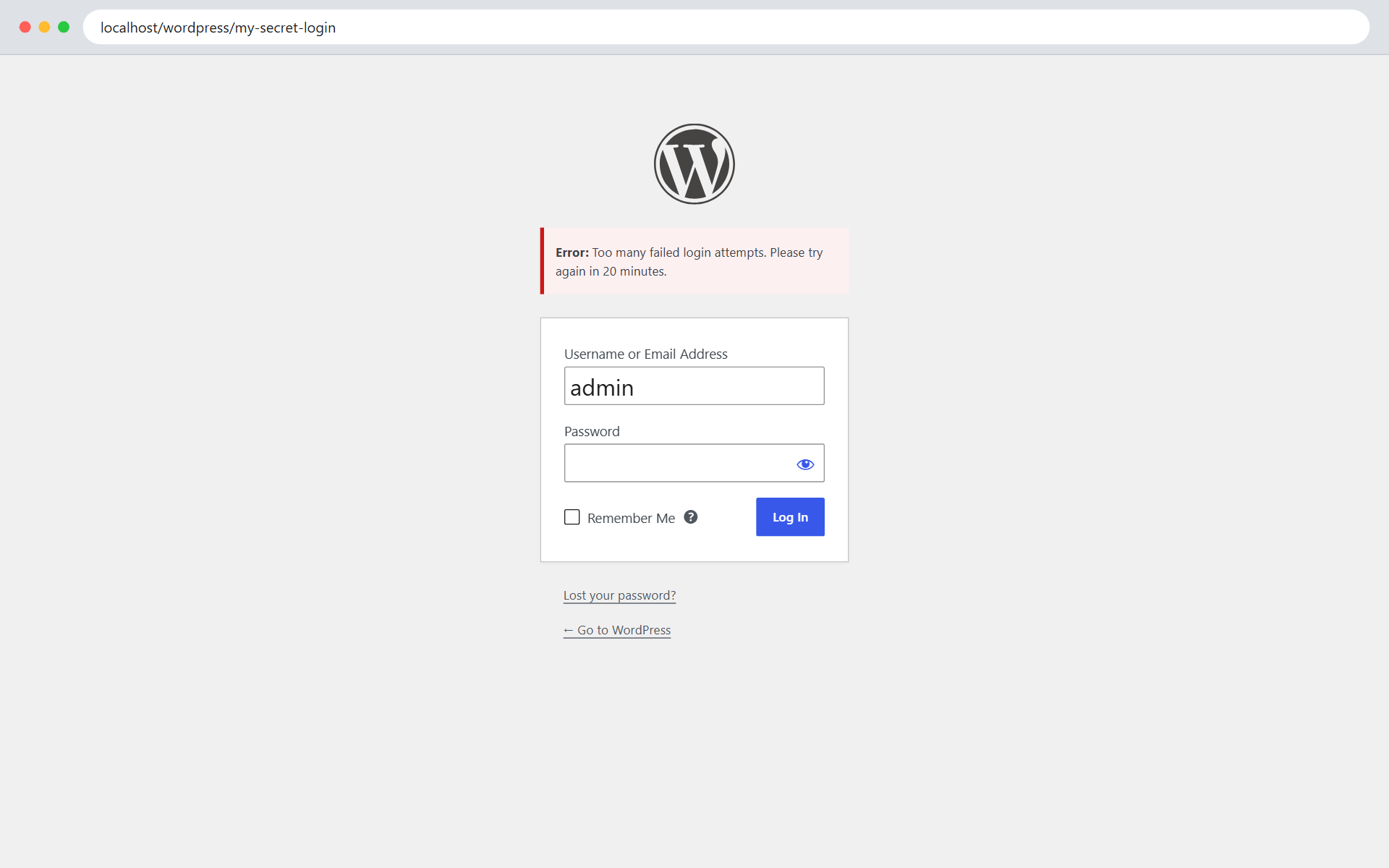
The normal WordPress login form at your own login URL, refusing an IP address after too many failed logins.
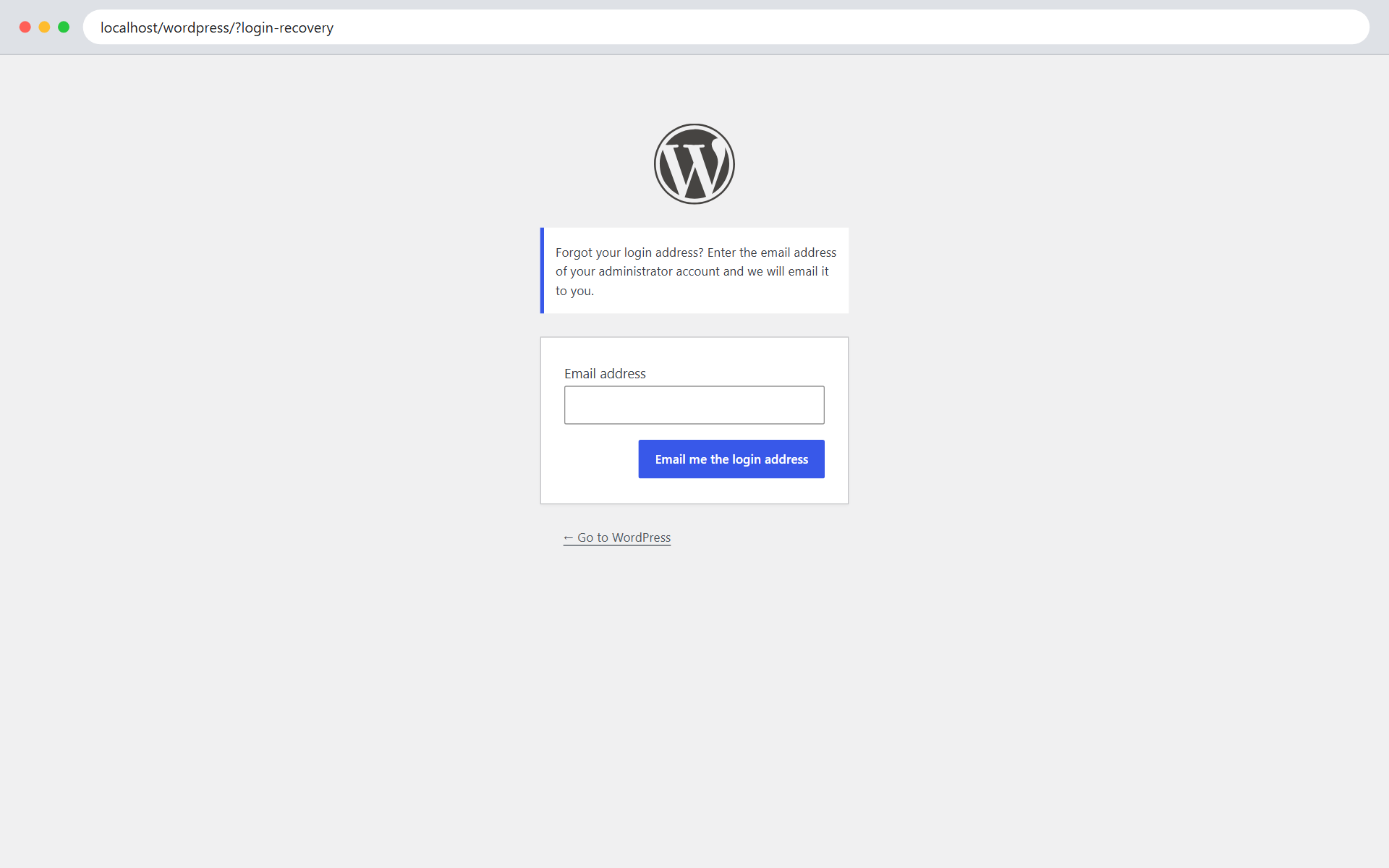
Forgot your login URL? Get it by email at yoursite.com/?login-recovery.
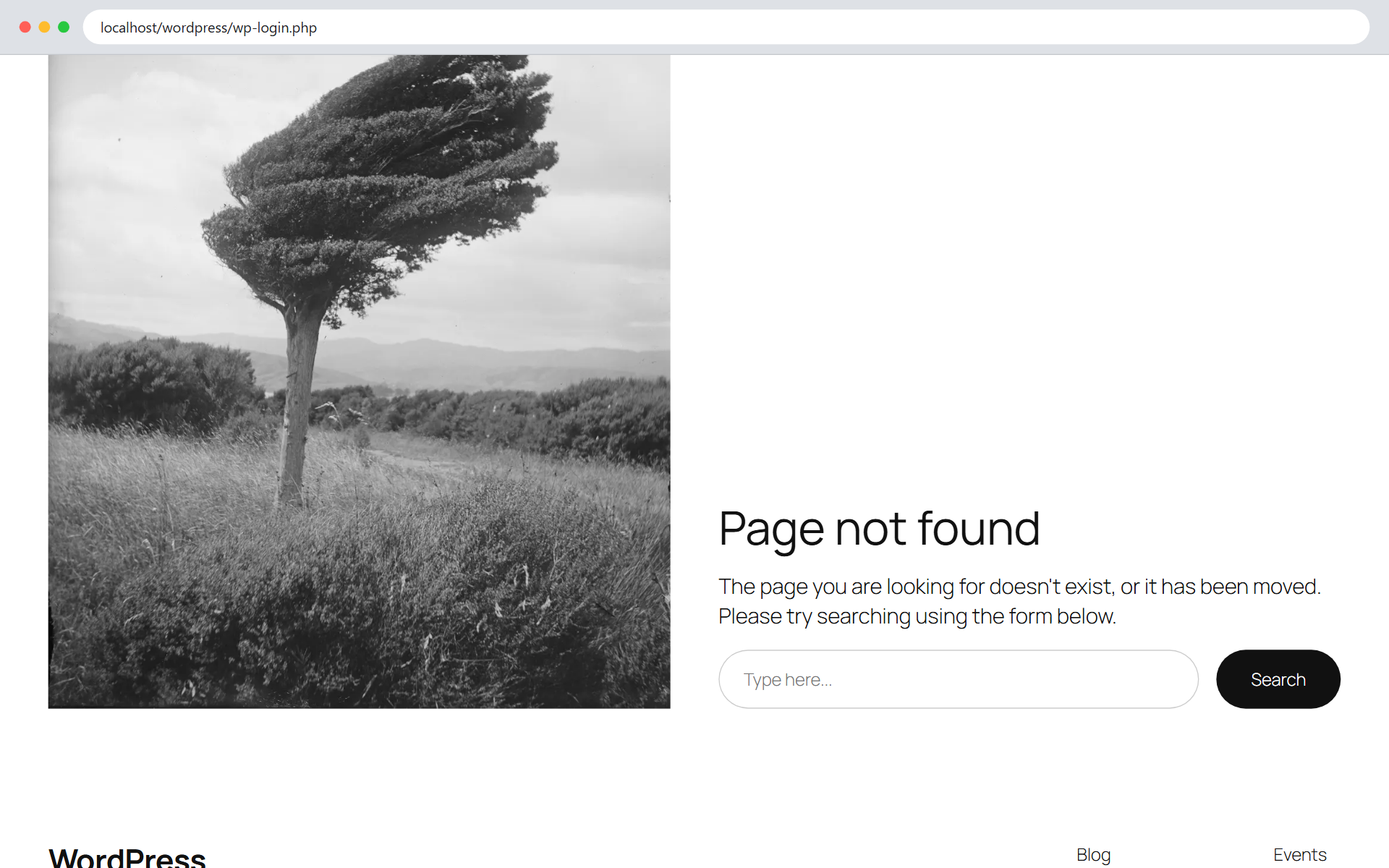
Anyone who opens wp-login.php directly gets your theme's 404 page (or the redirect URL you set).
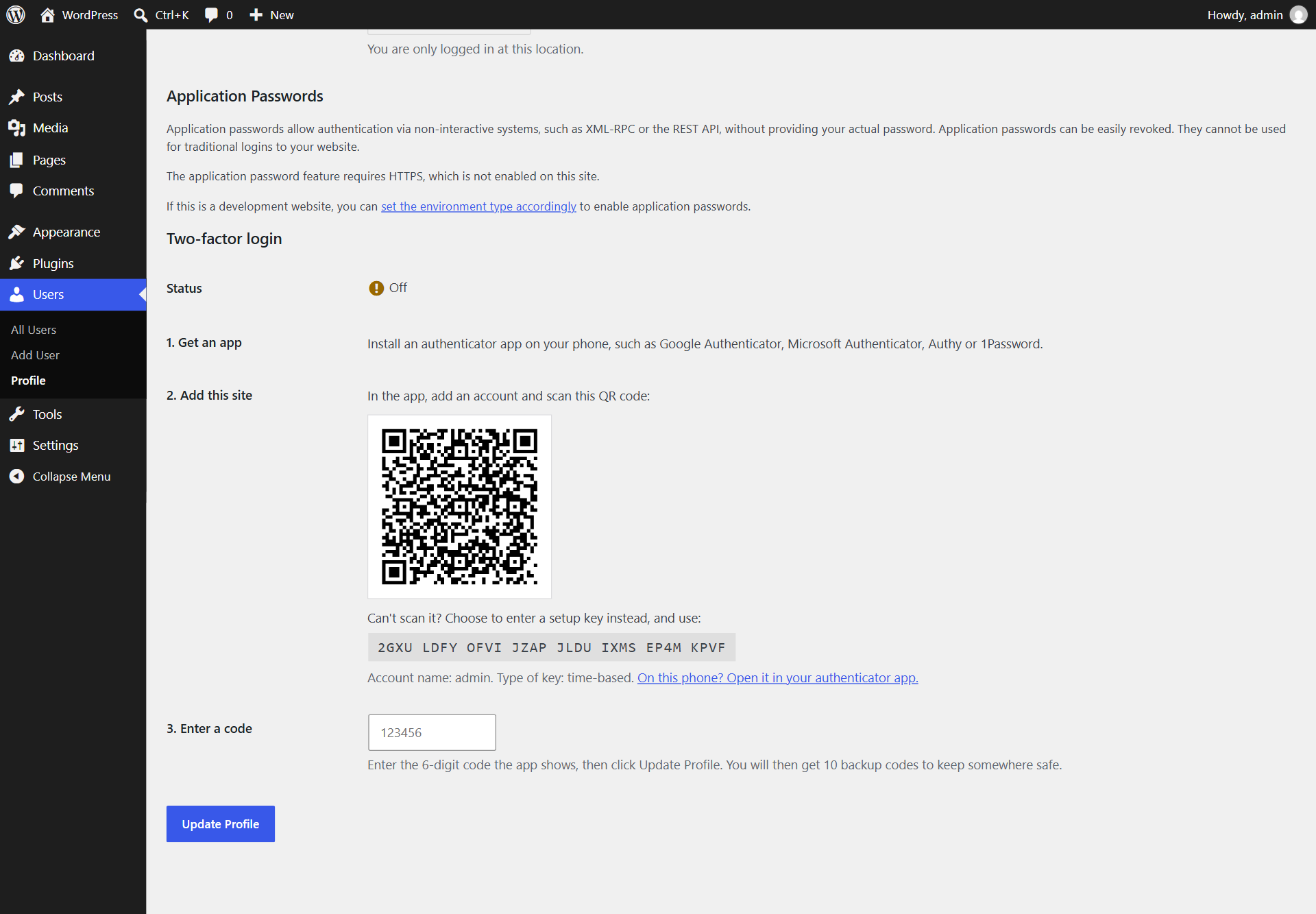
Setting up two-factor login on the profile page: scan the QR code and enter a code.
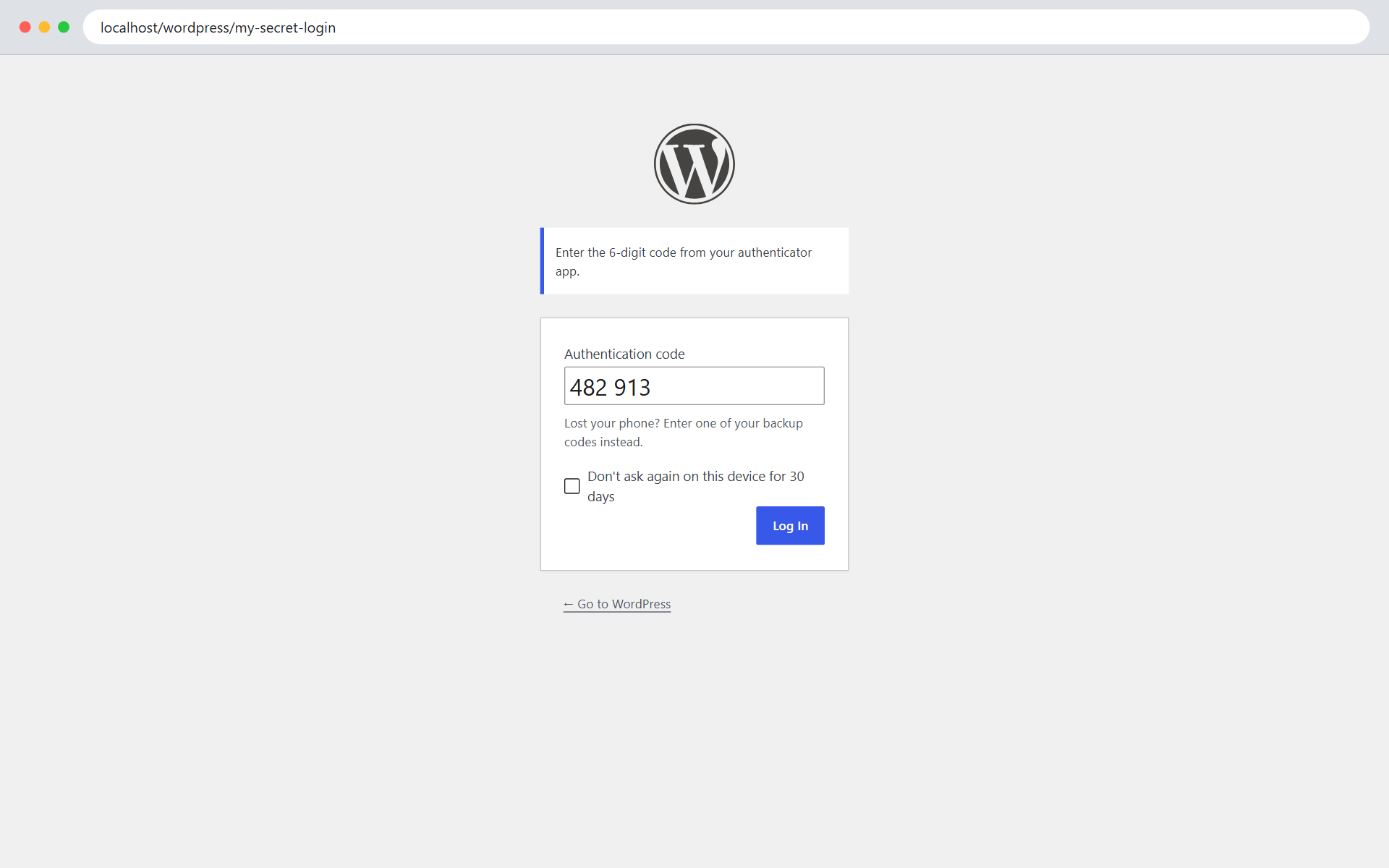
After the password, two-factor login asks for the code from the authenticator app.
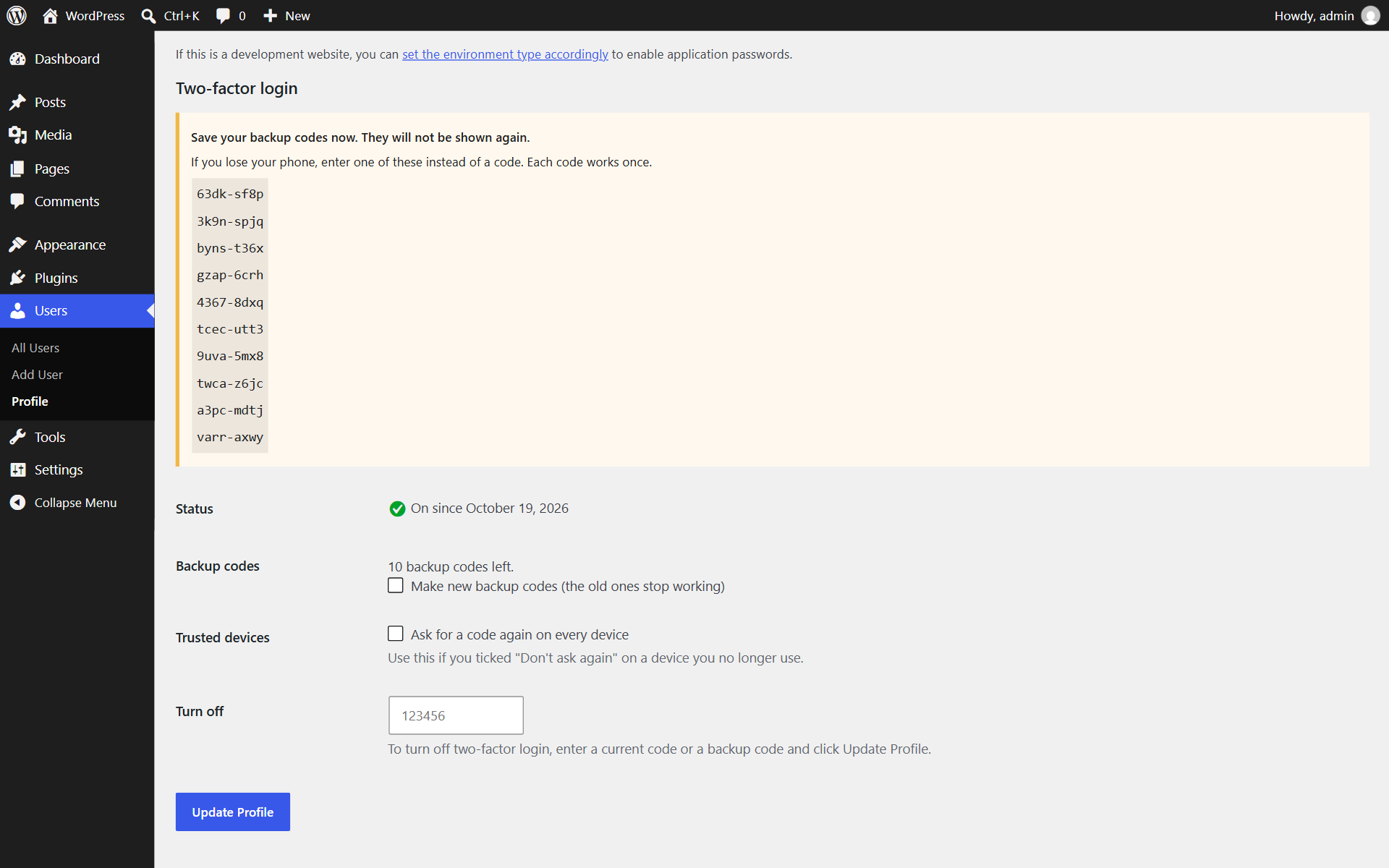
Backup codes are shown once after setup, for when a phone is lost.