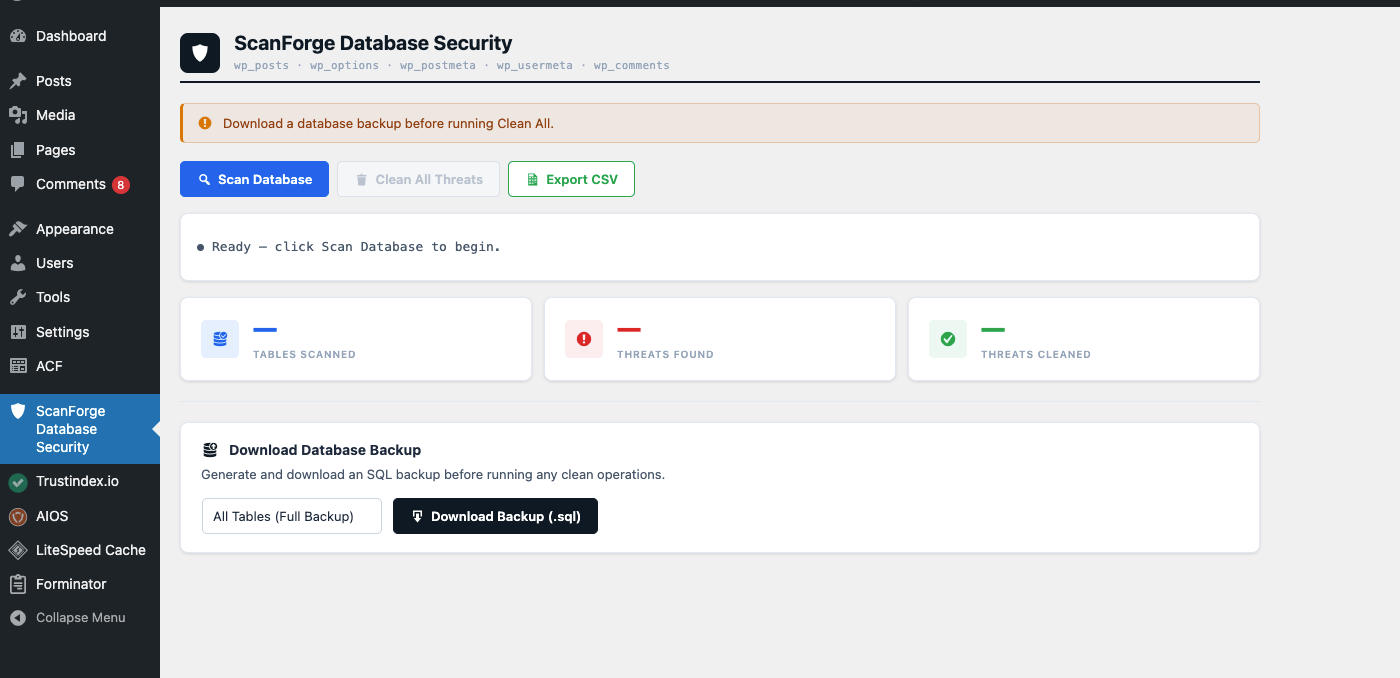
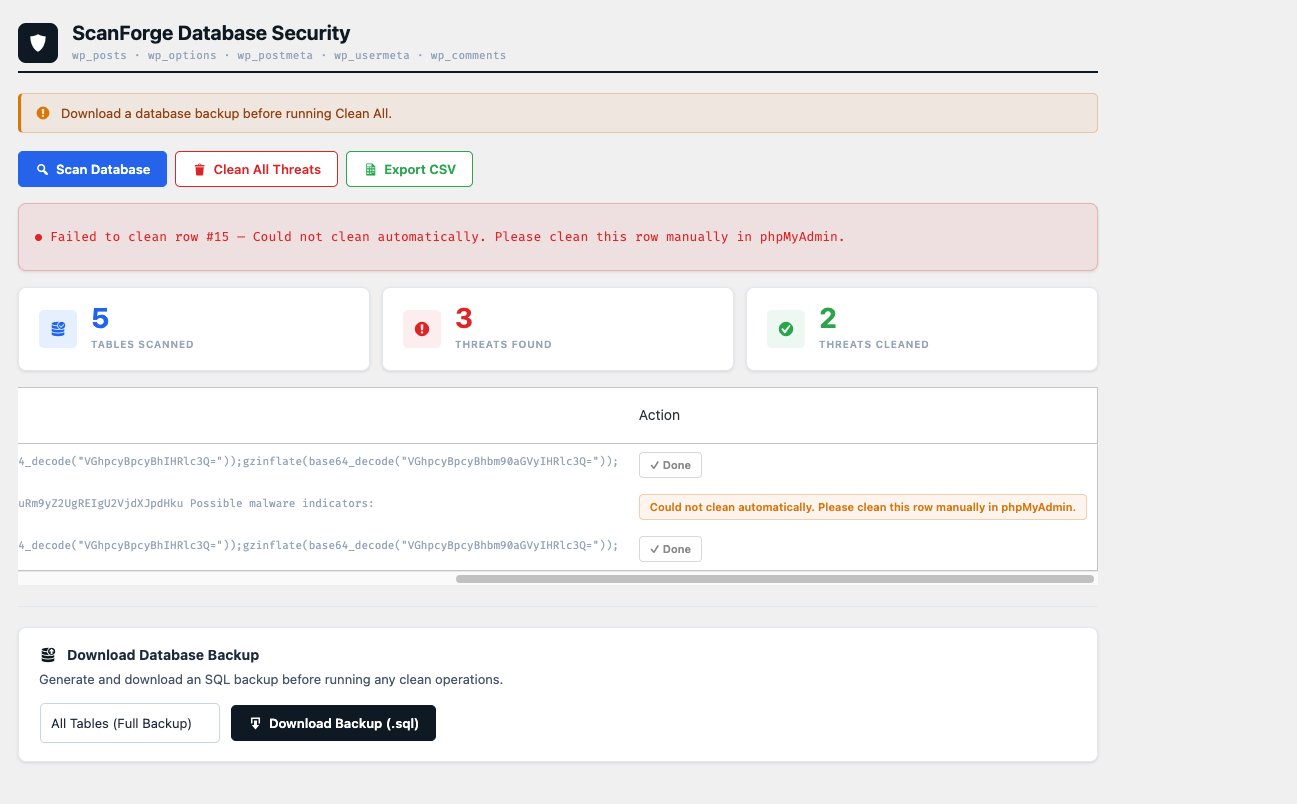
ScanForge Database Security helps WordPress administrators find and remove malicious code and spam injected into the database. It scans the most commonly attacked WordPress tables for known malware signatures such as traffic hijacking scripts, obfuscated PHP payloads and web shells, and it has a separate page for spam content such as gambling, pharmaceutical and SEO link spam.
Malware and spam are handled on two different pages, because they need different decisions: malware should be cleaned, while spam is content you may want to review before removing.
Features
- Scans wp_posts, wp_options, wp_postmeta, wp_usermeta, and wp_comments tables
- Malware Scanner page: detects 14 known malware signatures
- Spam Detection page: detects 34 spam phrases in 6 categories
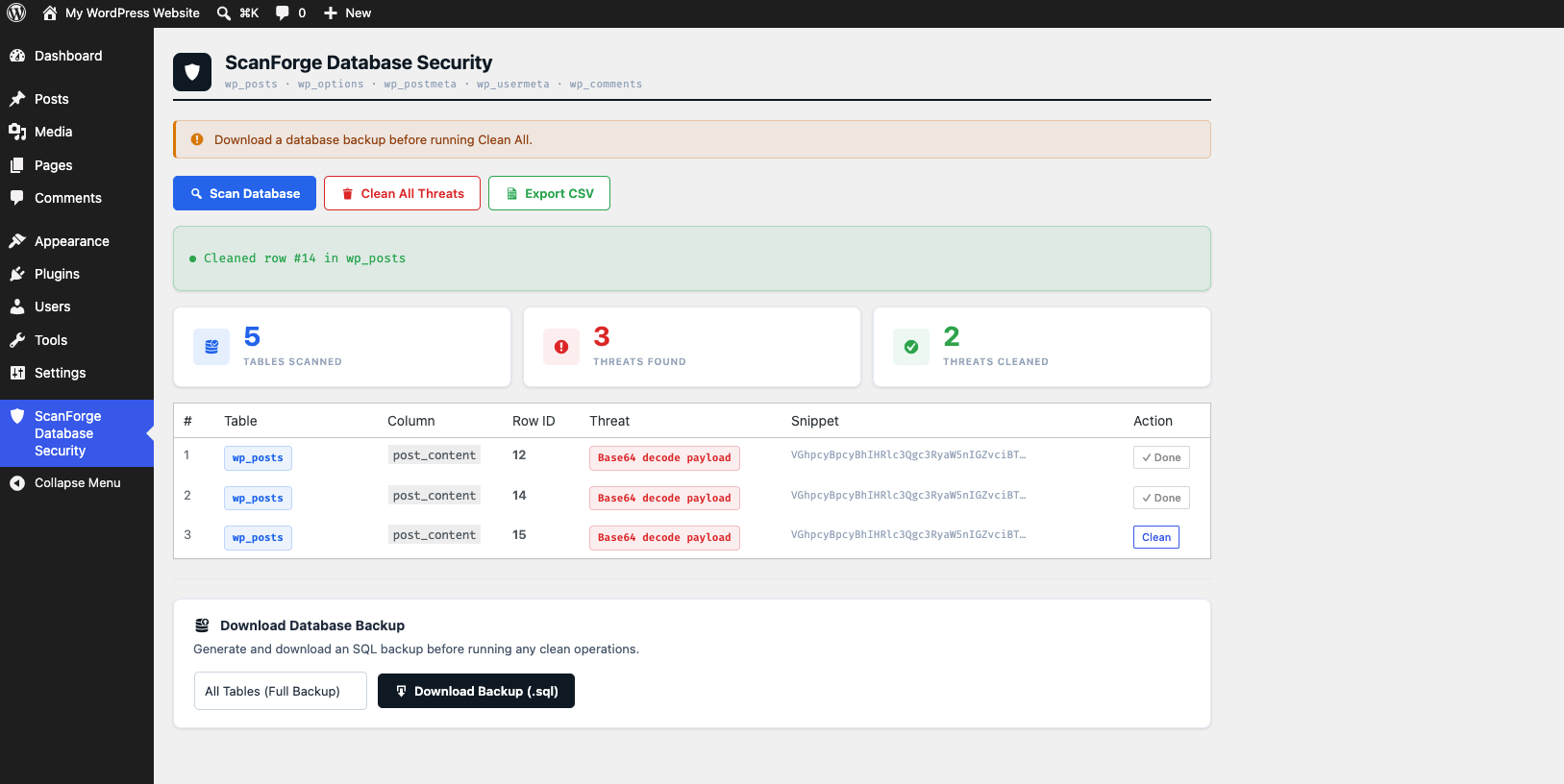
- Clean individual rows or all malware threats at once
- Delete spam one item at a time, or select several and delete them together
- Nothing is deleted automatically
- Download a database backup (.sql) before cleaning
- Export scan results as a CSV report
- Signature list is stored in an editable data file (data/patterns.json)
- Simple and easy to use admin interface
- No external service required — runs entirely on your server
- Follows WordPress coding standards
Detected Malware
- Traffic hijacking scripts
- Nulled plugin backdoors
- Obfuscated PHP injections using encoded or compressed payloads
- Dynamic script injections
- Tracking cookie injections
- Known malware loader functions
- Shell command execution attempts
- Known web shell signatures
Detected Spam
- Gambling and casino spam
- Pharmaceutical spam
- Adult spam
- Cryptocurrency spam
- Financial and loan spam
- SEO and backlink spam
Spam Detection and Deleting
The Spam Detection page lists every item that matches a spam phrase. You decide what to remove:
- Posts are moved to the Trash, so you can restore them if a result was a false positive
- Comments, post meta, user meta and options are deleted permanently
- Core WordPress options (such as the site URL) can never be deleted from this page
- Each item is checked again just before it is deleted, and skipped if it no longer matches
Important Notice
This plugin helps clean database infections but it does NOT prevent reinfection if the source of the malware (such as nulled/pirated plugins or themes) is still installed. Always remove nulled software and use legitimate licensed plugins to permanently fix infections.
Spam detection is based on phrases, so a legitimate post that mentions one of them (for example an article about online casinos) can be listed. Always review each result before deleting, and take a backup first.
Usage
- Go to ScanForge Database Security > Malware Scanner in your WordPress admin menu
- Click Download Backup to save a copy of your database
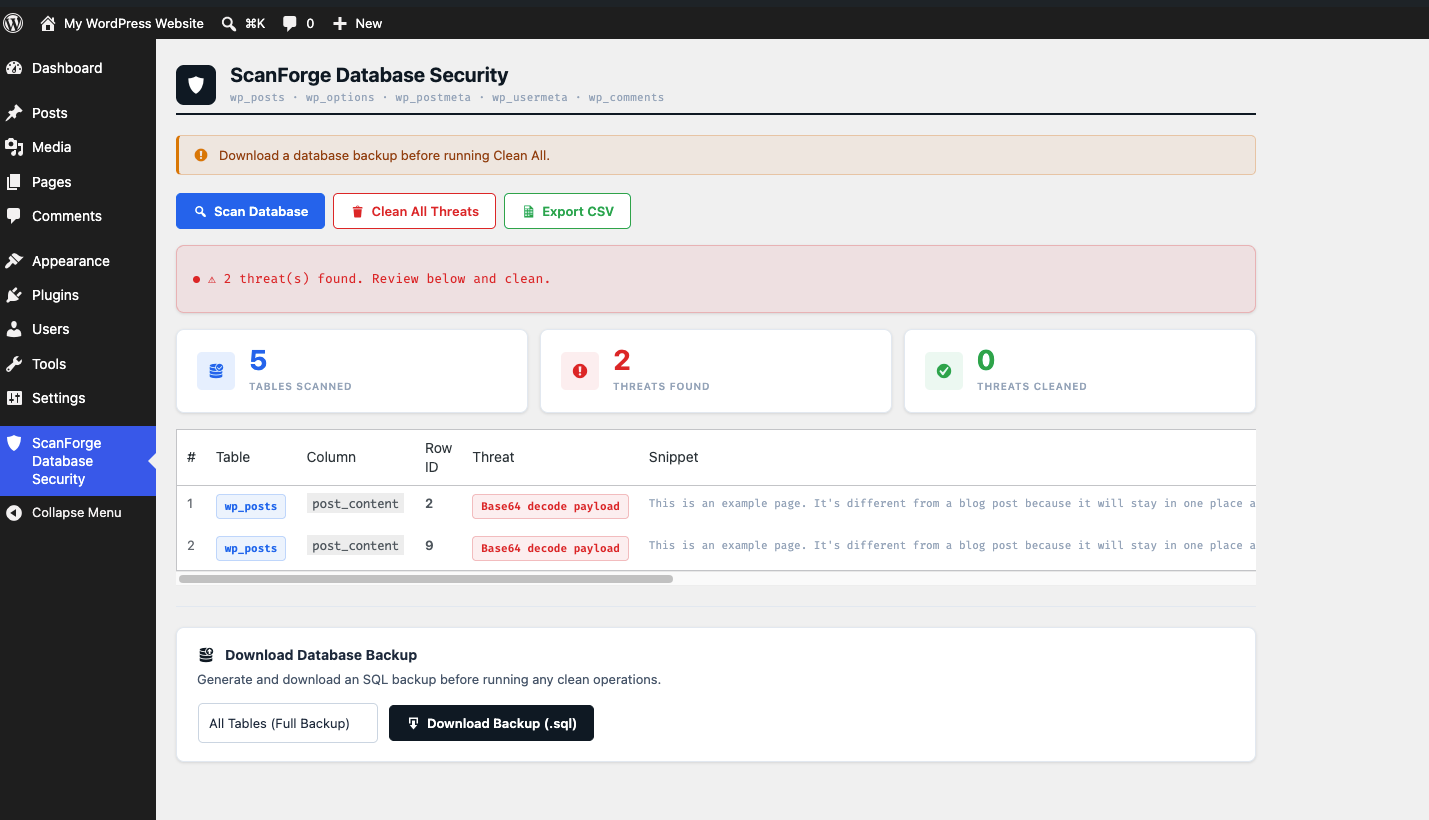
- Click Scan Database
- Review the threats found
- Click Clean All Threats or clean rows individually
- Export a CSV report if needed
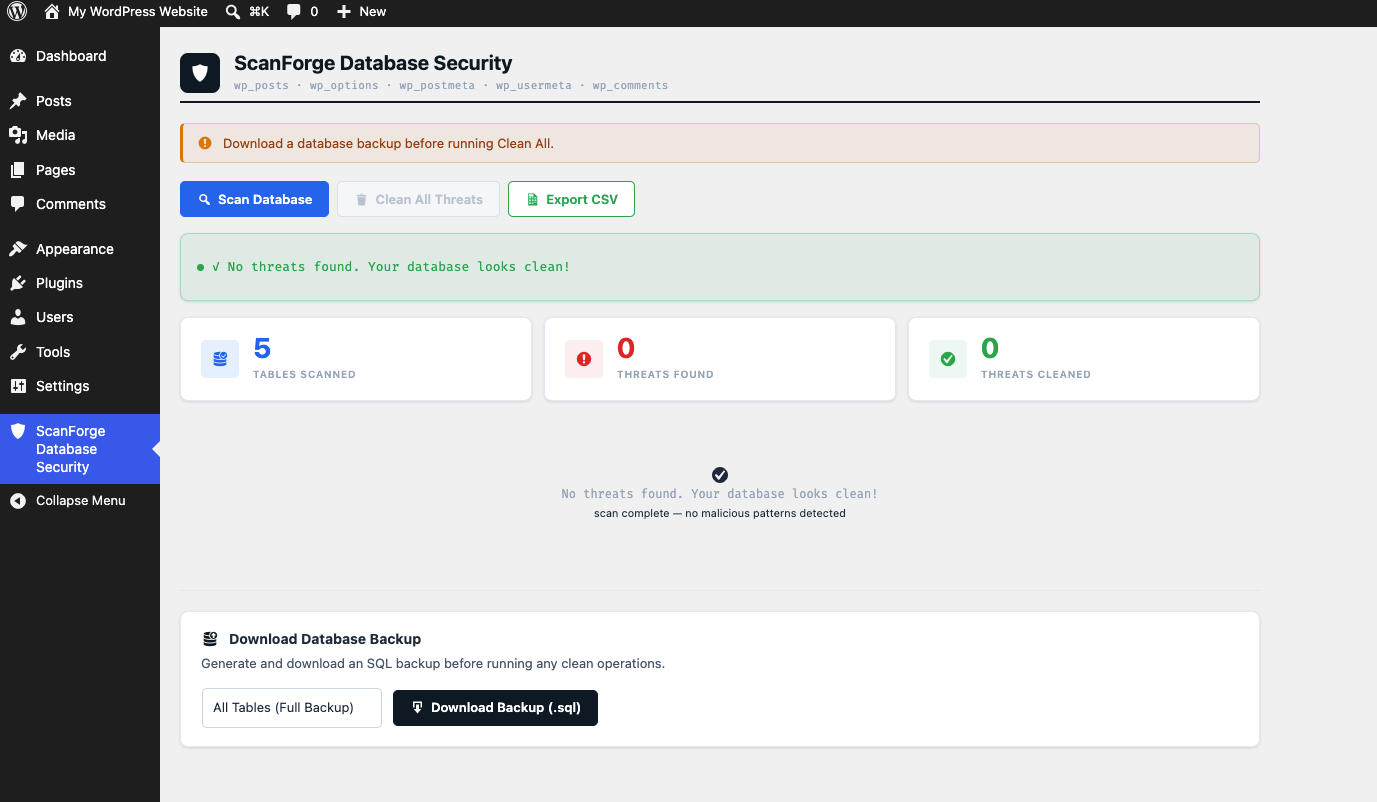
- Run the scan again to verify everything is clean
- For spam content, open ScanForge Database Security > Spam Detection, click Scan for Spam, and delete only the items you want removed
Screenshots