
Scheduled Content Block is a WordPress plugin that enables easy scheduling of content on WordPress pages or posts via a Scheduled Content block. Add a Scheduled Container block, fill it with the content you’d like, set the schedule, and publish your post or page. The content you create inside the block will only be visible during its scheduled time.
Features
- Simple container block, allowing you to display content within the block during a specific timeframe.
- Optional integration with the Breeze caching plugin, purging the site’s cache when content is scheduled to become active or inactive.
- Change who is able to see scheduled content on your site with role-based controls, including custom roles.
- Clear start/end times displayed in the editor.
- Preview any scheduled content in the WordPress editor.
- Option to automatically delete any scheduled blocks once the date/time has expired.
Screenshots

Search for or locate the Scheduled Container Block in the WordPress editor to get started.
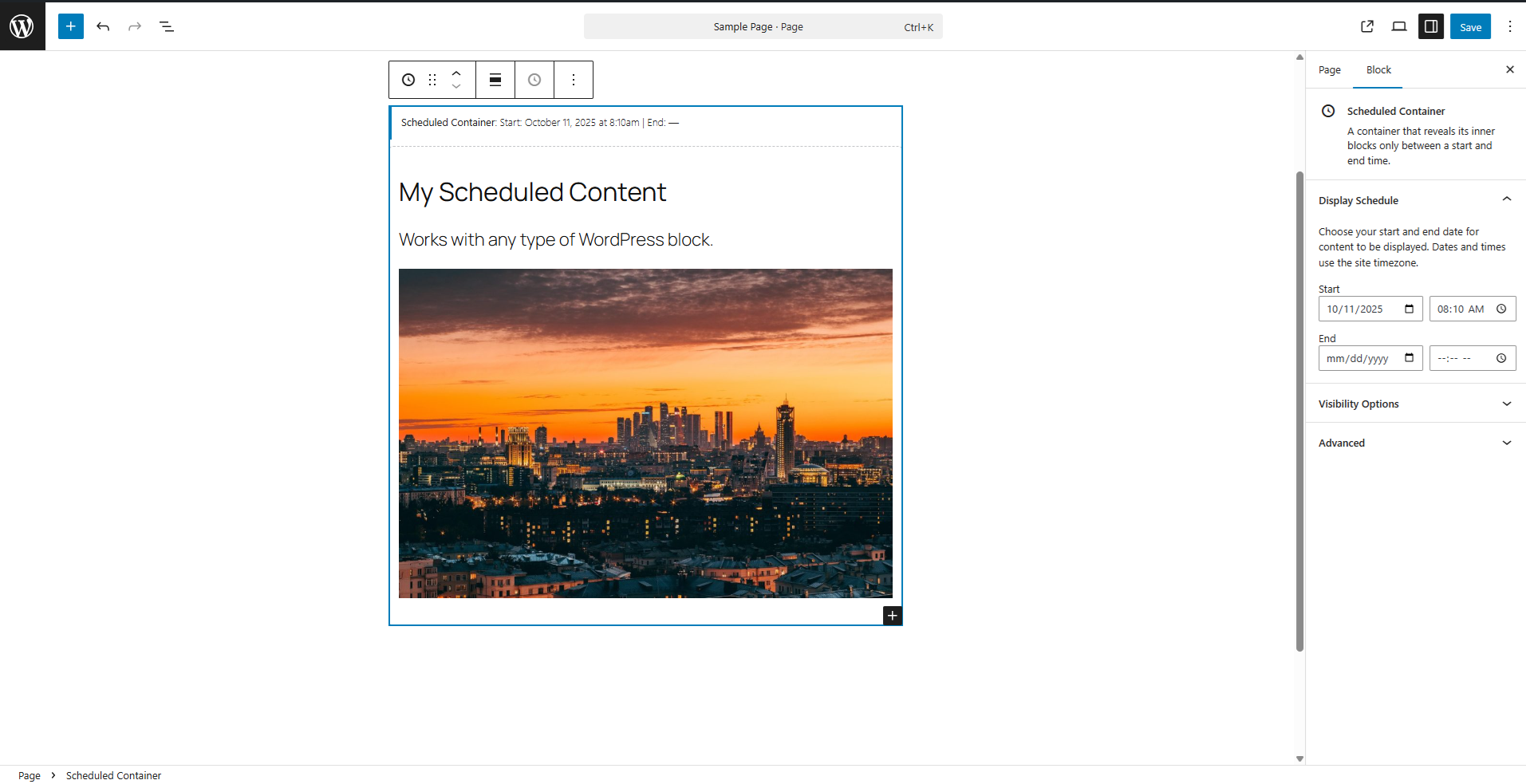
Place any content you'd like within your scheduled container and set the start/end time.
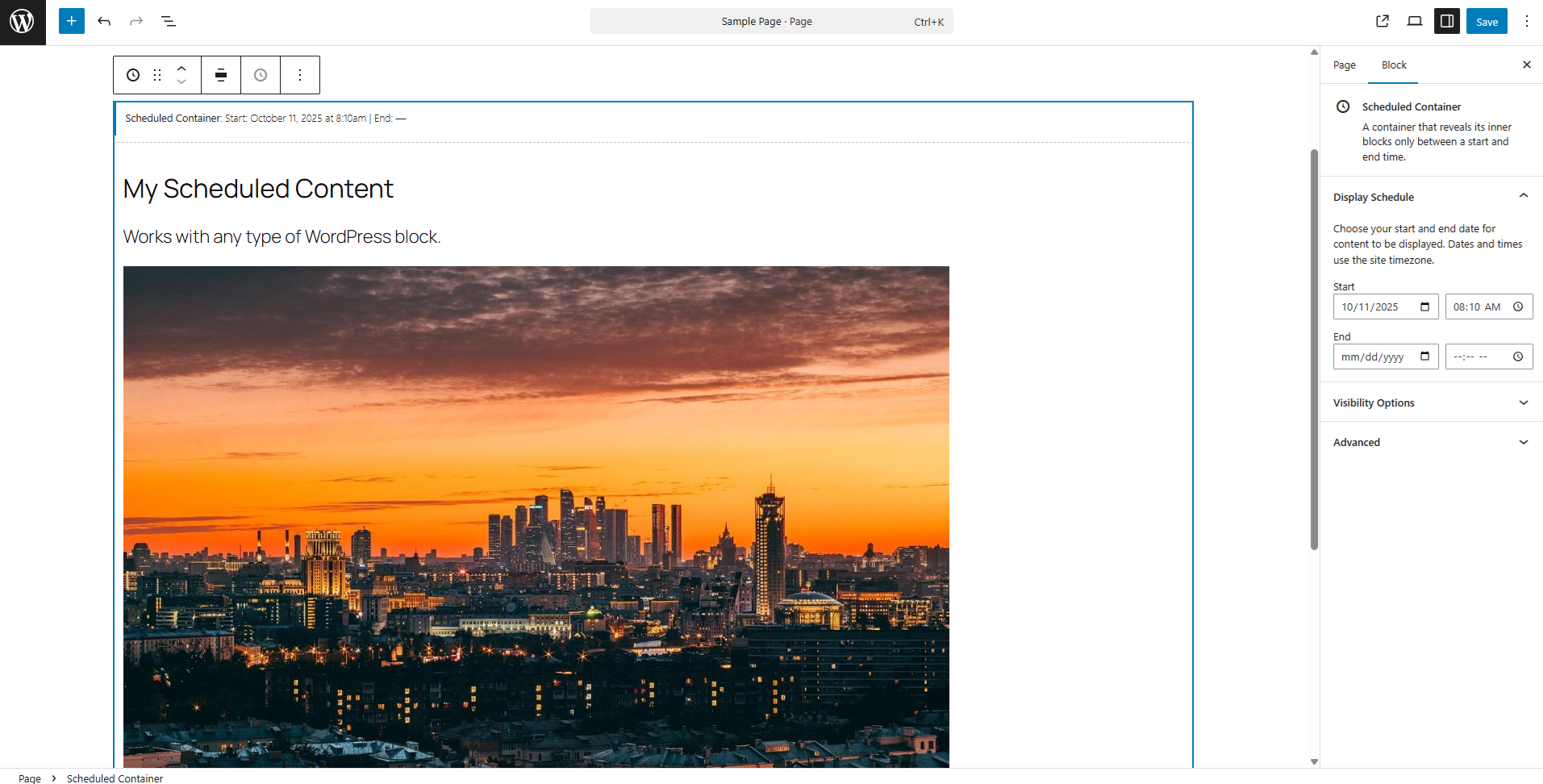
The Scheduled Container block will match the width of your other content but can also be set to Wide or Full-Width.
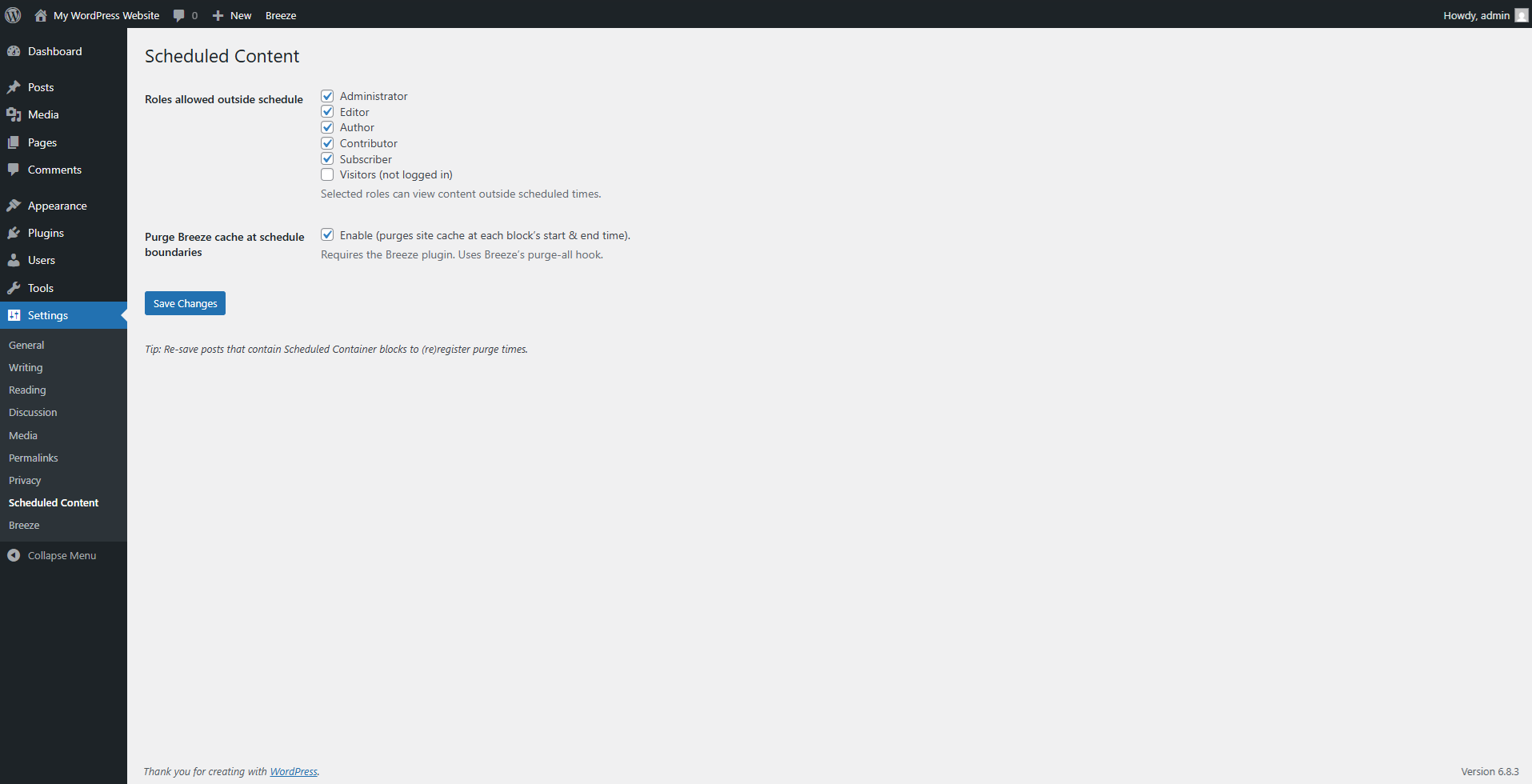
Use the plugin settings to change who can view the block outside of its set schedule and integrate with the Breeze cache plugin.