BACK TO DIRECTORY
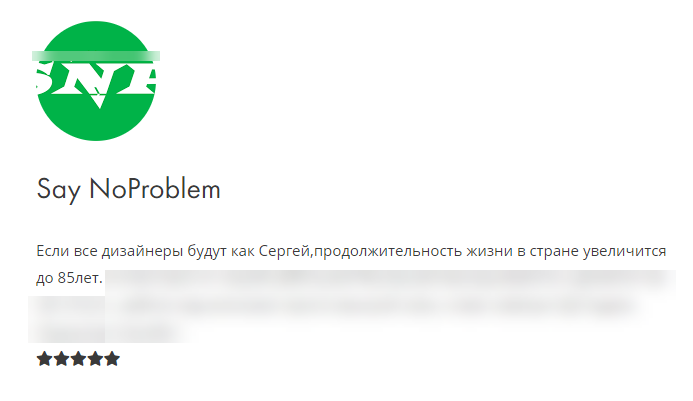

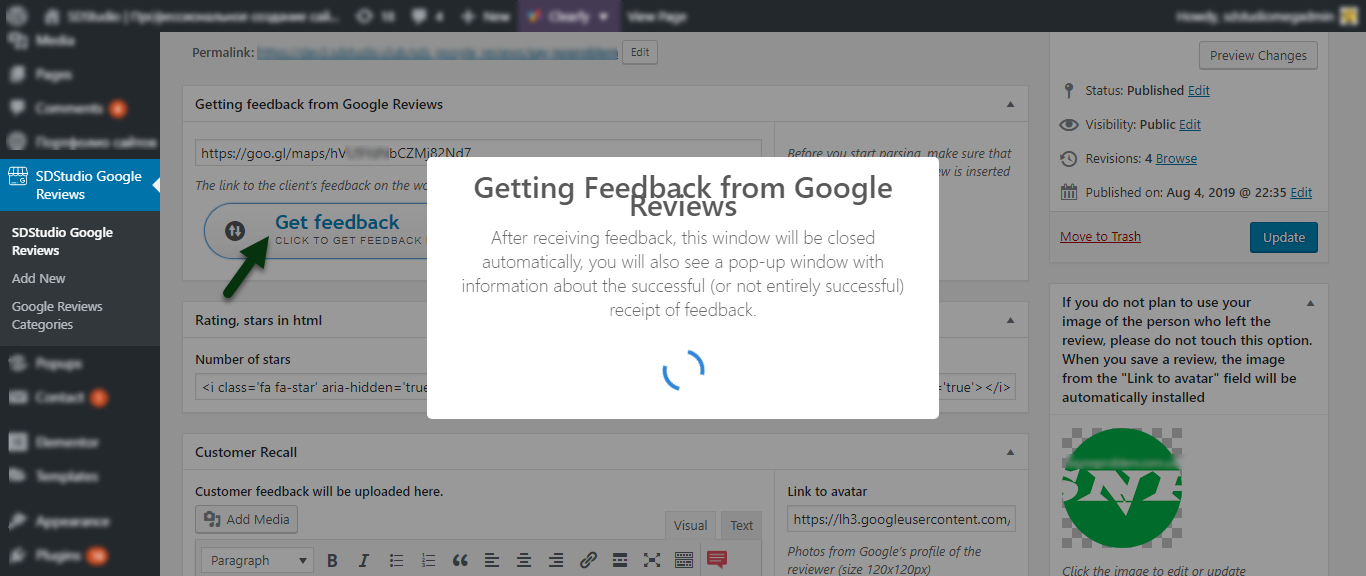


It’s simple, if you own a page in Google Business, go to the page with all the reviews about your product or services, copy the link to the review (which will appear after clicking the sharing button) and paste this link into the Getting feedback from Google Reviews field of the SDStudio Google Reviews entry (this type of entries will appear after installing the plugin). Next, click the Get feedback button and download the feedback review.
What can the plugin do:
- Download review
- Download the name of the reviewer
- Uploading a photo of the person who left the review
- Getting the number of stars in a review
- Getting the finished type of review, almost like in Google
Screenshots
The appearance of the record after downloading and posting reviews
Type of download and review editor (custom post type)
Downloading feedback
Alert that the review was successfully downloaded
Notification of receipt of feedback
How to get a review link from Google Reviews