Semly – AI Visibility & GEO connects your WordPress website to Semly, a platform for understanding and improving how your brand appears in answers from ChatGPT, Gemini and other AI platforms.
Use Semly to move from visibility analysis to content planning, creation and publishing. Monitor relevant questions, compare your brand with competitors, explore cited sources and identify content opportunities. Turn recommendations into articles, then publish and update them on WordPress through this plugin.
What you can do in Semly
- Monitor brand visibility across AI platforms and track relevant prompts.
- Compare visibility with competitors and identify content gaps.
- Analyze the sources cited in AI answers.
- Get recommendations to guide your next content actions.
- Create articles and manage their publication on WordPress.
The WordPress dashboard shows a free one-time report, connected brand monitoring for the last 30 days and linked articles. Advanced analysis and content creation take place in the Semly platform. Visibility and recommendations in third-party AI answers are not guaranteed.
What this WordPress plugin does
- Generate a free one-time visibility report without a Semly account.
- View real monitoring metrics for the paired brand, compared with the previous 30 days.
- Connect your site using a short-lived pairing token from Semly. No WordPress application password is needed.
- Send articles from Semly to WordPress as drafts or publish them directly.
- List and synchronize linked articles while keeping their WordPress post IDs, draft/published/scheduled status and publication dates. Confirm before overwriting manual edits.
- Let a WordPress administrator approve existing posts before Semly can update them.
- Disconnect the integration without deleting previously published articles.
An active Semly account with the appropriate brand and module permissions is required for connected monitoring and article publishing. The free report does not require an account. The Semly service may require a paid subscription. The plugin itself is free to download.
Generate a token in Semly and paste it into Semly > Connection. Your site address is detected automatically. The connection supports ordinary posts, titles, slugs, safe HTML, drafts, publication and preservation of scheduled posts. It does not import all existing articles.
Semly can update only posts it created or posts explicitly approved by a WordPress administrator. If you previously used the Semly API integration, disconnect that method in Semly before pairing the plugin. To link an existing article, try saving it from Semly, approve the pending link in the plugin settings, then retry the save. Its WordPress post ID stays unchanged.
External service and data
The plugin contacts https://platform.semly.ai/api/wordpress/plugin/ when an administrator creates or reads a free visibility report, pairs a site, opens connected monitoring, checks or disconnects a connection, or synchronizes a linked article. A free report sends the domain, email, site name, language and country to Semly; the existing report service saves a lead and applies retention and request limits. Polling runs only while the report is generating. Connected monitoring reads the paired brand’s real data for the last 30 days compared with the previous 30 days. It sends the pairing token, site URL, WordPress username and random installation/connection identifiers. These are needed to associate the installation with the selected brand and verify the connection. Semly sends a separate communication credential; WordPress stores only its SHA-256 hash and does not store the pairing token itself.
After pairing, Semly makes authenticated HTTPS requests to this site’s semly/v1 endpoints. These requests carry the article identifier and, for writes, the title, slug, HTML content and draft/publish status. WordPress returns connection capabilities or the linked post’s identifier, status and URL. The plugin does not send unrelated post content, passwords or a list of all posts to Semly. No analytics or tracking scripts are included.
Read the Semly terms and privacy policy before connecting. Contact support through your Semly account.
Security and revocation
HTTPS with a valid public certificate is required. The credential is accepted only by the plugin’s endpoints and cannot sign in to WordPress or access its general REST API. Administrator configuration and approvals require WordPress capabilities and a nonce. Each request checks the current permissions of the user who paired the installation.
Unsafe HTML and WordPress block directives are rejected. Shortcode brackets from Semly are stored as HTML entities and displayed as text. The integration does not accept arbitrary authors, metadata or post types.
Disconnect in Semly > Connection to revoke access immediately. Deactivation disables the endpoints; explicit reactivation requires new pairing. Existing posts and their protected Semly identity metadata are preserved. Normal WordPress plugin upgrades preserve the publication connection and posts. Installations paired before 0.2.0 must disconnect and pair again before they can read monitoring data.
Disconnecting in Semly stops new synchronization and attempts remote revocation. If the site is unavailable, Semly displays a warning; disconnect locally in WordPress to finish revocation.
The plugin logs fixed security event names through the semly_connector_security_event action and, when WP_DEBUG_LOG is enabled, the WordPress debug log. It never intentionally logs tokens, communication credentials or article content.
Screenshots

Connect your WordPress site to Semly using a pairing token.

Example visibility report with competitor comparisons, citation share, average positions across AI models and Share of Voice. Demonstration data.

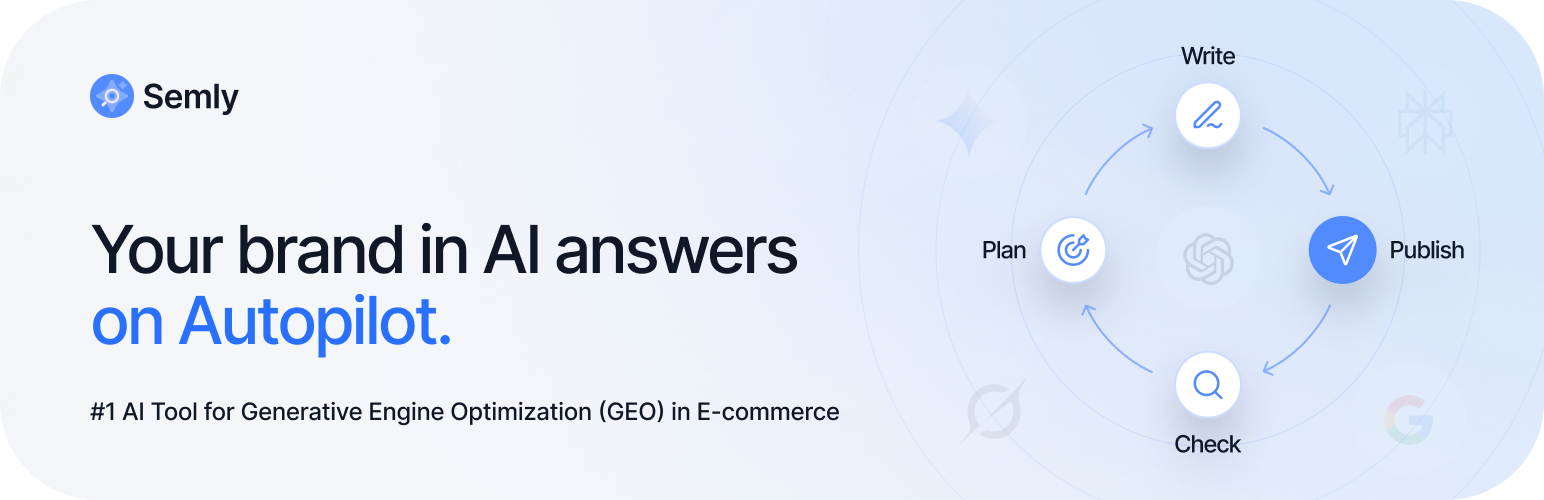
Autopilot workflow overview: monitoring, planning, writing and publishing content.