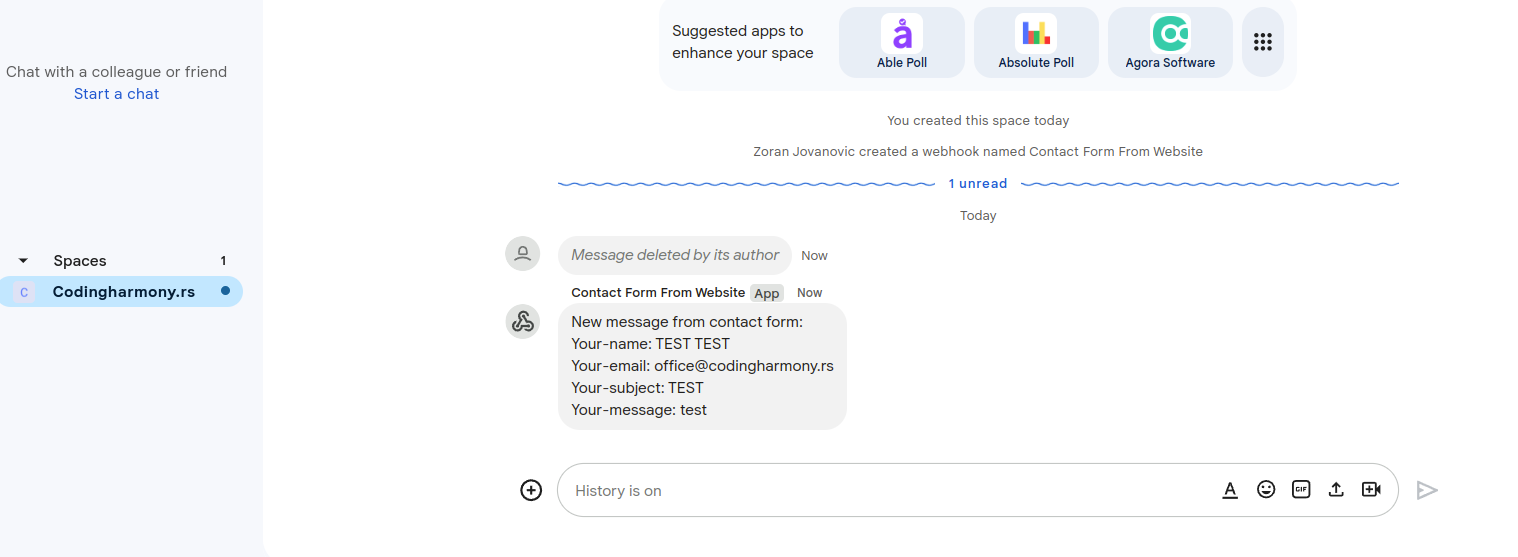
This plugin allows you to send messages from Contact Form 7 submissions to Google Chat.
Requires Contact Form 7. Use WordPress and PHP versions supported by your installed Contact Form 7 release. Tested with WordPress 7.1.2, Contact Form 7 6.1.7 and PHP 8.3.
Messages are sent after Contact Form 7 reports successful mail delivery (including its skip-mail mode). Invalid and spam submissions do not trigger Google Chat messages. A Google Chat error does not change the form’s successful email result. The most recent delivery error is shown in the form’s Google Chat Settings panel. Delivery is synchronous and is not automatically retried.
Checkboxes and multi-select values are included as comma-separated text. Uploaded file names are included, but file contents are not uploaded.
External services
This plugin connects to Google Chat using the incoming webhook URL that you configure for each form. It makes an HTTPS request to chat.googleapis.com after a successful submission of that configured form. The request sends submitted form values and uploaded file names; the webhook key and token authenticate the request. No Google Chat request is sent when the webhook setting is empty.
Only enable this integration for a space authorized to receive the form’s data, and inform visitors as appropriate in your site’s privacy notice. Keep the webhook URL secret. The plugin stores the URL in WordPress form metadata, so database backups must also be protected.
Google Chat setup: https://developers.google.com/workspace/chat/quickstart/webhooks
Google Terms of Service: https://policies.google.com/terms
Google Privacy Policy: https://policies.google.com/privacy
How to find Google Chat Webhook
- Google Chat webhooks are available only if you use google workspace
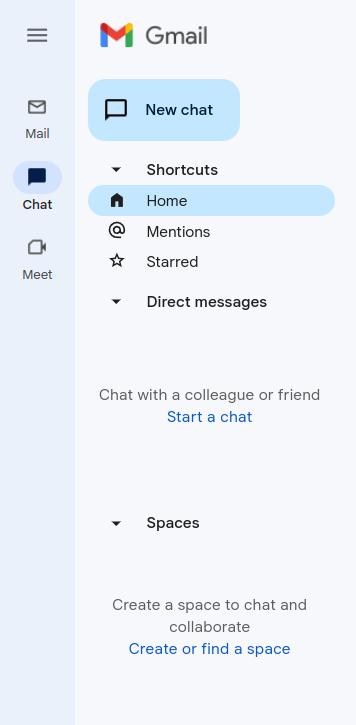
- Go to your gmail admin panel and click on chat icon and after that you need to click on “Create of find a space” – screenshot-2
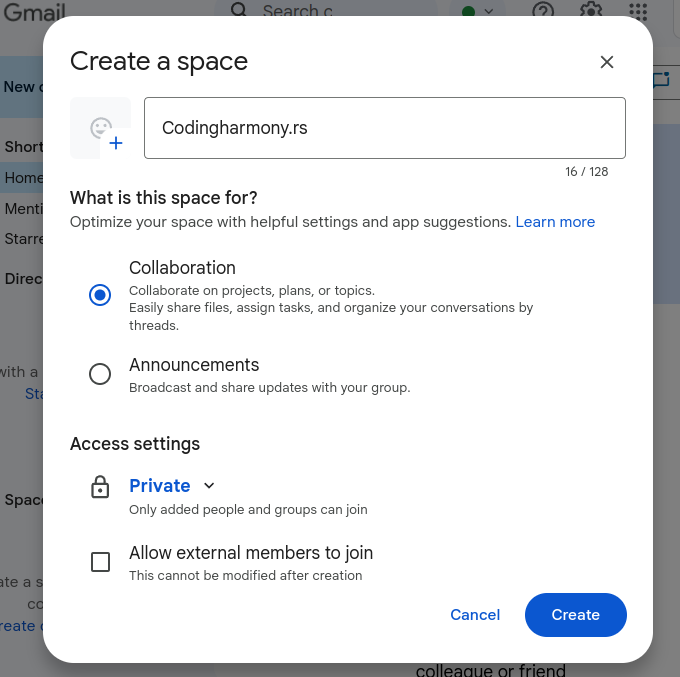
- Name your space and click on create – screenshot-3
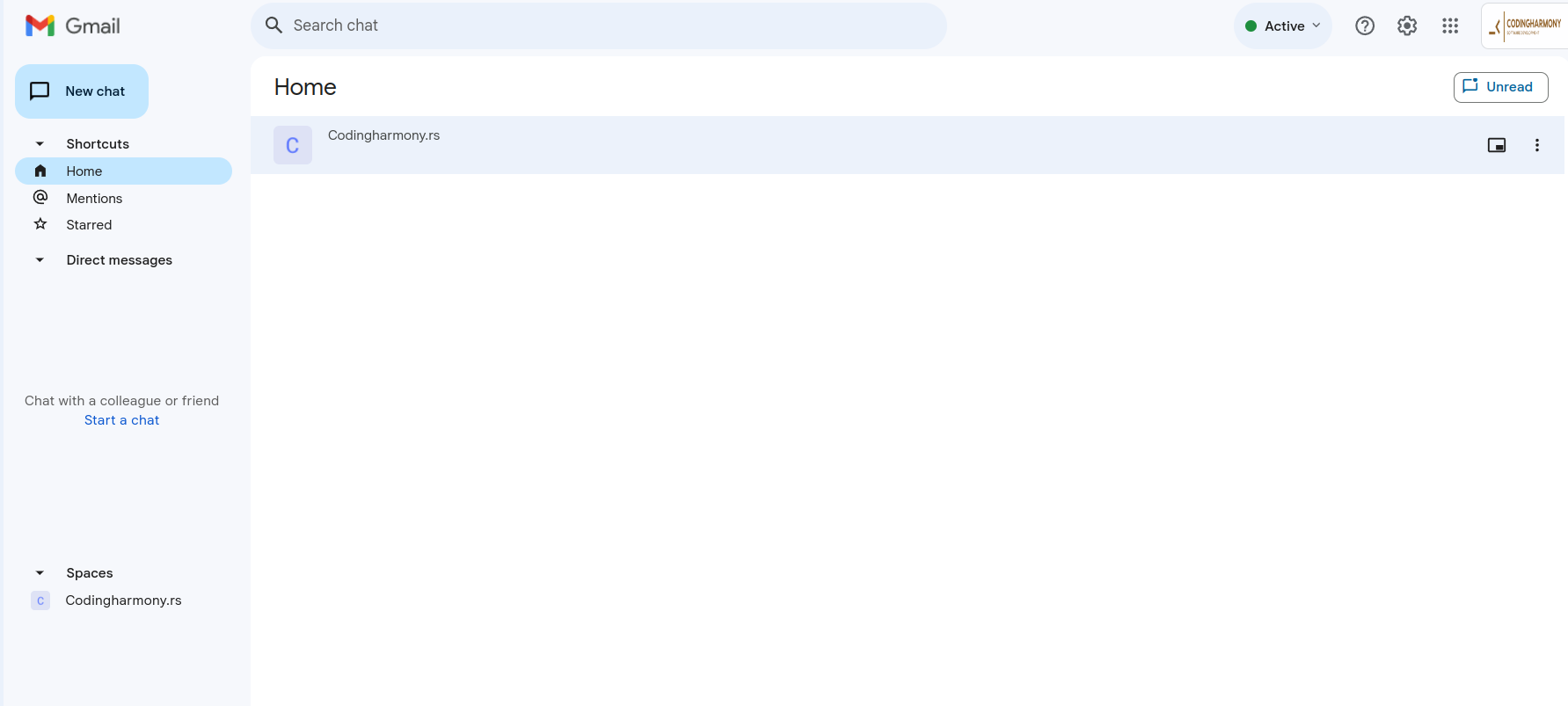
- Click on your space – screenshot-4
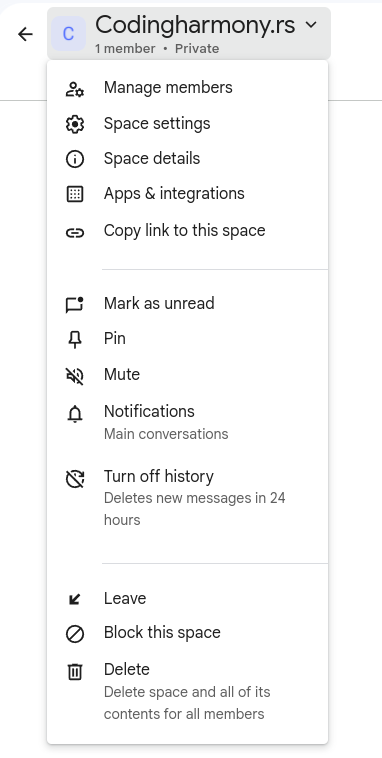
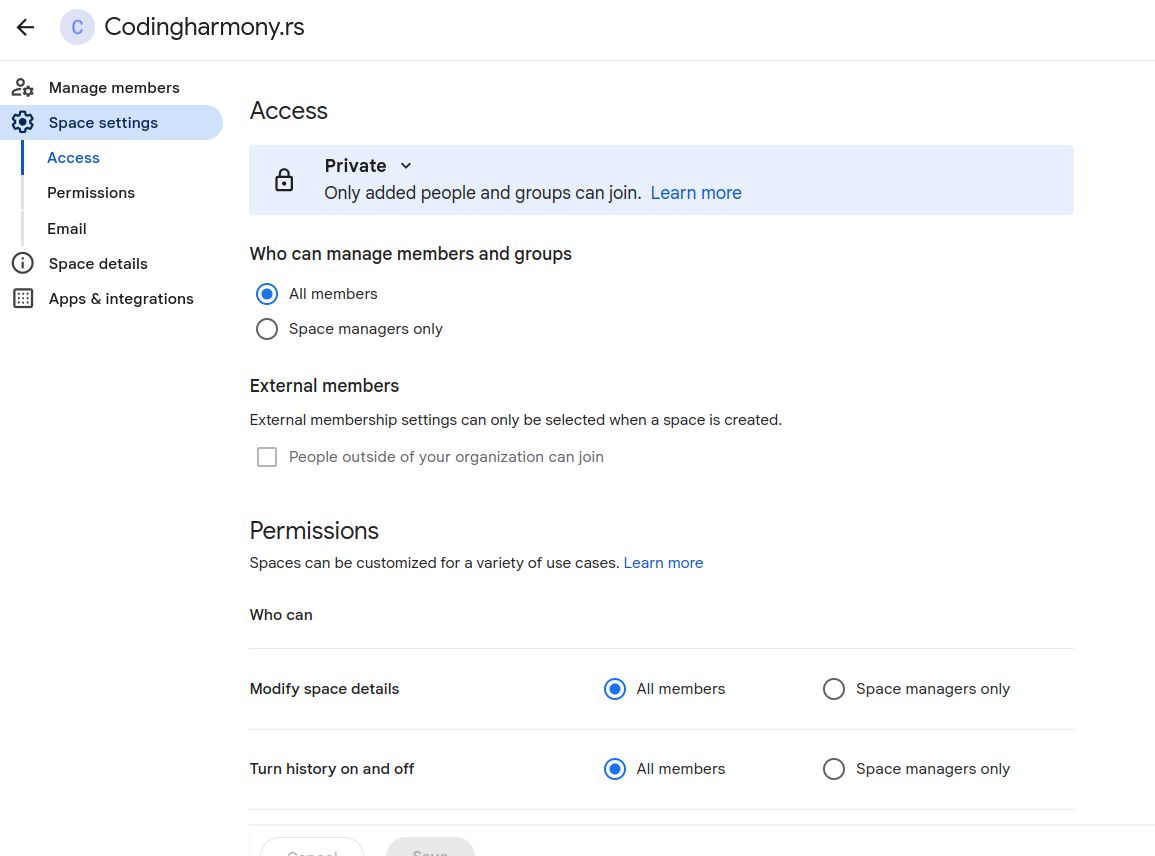
- Click on this dropdown and after that on “space settings” – screenshot-5
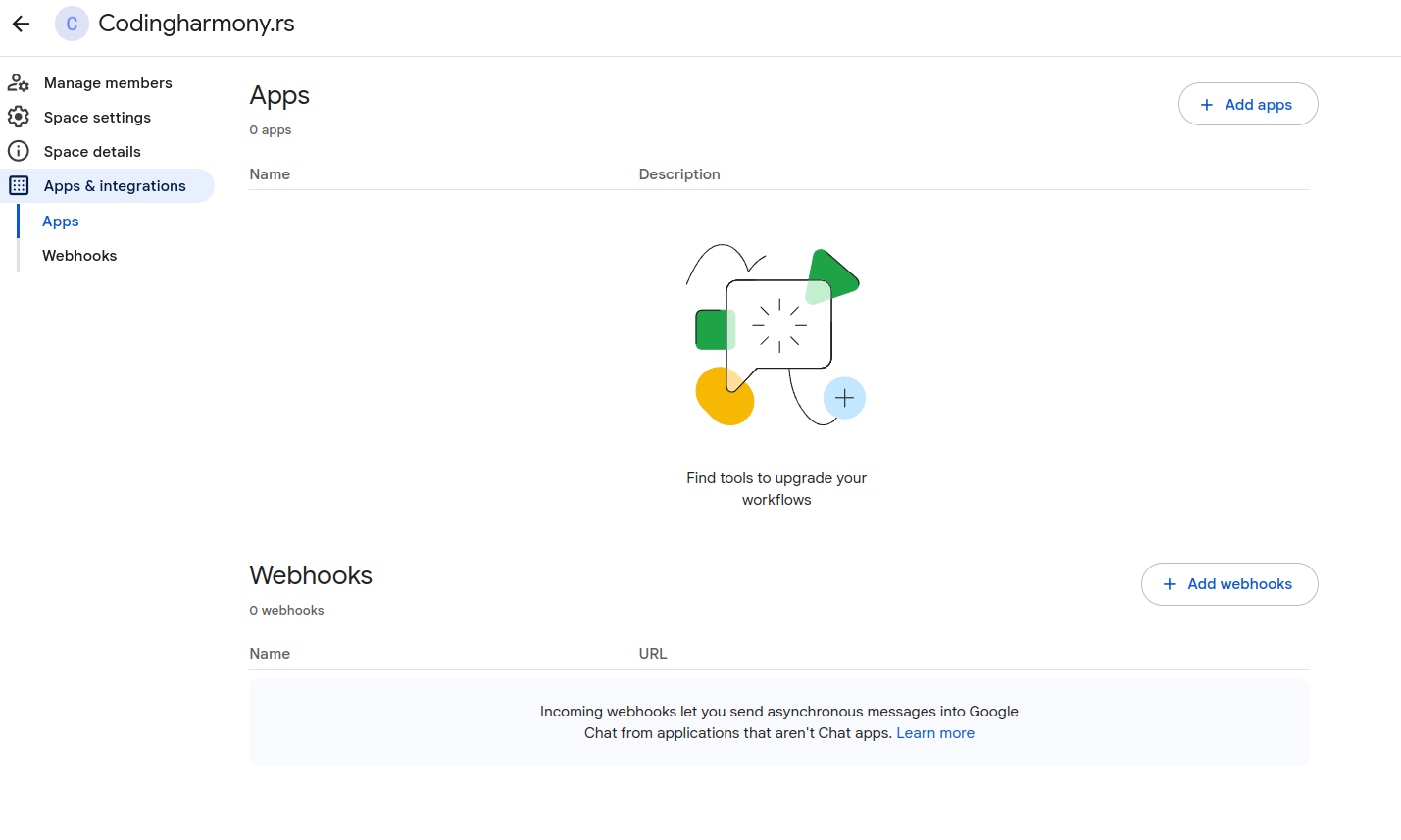
- Click on apps and integrations – screenshot-6
- Click on “add webhooks” – screenshot-7
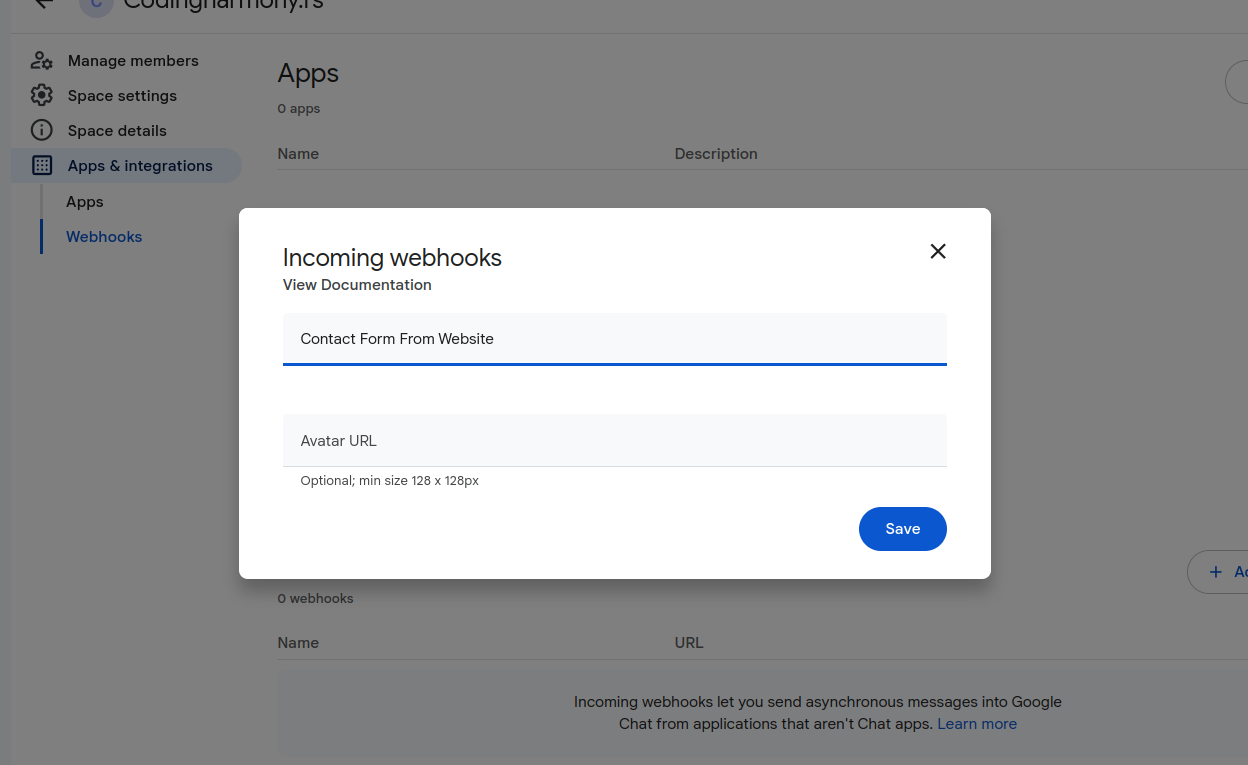
- Name your webhook and click save – screenshot-8
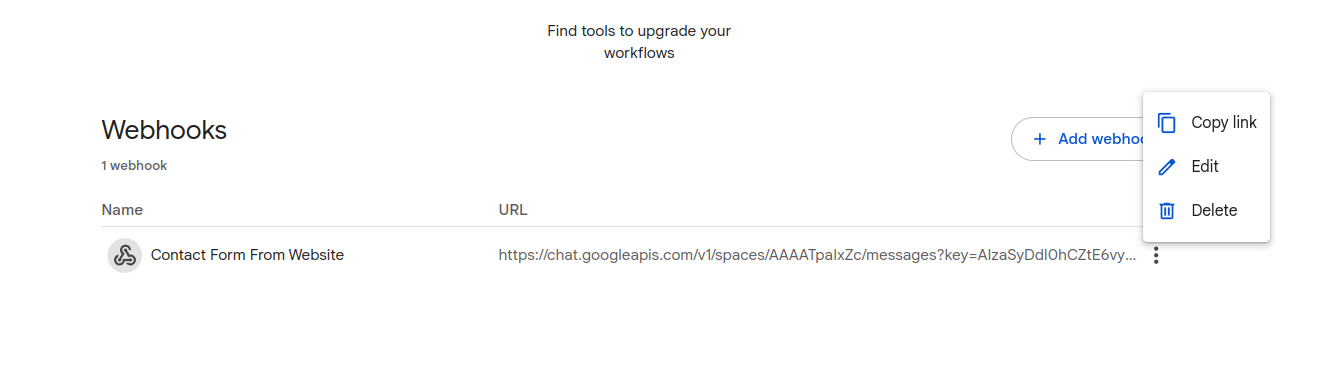
- Click on webhook settings and copy link – screenshot-9
- Paste that link to your contact form settings – screenshot-1
- After form is submitted on the website you will receive message to your google chat space – screenshot-10
Screenshots