
Sensbot adds an AI chatbot to your WordPress website. It reads your published pages and answers visitors from them: what you offer, opening hours, prices you have published, how to book or order, and anything else your pages say. It does not answer from the open internet.
Sensbot is used by 100+ businesses across Europe.
What it does
- Answers questions from your published WordPress pages and from anything you add to its knowledge base in the Sensbot dashboard.
- Replies in the language the visitor wrote in, not only in your site’s language.
- When it cannot answer, it says so instead of inventing an answer, and offers to take the visitor’s contact details so you can get back to them.
- Collects contact details when a visitor asks to be contacted. You see them in the Sensbot dashboard.
What you control
You can read every conversation in the Sensbot dashboard at https://platform.sensbot.ai and change the chatbot’s instructions, greeting, colour and suggested questions there.
What the plugin does on your site
- Adds the chat widget script to your website’s footer.
- Adds one settings screen under Settings.
- While you are connecting, and only for a few minutes, serves a one-time verification code on a public address of your site (
/wp-json/sensbot-chatbot/v1/site-verification), so Sensbot can confirm the site is yours.
The plugin writes nothing to your content and creates no user accounts or API keys.
Running a WooCommerce shop? Use Sensbot Chatbot for WooCommerce instead: it also answers questions about your products and orders.
Account and pricing
Connecting starts a 14 day free trial. No payment card is needed to start the trial. After the trial, paid plans start at 19 EUR per month. Current plans and limits are at https://sensbot.ai/pricing/. If you do not add a payment method, the trial ends and the widget stops showing on your website. Nothing is charged automatically.
External services
This plugin requires an account on Sensbot, a hosted service operated by Sensnet d.o.o., Slovenia. The plugin does nothing on its own: reading your pages, AI processing and chat handling happen on Sensbot’s servers.
1. Sensbot platform API, https://platform.sensbot.ai
When your site contacts it: only from the plugin settings screen in wp-admin, and only for an action an administrator took: connecting, disconnecting, opening the Sensbot dashboard, or opening the settings screen itself, which reads back the current connection status. Deleting the plugin also tells Sensbot the site is disconnected. There is no background, scheduled or automatic call from your site.
What your site sends: on connect, your site URL, your site name, your site language, the plugin version, the email address entered on the connect form, your acceptance of the terms of use and privacy policy, whether the plugin was installed from WordPress.org, and a one-time verification code. On the later calls, only your Sensbot site identifier and the secret Sensbot issued at connect.
What Sensbot reads from your site: during connect, Sensbot’s servers read the verification address above once. After that they read your site’s public information (/wp-json) and your published pages (/wp-json/wp/v2/pages) through the WordPress REST API, plus a few public pages linked from your homepage, on a recurring schedule. Only published, public content is read. It is stored on Sensbot’s servers so the chatbot can answer from it.
2. Sensbot chat widget, https://cdn.sensbot.ai and https://platform.sensbot.ai
When it is contacted: on every page view of your website, for every visitor, once the site is connected. The widget script is loaded from https://cdn.sensbot.ai and the conversation itself runs against https://platform.sensbot.ai.
What is sent: the visitor’s browser request for the widget script, and then anything the visitor types into the chat, together with the page they are on and a chat session identifier. If a visitor asks to be contacted, the contact details they type are stored so you can reply.
AI processing: messages are sent onward to Sensbot’s AI model providers to generate the reply.
Terms of use: https://sensbot.ai/terms-of-use/
Privacy policy: https://sensbot.ai/privacy-policy/
Deleting the plugin closes the connection on Sensbot’s side. You can also close it at any time with the “Disconnect” button on the plugin settings screen. To have the data already held on Sensbot’s servers deleted, contact Sensbot.
Screenshots
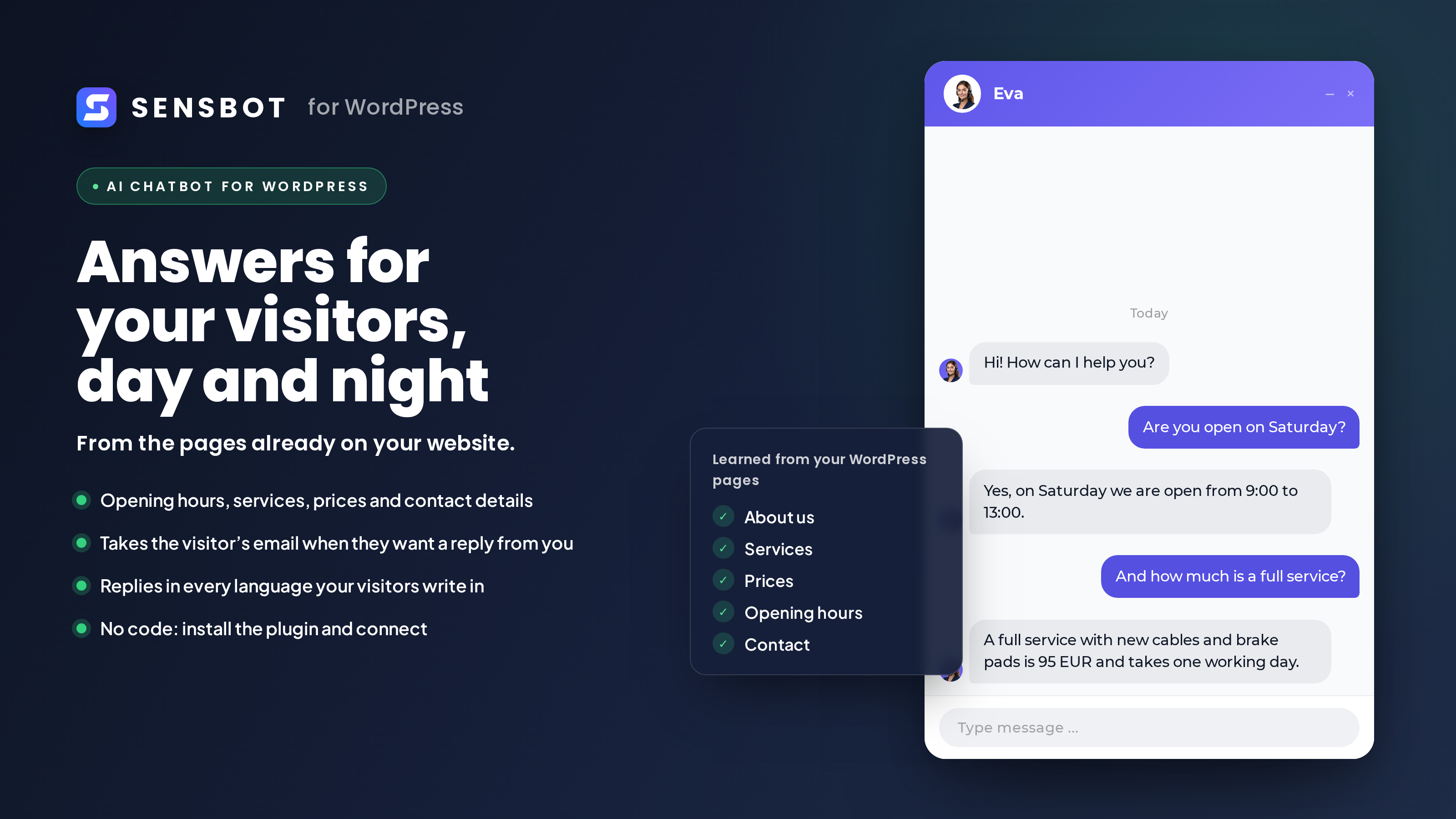
The chatbot answers visitors from the pages already on your website, in their own language.
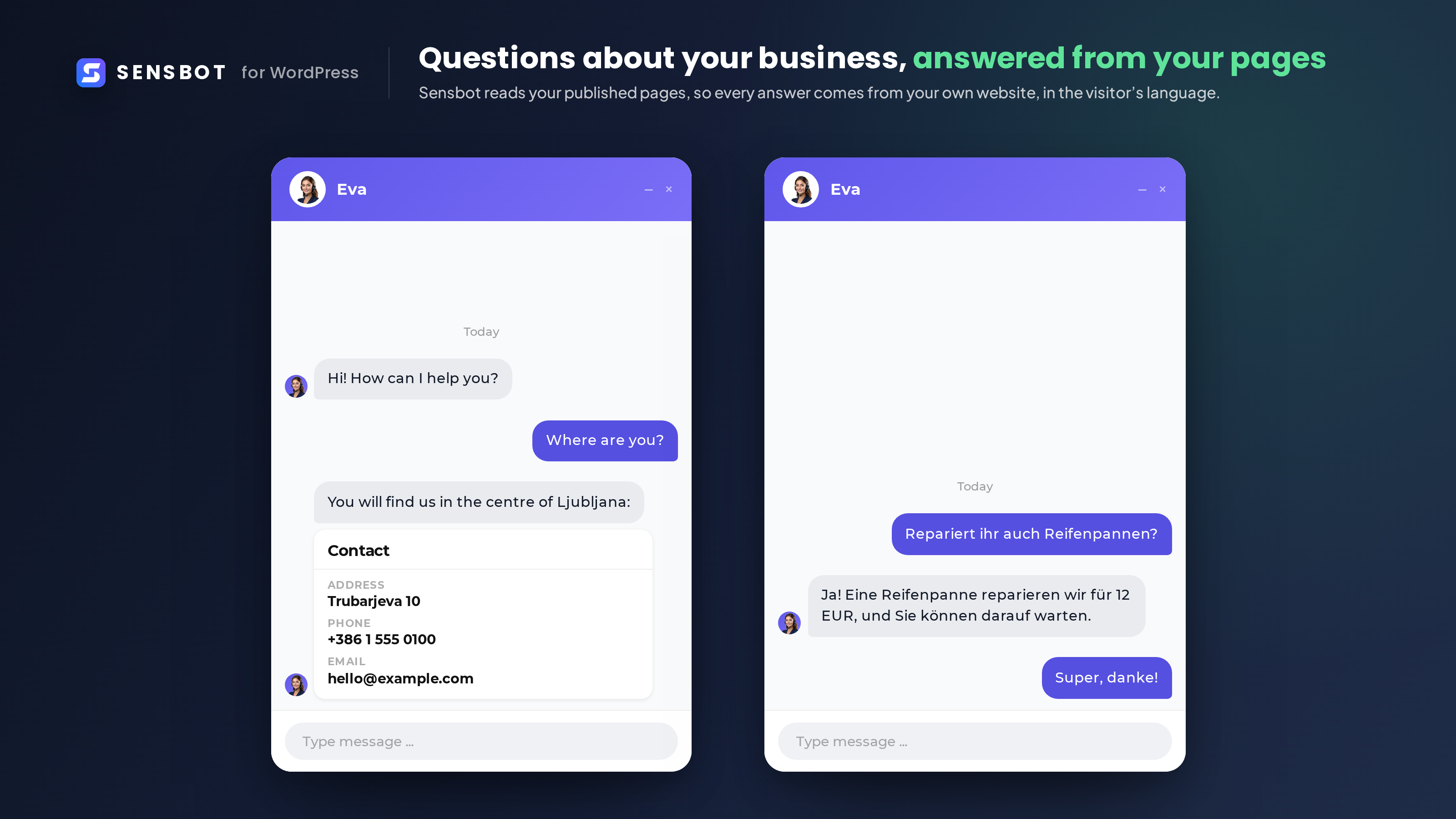
Questions about the business, like where you are or what a repair costs, answered from your published pages. Here a visitor asks in German.
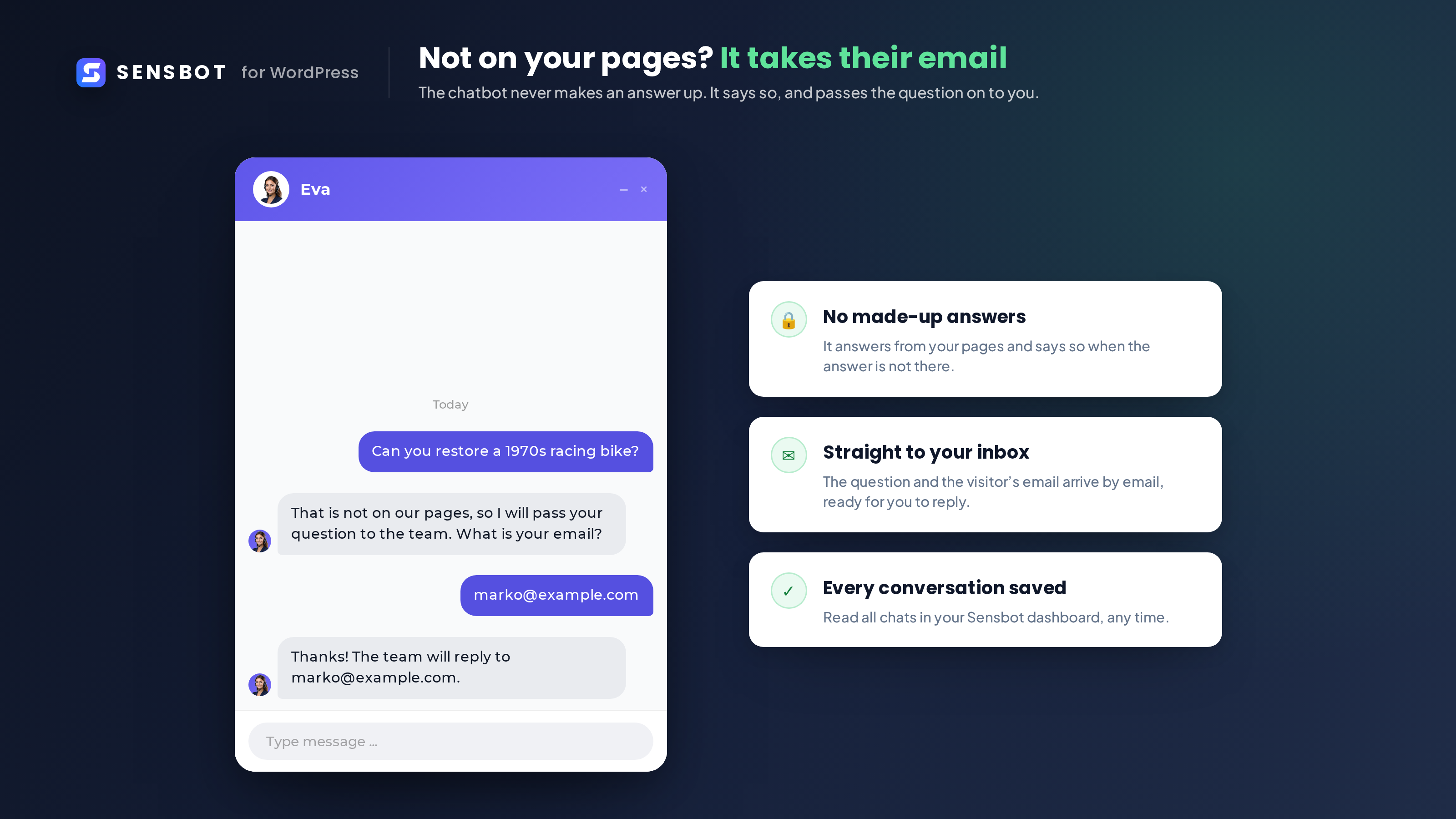
When the answer is not on your pages, the chatbot says so and takes the visitor's email, so you can reply yourself.
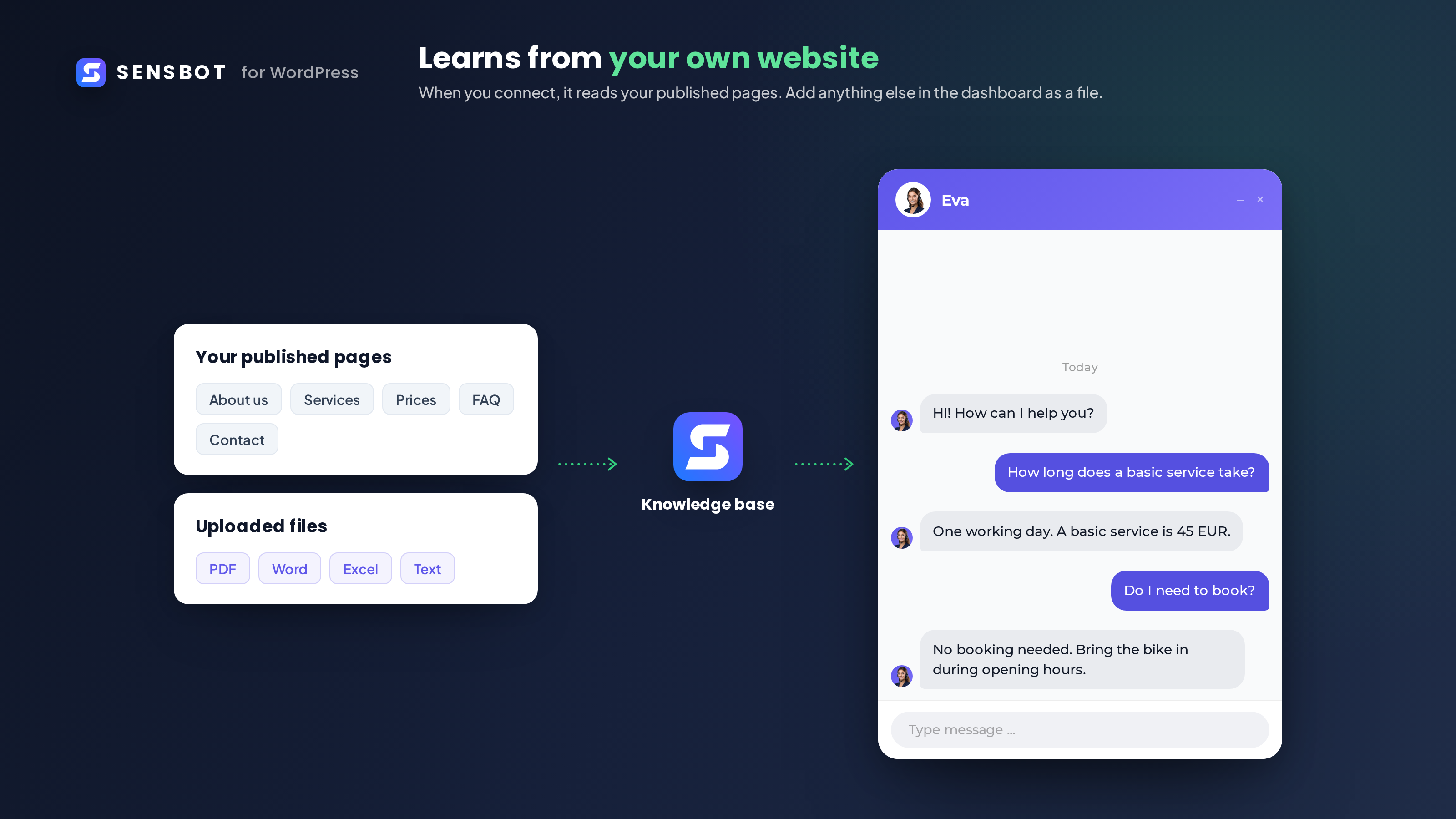
When you connect, Sensbot reads your published pages. You can add files in the dashboard.
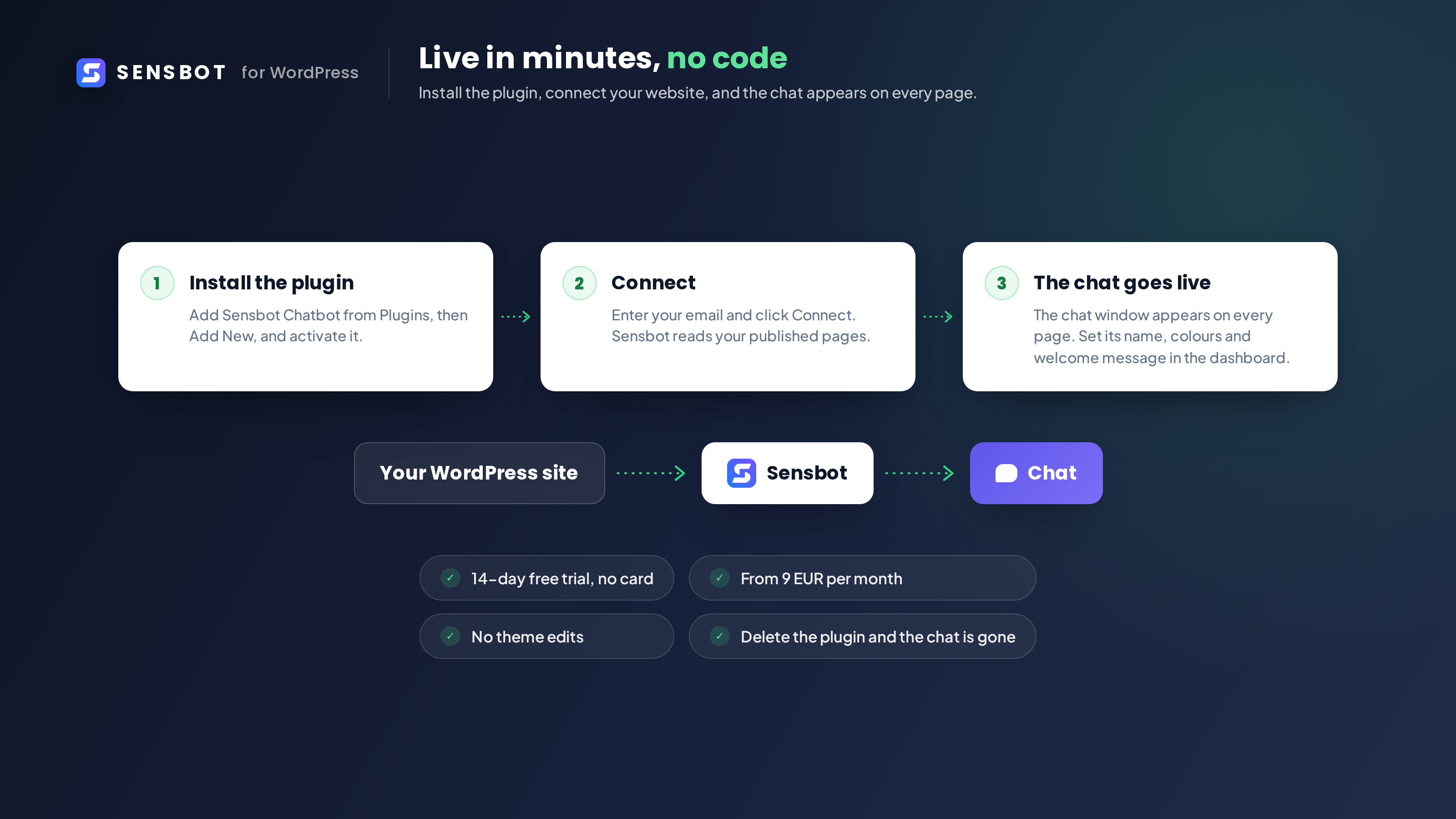
Install the plugin, connect your website, and the chat appears on every page. 14 day free trial, from 19 EUR per month.
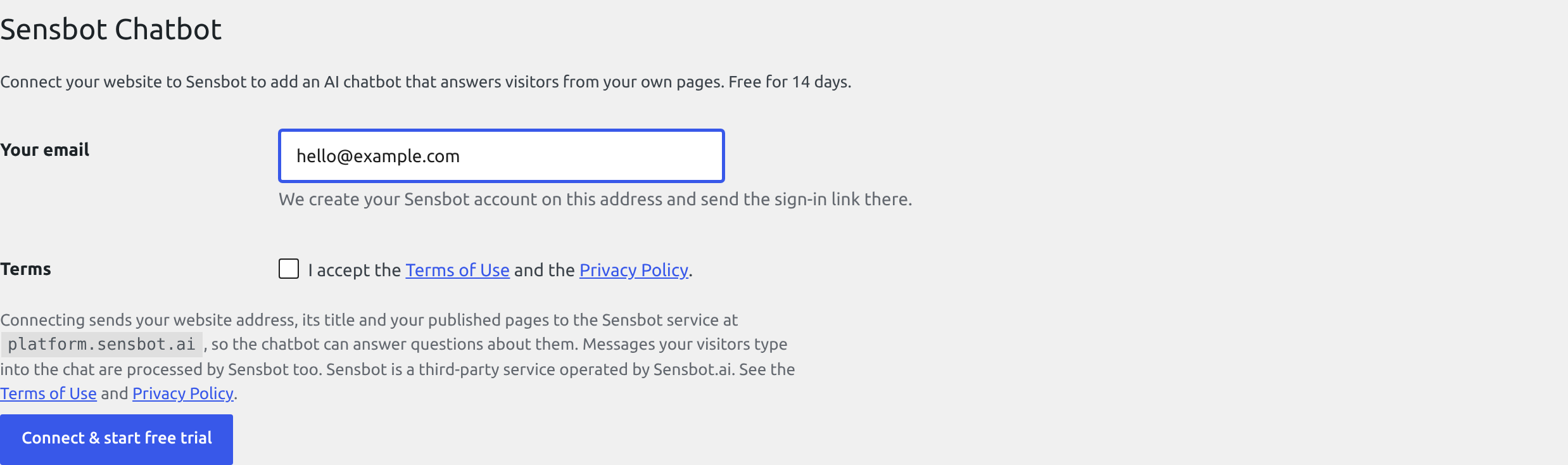
The settings screen before connecting: one email address, the terms checkbox and one button. It also names the service your website content goes to.
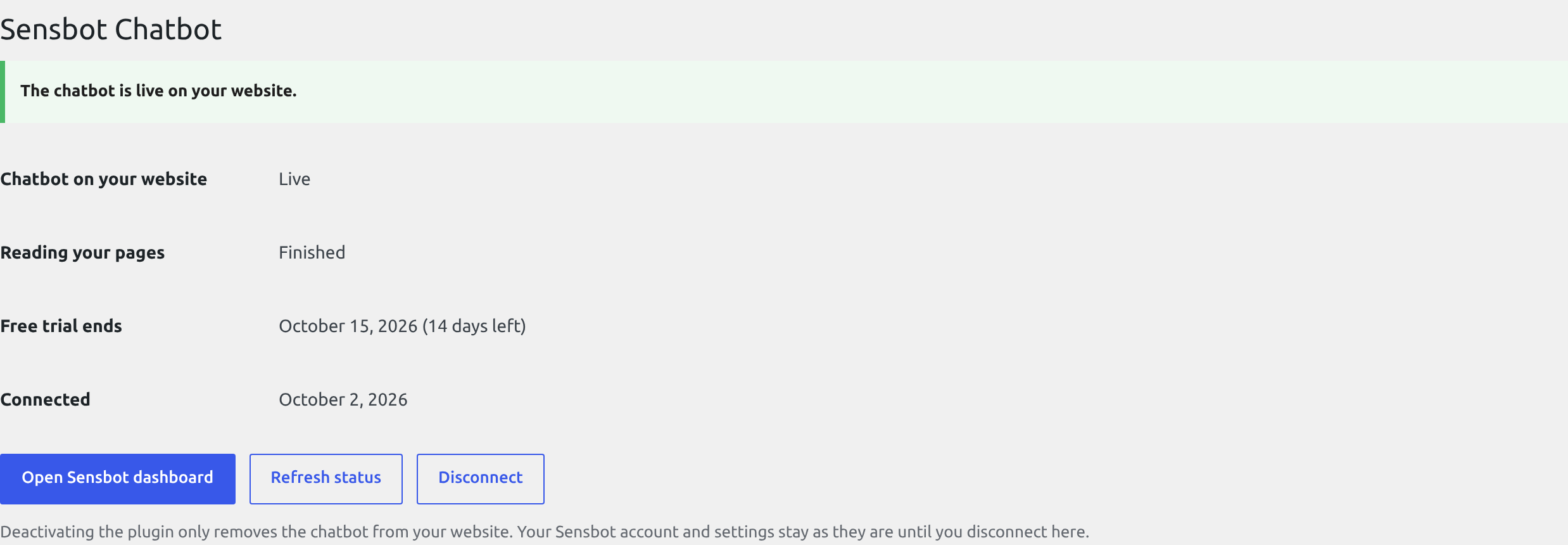
The same screen once connected, showing that the chatbot is live on the website and when the trial ends.