
Move Your Login Page
Tired of bots finding your WordPress login page? SP Move Login allows you to change your login URL to protect it from automated attacks and brute force attempts.
This plugin contains the Move Login module from SecuPress, a comprehensive WordPress security plugin. While this plugin focuses solely on moving your login page, the full SecuPress version includes many other security features such as:
Why move your login page?
By default, WordPress login pages are located at /wp-login.php and /wp-admin/, making them easy targets for bots and attackers. SP Move Login allows you to:
- Change your login URL to a custom slug
- Protect your registration page (if enabled)
- Block access to the default login pages
- Display custom error messages or redirect to a custom page when someone tries to access the old login URL
Features:
- Simple and easy to use
- Change your login URL with just a few clicks
- Works with pretty permalinks
- Compatible with multisite installations (includes Single Sign-On support)
- Custom error messages for blocked access
- Redirect to custom page option
- Lightweight – focused solely on moving your login page
Note: This plugin requires pretty permalinks to be enabled. You can activate them in Settings > Permalinks.
For more advanced security features, check out the full SecuPress version.
Screenshots
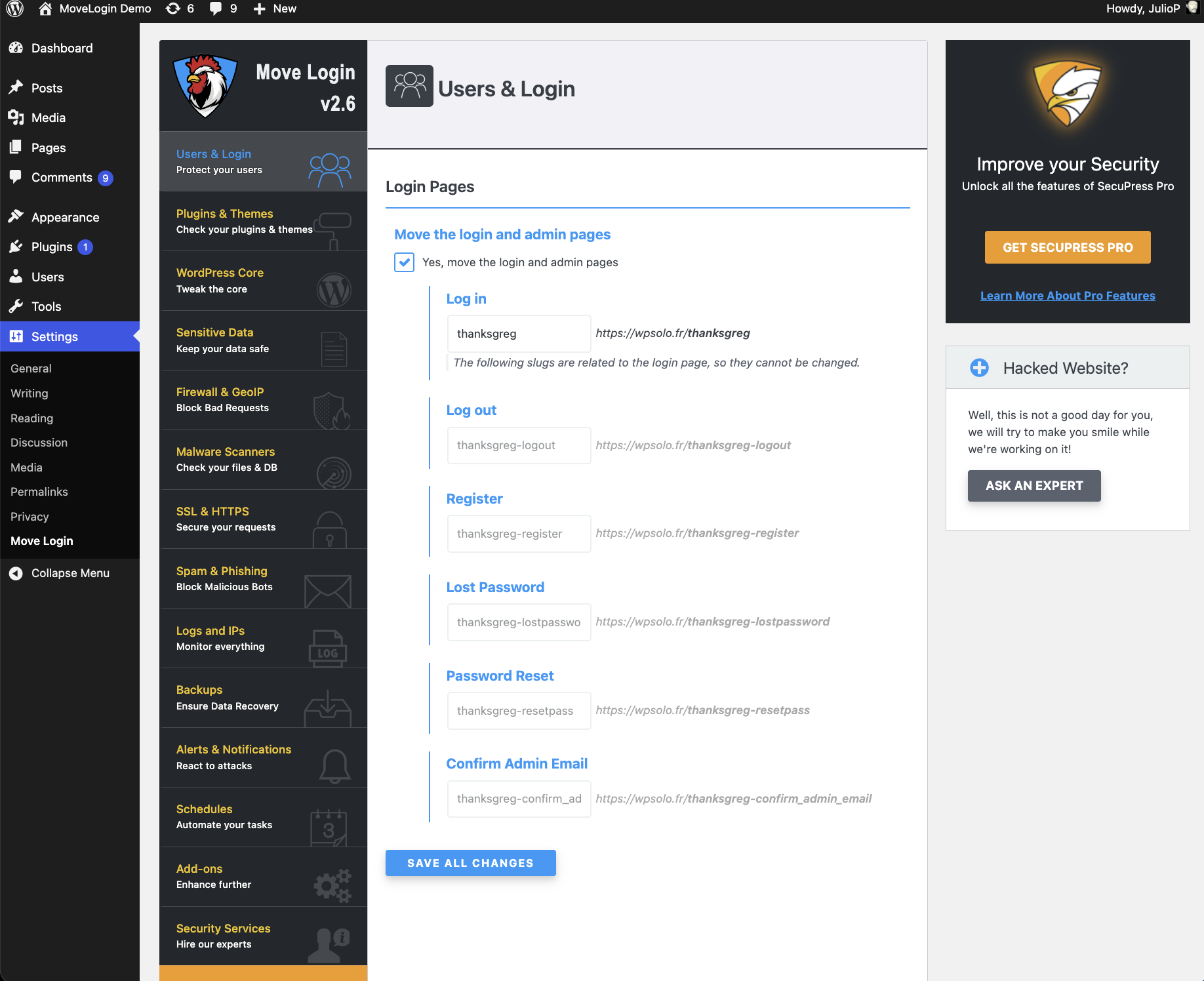
Settings from Move Login (showing available modules in the full version of SecuPress)